
It’s frustrating when you clearly say “Turn on the living room lights” and your voice assistant responds with “Playing jazz music from the 1920s.” Despite rapid advancements in artificial intelligence, voice assistants like Alexa, Google Assistant, and Siri still struggle with basic commands. The issue isn’t always about poor speech clarity—it’s often a mix of environmental, technical, and linguistic factors that interfere with accurate voice recognition.
Understanding why these misunderstandings occur is the first step toward improving reliability. Voice assistants rely on complex systems involving microphones, network connectivity, language models, and background noise filtering—all of which can degrade performance if not properly maintained or optimized.
How Voice Recognition Actually Works
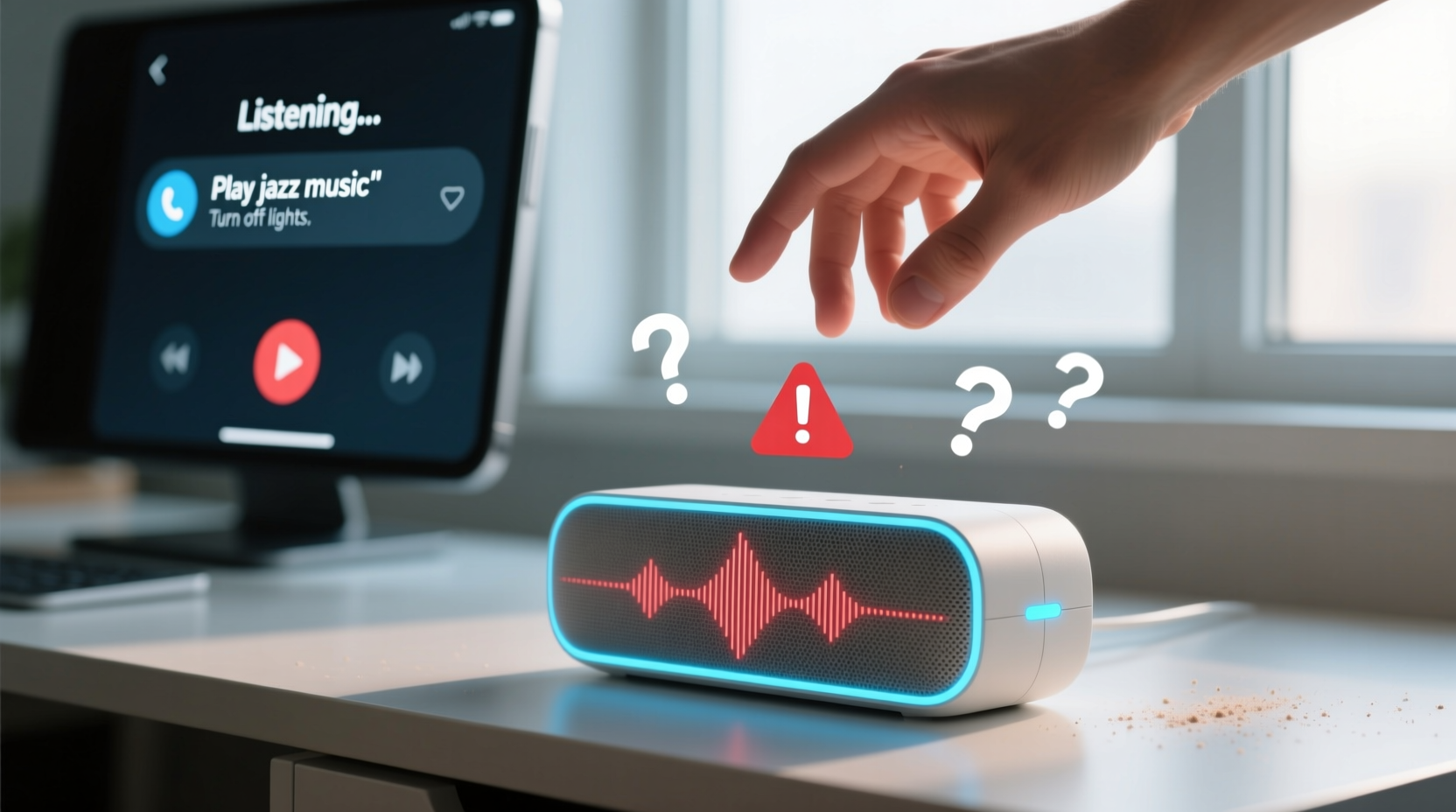
Voice assistants don’t just \"hear\" what you say—they process sound through multiple stages before acting. When you speak, your device captures audio via its microphone and converts the analog signal into digital data. This data is then sent (usually to the cloud) where natural language processing (NLP) algorithms analyze phonemes—the smallest units of sound—to identify words and intent.
The system compares your speech against vast datasets trained on diverse accents, dialects, and speaking styles. However, even slight variations in pronunciation, tone, or background interference can lead to misinterpretations. For example, saying “set a timer for five minutes” might be heard as “send a reminder for fine minutes” if the 't' in “timer” is softened or muffled.
According to Dr. Lena Patel, a computational linguist at MIT, “Speech recognition systems are incredibly good at pattern matching, but they’re only as effective as the context they operate within. A quiet environment with clear enunciation gives them their best chance.”
“Even a 5% drop in audio clarity can increase error rates by over 30% in consumer-grade voice assistants.” — Dr. Lena Patel, Computational Linguist, MIT
Common Causes of Misheard Commands
Several underlying issues contribute to voice assistants misunderstanding even the simplest requests. These range from hardware limitations to user behavior.
1. Background Noise Interference
Noise from TVs, fans, kitchen appliances, or outdoor traffic can distort your voice input. Most voice assistants use beamforming microphones to focus on sounds coming from specific directions, but loud or overlapping noises overwhelm this feature.
2. Poor Microphone Quality or Placement
Not all smart speakers or phones have high-fidelity microphones. Devices placed face-down, inside cabinets, or behind objects may struggle to pick up speech accurately. Dust or debris clogging the mic port can also reduce sensitivity.
3. Accents, Dialects, and Speech Patterns
While modern assistants support multiple languages and regional accents, they were primarily trained on standard dialects—often American English or British Received Pronunciation. Users with strong regional accents, non-native fluency, or speech impediments may find their commands misunderstood more frequently.
4. Network Latency or Connectivity Issues
If your Wi-Fi signal is weak or unstable, voice data may arrive fragmented or delayed. This disrupts the synchronization between audio segments, making it harder for the server to reconstruct your sentence correctly.
5. Outdated Software or Firmware
Manufacturers regularly update voice recognition models and wake-word detection algorithms. If your device hasn’t received updates in months, it could be using outdated language processing tools that lack recent improvements in accuracy.
Troubleshooting Checklist: Fixing Misheard Commands
Before assuming the problem lies with your voice or accent, run through this comprehensive checklist to eliminate common causes.
- Test microphone function: Speak a command and check if the device lights up or shows an active listening indicator.
- Reduce ambient noise: Turn off nearby electronics during critical interactions.
- Reposition the device: Place it centrally in the room, elevated, and unobstructed.
- Restart the device: Power cycle your smart speaker or phone to clear temporary glitches.
- Check internet speed: Ensure upload speeds are above 1 Mbps for reliable cloud processing.
- Update firmware/software: Confirm your assistant app and device OS are current.
- Re-train voice recognition (if available): Use Google’s Voice Match or Amazon’s Voice Profile setup to help personalize responses.
- Clear cache in mobile apps: Old cached data can interfere with new voice inputs.
Step-by-Step Guide to Improve Voice Assistant Accuracy
Follow this sequence to systematically enhance your voice assistant’s ability to understand you.
- Evaluate your environment: Walk around the room and note sources of echo or noise. Consider adding rugs or curtains to dampen sound reflections.
- Perform a voice test: Say common commands (“What time is it?”, “Call Mom”) and observe response accuracy. Repeat from different distances and angles.
- Adjust microphone settings: In your device settings, enable features like “far-field voice recognition” or “enhanced speech detection” if available.
- Train the assistant to recognize your voice: Use built-in voice enrollment tools. For example, Google Assistant allows users to record phrases to improve personal recognition.
- Optimize Wi-Fi performance: Move your router closer, upgrade to mesh networking, or switch to less congested bands (e.g., 5 GHz).
- Limit competing devices: Too many connected gadgets can slow bandwidth. Prioritize your voice assistant using Quality of Service (QoS) settings on your router.
- Reset and reconfigure: As a last resort, factory reset the device and set it up again from scratch to refresh all connections and profiles.
Do’s and Don’ts of Voice Command Communication
| Do | Don’t |
|---|---|
| Use consistent phrasing (e.g., always say “turn on the bedroom light”) | Use vague terms like “this light” or “that thing” |
| Stand within 10 feet of the device when issuing commands | Yell across large rooms or hallways |
| Pronounce action verbs clearly (“call,” “play,” “set”) | Mumble or trail off at the end of sentences |
| Pause briefly after the wake word (“Alexa…” [pause] “what’s the weather?”) | Rush into the command immediately after saying the wake word |
| Use full names for contacts (“Call Sarah Johnson”) instead of nicknames unless programmed | Assume the assistant knows informal references like “my wife” without setup |
Real-World Example: Why Sarah’s Lights Wouldn’t Turn On
Sarah installed smart bulbs in her apartment and paired them with her Google Nest Mini. Every evening, she’d say, “Hey Google, turn on the kitchen lights,” only to hear, “Turning on the living room TV.” Confused, she checked device names and permissions—everything was correct.
After reviewing her setup, she noticed the Nest was placed inside a wooden cabinet, muffling the microphone. She moved it to the countertop, cleared dust from the mic holes, and repeated the command. This time, the lights turned on instantly.
Later, she discovered that her fast speech pattern caused “kitchen lights” to be interpreted as “living room lights.” By slowing down slightly and pausing after “Hey Google,” error frequency dropped from three times a day to nearly zero.
This case illustrates how both physical placement and speaking habits influence performance—issues easily overlooked but simple to resolve.
Advanced Fixes for Persistent Problems
If basic troubleshooting fails, consider deeper solutions.
Customize Device Names and Routines
Avoid generic labels like “lamp” or “speaker.” Instead, use unique identifiers: “blue desk lamp,” “upstairs hallway speaker.” This reduces ambiguity when multiple devices exist.
Use Explicit Syntax
Some platforms respond better to structured commands. Try:
- “Set the thermostat to 72 degrees” instead of “Make it warmer”
- “Play classical music on the bedroom speaker” instead of “Play relaxing music here”
Switch Wake Words (If Supported)
Amazon Echo devices allow changing the wake word from “Alexa” to “Echo,” “Computer,” or “Amazon.” Some users report fewer false triggers and better responsiveness with alternatives, especially in homes with people named Alexa.
Enable Voice Profiles with Personalization
Google and Amazon let you create individual voice profiles. Once trained, the assistant tailors responses based on who’s speaking—improving accuracy and security. It also learns personalized vocabulary, such as uncommon contact names or preferred music genres.
Frequently Asked Questions
Why does my voice assistant work perfectly for my partner but not me?
Differences in pitch, accent, or speech rhythm can affect recognition. Voice assistants often perform better for voices similar to those used in training data. Enrolling your voice in a personal profile helps bridge this gap.
Can I improve accuracy without moving the device?
Yes. Clean the microphone, reduce background noise, speak more deliberately, and ensure software is updated. You can also add a second device in the same room to provide redundancy and better coverage.
Does speaking louder help?
Not necessarily. Shouting can distort your voice and trigger automatic gain control, which compresses audio and reduces clarity. Speak clearly and at a moderate volume instead.
Conclusion: Take Control of Your Voice Experience
Voice assistants are powerful tools, but their effectiveness depends on more than just technology—they depend on how we interact with them. Misheard commands aren’t inevitable; most stem from fixable conditions like poor acoustics, outdated software, or suboptimal speaking habits.
By adjusting your environment, refining your communication style, and leveraging built-in customization options, you can dramatically improve accuracy. Don’t accept constant misunderstandings as normal. Small changes yield big results.




 浙公网安备
33010002000092号
浙公网安备
33010002000092号 浙B2-20120091-4
Comments
No comments yet. Why don't you start the discussion?