
It’s a familiar frustration: the sky darkens, the rain begins, and suddenly your internet cuts out. Streaming halts, video calls freeze, and smart home devices go offline. You check your router, restart it, and still—no stable connection. This isn’t just coincidence. Weather, particularly rain, can significantly impact wireless signals, especially those traveling over longer distances or relying on outdoor infrastructure. Understanding the science behind this interference empowers you to diagnose issues and implement lasting solutions.
Rain-induced WiFi disruptions are more common than many realize, especially in areas with weak signal strength, older equipment, or reliance on external connections like cable lines or satellite-based internet. While indoor WiFi networks typically operate within controlled environments, they’re often connected to broader systems that extend beyond your walls—systems vulnerable to moisture, electrical fluctuations, and atmospheric changes.
How Rain Affects Wireless Signals
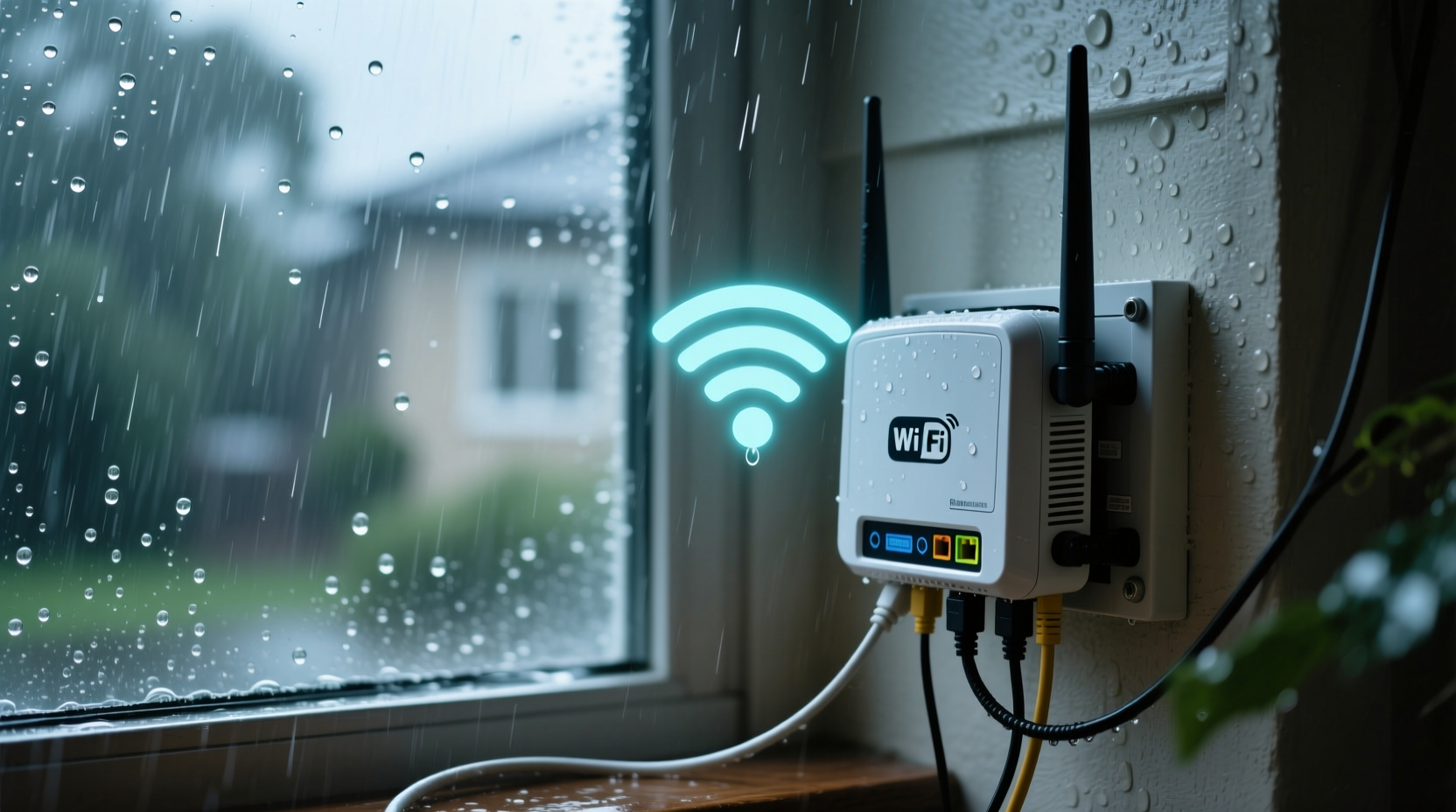
The primary reason rain disrupts WiFi lies in the physics of radio wave propagation. Most home WiFi operates on the 2.4 GHz or 5 GHz frequency bands. While these frequencies are excellent for short-range communication, they are susceptible to attenuation—signal weakening—when passing through obstacles. Water, whether in the form of raindrops, humidity, or condensation, absorbs and scatters electromagnetic waves, reducing their strength and clarity.
This phenomenon is known as rain fade, a term commonly used in satellite and microwave communications. When rain falls between a signal source (like a cell tower or satellite) and your receiver (your modem or antenna), water droplets absorb energy from the signal, especially at higher frequencies. Even if your router is indoors, the incoming internet signal may originate from an outdoor point vulnerable to weather conditions.
Additionally, heavy rainfall often coincides with thunderstorms, which bring power surges and electrical interference. These fluctuations can momentarily disrupt modems, routers, or network cables, leading to disconnections even if the wireless signal itself remains intact.
Common Causes of Rain-Related WiFi Disruptions
Not all rain-related disconnections stem from the same source. The root cause depends on your internet type, equipment condition, and network architecture. Below are the most frequent culprits:
- Satellite Internet Vulnerability: Satellite providers like HughesNet or Viasat transmit data via signals sent to and from space. These signals must pass through the atmosphere, making them highly susceptible to rain fade. Even moderate rainfall can degrade performance or cause temporary outages.
- Moisture in Coaxial Cables or Connectors: Cable internet users may experience signal loss when water infiltrates outdoor coaxial lines or connectors. Over time, seals degrade, allowing moisture to seep in. Wet cables increase signal resistance and introduce noise, degrading bandwidth or causing complete dropouts.
- Outdoor Access Points or Boosters: If you use an outdoor mesh node, long-range extender, or directional antenna mounted outside, rain can physically interfere with its operation. Corroded ports, compromised enclosures, or pooling water near electronics can disrupt function.
- Power Surges During Storms: Lightning doesn’t need to strike nearby to affect your network. Electromagnetic pulses from distant strikes can induce currents in wiring, damaging or resetting modems and routers.
- Increased Network Congestion: Ironically, rain can indirectly worsen WiFi by increasing usage. When people stay indoors during storms, more devices connect simultaneously, straining bandwidth and amplifying existing weaknesses.
“Rain doesn’t just block signals—it exposes underlying vulnerabilities in infrastructure. A connection that barely holds in dry weather will almost certainly fail when wet.” — Dr. Alan Reyes, RF Communications Engineer
Diagnosing the Source of Your Connection Issues
Before investing in upgrades, determine where the failure occurs. Follow this logical sequence to isolate the problem:
- Check if other services are affected. Does your landline phone (if VoIP) also cut out? Is streaming down across multiple devices? If yes, the issue likely lies with your incoming internet signal, not your internal WiFi.
- Inspect physical connections. Go outside (when safe) and examine coaxial cables, junction boxes, and grounding wires. Look for frayed insulation, loose connectors, or signs of corrosion.
- Test speed before and during rain. Use a wired Ethernet connection to run a speed test during clear weather and again when it rains. A significant drop suggests external signal degradation.
- Bypass WiFi entirely. Connect a laptop directly to the modem with an Ethernet cable during a storm. If the wired connection also fails, the issue is upstream—likely with your ISP or outdoor cabling.
- Monitor outage patterns. Keep a log: Does disconnection happen with every rainstorm? Only during heavy downpours? At specific times of day? Patterns help distinguish weather-related issues from hardware failures.
Real-World Example: Coastal Home with Frequent Dropouts
Jamie, a remote worker living in a coastal Florida neighborhood, experienced daily internet outages during summer thunderstorms. Her provider used hybrid fiber-coaxial (HFC) infrastructure, with fiber running to a neighborhood node and coaxial cable completing the final leg to homes. After months of frustration, she discovered that the coaxial line entering her house had a cracked connector cap. Rainwater was seeping into the port, creating intermittent shorts. A technician replaced the connector and applied waterproof sealant. Since then, her connection has remained stable—even during tropical downpours.
Practical Solutions to Prevent Rain-Induced Disconnections
Once you’ve identified the weak link, take targeted action. Some fixes are simple and low-cost; others require professional support. Here’s what you can do based on your situation:
| Issue | Solution | Difficulty |
|---|---|---|
| Wet coaxial connectors | Seal with self-amalgamating tape or replace with waterproof caps | Easy |
| Satellite internet rain fade | Upgrade dish size or switch to cable/fiber if available | Moderate |
| Outdoor access point exposure | Relocate indoors or install a weatherproof enclosure | Easy–Moderate |
| Frequent power surges | Install a whole-home surge protector or UPS for network gear | Moderate |
| Old or damaged cables | Replace coaxial/Ethernet lines with UV-resistant, shielded versions | Moderate |
Step-by-Step: Waterproofing Outdoor Connections
If your internet enters the home via outdoor cabling, follow these steps to reduce moisture infiltration:
- Turn off power to the modem and unplug all network devices.
- Carefully inspect all outdoor coaxial or Ethernet connections for cracks, rust, or looseness.
- Clean the connector with a dry cloth and ensure no debris is lodged inside.
- Wrap the connection with 2–3 layers of self-amalgamating tape, stretching slightly as you wrap to activate bonding.
- Cover the taped area with a commercial waterproof connector boot or heat-shrink tubing for added protection.
- Ensure cables slope downward away from the house to prevent water pooling.
- Reconnect devices and monitor performance during the next rain event.
When to Contact Your Internet Service Provider
Some issues fall outside homeowner control. If troubleshooting doesn’t resolve the problem, contact your ISP with detailed information. They can perform remote diagnostics or dispatch a technician. Key scenarios warranting professional intervention include:
- Consistent outages affecting multiple neighbors during rain
- Signal loss confirmed on wired connections
- Visible damage to utility poles, network boxes, or aerial lines
- History of service interruptions reported to the provider
Ask your ISP to conduct a line sweep test, which measures signal strength and noise levels along the cable path. High ingress (noise from outside sources) often indicates water in the line. In some cases, the provider may need to replace shared infrastructure or re-route service underground.
Preventive Maintenance Checklist
Stay ahead of weather-related issues with this seasonal maintenance routine:
- ✅ Inspect outdoor cables and connectors twice a year (spring and fall)
- ✅ Trim tree branches near cables or antennas
- ✅ Upgrade to shielded, UV-resistant Ethernet or coaxial cables
- ✅ Install a UPS (Uninterruptible Power Supply) for modem and router
- ✅ Apply waterproofing to all external junctions
- ✅ Verify grounding of network equipment meets local electrical codes
- ✅ Update router firmware to improve stability and error handling
Frequently Asked Questions
Can rain affect my indoor WiFi router?
Directly, no—unless water leaks into your home and reaches the device. However, rain impacts the incoming internet signal, which your router depends on. So while the router itself isn’t disrupted by weather, it loses connectivity because the upstream signal fails.
Does fiber optic internet work during rain?
Yes. Fiber uses light pulses through glass strands, unaffected by electromagnetic interference or moisture in the air. However, if your \"fiber\" service ends at a node and uses coaxial cable for the last stretch (known as FTTC or FTTN), that final segment remains vulnerable to water damage.
Why does my WiFi come back after a few minutes?
Many modems automatically attempt to re-sync with the ISP’s network after a dropout. Once the rain intensity decreases or water drains from connectors, signal integrity improves, allowing reconnection. This delay explains why service often resumes without user intervention.
Final Thoughts and Action Plan
Rain-induced WiFi disconnections are not inevitable. They signal underlying weaknesses in your network’s resilience—whether in cabling, equipment placement, or service type. By understanding how moisture and weather interact with wireless and wired systems, you can take informed steps to harden your connection against the elements.
Start with a thorough inspection of outdoor components. Address small issues like loose connectors before they become major failures. Invest in quality surge protection and consider upgrading to more reliable internet technologies if available in your area. For those reliant on satellite or aging cable infrastructure, even minor improvements in sealing and grounding can yield dramatic improvements in uptime.
Your internet shouldn’t vanish every time clouds gather. With proactive care and targeted fixes, you can maintain a stable, weather-resistant connection year-round.




 浙公网安备
33010002000092号
浙公网安备
33010002000092号 浙B2-20120091-4
Comments
No comments yet. Why don't you start the discussion?