
In an era where time is as valuable as battery life, fast charging has become a non-negotiable feature for smartphones, laptops, and tablets. The shift from older USB standards to USB-C isn’t just about reversible plugs—it’s about a fundamental leap in power delivery and data transfer efficiency. But what exactly makes USB-C charge faster? It’s not magic; it’s engineering. Behind the sleek design lies a combination of advanced protocols, higher voltage capabilities, and smarter communication between devices that collectively deliver a significant speed boost.
The Evolution of Charging: From USB-A to USB-C
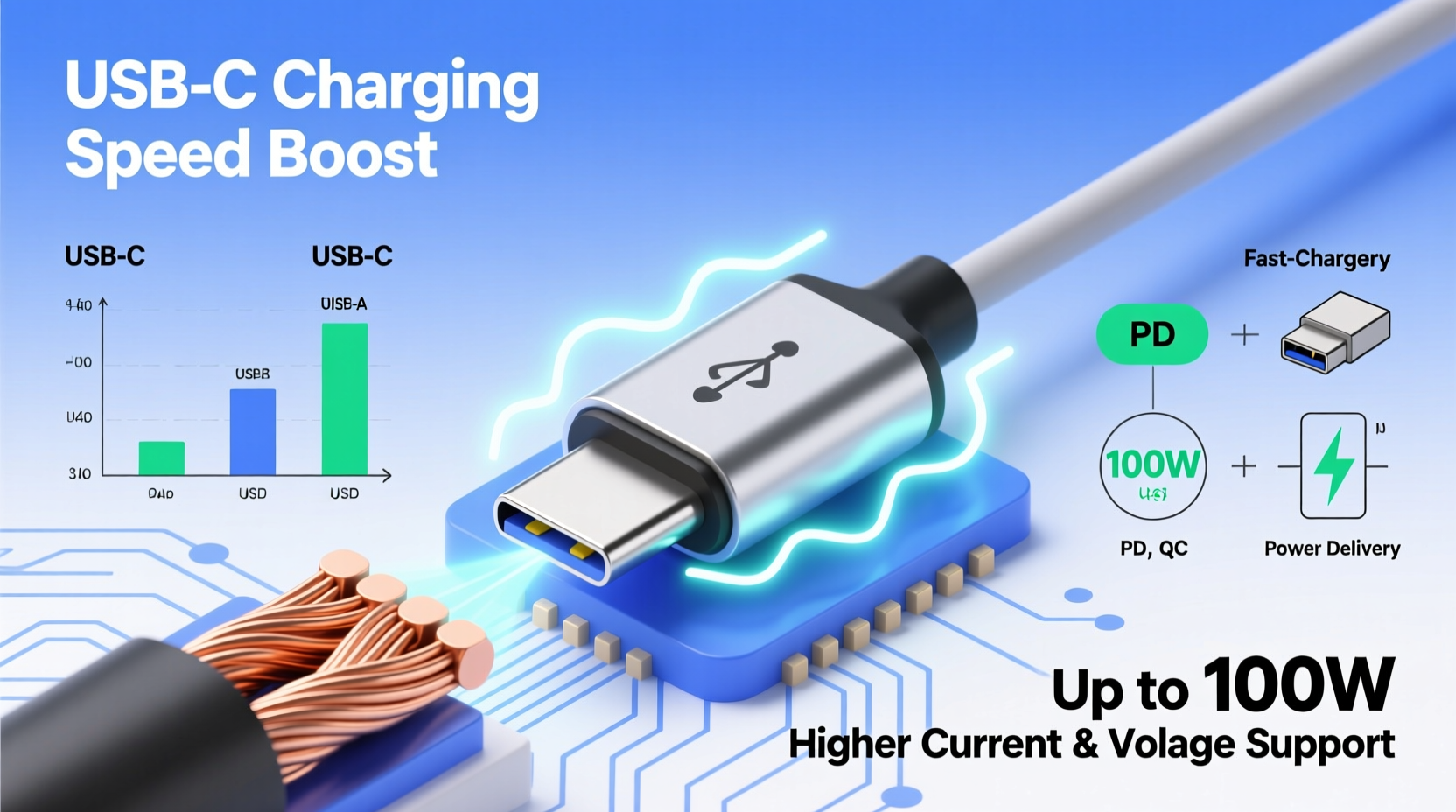
Traditional USB-A ports, once the standard on nearly every device, were designed in an age when mobile devices consumed far less power. These ports typically support 5 volts at up to 1.5 amps, delivering around 7.5 watts of power—sufficient for basic phone charging but inadequate for today’s power-hungry gadgets.
USB-C emerged as a response to growing demand for universal connectivity and faster performance. Unlike its predecessors, USB-C uses a symmetrical, reversible connector and supports a broader range of capabilities, including higher wattage delivery, bidirectional power flow, and alternate modes for video and data. Most importantly, USB-C was built with the USB Power Delivery (USB-PD) specification in mind—a protocol that allows devices to negotiate higher voltages and currents dynamically.
How USB Power Delivery Enables Faster Charging
At the heart of USB-C’s charging advantage is the USB Power Delivery protocol. This intelligent system allows two connected devices—like a phone and a charger—to communicate before initiating a charge. Instead of defaulting to a fixed voltage, they “handshake” to determine the optimal power level based on the device’s needs and the charger’s capabilities.
Standard USB charging delivers 5V at 1A or 2A (5–10W). In contrast, USB-PD can scale up to 20 volts and 5 amps, enabling a maximum of 100 watts (20V × 5A) under the latest PD 3.1 specification. Even mid-tier smartphones now support 18W to 30W charging, drastically reducing charge times compared to older 5W or 10W adapters.
This dynamic negotiation means your laptop can draw 65W for fast charging, while your earbuds pull only 5W—all using the same cable and port type. This flexibility is a major reason why USB-C has become the preferred interface across manufacturers.
Key Factors That Influence USB-C Charging Speed
While USB-C has the potential to charge quickly, actual performance depends on several interrelated factors:
- Cable Quality: Not all USB-C cables are created equal. Thicker gauge wires and proper shielding allow higher current flow. Cables rated for 3A or 5A are essential for fast charging above 18W.
- Charger Output: A high-wattage charger (e.g., 30W, 65W) is required to unlock fast charging. Using a low-power adapter bottlenecks the process.
- Device Support: The device must support USB-PD or another fast-charging standard (like Qualcomm Quick Charge over USB-C).
- Battery Management System (BMS): Modern devices regulate charging speed to protect battery health, often slowing down after reaching 80%.
“USB-C with Power Delivery represents a paradigm shift—not just in how we charge, but in how devices interact with power sources.” — Dr. Alan Reyes, Electrical Engineer and USB Standards Consultant
Comparison of Charging Standards and Their Output
| Standard | Max Voltage | Max Current | Max Power | Typical Use Case |
|---|---|---|---|---|
| USB-A (Standard BC 1.2) | 5V | 1.5A | 7.5W | Basic phone charging |
| USB-C (without PD) | 5V | 3A | 15W | Faster than USB-A, limited scalability |
| USB-PD (v3.0) | 20V | 5A | 100W | Laptops, tablets, fast phone charging |
| Proprietary Fast Charging (e.g., VOOC, SuperCharge) | Variable (often lower voltage, higher current) | Up to 6.5A | 65W+ | Brand-specific ultra-fast charging |
A Real-World Example: Charging Two Phones Side by Side
Consider two identical smartphones—one charged with a legacy 5W USB-A wall adapter, the other with a 30W USB-C PD charger. Both start at 15% battery. After 30 minutes, the first reaches 28%, while the second jumps to 65%. The difference isn’t due to battery size or software optimization alone—it’s the result of higher power delivery enabled by USB-C and USB-PD.
In this scenario, the USB-C charger negotiates a 9V/3A profile (27W), allowing the phone to enter fast-charge mode immediately. Meanwhile, the older adapter maxes out at 5V/1A, limiting energy transfer regardless of the cable used. This real-world gap highlights why upgrading both the charger and cable matters.
Step-by-Step: How to Maximize Your USB-C Charging Speed
To truly benefit from USB-C’s fast-charging potential, follow this sequence:
- Check Device Compatibility: Confirm your device supports USB Power Delivery or another fast-charging standard.
- Use a Certified Charger: Select a USB-C wall adapter with sufficient wattage (e.g., 18W or higher for phones, 65W for laptops).
- Pick the Right Cable: Ensure the cable is labeled as USB-C to USB-C, supports at least 3A, and is certified by USB-IF if possible.
- Avoid Long, Thin Cables: Longer cables increase resistance, reducing effective power delivery. Stick to shorter, high-quality options.
- Minimize Usage During Charging: Heavy app usage or gaming while charging can offset gains by increasing power draw.
Common Misconceptions About USB-C Charging
Despite its widespread adoption, several myths persist:
- Myth: All USB-C cables charge at the same speed.
Reality: Many inexpensive cables lack the internal wiring to handle more than 15W, limiting fast charging. - Myth: USB-C is always faster than wireless charging.
Reality: While wired is generally faster, some wireless systems now exceed 50W—but generate more heat and inefficiency. - Myth: Fast charging damages batteries.
Reality: Modern devices use adaptive charging algorithms that reduce speed when needed to preserve longevity.
FAQ: Understanding USB-C Charging
Can I use any USB-C charger with my phone or laptop?
Yes, but performance varies. A low-wattage charger will work but won’t enable fast charging. Always match the charger’s output to your device’s supported input for best results.
Why does my USB-C charger sometimes charge slowly?
This can happen if you’re using a non-compliant cable, a low-power adapter, or if the device is hot. Thermal throttling reduces charging speed to prevent overheating.
Is USB-C charging safe for long-term battery health?
Yes. Devices regulate charging speed and often slow down during the final stages. Combined with features like optimized battery charging (on iOS and Android), USB-C PD is designed with battery longevity in mind.
Final Thoughts: Embracing the Future of Charging
USB-C isn’t just a new plug—it’s a smarter, more capable ecosystem for powering our digital lives. The speed boost comes from a convergence of better hardware, intelligent power management, and standardized protocols that allow devices to charge efficiently and safely. As more industries adopt USB-C—from automotive to medical devices—the benefits of fast, universal charging will only grow.
Understanding how USB-C works empowers you to make informed choices. Don’t assume a sleek cable guarantees performance. Invest in quality, know your device’s limits, and leverage the full potential of modern charging technology.




 浙公网安备
33010002000092号
浙公网安备
33010002000092号 浙B2-20120091-4
Comments
No comments yet. Why don't you start the discussion?