
Sleep is a cornerstone of health, and for many, Fitbit has become an essential tool in understanding their rest patterns. With detailed breakdowns of light, deep, and REM sleep, users expect reliable data to guide lifestyle improvements. However, when your Fitbit fails to track sleep accurately—showing missing hours, inconsistent stages, or no sleep at all—it can be frustrating and misleading. The good news: most inaccuracies have simple explanations and practical solutions.
This guide explores the most common reasons behind inaccurate sleep tracking on Fitbit devices and provides actionable steps to correct them. Whether you're using a Charge, Versa, or Sense model, these insights will help ensure your device delivers trustworthy sleep data so you can make informed decisions about your well-being.
How Fitbit Sleep Tracking Works
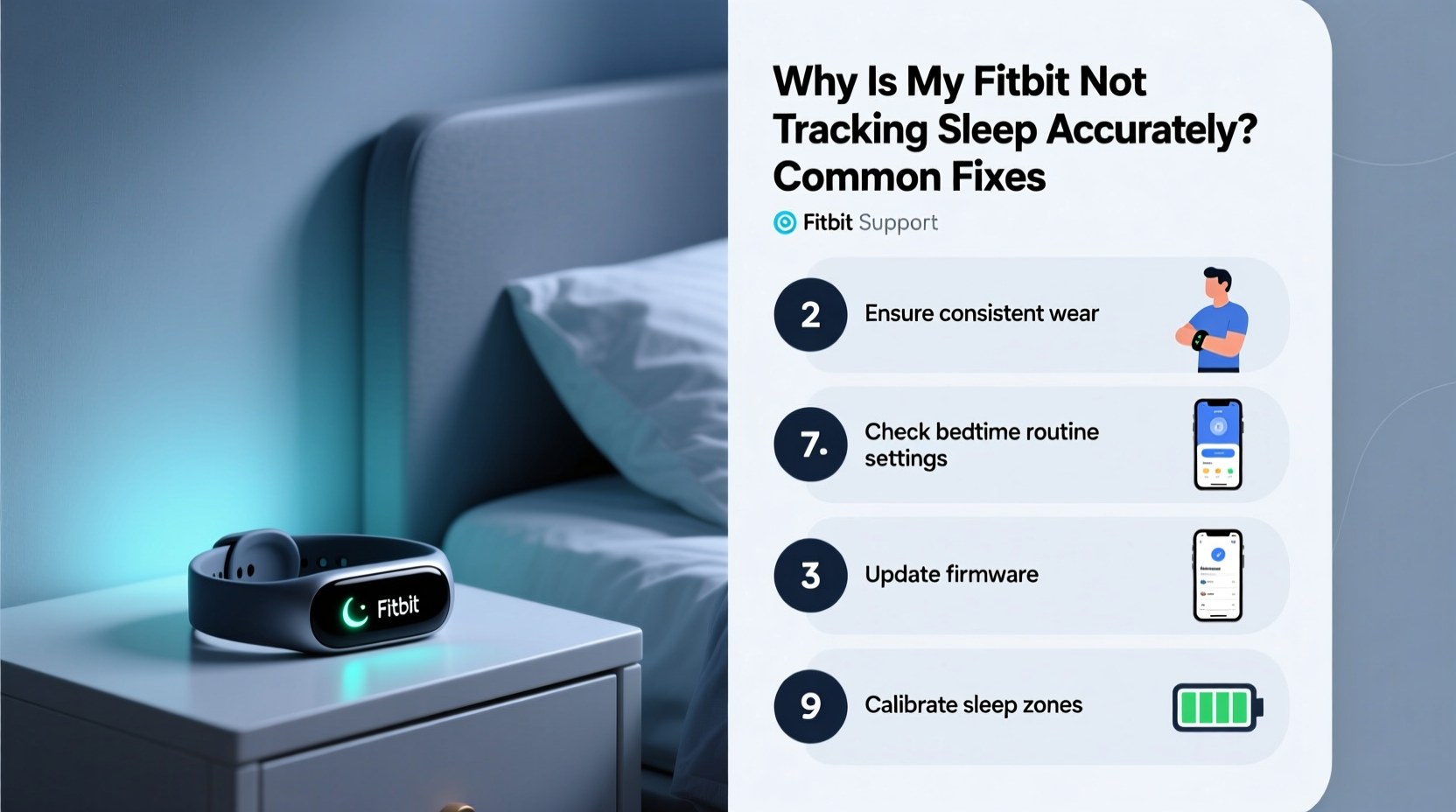
Before troubleshooting, it’s important to understand how Fitbit measures sleep. Unlike medical-grade polysomnography, which monitors brain waves, eye movement, and muscle activity, Fitbit relies on sensors and algorithms to estimate sleep stages:
- Accelerometer: Detects movement to determine if you’re asleep or awake.
- Heart Rate Sensor (PurePulse): Tracks heart rate variability (HRV), which changes during different sleep stages.
- SpO2 Sensor (on select models): Monitors blood oxygen levels, useful for detecting disturbances like apnea events.
- Smart Algorithms: Combine motion, heart rate, and historical data to classify sleep into stages: awake, light, deep, and REM.
While this system is generally accurate for population-level trends, individual variations in physiology, habits, and device use can affect precision. As Dr. Rebecca Robbins, sleep scientist at Harvard Medical School, explains:
“Consumer wearables like Fitbit offer valuable insights into sleep behavior, but they should be seen as supportive tools—not diagnostic instruments. Accuracy depends heavily on consistent wear and proper calibration.” — Dr. Rebecca Robbins, Sleep Researcher, Harvard Medical School
Common Reasons Your Fitbit Isn’t Tracking Sleep Accurately
1. Improper Wear During Sleep
The most frequent cause of inaccurate tracking is how—and where—the device is worn. If the Fitbit is too loose, it may slide around or lose skin contact, leading to erratic heart rate readings and false wake detections.
Fitbit recommends wearing the device snugly about a finger’s width above the wrist bone. For optimal accuracy:
- Ensure the band allows room for circulation but doesn’t rotate freely.
- Avoid wearing it over clothing or pajama sleeves.
- Use a snugger band or switch to a sleep-specific accessory if needed.
2. Incomplete Sync or App Glitches
Sometimes, the issue isn’t with tracking but with data retrieval. If your Fitbit hasn’t synced overnight, sleep data might appear delayed or missing in the morning.
Check that:
- Your phone’s Bluetooth is enabled.
- The Fitbit app runs in the background.
- You manually open the app to force a sync upon waking.
Occasionally, corrupted cache files disrupt syncing. Clearing the app cache (via phone settings) or reinstalling the app resolves persistent issues.
3. Battery Drain or Device Shutdown
If your Fitbit dies before you wake up, naturally, no sleep data will be recorded. This is especially common with older models or after software updates that increase power consumption.
To prevent this:
- Charge your device nightly if battery life is under 24 hours.
- Disable non-essential features like Always-On Display or frequent notifications.
- Enable Sleep Mode to reduce screen activation and conserve energy.
4. Misclassification Due to Stillness While Awake
Fitbit uses stillness and lowered heart rate as primary indicators of sleep onset. However, lying still while reading, watching TV, or meditating in bed can trick the algorithm into logging “sleep” prematurely.
Likewise, brief awakenings during the night (e.g., checking your phone) may not register as wake time if movement is minimal, distorting stage distribution.
5. Software or Firmware Bugs
Like any smart device, Fitbits are susceptible to bugs after updates. Users have reported sleep tracking failures following firmware releases, particularly on older models.
Check Fitbit’s official support forums or status page for known issues. If a bug is confirmed, wait for a patch or perform a factory reset as a temporary fix.
Step-by-Step Guide to Fix Inaccurate Sleep Tracking
Follow this sequence to diagnose and resolve sleep tracking problems systematically.
- Verify Device Charge: Ensure your Fitbit has at least 30% battery before bedtime. Low power can disable sensors or shut down the device.
- Wear It Correctly: Adjust the band for snug, consistent contact. Re-test for two nights with improved fit.
- Sync Manually Upon Waking: Open the Fitbit app immediately after removing the device to confirm data transfer.
- Check Sleep Schedule Settings: In the app, go to Profile > Sleep > Sleep Schedule and verify your bedtime and wake time are set correctly. This helps the algorithm anticipate sleep windows.
- Restart the Device: Perform a soft reboot by holding the button(s) until the Fitbit logo appears. This clears temporary glitches.
- Update Firmware: Connect to Wi-Fi or Bluetooth and check for updates under Settings > About > Version.
- Reset Sleep Data: If inconsistencies persist, delete one night’s log via the app (tap the sleep tile > Edit > Delete) and re-sync.
- Factory Reset (Last Resort): Backup data first, then reset under Settings > About > Remove All Data. Re-pair the device afterward.
Do’s and Don’ts of Fitbit Sleep Tracking
| Do’s | Don’ts |
|---|---|
| Wear the device snugly on the non-dominant wrist | Wear it too loosely or over fabric |
| Charge daily if battery life is short | Assume tracking works without verification |
| Set a consistent sleep schedule in the app | Ignore sync errors or missing data alerts |
| Manually log sleep if automatic detection fails | Rely solely on sleep scores without reviewing details |
| Update firmware regularly | Use third-party apps that interfere with syncing |
Mini Case Study: Recovering Lost Sleep Data
Sarah, a 34-year-old teacher using a Fitbit Charge 5, noticed her sleep logs were frequently incomplete. Some nights showed only three hours of sleep despite feeling rested. She often fell asleep while reading in bed and wore her device over long-sleeve pajamas.
After reviewing this guide, Sarah made three changes:
- She began charging her Fitbit each evening to ensure full battery.
- She adjusted the band tightness and wore it directly on her skin.
- She started going to bed without her book and manually logged sleep when necessary.
Within a week, her sleep logs became consistent. Her average sleep duration increased to 7.2 hours, aligning better with her perceived rest. The change also revealed previously undetected periods of restless sleep linked to caffeine intake, prompting her to adjust afternoon habits.
Troubleshooting Checklist
Use this checklist nightly for one week to identify and fix tracking issues:
- ✅ Charge Fitbit to at least 80% before bed
- ✅ Wear device snugly, skin-side flush
- ✅ Confirm Bluetooth is on and app is updated
- ✅ Avoid prolonged stillness in bed before sleep
- ✅ Sync device immediately upon waking
- ✅ Review sleep log for gaps or anomalies
- ✅ Manually edit or log sleep if auto-detection fails
- ✅ Check for firmware updates weekly
Frequently Asked Questions
Why does my Fitbit show I was awake when I know I was asleep?
This usually happens due to micro-movements—like adjusting position or tossing and turning—that the accelerometer detects. It can also occur if the device loses skin contact. Try wearing it tighter and minimizing nighttime disruptions.
Can I manually add sleep if my Fitbit didn’t record it?
Yes. In the Fitbit app, tap the sleep tile on your dashboard, select “Log Sleep,” and enter the start and end times. You can also add notes about quality or naps. This helps maintain continuity in your sleep history.
Does Fitbit track naps automatically?
Yes, but only if they last at least one hour and meet the criteria for sustained stillness and heart rate drop. Shorter naps may not register. To ensure tracking, manually log naps under 60 minutes.
Maximizing Long-Term Accuracy
For ongoing reliability, treat your Fitbit as a dynamic health partner rather than a plug-and-play gadget. Regular maintenance enhances performance:
- Clean the sensor weekly: Use a soft cloth and water to remove sweat, lotion, or dirt blocking the optical heart rate sensor.
- Review trends monthly: Look for patterns in sleep duration, restlessness, and stage distribution. Sudden drops may signal tracking issues or lifestyle changes.
- Compare with subjective experience: Ask yourself: Do the logs match how rested you feel? Discrepancies warrant investigation.
- Use Smart Wake (if available):strong> This feature analyzes your sleep cycle to wake you during lighter stages, reinforcing accurate stage detection.
Remember, no consumer wearable is 100% accurate. A 2020 study published in *Sleep Medicine Reviews* found that while Fitbit devices correlate well with polysomnography for total sleep time (within 10–15 minutes), they tend to overestimate light sleep and underestimate wakefulness after sleep onset. Use the data as a trend tracker, not a clinical diagnosis.
Conclusion: Take Control of Your Sleep Insights
Inaccurate sleep tracking doesn’t mean your Fitbit is broken—it often reflects minor setup oversights or behavioral patterns that skew sensor data. By adjusting how you wear the device, maintaining its software, and understanding its limitations, you can significantly improve the reliability of your sleep metrics.
Start tonight: charge your device, tighten the band, and go to bed with confidence. Over time, consistent, accurate logs will empower you to recognize patterns, optimize routines, and truly understand your rest. Don’t let faulty data undermine your health goals. With a few simple tweaks, your Fitbit can become a far more trustworthy companion in your wellness journey.




 浙公网安备
33010002000092号
浙公网安备
33010002000092号 浙B2-20120091-4
Comments
No comments yet. Why don't you start the discussion?