
If your milk freezes overnight or your lettuce turns into a crisp ice sculpture, something’s clearly wrong. A refrigerator should keep food cold—not frozen. When your fridge starts turning liquids into solids and produce into popsicles, it’s time to investigate. This guide walks through the most common causes of overcooling, how to diagnose them, and what steps you can take to restore proper temperature balance without calling a technician—unless absolutely necessary.
Understanding How Your Fridge Maintains Temperature
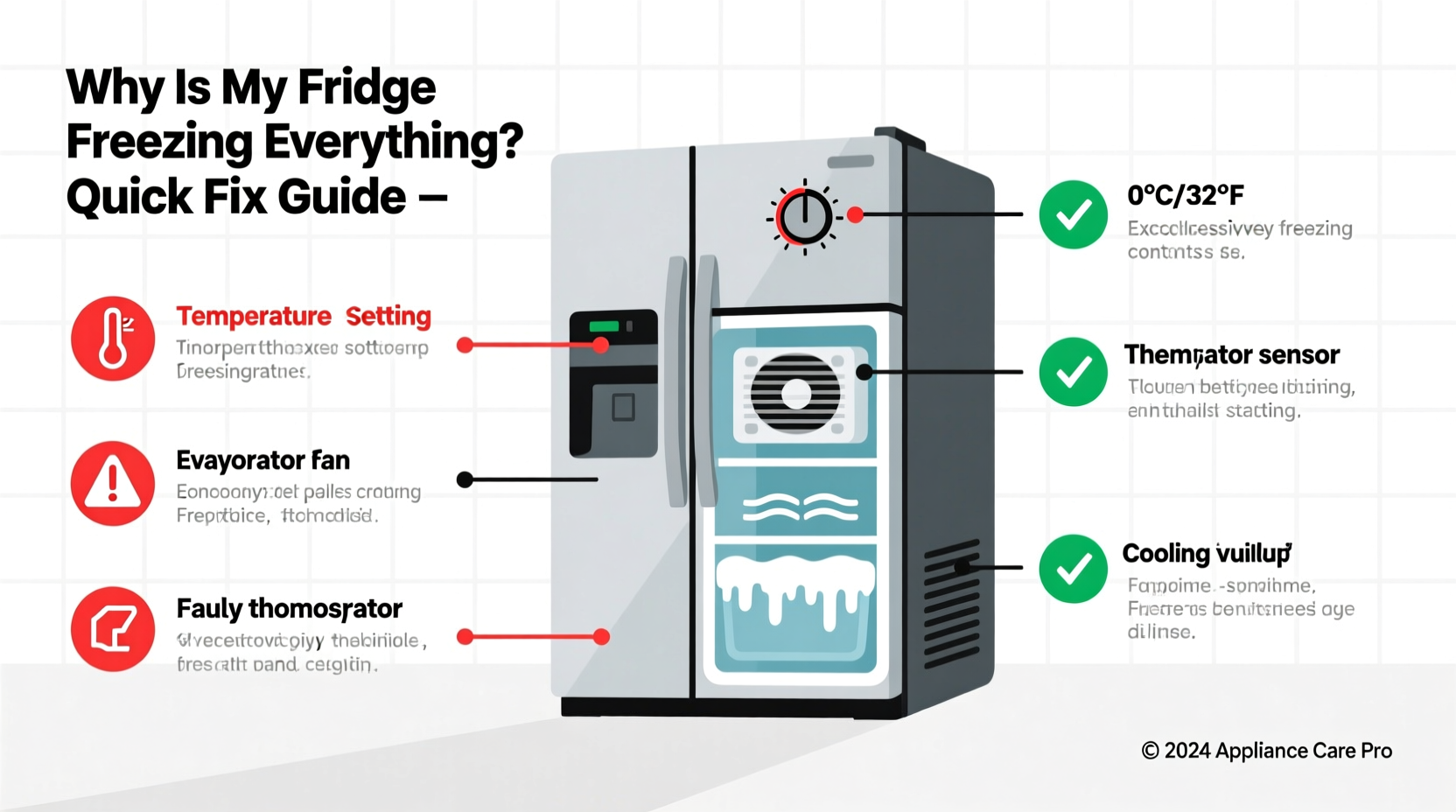
Modern refrigerators use a thermostat to regulate internal temperature by cycling the compressor on and off. The ideal fridge temperature ranges between 37°F (3°C) and 40°F (4°C), while the freezer should stay around 0°F (-18°C). When the fridge compartment dips below freezing, food begins to crystallize, especially items placed near vents or at the back where cold air circulates.
The cooling system relies on several components: the thermostat (or control board in digital models), evaporator fan, condenser coils, damper control, and door seals. Any malfunction in these parts can cause excessive cooling. But before assuming hardware failure, consider simpler explanations like incorrect settings or poor airflow.
“Temperature imbalances are among the top service calls we see—but nearly half stem from user error or easily fixable issues.” — Carlos Mendez, Appliance Repair Technician with 15 years of field experience
Step-by-Step Troubleshooting Guide
Follow this logical sequence to identify and resolve the root cause of your overcooling fridge.
- Check the temperature setting. Many users accidentally set their fridge too low. Locate the control panel—usually inside the top front or on a side wall—and verify the temperature is within the recommended range (37–40°F).
- Inspect for blocked air vents. Cold air flows from the freezer into the fridge via one or more vents, typically at the top rear or along the ceiling of the fridge compartment. If shelves, containers, or overstocked groceries block these vents, cold air pools unevenly, causing localized freezing.
- Examine the damper control assembly. This regulates how much cold air moves from the freezer to the fridge. If stuck open or malfunctioning due to a faulty motor or sensor, too much cold air enters the fridge.
- Test the thermostat or temperature sensor. In older models, a mechanical thermostat may fail and send constant “on” signals to the compressor. In newer units, a defective thermistor (temperature sensor) can relay false readings to the control board.
- Listen for unusual sounds. A constantly running compressor or a humming noise that never stops suggests the cooling system isn’t cycling off properly.
- Verify door seal integrity. While a bad seal usually leads to warm temperatures, it can also trigger overcompensation. If warm air leaks in frequently, the fridge works harder and longer, potentially overshooting its target.
Common Causes and Solutions
Below are the most frequent reasons behind a freezing fridge, ranked by likelihood and ease of resolution.
1. Incorrect Temperature Setting
The simplest explanation is often the correct one. Some fridges have a numbered dial (e.g., 1–5 or 1–9) instead of actual degrees. On many models, a higher number means colder—not stronger cooling mode. Accidentally turning the dial to “9” when “5” is standard can plunge temperatures into freezing territory.
2. Faulty Damper Control
The damper opens and closes to allow measured amounts of cold air into the fridge. If it becomes stuck open—due to ice buildup, mechanical failure, or electrical fault—it floods the fresh food compartment with sub-zero air.
To test: Turn the temperature setting to warm (e.g., 50°F), wait 10 minutes, then listen near the vent. You should hear the damper close with a soft click. No sound? It may be broken.
3. Malfunctioning Temperature Sensor
In modern frost-free fridges, digital sensors monitor internal temps and communicate with the main control board. If a sensor fails and reports “too warm” when it’s actually cold, the system keeps cooling.
Symptoms include:
- Frequent or continuous compressor operation
- Error codes on digital display (e.g., “FF” or “E2”)
- Inconsistent temps despite stable settings
Replacing a sensor typically costs $50–$120 for the part and requires basic technical skill. Consult your model’s service manual for location and resistance specifications.
4. Defrost System Failure
When the defrost heater, thermostat, or timer fails, frost builds up on the evaporator coils. This insulating layer disrupts airflow and temperature sensing. The fridge thinks it's not cold enough and runs nonstop—even if the interior is already freezing.
Signs of defrost problems:
- Frost or ice behind the rear panel in the freezer
- Reduced cooling efficiency over time
- No defrost cycle every 6–12 hours
5. Poor Airflow and Overloading
Cramming the fridge full restricts air circulation. Cold spots develop near vents, while other areas stay warm. Ironically, overcrowding can lead to both spoiled food and frozen items in the same unit.
Likewise, placing hot leftovers directly into the fridge forces the system to work harder, potentially triggering extended cooling cycles that result in overchilling.
| Issue | Diagnosis Method | Solution |
|---|---|---|
| Temp set too low | Check display or dial position | Adjust to 37–40°F (3–4°C) |
| Damper stuck open | Listen for clicks; inspect vent airflow | Clean or replace damper motor |
| Defective sensor | Monitor inconsistent readings | Replace sensor (part # from manual) |
| Frozen evaporator coils | Visual check behind freezer panel | Thaw manually; repair defrost system |
| Airflow obstruction | Observe placement of food/containers | Rearrange contents; avoid blocking vents |
Real-World Example: Sarah’s Samsung Side-by-Side Dilemma
Sarah noticed her yogurt was freezing every night. She adjusted the temperature twice but saw no improvement. After reading online forums, she checked the vent above her crisper drawers and found a large container of soup blocking it completely. Removing the container helped, but the problem returned after two days.
She then used a thermometer and discovered the fridge was holding steady at 32°F—solidly below freezing. Researching her model (Samsung RF26K9000SG), she learned about the dual evaporator design and recalled recent error codes (“E21”) flashing occasionally.
Following a YouTube tutorial, she accessed the freezer’s rear panel and found thick ice buildup on the coils. After unplugging the fridge and letting it thaw for 24 hours, she tested the defrost heater with a multimeter and confirmed it was dead. She ordered a replacement ($68), installed it herself, and restored normal function—all for less than the cost of a service call.
Sarah’s case illustrates how multiple factors (blocked airflow, failing hardware, and misdiagnosis) can compound. Her success came from methodical testing and using accessible tools.
Prevention and Maintenance Checklist
Keep your fridge operating efficiently and avoid future freezing issues with regular care.
- ✅ Calibrate temperature annually using a standalone thermometer
- ✅ Clean condenser coils every 6 months (vacuum dust off front or rear coils)
- ✅ Inspect door gaskets monthly for cracks or looseness
- ✅ Leave space around stored items for airflow (at least 1 inch clearance)
- ✅ Avoid placing hot food directly into the fridge
- ✅ Listen weekly for abnormal compressor noise or continuous running
- ✅ Check for frost accumulation in the freezer compartment quarterly
- ✅ Update firmware (for smart fridges) to ensure optimal control logic
Frequently Asked Questions
Can a dirty condenser coil cause my fridge to freeze food?
No—dirty condenser coils usually cause the opposite problem: inadequate cooling. When coils are clogged with dust, heat dissipation suffers, making the fridge run hotter. However, indirect effects may occur if poor performance leads to erratic cycling or electronic errors in sensitive models.
Why does only one side of my fridge freeze food?
This typically points to blocked airflow or a failing evaporator fan. In multi-door or French door models, each compartment may have independent airflow paths. If the fan serving the fridge section stalls, cold air from the freezer rushes in unchecked, creating freezing zones near the inlet vent.
Is it safe to unplug my fridge to reset the system?
Yes. Unplugging for 30 minutes to 24 hours can reset electronic controls, clear error states, and melt minor ice blockages. Always remove perishables and store them in a cooler. Never force a restart before ensuring the unit has fully powered down and drained residual voltage.
Final Thoughts and Action Steps
A fridge that freezes everything isn’t just inconvenient—it wastes food, increases energy bills, and shortens appliance lifespan. The good news is that most causes are diagnosable and fixable with patience and basic tools. Start simple: verify your settings, clear obstructions, and measure actual temperature. Then move systematically through mechanical and electronic components.
While some repairs require professional help—especially involving sealed refrigerant systems or complex circuit boards—many homeowners successfully handle damper replacements, sensor swaps, and defrost heater fixes. Investing a few hours now can save hundreds in service fees and prevent recurring issues.




 浙公网安备
33010002000092号
浙公网安备
33010002000092号 浙B2-20120091-4
Comments
No comments yet. Why don't you start the discussion?