
If you've ever found yourself waiting endlessly for a video to buffer or a webpage to load during evening hours, you're not alone. Many users experience a noticeable drop in internet speed after sunset. While it may seem like your connection has mysteriously degraded, the real culprits are often network congestion and potential bandwidth throttling by your Internet Service Provider (ISP). Understanding these factors can help you diagnose the issue and take practical steps to improve your nightly browsing experience.
Understanding Network Congestion: The Rush Hour Effect
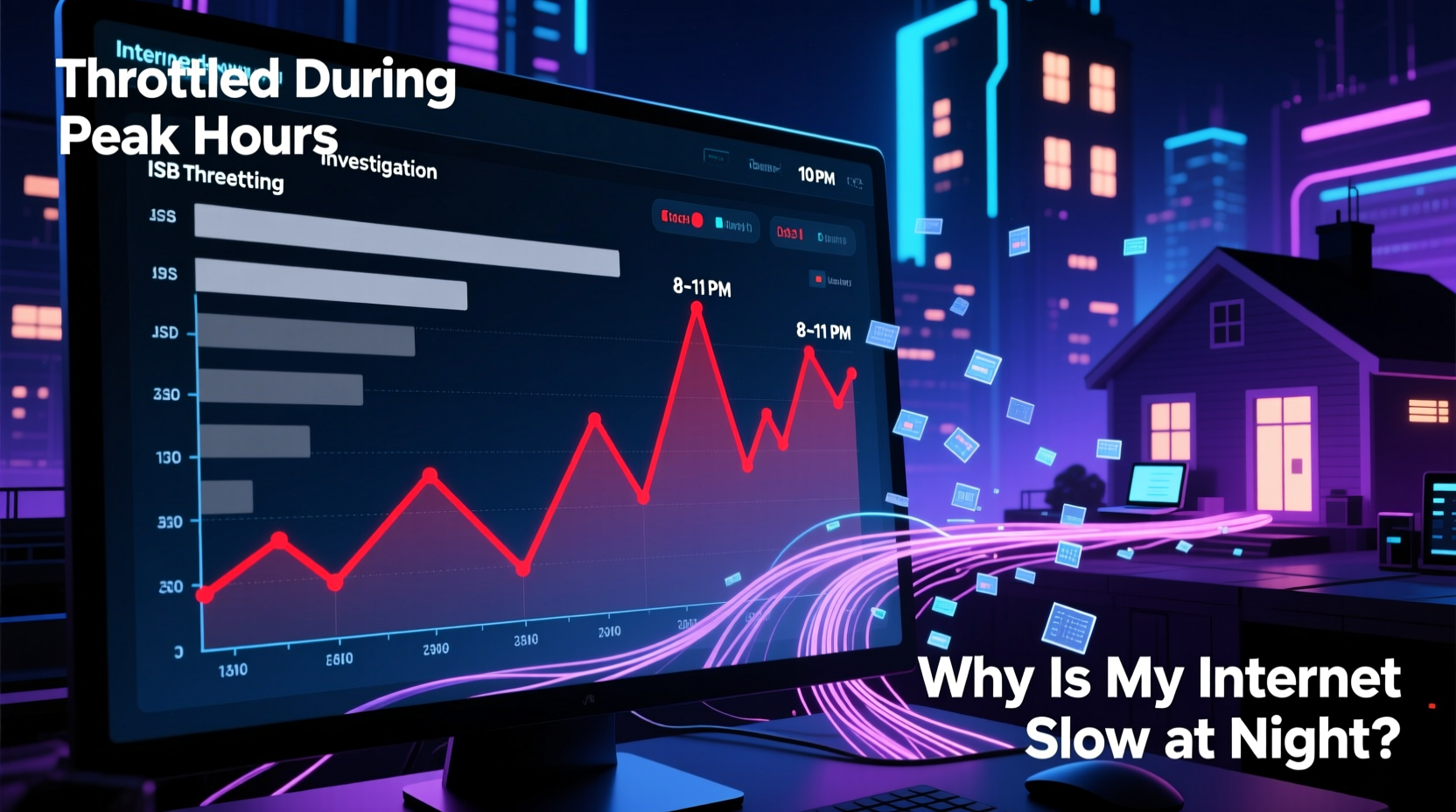
Just like city roads become clogged during rush hour, home internet networks face similar traffic jams—especially between 7 PM and 11 PM. This peak usage window is when most households stream videos, play online games, participate in video calls, and download large files. As more devices connect and consume data simultaneously, the available bandwidth gets divided among users, leading to slower speeds for everyone on the same local network or ISP infrastructure.
In densely populated areas such as apartment complexes or suburban neighborhoods, the problem intensifies. Multiple homes share the same node or cable segment, meaning that if dozens of households are streaming 4K content at once, the shared capacity becomes overwhelmed. This phenomenon is known as \"local network congestion.\"
How ISPs Handle Traffic During Peak Hours
ISPs manage their networks based on expected demand patterns. They typically provision enough bandwidth to handle average loads but may not scale infrastructure to meet maximum simultaneous usage across all subscribers. When too many users go online at once, the ISP’s backbone or neighborhood-level equipment can reach its throughput limit. Even if your individual plan promises high speeds, those guarantees usually come with a caveat: “up to” a certain rate under optimal conditions.
A 2022 FCC report found that median internet speeds across major U.S. providers dropped by an average of 28% during peak evening hours compared to daytime performance. In some cases, latency increased by over 50%, severely affecting real-time applications like gaming and Zoom calls.
Bandwidth Throttling: Is Your ISP Slowing You Down?
While network congestion explains part of the slowdown, another factor—bandwidth throttling—may also be at play. Throttling occurs when an ISP intentionally reduces a user's internet speed after they’ve consumed a certain amount of data or accessed specific types of content.
Some ISPs implement throttling through “fair usage policies,” especially on unlimited data plans. For example, once you exceed a soft cap (e.g., 1TB per month), your speed might be reduced during peak times. Others may throttle specific services like Netflix or peer-to-peer file sharing without explicit notification.
“We monitor network performance and may temporarily adjust speeds during periods of heavy use to ensure service quality for all customers.” — Statement from a major U.S. ISP support page
This kind of traffic shaping isn’t always malicious; it can prevent total network collapse during surges. However, lack of transparency makes it difficult for consumers to know whether they’re being throttled or simply experiencing natural congestion.
Detecting Throttling vs. Congestion
Telling the difference between throttling and congestion requires testing under controlled conditions. Here’s how:
- Run speed tests at different times of day using tools like Ookla Speedtest or FCC’s M-Lab.
- Use a Virtual Private Network (VPN) to mask your traffic type. If speeds improve significantly with a VPN enabled, your ISP may be throttling specific services (like streaming platforms).
- Compare wired vs. Wi-Fi results. A poor Wi-Fi signal can mimic throttling symptoms.
| Factor | Network Congestion | Bandwidth Throttling |
|---|---|---|
| Cause | High number of users online simultaneously | ISP deliberately slowing connections |
| Timing | Consistent during evenings (7–11 PM) | May occur after data cap reached or during specific activity |
| Scope | Affects all users in a region or node | Targeted to individual accounts or traffic types |
| Mitigation | Off-peak scheduling, better hardware | Upgrade plan, use a VPN, switch provider |
Common Causes of Nighttime Slowdowns
Beyond ISP-level issues, several household-specific factors contribute to sluggish nighttime internet:
- Too many connected devices: Modern homes average 10+ internet-connected gadgets—from phones and laptops to smart TVs, thermostats, and security cameras. Each device consumes bandwidth even in idle mode.
- Wi-Fi interference: Cordless phones, microwaves, and neighboring networks on the same channel can degrade wireless performance, especially on crowded 2.4 GHz bands.
- Outdated equipment: Routers older than three years may not support modern standards like MU-MIMO or dual-band transmission, limiting efficiency.
- Background processes: Cloud syncs, system updates, and smart home backups often run automatically at night, eating up bandwidth unnoticed.
- Data caps and deprioritization: Some “unlimited” mobile hotspot plans reduce speeds after a threshold, impacting tethered devices during evening use.
Mini Case Study: The Johnson Family’s Streaming Struggles
The Johnsons, a family of four in Austin, Texas, noticed consistent buffering every night around 8 PM while trying to watch separate shows on Netflix and Disney+. Their plan advertised 300 Mbps, yet speed tests showed only 60 Mbps during peak hours. After ruling out Wi-Fi issues by switching to Ethernet cables, they tested again with a reputable VPN active. Speeds jumped to 220 Mbps. Further investigation revealed their ISP had a policy of deprioritizing video traffic during congestion. By upgrading to a higher-tier business plan with no throttling, their evening experience improved dramatically—without changing any hardware.
Step-by-Step Guide to Diagnose and Fix Slow Night Internet
Follow this structured approach to identify and resolve your nighttime slowdown:
- Document the issue: Note exact times, affected devices, and types of activity impacted (streaming, gaming, browsing).
- Test baseline speeds: Run speed tests daily at 2 PM and 8 PM for one week using the same server and device.
- Isolate the network: Disconnect all devices except one computer. Test again. If speeds recover, the issue lies in device overload.
- Check for background usage: Use your router’s admin interface or apps like GlassWire to see which devices are consuming data overnight.
- Enable QoS settings: Log into your router and prioritize critical devices (e.g., work laptop or gaming console) using Quality of Service controls.
- Test with a VPN: Run a speed test before and after connecting to a trusted VPN. A significant increase suggests throttling.
- Contact your ISP: Share your findings. Ask directly if they engage in throttling, deprioritization, or traffic management during peak hours.
- Consider alternatives: If unresolved, explore fiber providers, fixed wireless, or community broadband options that offer symmetrical speeds and transparent policies.
Actionable Tips and Checklist
✅ Internet Optimization Checklist
- Run speed tests at multiple times of day
- Update router firmware regularly
- Limit connected devices during streaming sessions
- Set up parental controls or usage schedules for non-essential gadgets
- Replace outdated routers with Wi-Fi 6 models
- Position router centrally, away from obstructions and electronics
- Use wired connections for stationary devices (PCs, consoles, smart TVs)
- Monitor data usage against monthly caps
- Explore ISP contracts for fine print on throttling or deprioritization
- Keep a log of slowdown incidents to show provider
Frequently Asked Questions
Can I legally stop my ISP from throttling my internet?
You cannot force an ISP to stop throttling unless it violates their advertised terms or local net neutrality regulations. However, you can file complaints with regulatory bodies like the FCC (U.S.) or Ofcom (UK). In practice, switching providers or upgrading plans often resolves the issue faster than legal action.
Does using a VPN really prevent throttling?
Yes, in many cases. Since ISPs can’t inspect encrypted traffic from a reliable VPN, they’re less likely to target specific services like video streaming for throttling. However, a VPN won’t help if the entire network is congested—your speed is still limited by overall infrastructure capacity.
Will upgrading my internet plan solve nighttime slowness?
It can help, but not always. Doubling your bandwidth means you get a larger slice of the pie—but if the whole network is overloaded, even 1 Gbps can feel slow during peak demand. Look for plans that explicitly state “no throttling” or “priority access” during congestion for best results.
Conclusion: Take Control of Your Connection
Nighttime internet slowdowns don’t have to be an unavoidable fact of digital life. Whether caused by widespread congestion or targeted throttling, the root causes are identifiable—and often fixable. By measuring your actual speeds, optimizing your home network, and holding providers accountable, you can reclaim fast, reliable connectivity when you need it most.
Don’t accept buffering as normal. Use the tools and strategies outlined here to diagnose what’s really happening to your bandwidth after dark. A few simple changes could transform your evenings from frustrating lag-fests into seamless streaming and browsing experiences.




 浙公网安备
33010002000092号
浙公网安备
33010002000092号 浙B2-20120091-4
Comments
No comments yet. Why don't you start the discussion?