
If your internet speeds are fine in the morning but crawl by 7 PM, you're not alone—and it’s not just in your head. Millions of households experience the same frustrating slowdowns every evening. The culprit? Network congestion during peak usage hours. As families return home, stream shows, play online games, and join video calls, local networks become overloaded. Understanding this phenomenon and knowing how to respond can restore your connection’s performance and peace of mind.
Understanding Peak-Time Internet Congestion
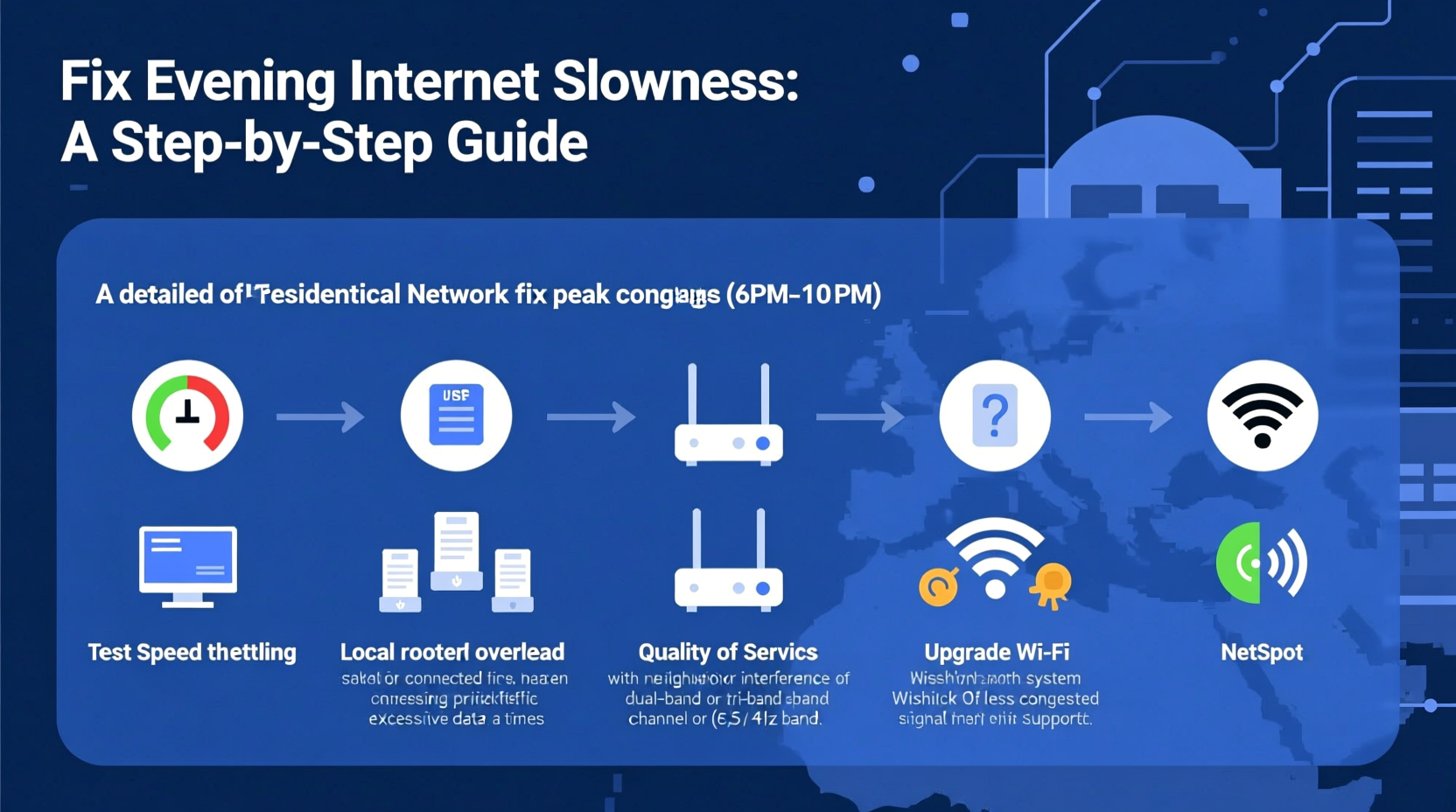
Internet service providers (ISPs) allocate bandwidth across neighborhoods using shared infrastructure. Most residential plans use a “best-effort” model, meaning you’re guaranteed access—but not consistent speed. During off-peak hours, such as mid-morning or early afternoon, fewer users are online, so your connection runs smoothly. But between 6 PM and 10 PM, when people are streaming Netflix, gaming, downloading files, and video chatting, demand spikes dramatically.
This surge overwhelms the capacity of local network nodes—especially in densely populated areas. Think of it like rush-hour traffic: more cars on the same roads mean slower travel times. Similarly, more data requests over the same cable or fiber lines result in latency, buffering, and dropped connections.
“Peak congestion isn’t a sign of poor individual service—it’s a systemic issue rooted in shared network design.” — Dr. Lena Patel, Network Infrastructure Analyst at Broadband Insights Group
ISPs often oversubscribe their networks, selling more bandwidth than physically available, banking on the fact that not everyone uses full capacity simultaneously. But evenings break that assumption. When too many users max out their connections at once, even high-speed plans suffer.
How to Diagnose Evening Slowdowns
Before applying fixes, confirm that peak congestion—not hardware failure or misconfiguration—is the real cause. Follow these diagnostic steps:
- Test speeds at different times: Use tools like Speedtest.net or Fast.com to measure download, upload, and ping at 10 AM, 3 PM, and 8 PM. Compare results over three to five days.
- Check device load: Rule out local issues. Are multiple devices streaming or downloading? Close background apps and retest.
- Restart your router: A reboot can clear temporary glitches. If speeds improve briefly but degrade again by evening, congestion is likely.
- Bypass Wi-Fi: Connect via Ethernet. If wired performance remains poor during peak hours, the issue is external (ISP-related), not your wireless setup.
- Contact your ISP: Ask if there are known outages or node-level congestion in your area.
Proven Strategies to Combat Evening Congestion
You can't control how many neighbors are online, but you can optimize your home network to minimize the impact of peak congestion.
1. Upgrade Your Internet Plan
If you're on a lower-tier plan (e.g., 50–100 Mbps), consider upgrading to 200 Mbps or higher. Higher-tier plans often receive priority handling during congestion, especially with tiered ISPs. Fiber-optic services typically handle peak loads better than cable due to greater per-node capacity.
2. Use Quality of Service (QoS) Settings
Most modern routers allow QoS configuration—a feature that prioritizes certain types of traffic. For example, you can prioritize video conferencing or gaming over background downloads. Access your router’s admin panel (usually via 192.168.1.1), navigate to QoS settings, and assign higher priority to critical devices or applications.
3. Switch to a Less Crowded Wi-Fi Channel
In dense housing areas, neighboring Wi-Fi networks interfere with yours. Use a tool like Wi-Fi Analyzer (Android) or NetSpot (Windows/Mac) to identify which 2.4 GHz or 5 GHz channels are least congested. Manually set your router to one of those channels for improved throughput.
4. Limit Bandwidth-Hungry Devices
Automated backups, cloud syncs, and software updates can consume bandwidth unnoticed. Schedule large downloads and updates for off-peak hours (e.g., overnight). On Windows, use Delivery Optimization settings; on macOS, adjust App Store preferences. For smart TVs and game consoles, disable automatic updates or set them to prompt before downloading.
5. Deploy a Dual-Band or Tri-Band Mesh System
Older single-band routers struggle under heavy loads. Upgrading to a dual-band (2.4 GHz + 5 GHz) or tri-band system distributes traffic more efficiently. Mesh networks like Google Nest Wi-Fi or Eero provide broader coverage and smarter load balancing, reducing dead zones and interference.
6. Consider a Wired Connection Where Possible
Ethernet delivers more stable and faster speeds than Wi-Fi, especially during congestion. Connect critical devices—gaming consoles, work laptops, streaming boxes—via cable. This reduces strain on your wireless network and ensures priority performance.
When to Contact Your ISP: Negotiation Tactics
If diagnostics confirm ISP-level congestion, contact customer support with evidence. Calmly present your speed test logs showing significant degradation during peak hours. Request a network upgrade or node rebalancing in your area.
You may also leverage competition to negotiate better service:
- Mention rival providers offering fiber or fixed wireless in your neighborhood.
- Ask about business-class plans, which often have better contention ratios.
- Request a temporary speed boost or promotional upgrade.
Many ISPs offer retention deals to prevent churn. One user in Austin, Texas, reported resolving chronic evening lag after presenting week-long speed logs—his provider upgraded his neighborhood’s node within two weeks and offered six months of free premium service.
“Data speaks louder than complaints. Document your slowdowns, and ISPs are far more likely to act.” — Mark Tran, Customer Advocacy Lead at NetRights Watch
Mini Case Study: The Johnson Family’s Streaming Struggles
The Johnsons in suburban Chicago paid for a 100 Mbps cable plan but found their Netflix streams constantly buffering after 7 PM. Their kids couldn’t finish homework videos, and Zoom calls froze during evening meetings.
After testing speeds at various times, they discovered average download speeds dropped from 98 Mbps at noon to 18 Mbps at 8 PM. They tried rebooting the router and closing unused devices, but the problem persisted.
They contacted their ISP with documented evidence. While waiting for a response, they implemented changes: enabling QoS to prioritize the home office laptop, switching their router to a less crowded 5 GHz channel, and scheduling all Xbox updates for 2 AM.
Within a week, streaming stability improved by 70%. Two weeks later, the ISP confirmed a node upgrade in their sector. Evening speeds now average 65 Mbps—still below full capacity but usable for all household needs.
Actionable Checklist: Fix Evening Internet Slowdowns
- ✅ Run speed tests at multiple times over 3–5 days
- ✅ Restart your modem and router weekly
- ✅ Update router firmware to the latest version
- ✅ Enable QoS and prioritize essential devices
- ✅ Switch to a less congested Wi-Fi channel
- ✅ Schedule large downloads and updates for off-peak hours
- ✅ Connect high-priority devices via Ethernet
- ✅ Contact your ISP with speed data and request support
- ✅ Explore alternative providers or higher-tier plans
- ✅ Consider upgrading to a mesh Wi-Fi system
Do’s and Don’ts During Peak Hours
| Do | Don’t |
|---|---|
| Use wired connections for critical tasks | Run 4K video streams on multiple devices simultaneously |
| Enable QoS to prioritize work or school traffic | Leave cloud backups running during dinner time |
| Schedule automatic updates for late night | Assume the problem is your router without testing |
| Contact ISP with documented speed data | Yell at customer service without evidence |
| Switch to 5 GHz Wi-Fi for less interference | Ignore firmware updates for your networking gear |
Frequently Asked Questions
Can my router cause evening slowdowns?
Yes, but usually indirectly. An outdated or overheating router may struggle to manage increased traffic during peak hours. However, if wired speeds are also slow, the issue lies with your ISP or local network congestion, not the router itself.
Does using a VPN make evening internet slower?
Generally, yes. A VPN adds encryption overhead and reroutes traffic through remote servers, which can increase latency and reduce throughput—especially during already-congested periods. Use a lightweight protocol like WireGuard and choose nearby server locations to minimize impact.
Will switching to fiber solve peak-time slowdowns?
Fiber-to-the-home (FTTH) services are far less prone to peak congestion because they offer dedicated bandwidth and higher overall capacity compared to traditional cable. If available, fiber is one of the most effective long-term solutions to evening slowdowns.
Final Steps: Take Control of Your Connection
Evening internet slowdowns are a widespread but solvable issue. While you can't stop your neighbors from streaming, you can take meaningful steps to protect your bandwidth and improve your experience. Start with diagnosis, apply technical optimizations, and don’t hesitate to advocate with your provider.
Small changes—like scheduling updates, using Ethernet, or adjusting Wi-Fi channels—can yield noticeable improvements. In cases of persistent congestion, upgrading your plan or switching to fiber may be worth the investment.




 浙公网安备
33010002000092号
浙公网安备
33010002000092号 浙B2-20120091-4
Comments
No comments yet. Why don't you start the discussion?