
If your video calls freeze, pages take forever to load, or downloads crawl, you're not alone. Millions of users experience frustratingly slow internet despite paying for high-speed plans. The issue often isn’t just your service provider—it could be a mix of network congestion, outdated hardware, poor router placement, or even unnoticed background activity on your devices. Understanding the root causes is the first step toward restoring smooth, reliable performance.
Common Causes of Slow Internet Speed
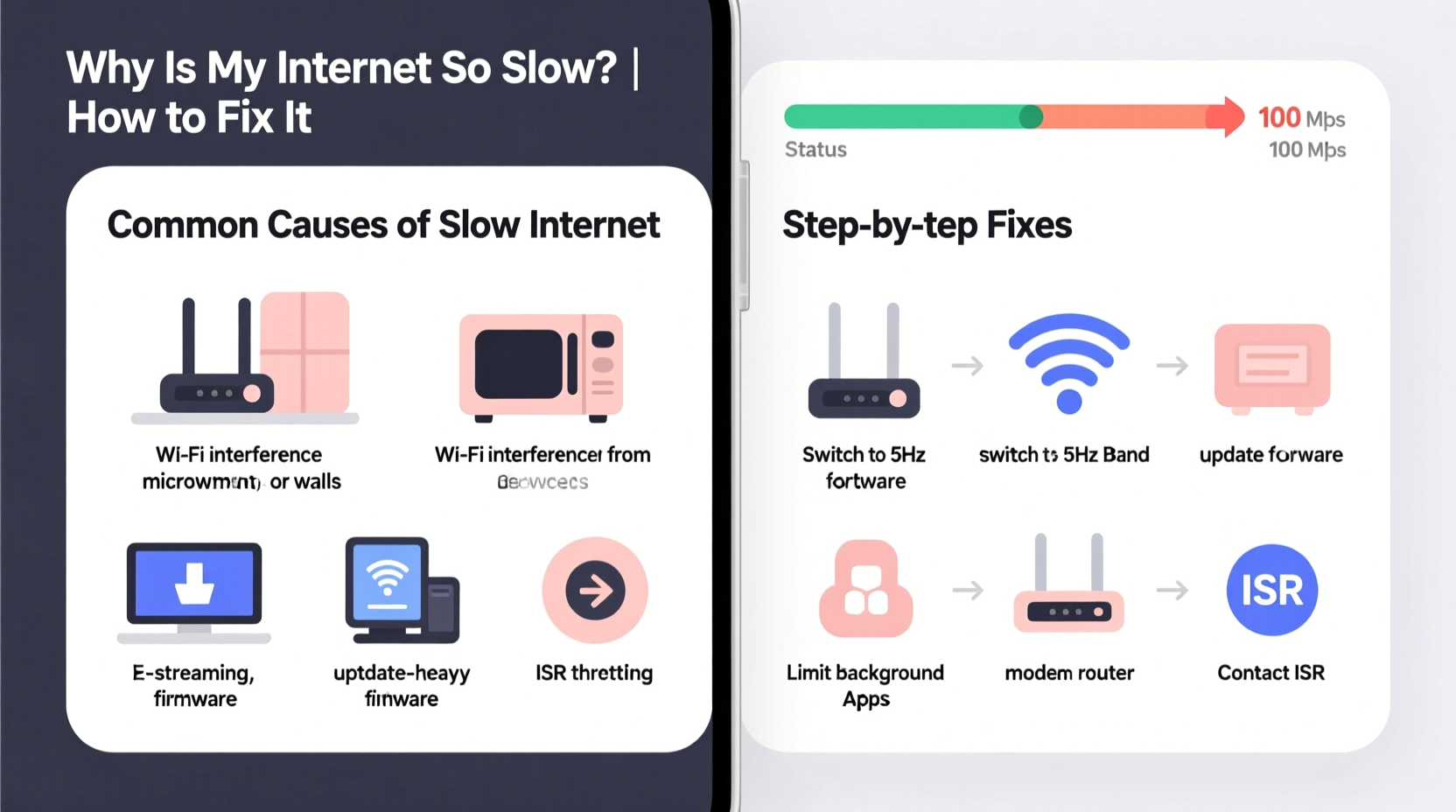
Before jumping into fixes, it's essential to identify what’s dragging down your connection. Several factors—some obvious, others subtle—can degrade your internet speed.
- Network Congestion: Too many devices using the same network simultaneously can overload bandwidth, especially during peak hours (7–10 PM).
- Outdated Router or Modem: Older hardware may not support modern Wi-Fi standards like Wi-Fi 5 (802.11ac) or Wi-Fi 6 (802.11ax), limiting maximum speeds.
- Poor Router Placement: Walls, metal objects, and distance from devices weaken signal strength, reducing effective speed.
- Interference from Other Electronics: Microwaves, cordless phones, and Bluetooth devices operate on the 2.4 GHz band and can disrupt Wi-Fi signals.
- Malware or Background Processes: Infected devices or automatic updates consuming bandwidth in the background.
- ISP Throttling: Some providers intentionally slow your connection during high-bandwidth activities like streaming or gaming.
- Plan Limitations: You might simply be on a low-tier plan that doesn’t meet your household’s demands.
How to Diagnose Your Internet Speed Issues
Start with a baseline measurement. Use a reputable speed test tool like Fast.com (by Netflix) or Speedtest.net by Ookla. Run tests at different times of day and on various devices to spot patterns.
- Connect your computer directly to the modem/router via Ethernet cable for the most accurate results.
- Close all unnecessary apps and background downloads.
- Run the test three times and calculate the average download, upload, and ping values.
- Compare results to the speeds promised in your internet plan.
If wired speeds are close to expected but Wi-Fi is slow, the issue is likely local network-related. If both are slow, contact your ISP.
Step-by-Step Guide to Fixing Slow Internet
Follow this structured approach to systematically eliminate common causes of slow internet.
- Restart Your Equipment: Power cycle your modem and router. Unplug both for 30 seconds, then plug in the modem first, wait two minutes, then power on the router.
- Check for Network Overload: Log into your router’s admin panel (usually via 192.168.1.1 or 192.168.0.1) and review connected devices. Disconnect unknown or inactive ones.
- Update Firmware: Visit your router manufacturer’s website to check for firmware updates. Outdated software can cause instability and security risks.
- Switch Wi-Fi Bands: If your router supports dual-band (2.4 GHz and 5 GHz), connect high-bandwidth devices (laptops, smart TVs) to the 5 GHz band for faster speeds and less interference.
- Optimize Router Placement: Place your router centrally, elevated, and away from thick walls, mirrors, or large metal objects. Avoid placing it near microwaves or refrigerators.
- Limit Bandwidth-Hogging Applications: Pause cloud backups, torrent clients, or automatic OS updates during critical usage periods.
- Scan for Malware: Run full system scans on all devices using trusted antivirus software like Bitdefender or Malwarebytes.
- Contact Your ISP: If none of the above helps, call your provider. Request a line test and inquire about possible throttling or service outages in your area.
| Symptom | Possible Cause | Solution |
|---|---|---|
| Slow only on Wi-Fi | Signal interference or weak coverage | Reposition router or use Wi-Fi extender |
| Slow on all devices | ISP throttling or network congestion | Test wired speed; contact ISP |
| Intermittent drops | Outdated firmware or overheating router | Update firmware; ensure ventilation |
| Fast download, high ping | Network latency issues | Use wired connection; reduce connected devices |
Real Example: A Family’s Streaming Struggles
The Thompson family in suburban Chicago paid for a 200 Mbps internet plan but constantly faced buffering during evening streaming sessions. After testing, they found their actual speeds were below 30 Mbps on Wi-Fi. Investigation revealed their router was five years old and placed in a basement closet. They upgraded to a Wi-Fi 6 mesh system and placed nodes on each floor. Speeds improved to over 180 Mbps throughout the house, and streaming became seamless—even with four devices active.
This case illustrates how hardware limitations and poor placement can severely impact performance, even with a decent plan.
Expert Insight on Modern Connectivity
“Most people assume slow internet is an ISP problem, but over 60% of cases stem from internal network issues—especially outdated routers and suboptimal placement.” — Dr. Alan Reyes, Senior Network Engineer at Broadband Insights Group
Dr. Reyes emphasizes that consumers often overlook the lifespan of networking equipment. “Routers, like computers, degrade over time. Replacing them every 3–5 years is a smart investment in consistent performance.”
Essential Tips for Long-Term Internet Health
- Use Quality of Service (QoS) settings on your router to prioritize traffic for video calls or gaming.
- Set up a guest network to prevent visitors from slowing down your main connection.
- Consider upgrading to fiber-optic service if available—it offers lower latency and more consistent speeds than cable.
- Use wired connections for stationary devices like desktop PCs and smart TVs to free up Wi-Fi bandwidth.
Frequently Asked Questions
Why is my internet slow only at certain times of day?
This is typically due to network congestion. During peak hours, your neighborhood shares the same infrastructure. If many users are online, bandwidth becomes limited. This is common with cable internet. Switching to fiber or upgrading your plan can help.
Can too many devices slow down my internet?
Yes. While modern routers handle multiple devices, simultaneous high-bandwidth activities (like 4K streaming or gaming) can exhaust your available bandwidth. A mesh network or router with MU-MIMO technology can better manage multiple connections.
Does my phone affect my home internet speed?
Not directly—but if your phone is connected to Wi-Fi and downloading updates, syncing photos, or streaming, it consumes bandwidth. Also, older phones with weak Wi-Fi adapters can drag down network efficiency.
Final Checklist: Restore Your Internet Speed
- ✅ Perform a wired speed test to establish a baseline.
- ✅ Restart modem and router.
- ✅ Update router firmware.
- ✅ Reposition router for optimal coverage.
- ✅ Switch devices to 5 GHz band where possible.
- ✅ Disconnect unused devices from the network.
- ✅ Scan all devices for malware.
- ✅ Contact ISP if speeds remain below 80% of advertised rate.
Take Control of Your Connection Today
Slow internet doesn’t have to be a daily frustration. With a methodical approach, most speed issues can be diagnosed and resolved without costly upgrades. Start with simple steps like restarting your router and testing your connection, then move to deeper optimizations like repositioning hardware or updating firmware. In many cases, small changes yield dramatic improvements. Don’t settle for buffering and lag—your internet should work as hard as you do.




 浙公网安备
33010002000092号
浙公网安备
33010002000092号 浙B2-20120091-4
Comments
No comments yet. Why don't you start the discussion?