
A foggy or blurry phone camera can be incredibly frustrating, especially when you're trying to capture a special moment or document something important. It’s easy to assume the issue lies with the phone’s hardware or software, but more often than not, the culprit is something far simpler: a dirty or smudged lens. Over time, fingerprints, dust, oil, moisture, and even microscopic debris accumulate on the surface, degrading image quality. Understanding the root causes and knowing how to clean the lens safely and effectively can restore clarity and extend the life of your device.
Common Causes of a Foggy Phone Camera
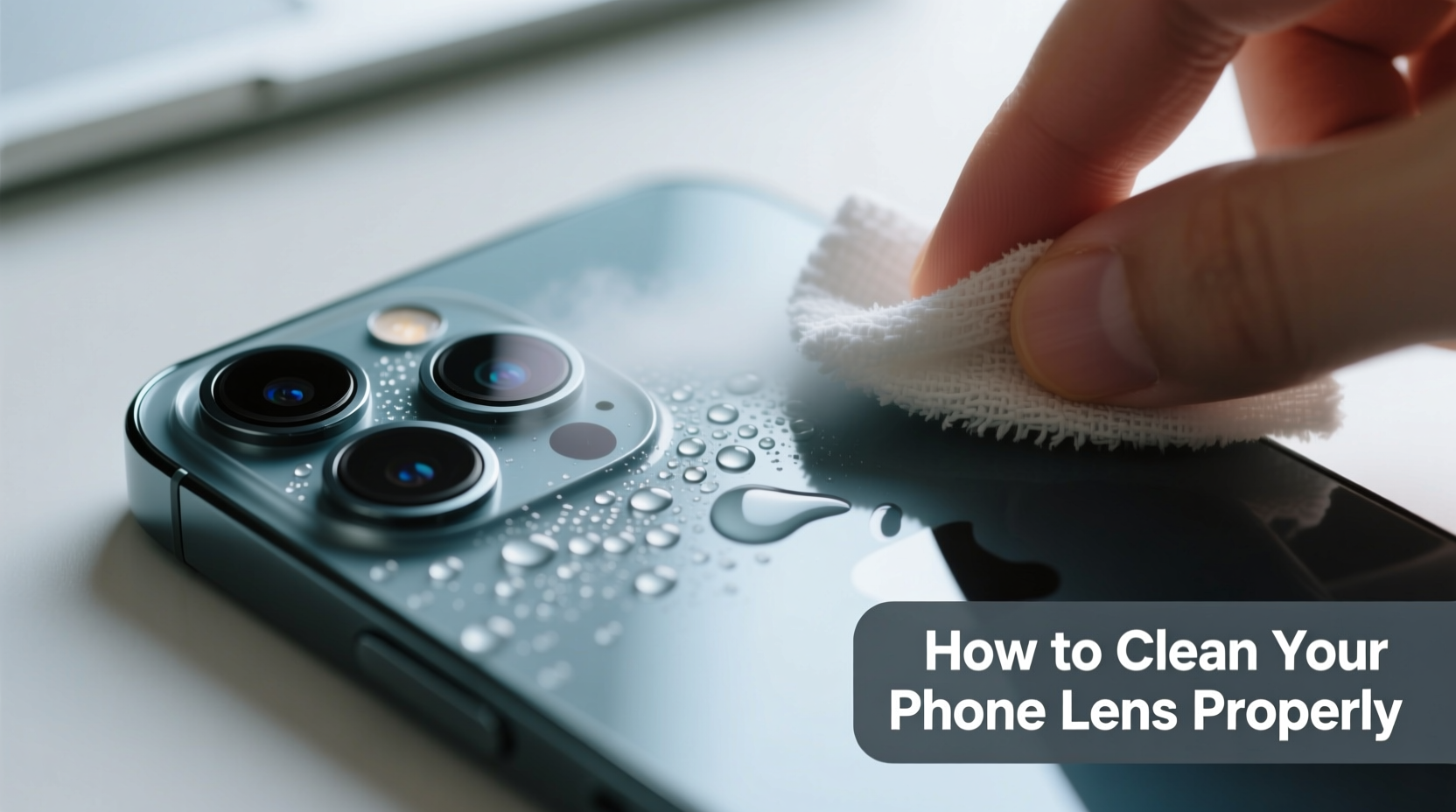
The term “foggy” can refer to several visual issues—blurriness, haze, spots, or a milky appearance in photos. While internal condensation or hardware failure are possible, most cases stem from external contamination or environmental exposure.
- Fingerprints and skin oils: The most common cause. Touching the back of your phone transfers natural oils that coat the lens.
- Dust and lint: Accumulates in pockets, bags, or surfaces where phones are placed face-down.
- Moisture or condensation: Sudden temperature changes (e.g., moving from cold outdoors to warm indoors) can cause tiny droplets to form on or inside the lens housing.
- Scratches on protective coating: Micro-scratches scatter light, creating a hazy effect, especially in bright conditions.
- Dirty screen affecting perception: Sometimes the display over the viewfinder is smudged, making it seem like the camera is foggy when it's actually the screen.
- Internal lens contamination: Rare, but possible if the phone has been exposed to water or opened improperly.
How to Clean Your Phone Camera Lens Properly: A Step-by-Step Guide
Cleaning your phone camera isn’t just about wiping it with your shirt sleeve. Improper methods can scratch the lens or push grime deeper into crevices. Follow this safe, effective routine:
- Power off your phone (optional): While not required, turning off the device reduces the risk of accidental touches during cleaning.
- Remove loose debris: Use a soft-bristled brush or a can of compressed air to gently blow away dust, sand, or lint. Hold the can upright and use short bursts to avoid moisture discharge.
- Breathe on the lens lightly: Just as you would with eyeglasses, exhale softly to create a thin layer of moisture. This helps lift oils without abrasive rubbing.
- Use a microfiber cloth: Gently wipe the lens in a circular motion. Never use paper towels, tissues, or clothing—these materials can scratch the anti-reflective coating.
- Tackle stubborn smudges (if needed): Dampen a corner of the microfiber cloth with a drop of distilled water or a 50/50 mix of distilled water and isopropyl alcohol (70% or less). Wipe gently, then dry immediately with a dry section of the cloth.
- Inspect under light: Hold the phone at an angle under a bright light to check for remaining streaks or residue.
- Clean the flash and surrounding area: Nearby components can reflect glare if dirty, affecting photo clarity.
“Many users unknowingly degrade their camera quality by using abrasive cloths or household cleaners. The anti-reflective coatings on modern smartphone lenses are delicate and require gentle care.” — Dr. Alan Zhou, Optical Engineer at Mobile Imaging Labs
Do’s and Don’ts: What to Avoid When Cleaning Your Lens
Mistakes during cleaning can do more harm than good. Refer to this table to ensure you’re protecting your device while restoring clarity.
| Do’s | Don’ts |
|---|---|
| Use a clean microfiber cloth | Use paper towels, napkins, or rough fabrics |
| Blow away debris before wiping | Rub aggressively without removing particles first |
| Dampen cloth slightly with distilled water or lens-safe solution | Spray liquid directly onto the phone |
| Clean regularly as part of phone maintenance | Ignore buildup until images are severely affected |
| Check both front and rear lenses | Use window cleaner, acetone, or bleach-based wipes |
When Cleaning Isn’t Enough: Diagnosing Persistent Fog
If your lens remains foggy after thorough cleaning, the issue may go beyond surface dirt. Consider these possibilities:
- Internal condensation: If moisture has entered the lens module (from humidity, rain, or submersion), it may require professional drying or repair. Signs include persistent fog that doesn’t wipe away and appears between lens layers.
- Scratched or degraded coating: Anti-reflective coatings wear over time. Deep scratches cannot be polished out and may necessitate lens replacement.
- Software glitches: Occasionally, autofocus errors or app bugs mimic blurriness. Test with different camera apps or restart the phone.
- Obstructed lens cover: Some phones have a protective glass layer over multiple lenses. If cracked or misaligned, it can distort images.
In such cases, consult an authorized service center. Attempting DIY disassembly risks voiding warranties and causing further damage.
Real-World Example: Sarah’s Beach Trip Photos
Sarah noticed her vacation photos looked consistently hazy, especially in sunlight. She assumed her new phone was defective and considered returning it. After reading about lens maintenance, she inspected the rear camera closely and found a thin film of saltwater residue combined with sand particles lodged around the lens ring. Using a soft brush and a dampened microfiber cloth, she cleaned the area carefully. The next day, her photos were sharp and vibrant. The issue wasn’t the hardware—it was environmental exposure compounded by improper cleaning habits.
Preventative Maintenance Checklist
Keep your phone camera clear with regular, proactive care. Follow this checklist weekly or biweekly:
- ✅ Inspect all camera lenses for visible smudges or debris
- ✅ Blow away dust with compressed air or a brush
- ✅ Wipe lenses gently with a dry microfiber cloth
- ✅ Check if the flash or sensor window is dirty
- ✅ Avoid placing phone face-down on surfaces
- ✅ Use a case with a raised bezel to protect the camera bump
- ✅ Store phone in a clean, dry environment
Frequently Asked Questions
Can I use alcohol wipes to clean my phone camera?
You can, but with caution. Avoid pre-moistened alcohol wipes, which may contain additives or excessive moisture. Instead, apply a small amount of 70% isopropyl alcohol to a microfiber cloth and wipe gently. Never spray or pour liquid directly onto the phone.
Why does my camera look foggy only in certain lighting?
This often indicates a smudge or scratch that scatters light. In bright conditions—especially backlighting—the imperfection becomes more visible. Clean the lens thoroughly and inspect at different angles under a flashlight.
Is it safe to use lens cleaning solutions meant for glasses?
Most optical cleaning sprays are safe if used correctly. However, always spray the cloth, not the lens, and ensure the solution doesn’t contain ammonia or abrasives. When in doubt, stick to distilled water or manufacturer-recommended products.
Final Thoughts: Clarity Starts with Care
Your phone’s camera is one of its most valuable features, yet it’s often the most neglected. A few seconds of proper cleaning can transform blurry, lackluster images into crisp, share-worthy photos. The key is consistency and using the right tools—nothing more. Avoid harsh chemicals, abrasive materials, and rushed wiping. Treat your camera lens with the same care you’d give to prescription glasses or a high-end camera.
Technology evolves rapidly, but basic maintenance remains timeless. Whether you're documenting everyday moments or capturing once-in-a-lifetime experiences, a clean lens ensures your memories stay sharp. Make lens care a habit, not a last resort.




 浙公网安备
33010002000092号
浙公网安备
33010002000092号 浙B2-20120091-4
Comments
No comments yet. Why don't you start the discussion?