
If you’ve recently upgraded to a 5G-capable smartphone or toggled on 5G in your settings, only to find that the connection isn’t as fast—or even active—as expected, you’re not alone. Despite aggressive marketing and widespread rollout claims, real-world 5G performance varies significantly based on location, carrier, device model, and network type. Understanding why your phone isn’t connecting to 5G—and whether turning it on offers tangible benefits—can save you frustration, battery life, and unnecessary data usage.
Understanding the Different Types of 5G
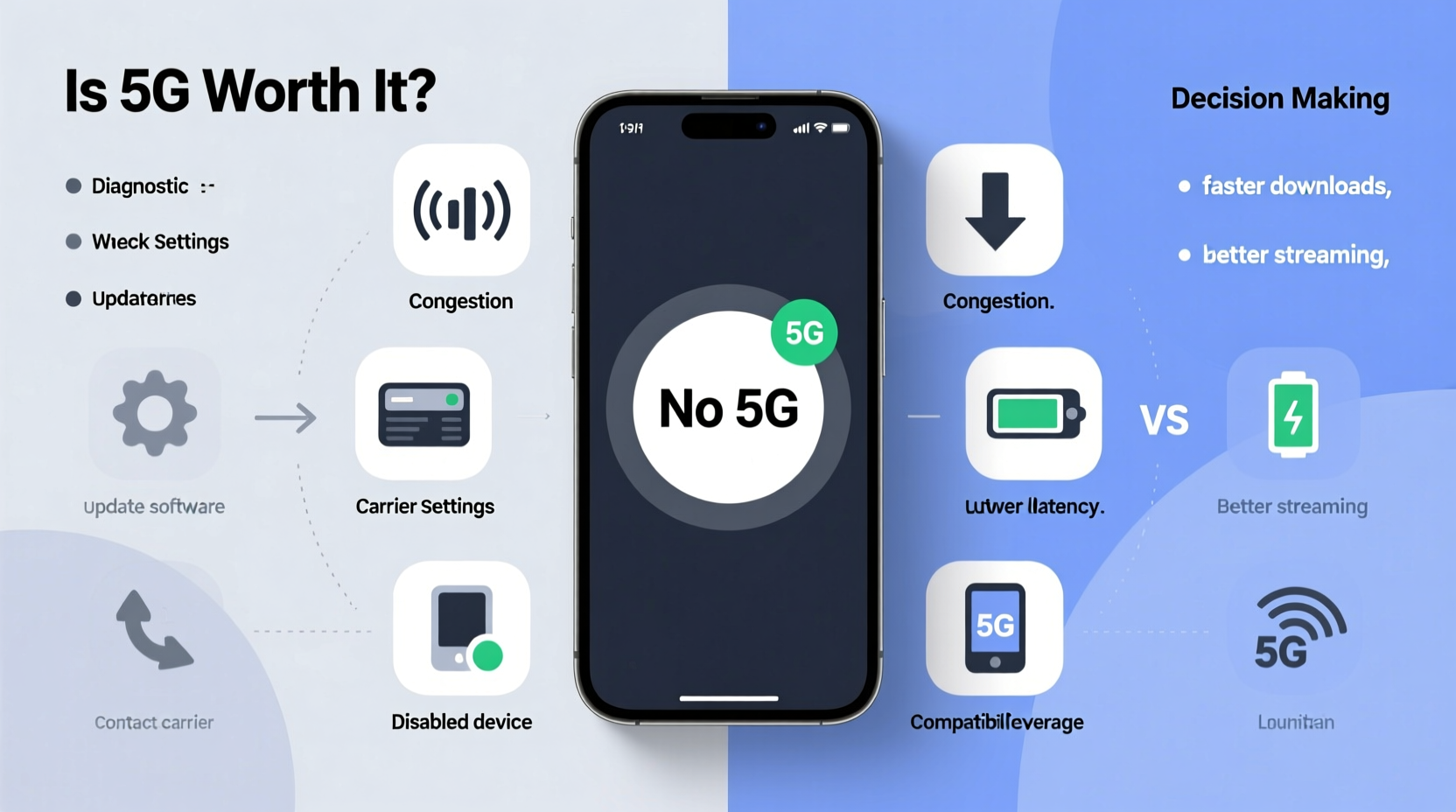
Not all 5G is created equal. The performance and availability of 5G depend heavily on which spectrum band your carrier uses. There are three primary types:
- Low-band 5G: Offers wide coverage but speeds only slightly faster than 4G LTE (typically 50–150 Mbps). It’s reliable and penetrates buildings well but doesn’t deliver the \"revolutionary\" speed boost many expect.
- Mid-band 5G: Balances speed and coverage, delivering 100–900 Mbps. This is often marketed as “True 5G” or “Ultra Capacity” by carriers like Verizon and T-Mobile. It's where most meaningful improvements occur.
- High-band mmWave 5G: Delivers gigabit-level speeds (1+ Gbps) but has extremely limited range and poor penetration through walls or windows. Available only in dense urban areas, stadiums, or specific hotspots.
Your phone may show a 5G icon, but if it’s connected to low-band, the experience will feel nearly identical to LTE. Conversely, mmWave connections are rare and often unstable unless you're standing in just the right spot.
“Most consumers think they’re getting lightning-fast speeds with 5G, but unless they’re on mid- or high-band networks, the upgrade is marginal at best.” — Dr. Lena Patel, Wireless Network Analyst at TechSignal Research
Common Reasons Your Phone Isn’t Connecting to 5G
Several factors can prevent your device from accessing 5G, even if you're in an area with coverage. Here’s what to check:
1. Carrier Coverage Limitations
Despite national rollout maps, actual 5G availability is spotty. Carriers often exaggerate coverage using low-band signals labeled as “5G,” while true high-performance service remains concentrated in major cities. For example, rural users on AT&T or Verizon may see a 5G icon but remain on sub-6 GHz bands with minimal speed gains.
2. Device Compatibility Issues
Not every “5G-ready” phone supports all frequency bands. Older 5G models (e.g., early 2020 flagships) may lack support for mid-band C-band or mmWave. Check your phone’s technical specs online—search for terms like “n77,” “n78,” or “n260” to confirm band compatibility.
3. Network Settings Misconfiguration
Sometimes, your phone defaults to LTE-only mode after updates or travel. On iOS, go to Settings > Cellular > Cellular Data Options > Voice & Data and ensure “5G Auto” or “5G On” is selected. On Android, navigate to Settings > Network & Internet > Mobile Network > Preferred Network Type and choose “5G” or “5G/4G/LTE”.
4. SIM Card Limitations
Older SIM cards may not support 5G authentication protocols. If you’ve had the same SIM for years, contact your carrier for a replacement—especially after upgrading to a new 5G phone.
5. Weak Signal or Obstruction
mmWave signals degrade rapidly over distance and are blocked by glass, walls, and even heavy rain. Even mid-band frequencies struggle in basements or steel-reinforced buildings. Move near a window or outdoors to test connectivity.
Step-by-Step Guide to Troubleshooting 5G Connectivity
Follow this logical sequence to diagnose and resolve 5G issues:
- Verify 5G eligibility: Confirm your phone model and carrier plan support 5G. Some budget phones have 5G hardware disabled via software.
- Check network selection: Ensure your phone isn’t set to “LTE Only” or “3G Mode.” Change to “5G Auto” or “5G Preferred.”
- Restart your device: A soft reboot clears temporary glitches affecting radio modules.
- Update carrier settings: On iPhone, go to Settings > General > About. On Android, check for updates under System Updates or within the carrier app.
- Test in different locations: Walk outside or to a higher floor. If 5G appears elsewhere, signal obstruction is likely the issue.
- Contact your carrier: Report persistent issues. They can verify account provisioning and push remote fixes.
Is Enabling 5G Worth It? A Practical Evaluation
The decision to keep 5G enabled should balance performance gains against real drawbacks. Consider these factors before making a permanent choice.
Battery Life Impact
5G radios consume significantly more power than LTE, especially when searching for a signal. A 2023 study by Battery University found that continuous 5G use reduced smartphone battery life by 15–30% compared to LTE-only operation. Phones without advanced modem efficiency (like older Snapdragon 865 devices) suffer the most.
Data Consumption
Faster speeds encourage higher data usage. Streaming HD video, downloading large files, or cloud gaming becomes easier—but can quickly exhaust monthly allowances. Users on limited plans may hit throttling thresholds sooner.
Real-World Speed Gains
In ideal conditions (mid-band or mmWave), 5G can offer 3–10x faster download speeds than LTE. However, average U.S. 5G speeds were just 168 Mbps in Q2 2023 (OpenSignal), barely double the LTE average of 87 Mbps. Unless you frequently transfer large files or rely on low-latency applications, the difference may not justify the trade-offs.
| Factor | LTE | Low-Band 5G | Mid-Band 5G | mmWave 5G |
|---|---|---|---|---|
| Avg. Download Speed | 87 Mbps | 120 Mbps | 300 Mbps | 1,000+ Mbps |
| Latency | 40–50 ms | 30–40 ms | 20–30 ms | 5–10 ms |
| Battery Impact | Baseline | +15% | +25% | +40% |
| Availability | Nationwide | Widespread | Urban Areas | Very Limited |
When 5G Is Truly Beneficial
- Remote work with cloud apps: Faster upload speeds help with video conferencing and file syncing.
- Gaming on mobile: Lower latency improves responsiveness in online multiplayer games.
- Smartphone hotspotting: Turning your phone into a Wi-Fi hub benefits greatly from 5G speeds.
- AR/VR applications: Emerging apps require high bandwidth and minimal lag.
Mini Case Study: Sarah’s 5G Experience in Austin, Texas
Sarah, a freelance videographer in Austin, upgraded her iPhone 15 Pro to leverage 5G for faster uploads to client servers. Initially excited, she noticed her battery drained by 60% during a full day of shooting—despite carrying a portable charger. After testing, she discovered her home and studio showed only low-band 5G, offering no real speed advantage over LTE. However, when working downtown near the convention center, her phone connected to T-Mobile’s mid-band network, achieving 450 Mbps downloads. She now uses a dual strategy: 5G enabled only when on-site in high-speed zones, and LTE otherwise. Her battery lasts longer, and she only consumes extra data when it actually benefits her workflow.
Checklist: Optimize Your 5G Usage
Use this checklist to make informed decisions about 5G on your device:
- ✅ Confirm your phone and plan support 5G
- ✅ Verify your location has mid- or high-band coverage
- ✅ Update carrier settings and OS firmware
- ✅ Test speeds with tools like Ookla Speedtest or Carrier Benchmark
- ✅ Monitor battery drain after enabling 5G for 24 hours
- ✅ Switch to “5G Auto” or “LTE” mode if battery suffers
- ✅ Reserve 5G for high-demand tasks (uploading, streaming, tethering)
Frequently Asked Questions
Why does my phone show 5G but perform like 4G?
This usually means you're connected to low-band 5G, which offers only modest improvements over LTE. True speed gains require mid-band or mmWave, which may not be available in your area.
Does keeping 5G on slow down my internet if no signal is available?
Yes. When 5G is enabled but out of range, your phone continuously searches for a signal, increasing power consumption and potentially causing brief network drops. In weak-signal areas, switching to LTE can improve stability.
Can I manually switch between 5G and LTE?
Yes. Most smartphones allow manual network selection. On iPhone, use “LTE” or “5G Off” in Cellular settings. On Android, select “Preferred Network Type” and choose “LTE/GSM/WCDMA.”
Conclusion: Make 5G Work for You, Not Against You
5G technology holds promise, but its current real-world value depends on your location, usage patterns, and device capabilities. Blindly enabling 5G across the board can cost you battery life and data without meaningful returns. Instead, adopt a strategic approach: test connectivity in your key locations, understand your carrier’s network tiers, and reserve 5G for moments when speed truly matters. By treating 5G as a situational tool rather than a default setting, you gain control over performance, longevity, and efficiency.




 浙公网安备
33010002000092号
浙公网安备
33010002000092号 浙B2-20120091-4
Comments
No comments yet. Why don't you start the discussion?