
Phone overheating during charging is a common issue that affects users across brands and models. While occasional warmth is normal, excessive heat can signal deeper problems—ranging from poor-quality accessories to internal hardware strain. Left unchecked, persistent overheating may degrade battery health, slow performance, or even pose safety risks. Understanding the root causes and knowing how to respond empowers you to protect your device and ensure it lasts longer.
Why Phones Heat Up During Charging: The Science Behind It
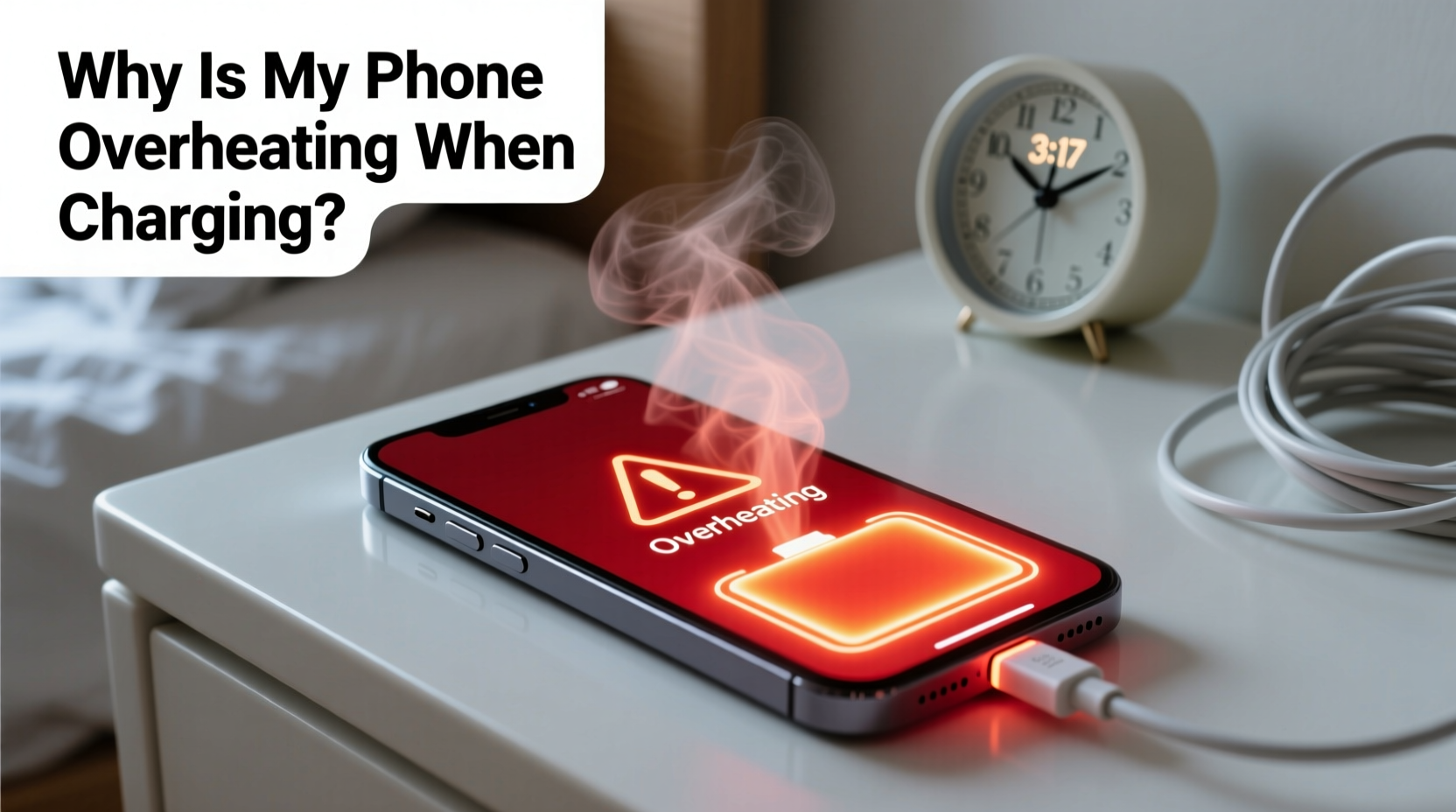
When a phone charges, electrical energy flows into the battery, triggering a chemical reaction that stores power. This process generates heat as a byproduct. Under ideal conditions, this heat remains minimal and dissipates quickly through the phone’s casing and internal thermal management systems. However, several factors can amplify heat production or hinder dissipation, leading to noticeable warming—or worse, overheating.
The primary contributors include:
- Inefficient power conversion: Chargers convert AC power from the wall to DC power for the battery. Lower-quality adapters perform this inefficiently, generating excess heat not just in the charger but also in the phone.
- Battery resistance: As lithium-ion batteries age, their internal resistance increases. This means more energy is lost as heat during charging, especially at higher speeds.
- Background processes: Running apps, syncing data, or receiving notifications while charging forces the processor to work harder, compounding thermal load.
- Ambient temperature: Charging in hot environments—like a car on a sunny day—reduces the phone’s ability to cool itself, raising internal temperatures.
“Any time you see sustained heat above 39°C (102°F) during charging, it’s a warning sign. Prolonged exposure to high temperatures accelerates battery degradation.” — Dr. Lena Patel, Battery Technology Researcher at MIT Energy Initiative
Common Causes of Excessive Heat During Charging
Not all heat is created equal. Some scenarios are preventable; others point to underlying issues. Here are the most frequent culprits behind an overheating phone while charging:
1. Using Non-OEM or Low-Quality Chargers
Third-party chargers, especially those without proper certification (like USB-IF or MFi for Apple), often lack voltage regulation and overcurrent protection. They may deliver inconsistent power, forcing the phone’s circuitry to compensate, which increases heat output.
2. Fast Charging Without Adequate Cooling
While fast charging is convenient, it pushes more current into the battery in less time. Without sufficient thermal design—such as vapor chambers or graphite cooling layers—the heat builds up faster than it can escape.
3. Charging While Using the Phone
Gaming, video streaming, or using GPS navigation while plugged in doubles the workload: the battery absorbs energy while simultaneously powering demanding tasks. This dual load creates significant thermal stress.
4. Poor Ventilation or Enclosed Spaces
Placing your phone under a pillow, on a bed, or inside a thick case traps heat. Without airflow, temperatures rise rapidly, sometimes triggering automatic shutdowns to prevent damage.
5. Software Glitches or Background Activity
Faulty apps, software bugs, or rogue background processes can keep the CPU active even when the screen is off. This hidden activity contributes to heating, especially if the phone is already charging.
Do’s and Don’ts When Your Phone Overheats While Charging
| Do’s | Don’ts |
|---|---|
| Use manufacturer-recommended or certified chargers and cables | Use damaged, frayed, or unbranded charging accessories |
| Charge in a cool, dry, well-ventilated area | Charge in direct sunlight or inside a hot car |
| Turn off the phone or enable Airplane Mode while charging | Play graphics-intensive games or stream HD video while charging |
| Update your phone’s OS and apps regularly | Ignore repeated overheating warnings or error messages |
| Remove protective cases during charging sessions | Wrap the phone in cloth or place it under cushions while charging |
Step-by-Step Guide to Prevent and Resolve Overheating
If your phone consistently overheats when charging, follow this systematic approach to identify and fix the issue:
- Stop charging immediately if the phone feels excessively hot. Unplug it and turn it off to allow cooling. Do not resume charging until it returns to room temperature.
- Inspect your charging setup. Replace any third-party, non-certified, or visibly damaged cables and adapters with original or reputable alternatives (e.g., Anker, Belkin, or OEM).
- Remove the phone case. Especially if it’s made of silicone, leather, or has insulating layers, take it off during charging to improve heat dissipation.
- Check ambient conditions. Avoid charging near heat sources, in direct sunlight, or in enclosed spaces like drawers or under blankets.
- Close unnecessary apps and disable background refresh. On iOS, go to Settings > General > Background App Refresh. On Android, go to Settings > Apps > Special Access > Background restriction.
- Enable Airplane Mode or turn off the phone while charging. This minimizes background activity and reduces processor load, significantly lowering heat generation.
- Monitor battery health. On iPhones, check Settings > Battery > Battery Health. On Android, use diagnostic apps like AccuBattery. If maximum capacity is below 80%, consider a battery replacement.
- Update your operating system. Manufacturers often release patches that optimize power management and thermal regulation.
- Test with a different power source. Try charging from a wall outlet instead of a laptop or power bank, as some USB ports deliver unstable voltage.
- Observe patterns. If overheating only happens with fast charging, consider switching to standard charging overnight to reduce thermal stress.
Real-World Example: How Sarah Fixed Her Overheating Phone
Sarah, a freelance photographer in Austin, noticed her iPhone 13 was shutting down unexpectedly during morning charges. The device felt too hot to hold, and the battery drained faster than usual. Initially, she assumed it was a hardware failure and considered buying a new phone.
Instead, she methodically tested each variable. She switched from a $7 Amazon charger to her original Apple adapter—no change. Then she removed her heavy-duty OtterBox case and charged the bare phone on a marble countertop. The temperature dropped noticeably. Further investigation revealed a recently updated photo-editing app was syncing hundreds of images in the background every time the phone charged.
By disabling automatic sync, removing the case during charging, and using the official charger, Sarah reduced peak charging temperature from 48°C (118°F) to 36°C (97°F). Her battery longevity improved, and the shutdowns stopped entirely—all without spending money on repairs.
Expert Tips to Maintain Long-Term Battery Health
Preventing overheating isn’t just about comfort—it’s about preserving your phone’s lifespan. Lithium-ion batteries degrade faster when exposed to sustained high temperatures. Keeping your device cool during charging slows this degradation.
Modern phones include battery optimization features. For example:
- iOS offers Optimized Battery Charging, which learns your routine and delays charging past 80% until you need it.
- Many Samsung and Google Pixel devices have Battery Protection modes that cap charging at 85% to extend cycle life.
Enable these settings. They may slightly inconvenience you in the short term but pay dividends in long-term battery performance.
FAQ: Common Questions About Phone Overheating While Charging
Is it dangerous if my phone gets hot while charging?
Mild warmth is normal, but if the phone is too hot to touch, shuts down, or displays a temperature warning, it’s unsafe. Persistent overheating can damage the battery, reduce lifespan, or in extreme cases, cause swelling or fire. Stop charging and investigate the cause immediately.
Can a software update cause my phone to overheat when charging?
Yes. Major OS updates can introduce bugs or force background indexing (e.g., photos, messages), increasing CPU usage. If overheating begins right after an update, check for a patch or reset settings. Clearing cache partitions (Android) or restarting the device may help.
Should I replace my phone if it keeps overheating?
Not necessarily. Overheating is often fixable with better chargers, updated software, or a battery replacement. Visit an authorized service center to test battery health and thermal sensors before deciding to upgrade.
Checklist: What to Do When Your Phone Overheats While Charging
- ✅ Unplug and power off the device immediately
- ✅ Let it cool down in a shaded, ventilated area
- ✅ Remove the case and any insulating materials
- ✅ Inspect charger and cable for damage or counterfeit labels
- ✅ Use only certified, OEM-compatible charging equipment
- ✅ Avoid using the phone during charging
- ✅ Enable Airplane Mode or turn off the phone while charging
- ✅ Update your operating system and apps
- ✅ Monitor battery health and consider replacement if degraded
- ✅ Contact support if the issue persists after troubleshooting
Conclusion: Take Control of Your Phone’s Temperature Today
Your phone’s temperature during charging is a vital indicator of its overall health. Ignoring consistent overheating risks permanent battery damage, reduced performance, and potential safety hazards. The good news is that most causes are preventable with simple, informed habits. From using quality chargers to managing background activity, each small action adds up to a cooler, more reliable device.
You don’t need technical expertise to make a difference. Start tonight: unplug, remove the case, switch to your original charger, and let your phone charge in peace. Observe the difference. Small changes today can extend your phone’s life by years. Share your experience or tips in the comments—your insight might help someone avoid a costly repair or premature upgrade.




 浙公网安备
33010002000092号
浙公网安备
33010002000092号 浙B2-20120091-4
Comments
No comments yet. Why don't you start the discussion?