
It’s a common scenario: you plug in your phone to charge, only to find it growing uncomfortably hot minutes later. While a slight warmth is normal during charging, excessive heat can signal deeper issues that affect performance, battery longevity, and even safety. Overheating doesn’t just shorten your device’s lifespan—it can also pose fire risks in extreme cases. Understanding the root causes and knowing how to respond can save you from costly repairs or replacements. This guide breaks down the science behind phone overheating, identifies key triggers, and provides actionable solutions backed by engineering principles and real-world experience.
Why Phones Generate Heat During Charging
When your phone charges, electrical energy converts into chemical energy stored in the battery. This process, known as lithium-ion intercalation, isn’t 100% efficient. A portion of the energy dissipates as heat due to internal resistance in the battery and circuitry. Fast charging technologies amplify this effect by pushing higher currents through the system, increasing thermal output. Modern smartphones manage this with built-in thermal regulation systems—heat sinks, sensors, and software throttling—but these safeguards can be overwhelmed under certain conditions.
The problem arises when heat accumulates faster than it can dissipate. Unlike laptops or desktops, phones lack active cooling (like fans), relying solely on passive conduction and radiation. When ambient temperatures are high or airflow is restricted, heat builds up rapidly. Prolonged exposure to elevated temperatures degrades lithium-ion batteries, reducing capacity and increasing internal resistance—a vicious cycle that worsens over time.
Common Causes of Phone Overheating During Charging
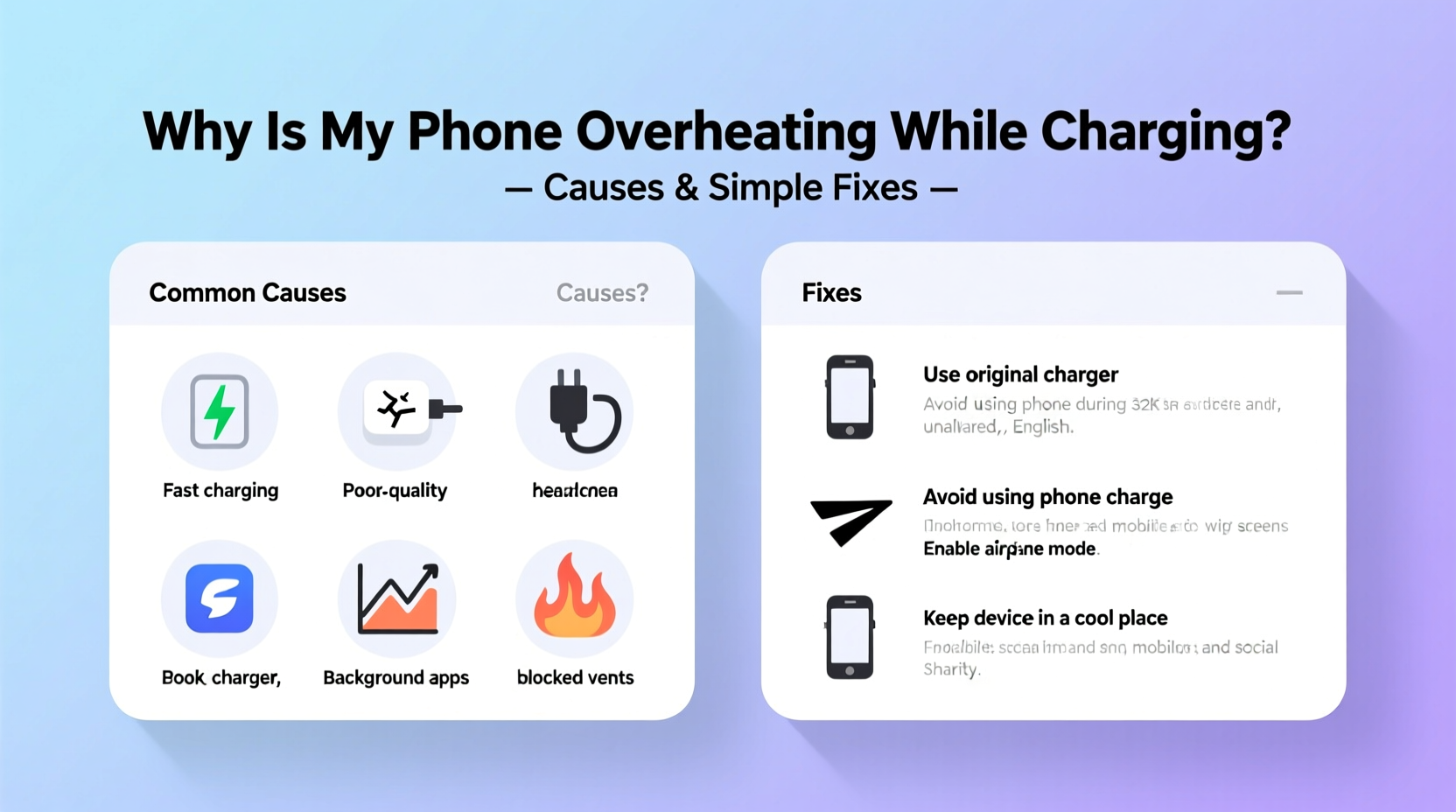
Not all overheating is caused by hardware failure. Many everyday habits contribute significantly to thermal stress. Below are the most frequent culprits:
- Poor-quality chargers and cables: Third-party accessories may not regulate voltage properly, leading to unstable current flow and excess heat.
- Using the phone while charging: Running apps, streaming video, or gaming increases processor load, compounding heat from both usage and charging.
- Charging in hot environments: Leaving your phone on a car dashboard or near a heater raises baseline temperature before charging even begins.
- Damaged battery or aging cells: As batteries degrade, internal resistance increases, making them more prone to heating.
- Background app activity: Apps syncing data, updating, or using location services generate heat even when the screen is off.
- Faulty charging ports: Dust, lint, or physical damage can create poor connections, increasing electrical resistance and localized heating.
“Thermal runaway in lithium-ion batteries starts around 60°C (140°F). Once triggered, it can lead to swelling, leakage, or combustion.” — Dr. Alan Zhou, Battery Safety Researcher at MIT Energy Initiative
Step-by-Step Guide to Diagnose and Fix Overheating
Follow this structured approach to identify and resolve the source of overheating. Each step targets a specific potential cause and includes verification methods.
- Unplug and cool down: If your phone feels hot, disconnect it immediately. Let it rest at room temperature for 30–60 minutes. Do not place it in a freezer—condensation can damage electronics.
- Inspect charger and cable: Use only manufacturer-approved or MFi-certified (for iPhones) accessories. Check for fraying, bent connectors, or loose fittings. Replace if damaged.
- Clean the charging port: Power off the device. Use a dry toothbrush or compressed air to remove debris. Avoid metal tools that could short the pins.
- Test without case: Remove any protective case, especially rubberized or thick ones that trap heat. Recharge bare and monitor temperature.
- Charge in a cool environment: Ensure the room is below 77°F (25°C). Avoid direct sunlight, radiators, or enclosed spaces like drawers.
- Disable intensive functions: Turn on Airplane Mode or Do Not Disturb to halt background syncs. Close unused apps and disable Bluetooth, GPS, and Wi-Fi if not needed.
- Monitor battery health: On iOS, go to Settings > Battery > Battery Health. On Android, dial
*#*#4636#*#*or use a trusted app like AccuBattery. Replace the battery if capacity is below 80%. - Observe charging behavior: After applying fixes, charge again under minimal usage. If overheating persists, suspect internal hardware failure.
Do’s and Don’ts: Charging Best Practices
| Do’s | Don’ts |
|---|---|
| Use original or certified charging accessories | Use cheap, unbranded chargers from unknown vendors |
| Charge in a well-ventilated area | Leave phone under pillows, blankets, or on car seats |
| Keep software updated for optimized power management | Ignore system warnings about temperature |
| Remove case during fast charging sessions | Play graphics-heavy games while charging |
| Charge to 80%, then unplug for daily use | Leave phone plugged in overnight regularly |
Real-World Case Study: The Office Worker’s Overheating iPhone
Sarah, a project manager in Austin, noticed her iPhone 13 frequently shutting down during morning commutes. Each night, she’d plug it in beside her bed, often leaving it under a pillow while watching videos. One evening, she smelled a faint burning odor and found the phone extremely hot. She stopped using it immediately and visited an Apple Store.
Diagnostic tests revealed a swollen battery and degraded thermal paste around the logic board. The technician explained that charging under a pillow blocked airflow, trapping heat. Continuous nightly overheating accelerated battery decay and compromised internal components. Sarah replaced the battery and adopted new habits: charging on a wooden nightstand, removing her silicone case, and enabling Optimized Charging. Within weeks, her phone remained cool and stable—even during fast charging.
This case highlights how seemingly minor habits compound into serious technical issues. Awareness and small behavioral shifts prevented further damage and extended the phone’s usable life by over two years.
Expert-Backed Fixes to Prevent Future Overheating
Prevention is more effective—and less expensive—than repair. Incorporate these strategies into your routine to maintain optimal thermal performance:
- Leverage slow charging when possible: Use a 5W or 10W charger overnight instead of fast chargers. Lower current means less heat generation.
- Limit multitasking during charging: Avoid video calls, navigation, or gaming while plugged in. These tasks spike CPU and GPU usage, adding thermal load.
- Update firmware regularly: Manufacturers release updates that refine power delivery algorithms and improve thermal throttling.
- Avoid extreme battery levels: Lithium-ion batteries perform best between 20% and 80%. Frequent full discharges or charges to 100% increase stress and heat.
- Replace worn batteries promptly: A degraded battery works harder to hold charge, generating more heat. Most manufacturers recommend replacement after 500 full cycles.
“Modern phones are designed to throttle performance when hot, but repeated exposure above 40°C (104°F) permanently damages battery chemistry.” — Li Chen, Senior Engineer at Samsung Mobile R&D
FAQ: Common Questions About Phone Overheating
Is it dangerous if my phone gets hot while charging?
Mild warmth is normal, but if the phone is too hot to hold comfortably (above 45°C / 113°F), it’s a warning sign. Persistent overheating can damage the battery, reduce lifespan, or in rare cases, cause swelling or fire. Stop charging and investigate the cause immediately.
Can wireless charging make my phone hotter?
Yes. Wireless charging is inherently less efficient than wired, losing more energy as heat. Poor alignment, thick cases, or charging through metal surfaces exacerbate this. For cooler operation, use wired charging or ensure your wireless pad supports proper ventilation.
Will turning off my phone stop it from overheating while charging?
Yes. Powering off eliminates background processes and display/processor heat, allowing the battery to charge with minimal thermal stress. It’s one of the most effective ways to charge safely when rapid, cool charging is needed.
Checklist: How to Charge Your Phone Safely
Print or bookmark this checklist to ensure safe charging habits:
- ✅ Use manufacturer-approved charger and cable
- ✅ Charge in a cool, open space with airflow
- ✅ Remove phone case during charging
- ✅ Avoid using phone for intensive tasks while charging
- ✅ Clean charging port monthly
- ✅ Monitor battery health every 3–6 months
- ✅ Enable adaptive/optimized charging features
- ❌ Never charge under bedding, pillows, or cushions
- ❌ Don’t leave phone in direct sunlight while charging
- ❌ Avoid overnight fast charging regularly
Conclusion: Protect Your Device Before Damage Sets In
Your phone’s ability to stay cool during charging is a strong indicator of its overall health. Ignoring persistent overheating risks irreversible battery damage, reduced performance, and safety hazards. The solutions aren’t complicated—most involve mindful habits and using quality equipment. By understanding the causes and applying these practical fixes, you protect your investment and ensure reliable performance for years. Start today: inspect your charger, clean your port, and charge mindfully. Small changes now can prevent big problems later.




 浙公网安备
33010002000092号
浙公网安备
33010002000092号 浙B2-20120091-4
Comments
No comments yet. Why don't you start the discussion?