
It’s a common scene: you plug in your phone, only to notice it getting unusually hot within minutes. While some warmth during charging is normal, excessive heat can signal deeper issues — from hardware strain to safety risks. Overheating doesn’t just degrade battery health; it can also slow performance, trigger shutdowns, or in extreme cases, lead to permanent damage. Understanding why this happens and how to respond quickly is essential for both device longevity and personal safety.
Modern smartphones are packed with powerful components that demand efficient power delivery. When combined with suboptimal charging habits or environmental factors, these systems can overwork, generating excess heat. This article breaks down the most frequent causes of phone overheating during charging, offers actionable diagnostics, and provides long-term prevention strategies backed by engineering principles and user experience.
Common Causes of Phone Overheating During Charging
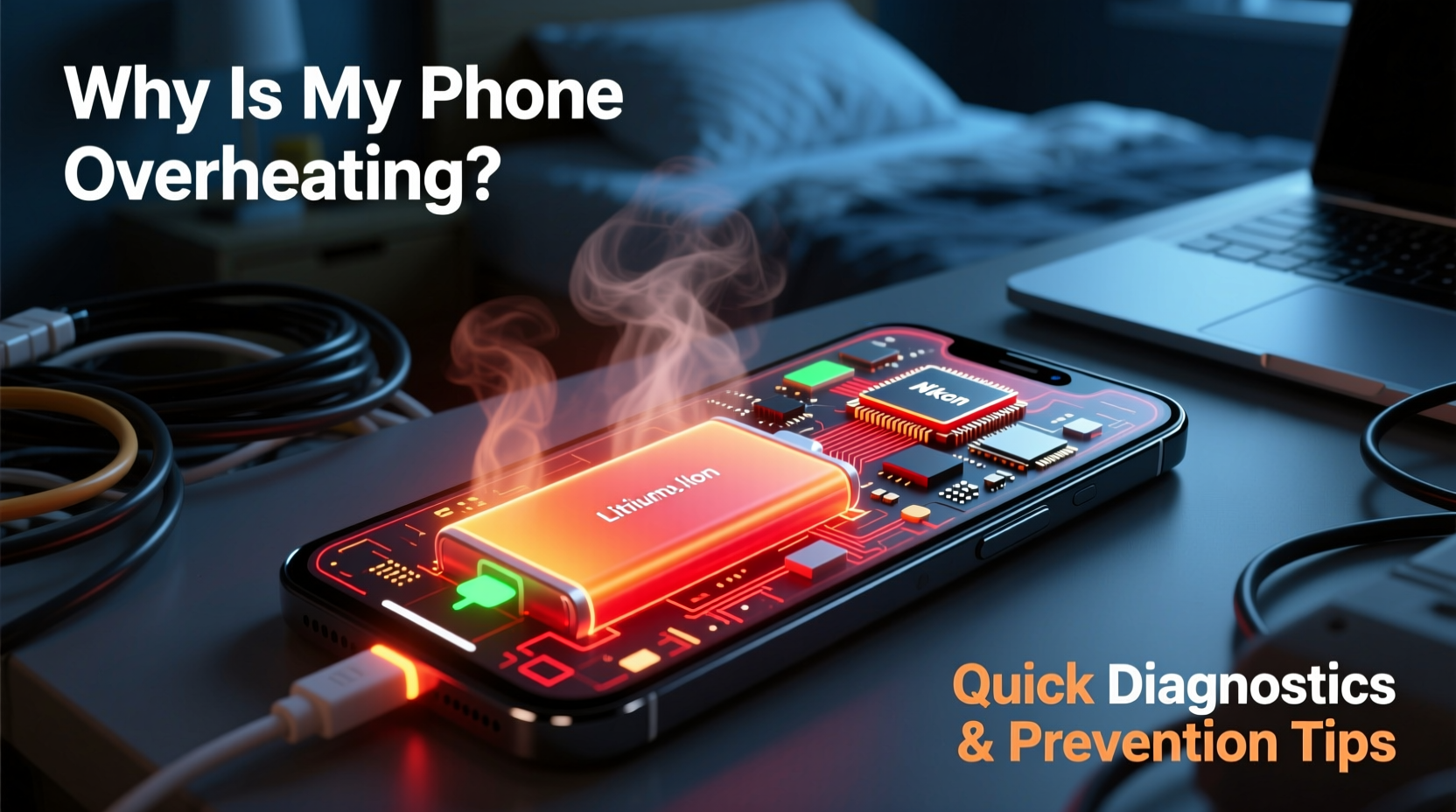
Heat generation during charging stems from energy conversion inefficiencies. As electricity flows into the battery, not all of it is stored — some dissipates as heat. Under ideal conditions, this is minimal. But several factors can amplify thermal output:
- Incompatible or low-quality chargers: Third-party chargers without proper voltage regulation can deliver unstable current, forcing the phone’s power management system to work harder.
- Fast charging under load: Using fast-charging technology while running processor-heavy apps (like gaming or video streaming) multiplies heat production.
- Poor ventilation: Placing a phone under a pillow, on a bed, or inside a thick case traps heat, preventing natural dissipation.
- Battery degradation: Aging lithium-ion batteries lose efficiency, increasing internal resistance and heat during charge cycles.
- Background app activity: Apps syncing data, updating, or using GPS in the background increase CPU usage, contributing to thermal load.
- Ambient temperature: Charging in direct sunlight or hot environments (e.g., a car in summer) pushes the device beyond its thermal tolerance.
Quick Diagnostic Steps to Identify the Source
If your phone consistently overheats while charging, follow this step-by-step diagnostic process to isolate the root cause:
- Check surface temperature zones: Feel the back near the battery area, the charging port, and around the processor (usually mid-top). If heat is concentrated near the port, the issue may be with the cable or adapter. If it's widespread, the battery or software is likely involved.
- Remove the case: Take off any protective cover and recharge bare. If the phone stays cooler, poor heat dissipation was a key factor.
- Switch chargers and cables: Use the original charger. If overheating stops, your previous accessories were inadequate or faulty.
- Charge in Airplane Mode: Enable Airplane Mode and disable Wi-Fi, Bluetooth, and cellular radios. This reduces background activity. If the phone cools down, software processes were contributing to heat.
- Monitor battery health: On iPhones, go to Settings > Battery > Battery Health. On Android, use built-in diagnostics or apps like AccuBattery. A maximum capacity below 80% indicates significant degradation.
- Inspect for physical damage: Check the charging port for lint, corrosion, or bent pins. Debris increases resistance, creating localized heat.
“Thermal stress is one of the top contributors to premature battery failure. Even short-term exposure to high temperatures during charging accelerates chemical breakdown inside the cell.” — Dr. Lena Park, Electrical Engineer & Battery Systems Researcher, MIT Energy Initiative
Do’s and Don’ts: Charging Habits That Impact Temperature
Your daily charging routine plays a major role in thermal management. The table below outlines best practices and common mistakes:
| Do’s | Don’ts |
|---|---|
| Use manufacturer-recommended chargers and cables | Use cheap, uncertified third-party chargers |
| Charge in a cool, dry, well-ventilated area | Charge under pillows, blankets, or in direct sunlight |
| Remove thick cases during fast charging | Leave silicone or leather cases on during extended charging |
| Enable optimized charging modes (e.g., iOS Optimized Battery Charging) | Keep the phone plugged in overnight regularly |
| Restart your phone weekly to clear memory leaks | Run intensive apps (games, video calls) while fast charging |
Real-World Case: How One User Fixed Chronic Overheating
Mark, a freelance photographer in Austin, noticed his iPhone 13 Pro was shutting down unexpectedly during evening charges. The device became too hot to hold, especially when he edited photos while connected. Initially, he assumed the fast charger was at fault and switched to a slower one — but the problem persisted.
After following a diagnostic checklist, Mark discovered three contributing factors: first, his rugged OtterBox case trapped heat; second, Adobe Lightroom was syncing cloud backups in the background; third, he charged the phone on a wooden nightstand directly exposed to afternoon sun through the window.
He made three changes: removed the case during charging, scheduled backups for daytime, and moved the charging spot away from sunlight. Within two days, the phone remained comfortably warm instead of hot, and no further shutdowns occurred. Battery health stabilized over the next month.
This case illustrates how multiple small factors can compound into a serious thermal issue — and how systematic adjustments can resolve it without replacing hardware.
Prevention Tips for Long-Term Thermal Safety
Preventing overheating isn’t just about immediate fixes — it requires consistent habits that protect your phone’s internal components. Implement these strategies to maintain optimal operating temperatures:
- Limit fast charging to emergencies: Reserve fast charging for when you need a quick boost. For overnight or extended sessions, use standard 5W or 10W chargers.
- Keep software updated: OS updates often include power management improvements and bug fixes that reduce unnecessary CPU load.
- Clear charging ports monthly: Use a soft brush or compressed air to remove dust and debris that increase electrical resistance.
- Avoid full discharge cycles: Lithium-ion batteries perform best between 20% and 80%. Regularly draining to 0% increases stress and heat during recharge.
- Turn off unused features: Disable NFC, hotspot, location services, and Bluetooth when not needed, especially during charging.
- Store phones in climate-controlled areas: Never leave your phone in a hot car or near radiators. High ambient temperatures reduce the margin before thermal throttling kicks in.
Frequently Asked Questions
Is it dangerous if my phone gets hot while charging?
Mild warmth is normal, but excessive heat — enough to cause discomfort or trigger warnings — is a red flag. Prolonged overheating can damage the battery, reduce lifespan, and in rare cases, pose a fire hazard. If your phone frequently exceeds safe temperatures, stop using the current charging setup and investigate the cause immediately.
Can a virus make my phone overheat while charging?
While true malware is rare on modern smartphones, malicious or poorly coded apps can run hidden processes that consume CPU resources. This increased workload generates extra heat, especially when combined with charging. Monitor battery usage in settings to identify apps with abnormally high consumption, even when idle.
Does wireless charging cause more heat than wired?
Yes, generally. Wireless charging is less efficient due to energy loss in electromagnetic induction. Phones typically run 5–10°C hotter during wireless charging, especially with fast wireless options. For minimal heat, use wired charging with a quality cable and avoid combining it with heavy usage.
Final Recommendations and Action Plan
Phone overheating during charging is rarely caused by a single factor. It’s usually the result of overlapping conditions — subpar accessories, environmental heat, software demands, and aging hardware. The good news is that most causes are preventable with awareness and small behavioral shifts.
Start by auditing your current charging setup: Are you using the right adapter? Is your phone buried under a blanket? Is the battery still healthy? Run through the diagnostic steps, eliminate risk factors, and adopt safer habits. Pay attention to early signs like sluggish performance or unexpected reboots — they’re often precursors to bigger issues.
Remember, every degree above normal operating temperature shortens your battery’s life. Modern phones are designed to throttle performance or shut down to protect themselves, but relying on these failsafes means you’re already pushing the limits.




 浙公网安备
33010002000092号
浙公网安备
33010002000092号 浙B2-20120091-4
Comments
No comments yet. Why don't you start the discussion?