
Phone overheating during charging is more common than many users realize — but it's not something to ignore. While a slightly warm device after extended use or fast charging isn’t unusual, excessive heat can signal deeper issues that threaten both performance and safety. Overheating may degrade battery life, trigger automatic shutdowns, or in extreme cases, pose fire hazards. Understanding the causes, recognizing warning signs, and knowing how to respond quickly can prevent permanent damage and keep you safe.
This guide breaks down why phones overheat while charging, offers immediate solutions, highlights red flags, and provides long-term prevention strategies based on technical insights and real-world scenarios.
What Causes a Phone to Overheat While Charging?
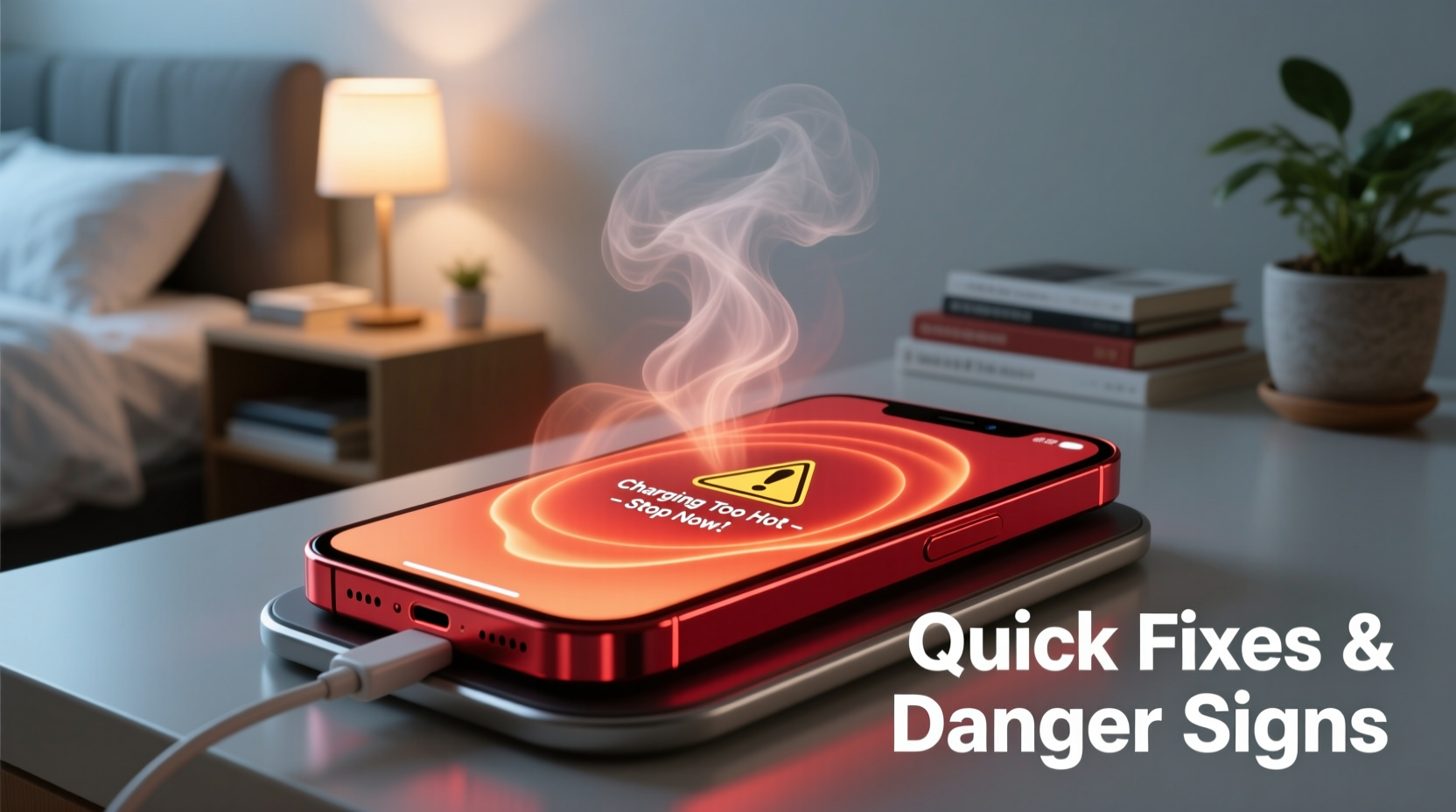
Heat generation during charging is natural due to energy conversion, but excessive temperatures stem from specific factors. The most common causes include:
- Incompatible or low-quality chargers: Third-party or counterfeit chargers often lack proper voltage regulation, causing erratic current flow and excess heat.
- Fast charging under load: Using your phone heavily (gaming, video calls) while fast charging increases thermal output beyond safe limits.
- Poor ventilation: Charging under pillows, on beds, or inside thick cases traps heat and prevents dissipation.
- Battery degradation: Aging lithium-ion batteries lose efficiency and generate more heat during charge cycles.
- Background app activity: Apps running intensive processes (location tracking, syncing, updates) increase CPU usage and temperature.
- Environmental conditions: Charging in hot environments (e.g., direct sunlight, parked cars) compounds internal heating.
According to the Consumer Technology Association, nearly 30% of reported phone malfunctions linked to heat were traced back to non-certified charging accessories.
“Any time a phone becomes too hot to hold comfortably during charging, it’s operating outside its intended thermal envelope. That’s a clear signal to stop charging and investigate.” — Dr. Lena Patel, Electrical Safety Engineer at UL Solutions
Quick Fixes: Immediate Steps to Cool Down Your Phone
If your phone feels unusually hot while charging, take action immediately. These steps reduce risk and often resolve the issue without professional help.
- Unplug and power off: Disconnect the charger and turn off the phone. This stops energy input and halts active processes generating heat.
- Remove the case: Take off any protective cover, especially if it’s made of silicone or leather, which insulates heat.
- Cool naturally: Place the phone in a room-temperature area with good airflow. Avoid refrigerators or freezers — rapid cooling can cause condensation and internal damage.
- Check the charger and cable: Swap to the original OEM charger and cable. If the phone cools and charges normally, the previous accessory was likely the culprit.
- Restart after cooling: Once the device returns to normal temperature, restart it before resuming use or charging.
Danger Signs: When Overheating Is a Serious Warning
Not all overheating is equal. Some symptoms indicate minor issues; others demand urgent attention. Recognizing these danger signs can prevent injury or property damage.
| Symptom | Severity | Action Required |
|---|---|---|
| Slightly warm to touch, no discomfort | Low | Monitor; usually normal during fast charging |
| Too hot to hold, screen dimming or throttling | Moderate | Stop charging, inspect accessories and environment |
| Visible swelling, popping sounds, or burning smell | High | Power off immediately, move to safe area, contact manufacturer |
| Smoke, discoloration, or leakage from battery area | Critical | Evacuate area, do not touch, call emergency services |
Lithium-ion batteries are sensitive to thermal runaway — a self-sustaining reaction that can lead to fire or explosion. The U.S. Fire Administration reports dozens of household fires annually caused by overheating mobile devices, often due to improper charging practices.
Real Example: A Preventable Incident
In 2022, a user in Phoenix left their smartphone charging on a bed overnight using a third-party fast charger. The phone, encased in a rubberized shell, began emitting a faint burning odor by morning. Upon inspection, the battery had visibly swollen, warping the screen. Fortunately, the homeowner noticed early and unplugged it before ignition occurred. An electronics technician later confirmed the charger delivered inconsistent voltage, overwhelming the battery’s protection circuit. This scenario underscores how combining poor accessories, restricted airflow, and unattended charging creates high-risk conditions.
Prevention Checklist: Keep Your Phone Cool and Safe
Long-term protection starts with consistent habits. Use this checklist to minimize overheating risks:
- ✅ Use only manufacturer-recommended or MFi-certified chargers and cables
- ✅ Remove phone case during charging sessions
- ✅ Charge on hard, flat surfaces (not beds, sofas, or carpets)
- ✅ Avoid using the phone for gaming or video streaming while charging
- ✅ Close background apps before plugging in
- ✅ Keep software updated — OS updates often include thermal management improvements
- ✅ Replace damaged cables or frayed connectors immediately
- ✅ Limit overnight charging; use timers or smart plugs to cut power after 8 hours
When to Replace Your Battery or Phone
Even with careful use, batteries degrade over time. Most lithium-ion batteries retain about 80% capacity after 500 full charge cycles. As they age, they become less efficient and more prone to overheating.
Signs it may be time for a battery replacement:
- Charges rapidly at first, then slows dramatically after 80%
- Shuts down unexpectedly even at 20–30% battery
- Noticeably warmer than before under similar conditions
- Physical swelling visible along edges or camera bump
For iPhones, check battery health under Settings > Battery > Battery Health. On Android, dial *#*#4636#*#* or use built-in diagnostics in Settings > Battery. If maximum capacity is below 80%, consider a professional replacement.
Replacing a worn battery not only reduces overheating risk but also restores performance. Apple and Google both confirm that degraded batteries can trigger thermal throttling, slowing down processors to manage heat.
“A five-year-old phone with an original battery is working twice as hard to maintain charge. That extra effort generates heat and strains every component.” — Marcus Tran, Mobile Repair Technician, iFix Labs
Frequently Asked Questions
Is it normal for my phone to get warm while charging?
Yes, mild warmth is normal, especially with fast charging or wireless charging, which is inherently less efficient. However, if the phone becomes too hot to hold comfortably or triggers a temperature warning, it’s not safe and requires intervention.
Can overheating permanently damage my phone?
Yes. Prolonged exposure to high temperatures accelerates battery degradation, damages internal sensors, and can warp display layers. Repeated thermal stress may void warranties, as manufacturers consider it user-induced wear.
Does wireless charging cause more heat than wired?
Generally, yes. Wireless charging operates at lower efficiency (around 70–80%) compared to wired (90%+), meaning more energy is lost as heat. To reduce risk, use certified Qi2 chargers, avoid thick cases, and don’t place metal objects between the phone and pad.
Smart Charging Habits for Long-Term Safety
Adopting intelligent charging routines protects your device and peace of mind. Consider these best practices:
- Charge during daylight hours when you’re awake and able to monitor the device.
- Use “Optimized Battery Charging” features (available on iPhone and newer Android models), which learn your routine and delay full charging until needed.
- Keep the charge level between 20% and 80% whenever possible — this reduces stress on the battery.
- Avoid fast charging unless necessary. Standard charging generates significantly less heat.
- Inspect ports regularly. Dust and debris in the charging port increase resistance and heat buildup.
One effective strategy is to create a dedicated charging station — a hard-surface area away from flammable materials, with good airflow, where you always plug in. This eliminates risky behaviors like charging under pillows or on synthetic fabrics.
Conclusion: Act Now, Stay Safe
Overheating during charging isn’t just a nuisance — it’s a potential hazard that demands attention. From using the right charger to recognizing swelling or odors, every step you take improves safety and extends your phone’s lifespan. Don’t wait for a warning message or visible damage. Implement better habits today: unplug when not needed, avoid cheap accessories, and treat heat as a serious signal.
Your phone holds personal data, connects you to loved ones, and often stays within arm’s reach 24/7. Protecting it from avoidable risks isn’t just practical — it’s essential. Start now by checking your current charger and charging location. Small changes today can prevent emergencies tomorrow.




 浙公网安备
33010002000092号
浙公网安备
33010002000092号 浙B2-20120091-4
Comments
No comments yet. Why don't you start the discussion?