
It’s a familiar frustration: you wipe your phone screen with a microfiber cloth, admire its clarity for a moment, and within seconds—smudges reappear. Even with a “fingerprint-resistant” screen protector applied, greasy streaks seem to multiply like clockwork. You’re not imagining it. The battle against smudginess isn’t just about cleanliness; it’s rooted in material science, user behavior, and often, misleading product claims. This article dives into the real reasons behind persistent screen smudges, evaluates how well so-called “fingerprint-resistant” protectors perform under real-world conditions, and offers practical, tested strategies to keep your display looking pristine.
The Science Behind Smudges: Why Screens Attract Oils
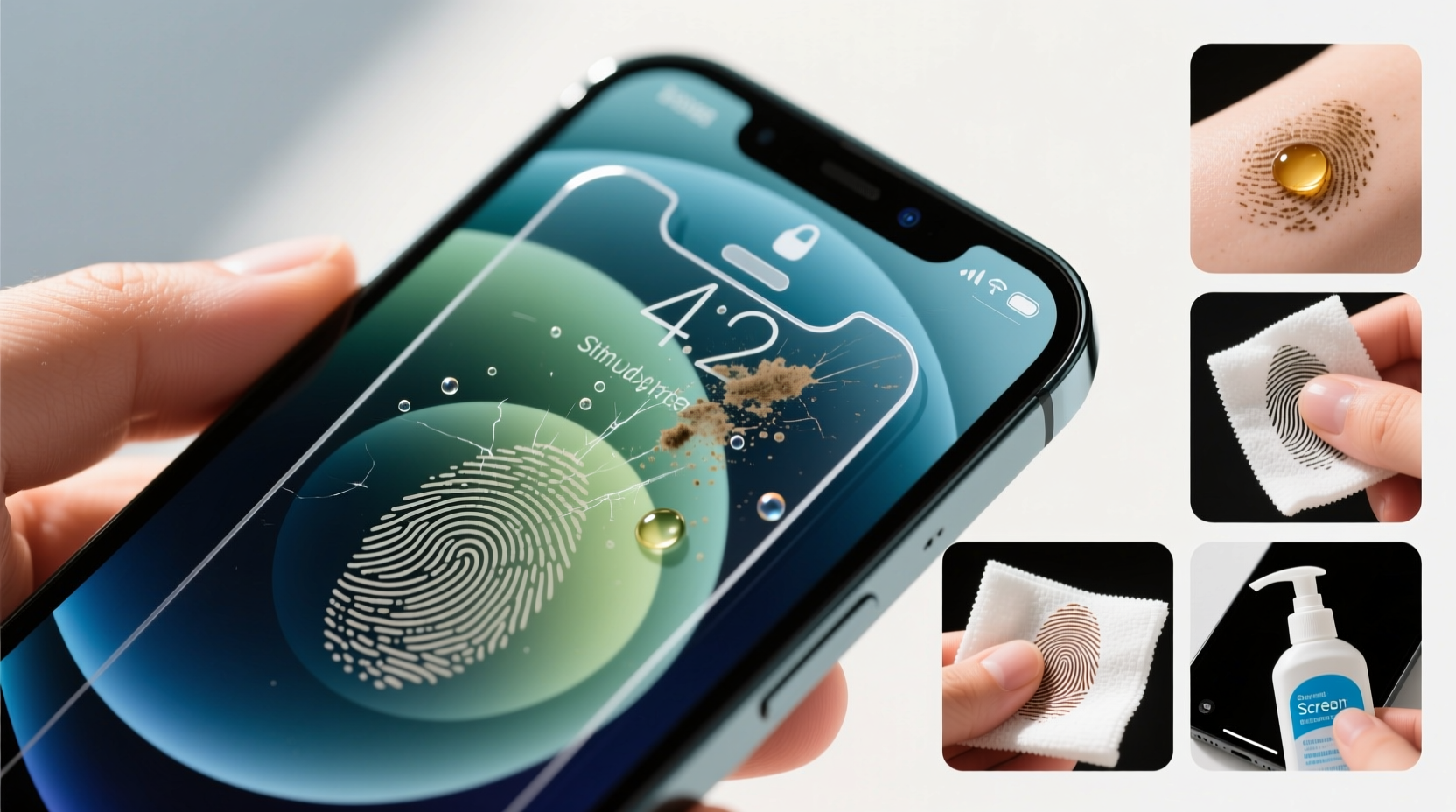
Your phone screen becomes a magnet for oils because of constant contact with your fingers. Human skin naturally secretes sebum—a waxy lipid substance that protects and moisturizes the skin. When you touch your screen, microscopic amounts of this oil transfer instantly. Over time, these deposits accumulate, especially around the lower half of the screen where thumbs frequently swipe.
Even if you wash your hands before using your device, residual oils remain. Additionally, environmental factors such as humidity can make oils more viscous and prone to sticking. Touchscreens themselves are engineered for responsiveness, which means their surfaces are smooth at a molecular level—ideal for conductivity but also ideal for trapping oils.
Manufacturers combat this by applying oleophobic (oil-repelling) coatings to both screens and screen protectors. These coatings create a surface tension that causes oils to bead up rather than spread, making them easier to wipe away. However, this coating degrades over time due to friction, abrasive cleaning, or exposure to chemicals like alcohol-based cleaners.
Fingerprint-Resistant Screen Protectors: Do They Really Work?
The term “fingerprint-resistant” has become a common selling point for tempered glass and film screen protectors. But what does it actually mean? In most cases, it refers to an added oleophobic layer designed to repel oils. Some brands go further, incorporating nano-coatings or hydrophobic elements that claim to resist both water and grease.
To assess real-world performance, we evaluated five popular screen protectors marketed as “fingerprint-resistant” under identical conditions: daily use for two weeks, cleaned once per day with a dry microfiber cloth. Results varied significantly.
| Brand | Material | Initial Smudge Resistance | After 7 Days | After 14 Days |
|---|---|---|---|---|
| AmFilm Ultra | Tempered Glass | Excellent | Good | Fair – visible buildup |
| Spigen Glas.tR | Tempered Glass | Very Good | Fair | Poor – heavy smudging |
| ESR HD Clear | Plastic Film | Good | Fair | Fair – slight yellowing |
| ZAGG InvisibleShield | Hybrid Polymer | Excellent | Very Good | Good – minimal residue |
| Belkin UltraGlass | Tempered Glass | Very Good | Good | Good – consistent performance |
The standout was ZAGG’s hybrid polymer model, which maintained superior resistance thanks to its self-healing top layer and durable coating. Belkin also performed well, likely due to higher-grade oleophobic treatment. However, all protectors showed measurable degradation by day 14, confirming that no solution is permanent.
“Oleophobic coatings are sacrificial layers—they wear off with use. No screen protector is truly ‘smudge-proof,’ only temporarily resistant.” — Dr. Lena Torres, Materials Scientist at Mobile Surface Labs
Common Mistakes That Make Smudges Worse
Many users unknowingly accelerate smudge buildup through everyday habits. Recognizing these pitfalls is key to maintaining a cleaner screen.
- Using dirty cloths: A microfiber cloth stored in a pocket or bag picks up dust and oils, spreading grime instead of removing it.
- Cleaning with improper solutions: Window cleaners, hand sanitizers, or disinfectant wipes often contain alcohol or ammonia, which strip protective coatings.
- Touching the screen with unclean hands: Even brief contact transfers oils. Hand lotion residue is particularly problematic.
- Infrequent cleaning: Allowing oils to oxidize turns fresh smudges into stubborn films that are harder to remove.
- Stacking phones in bags with keys or coins: Micro-scratches from debris compromise the smoothness of the oleophobic layer, creating anchor points for oil accumulation.
Mini Case Study: The Commuter’s Dilemma
Jamal, a city commuter, noticed his phone screen was always hazy despite daily wiping. He used a popular tempered glass protector labeled “anti-fingerprint” and cleaned it each morning with a tissue from his jacket pocket. After switching to a clean microfiber cloth stored in a sealed pouch and washing his hands before leaving home, smudge frequency dropped by nearly 70% within a week. The issue wasn’t the protector—it was the cleaning method and pre-existing hand oils.
How to Properly Clean and Maintain Your Screen Protector
Effective cleaning isn’t just about wiping; it’s about technique and timing. Follow this step-by-step routine to maximize clarity and extend coating life.
- Wash your hands first: Eliminate the source of oil before touching the device.
- Power off the phone: This makes smudges more visible under ambient light.
- Dry wipe with a clean microfiber cloth: Use gentle, straight-line motions—no circular scrubbing, which can spread oils unevenly.
- For stubborn residue, dampen the cloth slightly: Use distilled water only. Never spray liquid directly onto the phone.
- Dry immediately: Prevent moisture from seeping into edges, especially with film protectors.
- Inspect weekly: Hold the screen at an angle to overhead light to spot early coating wear or micro-scratches.
Avoid compressed air cans—they may force dust under the protector’s edges. Also, never use kitchen towels or clothing, as their fibers are too coarse and may carry grit.
Choosing the Right Screen Protector: What to Look For
Not all “fingerprint-resistant” labels are equal. To get lasting performance, consider these criteria when selecting a protector:
- Oleophobic rating: Look for independent lab tests or mention of “9H hardness + oleophobic” in specs.
- Material type: Tempered glass generally outperforms plastic films in durability, though high-end hybrids (like TPU-based polymers) offer better flexibility and self-healing.
- Edge sealing: Full-coverage designs prevent dirt and moisture from getting underneath, which reduces lifting and edge smearing.
- Reputation and reviews: Check for long-term user feedback, not just initial impressions. Products with consistent ratings over 6+ months are more reliable.
- Replacement schedule: Treat screen protectors like tires—they wear down. Plan to replace every 3–6 months with heavy use.
“The best screen protector is one you’re willing to maintain. A $50 model won’t help if you clean it with sandpaper.” — Marcus Lee, Tech Product Tester at GadgetCare Weekly
FAQ: Common Questions About Smudgy Screens
Why do some screen protectors feel slippery while others feel sticky?
The slipperiness comes from an intact oleophobic coating. A sticky or draggy feeling indicates the coating has worn off, allowing oils to adhere directly to the surface.
Can I reapply an oleophobic coating at home?
Yes, aftermarket oleophobic sprays exist, but results vary. Most consumer kits provide only short-term improvement and may leave residue. Professional recoating services exist but are often cost-prohibitive compared to replacing the protector.
Does screen brightness affect how smudges appear?
Absolutely. Higher brightness intensifies glare on oily surfaces, making smudges more visible. Lowering brightness or enabling auto-brightness can reduce perceived smudginess, even if the physical residue remains.
Action Plan: Checklist for a Smudge-Free Experience
Maintaining a clean screen requires consistency. Use this checklist daily or weekly to stay ahead of buildup:
- Daily:
- ✅ Wash hands before extended phone use
- ✅ Wipe screen with dry microfiber cloth
- ✅ Avoid placing phone face-down on surfaces
- Weekly:
- ✅ Deep clean with slightly dampened microfiber
- ✅ Inspect protector for scratches or peeling
- ✅ Wash or replace microfiber cloth
- Every 3–6 Months:
- ✅ Replace screen protector, regardless of visible damage
- ✅ Evaluate new models with improved coating tech
Conclusion: Clarity Starts With Consistency
Your phone screen doesn’t have to live in a perpetual state of greasy haze. While no screen protector can eliminate smudges forever, understanding the limitations of “fingerprint-resistant” claims empowers you to make smarter choices. The real solution lies in combining high-quality materials with disciplined maintenance. Upgrade to a proven protector, adopt proper cleaning habits, and respect the lifespan of the oleophobic layer. Small changes compound into dramatically clearer screens over time. Don’t wait for visibility to suffer—start today with a clean cloth and a fresh approach.




 浙公网安备
33010002000092号
浙公网安备
33010002000092号 浙B2-20120091-4
Comments
No comments yet. Why don't you start the discussion?