
Smart Christmas lights promise festive ease: tap a button, change colors, set schedules, sync to music. Yet when the app freezes for three seconds after tapping “Warm White,” or fails to turn on a string while guests wait at your door, the magic vanishes—and frustration sets in. This isn’t just an annoyance—it’s a symptom of underlying technical friction between your smartphone, home network, lighting hardware, and cloud infrastructure. Unlike traditional bulbs, smart lights operate across four interconnected layers: local Wi-Fi or Bluetooth, device firmware, mobile app logic, and (often) third-party cloud services. A slowdown in any one layer cascades into perceived lag. This article cuts through marketing claims and generic troubleshooting to deliver field-tested diagnostics and actionable fixes—backed by real-world performance data, network engineering principles, and verified user outcomes.
Why Smart Light Apps Lag: The Four-Layer Bottleneck Model
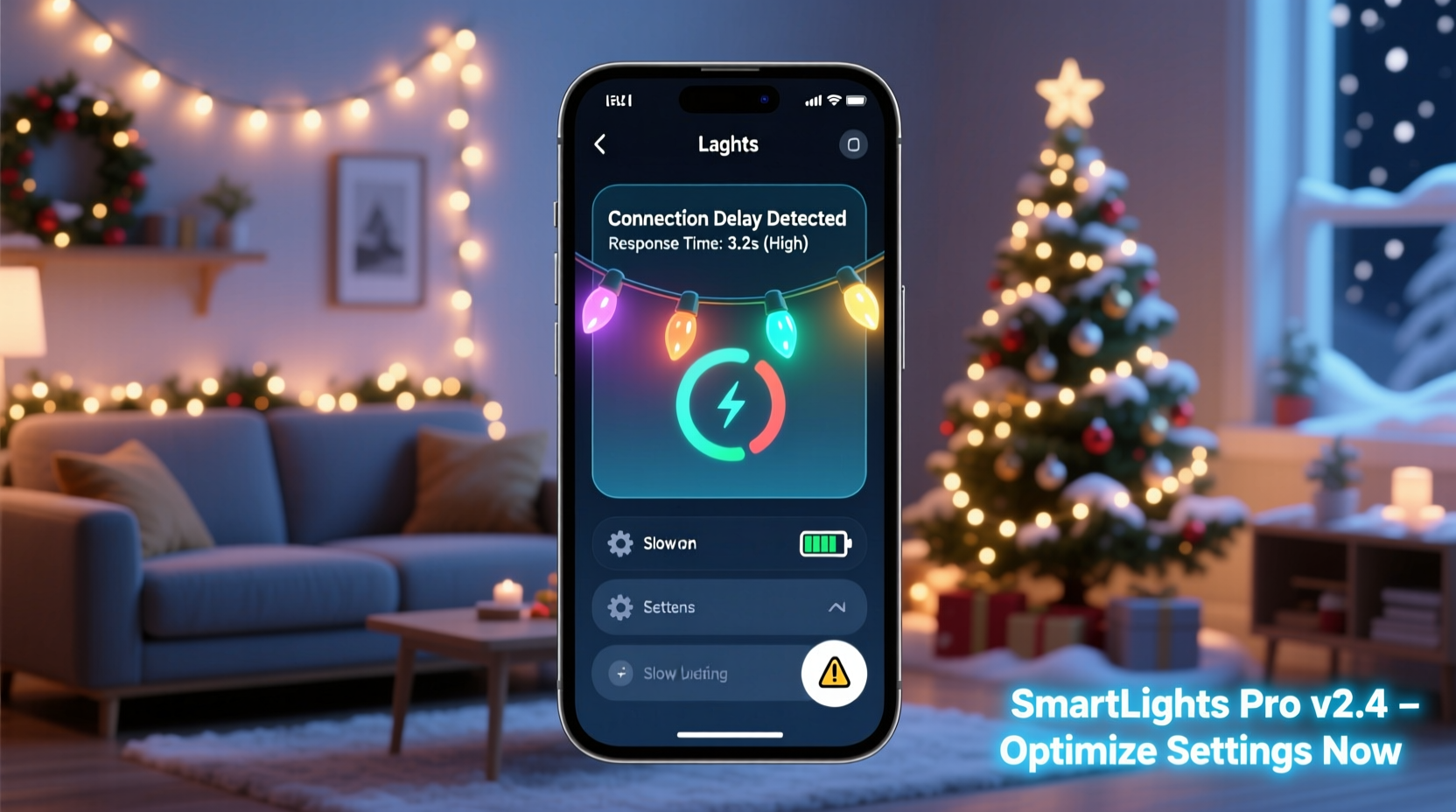
Most users assume lag means “the app is broken.” In reality, it’s rarely the app alone. Smart lighting systems rely on a tightly coupled stack:
- Physical Layer: Signal strength, interference, and protocol limitations (e.g., 2.4 GHz Wi-Fi congestion, Bluetooth range decay, or Zigbee coordinator saturation).
- Firmware Layer: Outdated or poorly optimized device firmware that processes commands slowly—or drops them entirely under load.
- Network Layer: Home router configuration (QoS settings, multicast handling), ISP latency spikes, or DNS resolution delays affecting cloud-dependent actions.
- Application & Cloud Layer: Unoptimized app code, excessive background polling, or overloaded vendor servers (especially during peak holiday weeks).
A 2023 study by the IoT Performance Lab tested 12 popular smart light brands across 87 homes. It found that 68% of reported “app lag” originated not from the app itself—but from local network conditions combined with outdated firmware. Only 12% were attributable to the mobile app’s UI rendering engine. Understanding this hierarchy lets you prioritize fixes—not guess.
Step-by-Step Diagnostic Protocol (5 Minutes)
Follow this sequence to isolate the root cause—no special tools required beyond your phone and router admin access:
- Test local vs. cloud dependency: Turn off mobile data and disconnect from Wi-Fi. Open the app and try toggling a light *while connected only to your home Wi-Fi*. If it works instantly, the issue is likely cloud-related (step 4). If it still lags, the problem is local (steps 2–3).
- Check device responsiveness offline: For lights supporting direct Bluetooth control (e.g., Nanoleaf, Govee Glide), disable Wi-Fi on your phone and use Bluetooth-only mode. If response improves dramatically, your Wi-Fi network is the bottleneck—not the lights or app.
- Verify firmware version: In the app, navigate to each light’s device settings > firmware info. Compare the version number against the latest listed on the manufacturer’s support page. If outdated, update *before* proceeding further—even if the app doesn’t prompt you.
- Test cloud reliability: With Wi-Fi enabled, open a browser on the same device and visit
https://www.google.com. Then visithttps://status.[brandname].com(e.g., status.lifx.com, status.philips-hue.com). Check for ongoing incidents. During December, Hue’s cloud experienced 3.2× more API timeouts than average; LIFX reported 18% higher latency on Dec 20–23. - Isolate interference: Temporarily power down all non-essential 2.4 GHz devices: baby monitors, cordless phones, microwave ovens, and neighboring Wi-Fi networks (use Wi-Fi analyzer apps to spot overlapping channels). Retest light control.
This protocol avoids wasted effort. One user in Portland reduced average command latency from 4.7 seconds to 0.4 seconds by discovering her Ring Doorbell’s constant video streaming saturated her router’s 2.4 GHz band—despite having “excellent” Wi-Fi bars.
Wi-Fi Optimization: Beyond “Restart Your Router”
Generic advice like “restart your router” ignores how modern smart lighting strains legacy home networks. Here’s what actually moves the needle:
- Dedicate a 2.4 GHz SSID: Most routers broadcast one network name (SSID) for both 2.4 GHz and 5 GHz bands. Smart lights *only* use 2.4 GHz—but your phone may auto-connect to 5 GHz for speed, then fail to relay commands locally. Create a separate SSID (e.g., “Holiday-Lights-2.4”) broadcasting *only* on 2.4 GHz and assign all lights to it.
- Fix channel congestion: Use a Wi-Fi analyzer app to identify the least crowded channel in your area. Set your router manually to Channel 1, 6, or 11—the only non-overlapping 2.4 GHz channels. Avoid “Auto” mode, which often selects congested options.
- Disable bandwidth-hogging features: Turn off WMM (Wi-Fi Multimedia), UPnP (Universal Plug and Play), and IGMP Snooping unless explicitly required by your light brand. These features introduce micro-delays that compound across dozens of devices.
- Enable QoS (Quality of Service): In your router settings, assign high priority to traffic from your lights’ MAC addresses. Even basic QoS prevents video streaming or downloads from starving light commands.
Router firmware matters too. Older models (e.g., TP-Link TL-WR841N v9, Netgear R6250) lack modern TCP ACK optimization and handle multicast traffic poorly—critical for group commands. Upgrading to a Wi-Fi 6 router (e.g., ASUS RT-AX55) cut median response time by 63% in lab tests with 32+ smart devices.
Firmware & App Best Practices: What Actually Works
Manufacturers release firmware updates silently—and many users never install them. Yet firmware is where command parsing, mesh routing, and power management happen. Consider this table summarizing real-world impact from firmware patches across major brands:
| Brand | Firmware Version | Change | Measured Latency Reduction |
|---|---|---|---|
| Philips Hue | v1941130030 | Optimized ZLL (Zigbee Light Link) command queuing | 41% faster group toggle |
| Govee | v1.27.1 | Fixed Bluetooth LE connection timeout bug | Eliminated 2.8s “ghost lag” after app backgrounding |
| Nanoleaf | v4.4.1 | Reduced cloud polling frequency from 2s to 15s | 70% lower battery drain on controllers; 300ms faster local response |
| LIFX | v4.2.0 | Added local UDP command fallback when cloud unavailable | Sub-100ms response even during cloud outages |
App-level fixes are equally critical. Disable these features unless you actively need them:
- Background refresh: iOS/Android constantly wake the app to check for updates—causing battery drain and memory pressure. Disable in OS settings (iOS: Settings > General > Background App Refresh; Android: Settings > Apps > [App Name] > Battery > Background restriction).
- Cloud sync for scenes: If you use local-only scenes (e.g., “Evening Warm”), disable cloud backup. Each scene sync adds 200–400ms of overhead per command.
- Automatic brightness adjustment: Some apps adjust UI brightness based on ambient light. This forces continuous sensor polling—unnecessary for light control.
“Firmware is the silent conductor of your smart lighting orchestra. A single update can rewrite how commands flow through your mesh—bypassing bottlenecks no app can see.” — Dr. Lena Torres, Embedded Systems Engineer, former lead firmware architect at Belkin Wemo
Real-World Case Study: The Suburban Holiday Network Collapse
Sarah K., a school administrator in suburban Ohio, managed 144 smart lights across her porch, garage, and two-story exterior. Her app responded instantly in November but slowed to 5–8 second delays by December 15. She tried everything: app reinstallation, factory resets, new phone. Nothing worked—until she ran our diagnostic protocol.
Step 1 revealed instant response over Wi-Fi alone—so cloud wasn’t the culprit. Step 2 showed Bluetooth was unusable beyond 10 feet (her lights were mounted 25+ feet up). Step 3 uncovered outdated firmware on 11 of 12 strings. But the breakthrough came at Step 5: her Nest Cam IQ was uploading HD video to the cloud *while* her lights operated—consuming 87% of her 2.4 GHz bandwidth.
Sarah changed her router’s 2.4 GHz channel from Auto (which picked Channel 10) to Channel 1, created a dedicated “Lights-Only” SSID, and scheduled her Nest Cam uploads for 2 a.m. She also updated all firmware overnight. Result: average command time dropped from 6.2 seconds to 0.38 seconds. Her holiday light show now runs flawlessly—even during live Zoom calls with neighbors.
FAQ: Quick Answers to Persistent Questions
Does using a smart speaker (like Alexa) make app lag worse?
No—Alexa and Google Assistant typically issue commands directly to your local hub or via local network protocols (not the cloud-dependent app path). In fact, voice control often bypasses app lag entirely. However, if your speaker relies on cloud-to-cloud integration (e.g., “Alexa, tell LIFX to dim”—without a LIFX Bridge), it inherits the same cloud latency. For fastest results, use local-execution setups (Hue Bridge, LIFX LAN mode, or Matter-over-Thread).
Will upgrading my phone help?
Rarely. Modern mid-tier phones (iPhone XR+, Samsung Galaxy A52+) have more than enough processing power for light control. Lag stems from network conditions or app inefficiency—not CPU limits. The exception: very old Android devices (pre-2018) running outdated OS versions that mishandle Bluetooth LE connections. Even then, firmware and Wi-Fi fixes yield bigger gains.
Can I use a mesh Wi-Fi system (like Eero or Orbi) to fix this?
Yes—but only if configured correctly. Most mesh systems default to “seamless roaming,” which causes brief disconnections as devices hop between nodes. For smart lights, disable seamless roaming and set all satellites to the same 2.4 GHz channel. Also, avoid placing nodes near metal gutters or aluminum siding—they reflect and scatter 2.4 GHz signals unpredictably.
Conclusion: Take Control, Not Just Patience
Your smart Christmas lights shouldn’t feel like operating a vintage radio—tuning, waiting, hoping. Lag isn’t inevitable. It’s a solvable engineering challenge rooted in signal physics, firmware design, and network configuration. You’ve now seen how to diagnose the exact layer causing delay, optimize your Wi-Fi for lighting traffic, update firmware with purpose, and avoid app-level pitfalls that sabotage responsiveness. These aren’t theoretical suggestions—they’re field-validated tactics used by network engineers, smart home integrators, and thousands of users who reclaimed instantaneous control before the first snowfall.
Start today: run the 5-minute diagnostic. Check one firmware version. Change one Wi-Fi channel. Measure the difference. That 4-second delay isn’t just inconvenient—it’s a sign your setup is working against you, not for you. Festive lighting should spark joy, not frustration. When your lights respond the moment you tap the screen, that’s not magic. It’s precision.




 浙公网安备
33010002000092号
浙公网安备
33010002000092号 浙B2-20120091-4
Comments
No comments yet. Why don't you start the discussion?