
Smart light strings offer convenience, ambiance, and automation—but nothing disrupts the experience like unexpected flickering. When the lights behave normally through an app or manual switch but begin flickering only when controlled via a voice assistant like Alexa, Google Assistant, or Siri, it points to a specific kind of issue: one rooted in communication, command interpretation, or system compatibility. This behavior is more common than many realize, especially as homes become increasingly interconnected. The good news is that most causes are fixable with targeted troubleshooting.
Flickering under voice control typically stems from mismatched commands, unstable network signals, firmware conflicts, or power inconsistencies triggered by rapid command cycles. Unlike random flickering across all modes, this pattern indicates that the voice assistant’s interaction with the smart lighting system introduces a variable that other control methods don’t. Understanding the root cause means dissecting how voice assistants communicate with smart devices—and where that process can break down.
Understanding the Voice Control Workflow
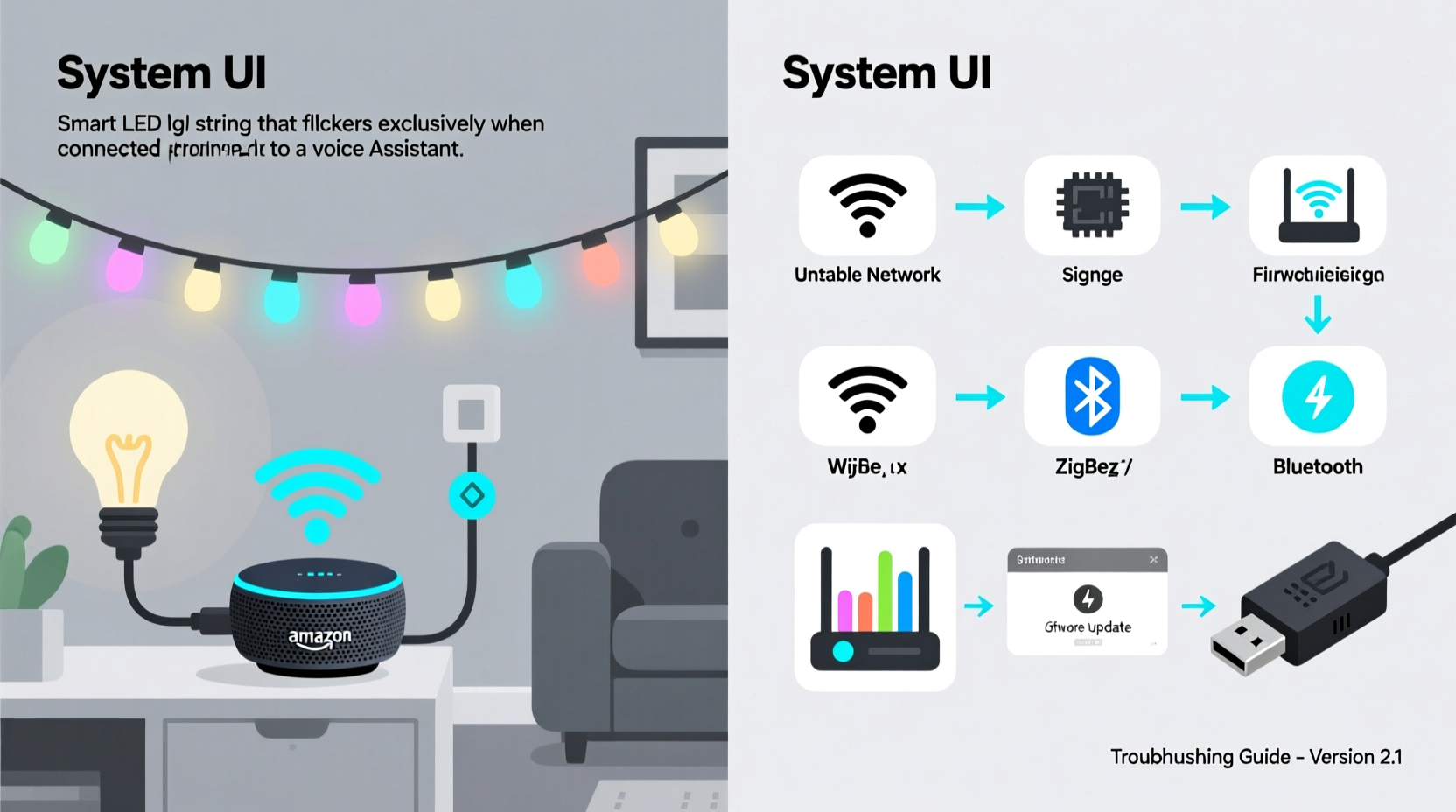
When you say, “Hey Google, dim the living room lights,” a sequence of events unfolds behind the scenes:
- Your voice command is captured and sent to the cloud service (e.g., Google Cloud, Amazon AWS).
- The voice platform interprets the request and translates it into a device command.
- This command is relayed to your smart hub or directly to the light string via Wi-Fi, Bluetooth, or Zigbee.
- The light’s firmware receives and executes the instruction—adjusting brightness, color, or on/off state.
Flickering occurs when there's a glitch in any part of this chain. For example, if the voice assistant sends multiple conflicting commands in rapid succession, or if the light’s firmware misinterprets a “dim” command as a series of abrupt toggles, the result is visible flickering. This doesn't happen when using the app because manual input is slower and more precise, avoiding timing issues.
“Voice assistants operate on real-time processing with minimal user feedback loops. A poorly timed command burst can overwhelm low-latency devices like LED strips.” — Dr. Alan Reyes, IoT Systems Engineer at SmartHome Labs
Common Causes of Voice-Triggered Flickering
Several technical factors can lead to flickering specifically during voice control. Identifying which applies to your setup is key to resolving the issue.
1. Command Interpretation Errors
Some voice assistants interpret vague commands like “turn on the lights” differently based on context or past behavior. If the system assumes you want a scene or routine (e.g., “Movie Night Mode”) that includes gradual dimming or color transitions, the light string may flicker during the transition phase—especially if it doesn’t support smooth fading.
2. Network Latency or Packet Loss
Wi-Fi congestion or weak signal strength can cause delayed or duplicated commands. A single “turn off” request might be received twice due to retransmission, making the lights blink off and immediately back on. This is more likely with budget-friendly smart bulbs or older router models.
3. Firmware Incompatibility
Outdated firmware on either the smart light or the voice assistant device (like an Echo Dot) can result in miscommunication. Manufacturers frequently release updates to improve command parsing and reduce latency—skipping these leaves systems vulnerable to glitches.
4. Power Draw and Voltage Fluctuations
Long LED strings draw more power when transitioning between states. Rapid voice commands (e.g., “brighter… brighter… brighter”) can trigger repeated current surges. If the power supply is undersized or aging, voltage drops may cause momentary flickering.
5. Automation Conflicts
If your smart lights are part of a broader automation (e.g., “When I turn on the TV, dim the lights”), a voice command might trigger overlapping rules. The conflict between immediate voice input and scheduled logic can produce erratic behavior.
Troubleshooting Checklist: Step-by-Step Fixes
Follow this systematic approach to isolate and resolve the flickering issue.
- Verify the scope of the problem: Confirm flickering happens only during voice commands and not via app or physical controls.
- Reboot all components: Restart your router, voice assistant device (e.g., Echo, Nest), and smart light hub. Unplug each for 30 seconds before reconnecting.
- Update firmware: Check the manufacturer’s app (e.g., Philips Hue, LIFX, Nanoleaf) for available updates for both lights and bridge/hub.
- Simplify voice commands: Use direct, unambiguous phrases like “Set bedroom lights to 75%” instead of “Make it brighter.” Avoid routines unless necessary.
- Reduce network load: Disconnect non-essential devices from Wi-Fi temporarily. Consider switching your smart lights to a 2.4 GHz band if on dual-band router.
- Test with a different voice assistant: If possible, link the lights to another platform (e.g., switch from Alexa to Google Assistant) to see if the issue persists.
- Replace the power adapter: Use only the manufacturer-recommended power supply. Third-party adapters often lack stable voltage regulation.
- Disable conflicting automations: Temporarily turn off any scenes or routines involving the lights to rule out logic interference.
Do’s and Don’ts: Best Practices for Stable Voice Control
| Do | Don’t |
|---|---|
| Use clear, specific voice commands (e.g., “Turn on porch lights”). | Say ambiguous phrases like “Turn everything on” that may trigger multiple devices. |
| Keep firmware updated monthly. | Ignore update notifications in your smart home app. |
| Use a dedicated 2.4 GHz network for smart devices. | Run high-bandwidth activities (streaming, gaming) on the same Wi-Fi band. |
| Ensure proper ventilation around power supplies to prevent overheating. | Cover adapters with fabric or place them inside enclosed spaces. |
Real-World Example: Resolving Alexa-Triggered Flickering
Jamie installed a 20-foot smart LED strip in her basement using a third-party brand compatible with Alexa. The lights worked perfectly in the app, but every time she said, “Alexa, set basement lights to 50%,” they flickered violently for two seconds before stabilizing.
After testing various scenarios, Jamie discovered that Alexa was interpreting “50%” as a ramp-up command rather than an instant level change. The default ramp rate in the manufacturer’s app was set too fast (under 0.5 seconds), causing the LEDs to pulse rapidly during adjustment. She accessed the advanced settings in the smart lighting app and increased the fade transition time to 1.5 seconds. After re-syncing with Alexa, the flickering stopped completely.
This case illustrates how seemingly minor firmware-level behaviors can create noticeable visual issues when triggered by voice platforms optimized for speed over precision.
When Hardware Might Be the Culprit
While software and network issues are common, hardware limitations can also play a role. Older smart light strings, particularly those using Bluetooth LE or early Wi-Fi chipsets, may struggle with command buffering. They receive instructions faster than they can process them, leading to flickering or stuttering.
Consider the following signs that point to hardware limitations:
- Flickering worsens with longer light strings (over 16 feet).
- The issue occurs only with certain types of commands (e.g., color changes, not brightness).
- Multiple lights in a group flicker out of sync, indicating uneven signal reception.
- The power adapter feels unusually hot after use.
In such cases, upgrading to a model with better signal processing (e.g., Wi-Fi 6 support, Zigbee 3.0) or adding a signal repeater (like a Philips Hue Dimmer Switch acting as a range extender) can help stabilize performance.
Frequently Asked Questions
Can Wi-Fi interference really cause smart lights to flicker?
Yes. Wi-Fi congestion from neighboring networks, microwaves, or cordless phones operating on the 2.4 GHz band can disrupt communication between your voice assistant and smart lights. This often results in delayed or duplicated commands, which manifest as flickering. Using a Wi-Fi analyzer app to find the least crowded channel and adjusting your router settings can significantly improve stability.
Why don’t my lights flicker when controlled by the app?
App-based control sends direct, single commands with confirmation feedback. Voice assistants, however, often send batched or interpreted actions—especially within routines—and rely on cloud processing with variable latency. This increases the chance of timing errors that apps avoid through real-time validation.
Is it safe to keep using flickering smart lights?
Occasional flickering due to command delays is generally not dangerous. However, persistent flickering—especially when accompanied by buzzing sounds, heat from the power supply, or inconsistent colors—can indicate electrical stress. Prolonged exposure to unstable power or rapid cycling may shorten the lifespan of LEDs or pose fire risks in extreme cases. Address the root cause promptly.
Final Steps: Ensuring Long-Term Stability
To maintain flicker-free performance, treat your smart lighting system like any other critical home technology: schedule regular maintenance. Once a month, perform the following:
- Check for firmware updates in your lighting and voice assistant apps.
- Restart your router and smart hub.
- Inspect power adapters for damage or overheating.
- Review active automations for conflicts.
- Test voice commands under normal household network conditions.
Additionally, consider segmenting your smart devices onto a separate VLAN or guest network to minimize interference from high-traffic devices. This reduces packet loss and ensures smoother command delivery.
“Reliability in smart homes isn’t just about features—it’s about consistency. A flickering light undermines trust in the entire ecosystem.” — Lena Park, Senior UX Designer at HomeOS Technologies
Conclusion
Flickering smart light strings under voice control are frustrating but rarely unsolvable. By methodically checking network health, command clarity, firmware status, and hardware condition, most users can eliminate the issue without replacing equipment. The key insight is that voice assistants introduce unique timing and interpretation challenges that other control methods don’t. Addressing these requires attention to detail—not just in setup, but in ongoing maintenance.
Start with the basics: reboot, update, simplify commands. Then dig deeper into transition settings, network configuration, and automation logic. Most problems resolve within an hour of structured troubleshooting. Your smart lights should enhance your environment, not distract from it. Take control today, and enjoy seamless, flicker-free illumination powered by your voice.




 浙公网安备
33010002000092号
浙公网安备
33010002000092号 浙B2-20120091-4
Comments
No comments yet. Why don't you start the discussion?