
Smart thermostats are designed to make life easier—automating heating and cooling, learning your habits, and helping you save energy. But when your system kicks on unexpectedly, especially during mild weather or when no one’s home, it can be confusing, uncomfortable, and costly. Random cycling isn’t normal behavior, and while it might seem like a minor glitch, it could point to deeper issues with your HVAC system, thermostat settings, or even hardware.
Understanding the root cause is essential for restoring reliable climate control. This guide breaks down the most common reasons behind erratic thermostat behavior, from software quirks to sensor interference, and provides practical solutions you can implement immediately—no technician required in many cases.
Common Causes of Random Thermostat Activation
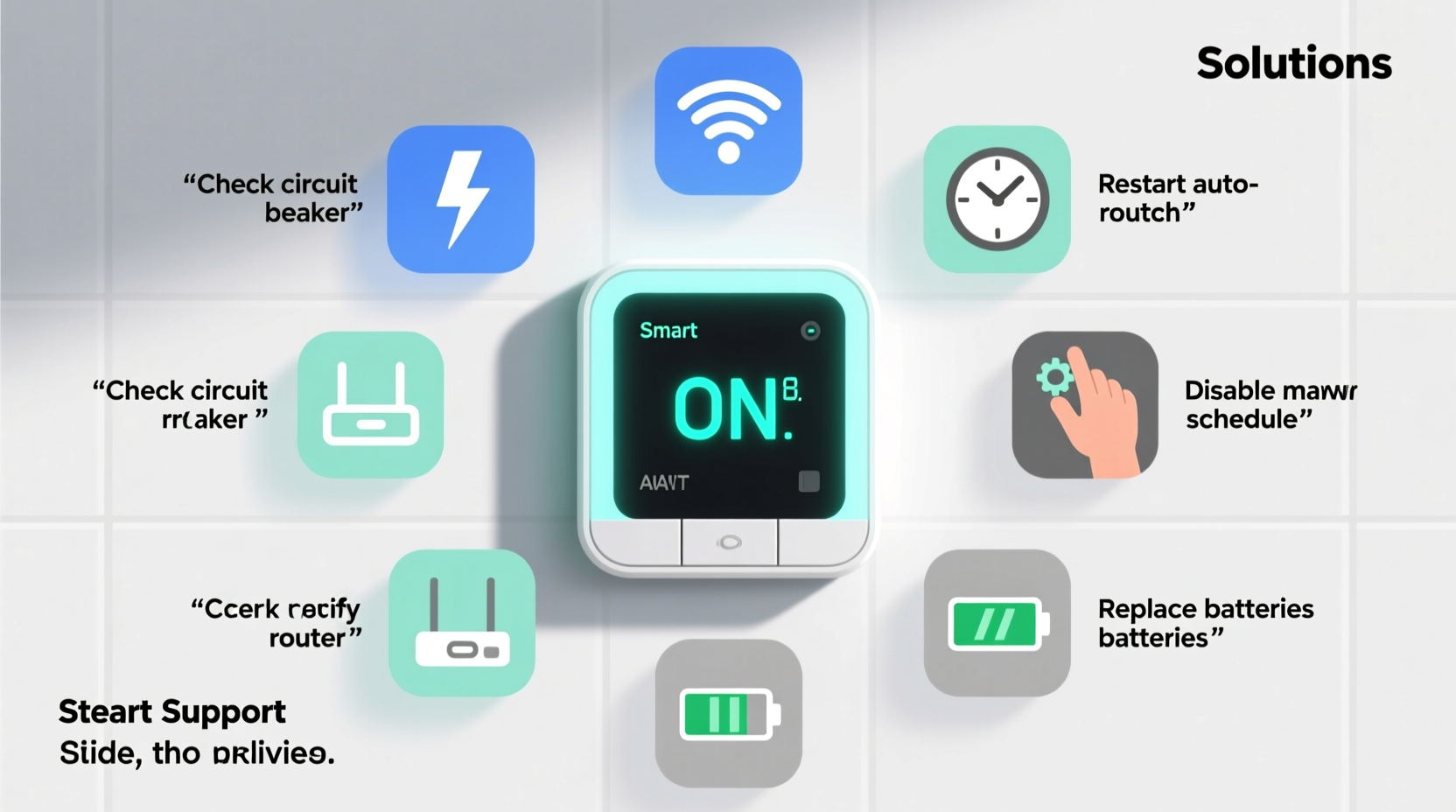
A smart thermostat turning on without user input usually stems from one of several predictable factors. While some triggers are environmental, others relate to configuration or system health. Identifying which category applies helps narrow down the solution.
- Scheduling conflicts: Overlapping or misconfigured schedules can activate heating or cooling at odd times.
- Geofencing errors: If your thermostat uses location tracking, inaccurate GPS data may falsely detect your return home.
- Faulty sensors: Built-in temperature or occupancy sensors can malfunction or be influenced by nearby heat sources.
- Wi-Fi or firmware issues: Connectivity drops or outdated software can disrupt logic functions.
- HVAC system problems: Short cycling due to electrical faults, low refrigerant, or failing components can trigger false signals.
Before assuming hardware failure, start by reviewing software settings and environmental influences—many fixes are simple and free.
Step-by-Step Troubleshooting Guide
Follow this logical sequence to diagnose and resolve random thermostat behavior efficiently.
- Check active schedules and modes: Open your thermostat app and review programmed temperature changes. Look for conflicting entries, such as an “Away” mode ending earlier than expected.
- Disable geofencing temporarily: Turn off location-based controls to see if activations stop. Re-enable only after confirming stability.
- Inspect sensor placement: Ensure the thermostat isn’t near heat-emitting devices (lamps, TVs, ovens) or in direct sunlight, which can skew temperature readings.
- Restart the thermostat: Power it down completely (remove from wall or disconnect power), wait 30 seconds, then reconnect.
- Update firmware: Check the manufacturer’s app for pending updates. Outdated firmware can introduce bugs affecting automation logic.
- Review HVAC wiring: Loose or corroded wires at the thermostat or furnace can cause intermittent signals. Tighten connections if accessible and safe.
- Test with manual mode: Set the thermostat to manual control for 24 hours. If random starts cease, the issue lies in automation settings.
This process eliminates the most frequent culprits. If the problem persists, investigate deeper into system-level diagnostics.
Environmental and Placement Factors
The physical environment around your thermostat plays a surprisingly large role in its performance. Even high-end models rely on accurate ambient readings, and localized heat or airflow disruptions can trick them into thinking the room needs conditioning.
For example, mounting a thermostat near a kitchen vent or above a radiator can lead to constant overcooling or overheating cycles. Similarly, poor airflow behind the unit—common in tightly enclosed walls—can trap heat and distort internal sensor data.
| Issue | Symptom | Solution |
|---|---|---|
| Direct sunlight exposure | Thermostat reads higher temps; cooling activates unnecessarily | Relocate or install a sun shield |
| Near heat-generating appliance | Frequent AC starts despite room comfort | Move thermostat or reposition device |
| Poor wall insulation behind unit | Erratic temperature reporting | Add insulating backing or consider relocation |
| Drafts from windows or vents | Inconsistent sensing leading to short cycling | Seal drafts or adjust thermostat position |
Proper placement ensures your thermostat measures true room conditions—not artificial hot or cold spots.
“Even a few degrees of localized temperature variance can throw off a smart thermostat’s algorithm, leading to unnecessary system runs.” — Dr. Alan Reeves, HVAC Systems Engineer
Software and Connectivity Issues
Smart thermostats depend on stable internet and consistent communication with both your phone and the HVAC system. When connectivity falters, behaviors can become unpredictable.
Wi-Fi dropouts may prevent the thermostat from receiving updated geofence status, causing it to revert to default schedules or assume occupants are home. Similarly, server-side delays from the manufacturer can result in delayed command processing, making it appear as though the system turned on randomly.
Firmware bugs are another known cause. Some users have reported issues after automatic updates introduced logic errors in motion detection or adaptive recovery features. Checking community forums or support pages for your model can reveal if others are experiencing similar problems.
Mini Case Study: The Phantom Cooling Cycle
A homeowner in Portland, OR, noticed their Nest thermostat triggered the air conditioner every afternoon at 2:17 PM—even when outdoor temperatures were mild and no one was home. After ruling out scheduling errors, they discovered the thermostat was mounted directly beside a recessed lighting fixture that heated up during use.
Using a non-contact thermometer, they found the wall surface behind the thermostat rose by 8°F during peak lighting hours. The internal sensor interpreted this as rising room temperature and activated cooling. Relocating the thermostat three feet away resolved the issue entirely.
This case highlights how subtle environmental factors can mimic software malfunctions—and why physical inspection matters.
Hardware and Electrical Faults
If software and placement checks don’t resolve the issue, the problem may lie within the thermostat itself or the connected HVAC system.
A failing relay inside the thermostat can send intermittent signals to the furnace or air conditioner, causing uncommanded startups. Similarly, voltage fluctuations or shared circuits may introduce electrical noise that tricks the control board.
Another possibility is a defective C-wire (common wire). Without a stable power source, the thermostat may reboot unexpectedly, triggering a default heating or cooling cycle upon restart. Battery-powered models can behave similarly when power dips.
To test for hardware issues:
- Listen for clicking sounds from the thermostat not tied to any command.
- Monitor system behavior after replacing batteries or ensuring C-wire connection.
- Use a multimeter to check for correct voltage (typically 24V AC) at the thermostat terminals.
If electrical readings are unstable or the unit shows signs of internal damage (burn marks, buzzing), professional assessment is recommended.
Checklist: Fixing Random Thermostat Activation
Use this checklist to systematically address the issue:
- ✅ Review and simplify thermostat schedules
- ✅ Disable geofencing and test system behavior
- ✅ Confirm thermostat is not exposed to direct heat or drafts
- ✅ Restart the thermostat and update firmware
- ✅ Inspect wiring for looseness or corrosion
- ✅ Verify stable Wi-Fi signal and app functionality
- ✅ Test HVAC system independently via emergency heat or manual override
- ✅ Consider professional inspection if problems persist
Frequently Asked Questions
Can a smart thermostat turn on by itself?
Yes—but not truly “by itself.” It may activate due to scheduled programs, geofencing, adaptive recovery (pre-heating/cooling), or sensor inputs. Unplanned activation usually indicates a setting conflict, environmental influence, or technical fault.
Why does my thermostat turn on when I’m away?
This often happens due to geofencing inaccuracies, where your phone’s location services report you as home when you’re not. It can also occur if the “Away” mode is set to end too early or if temperature thresholds are breached due to poor insulation.
Is random cycling dangerous for my HVAC system?
Yes. Frequent short cycling—where the system turns on and off rapidly—increases wear on compressors, blower motors, and electrical components. It reduces efficiency, raises energy bills, and can shorten equipment lifespan by years.
Prevention and Long-Term Best Practices
Maintaining consistent thermostat performance requires proactive care. Just like any smart home device, regular maintenance prevents small issues from becoming major disruptions.
Set calendar reminders to check thermostat logs monthly. Review recent activity in the app for unexpected patterns. Clean the unit gently with a dry cloth to prevent dust buildup on sensors. And whenever you renovate or rearrange furniture, reassess whether airflow or heat sources affect its placement.
Additionally, keep firmware updated—but avoid enabling auto-updates if your model has a history of problematic releases. Instead, monitor for updates and apply them during low-usage periods so you can observe effects.
“The best thermostat is one you forget about. If it’s drawing attention through erratic behavior, it’s time to recalibrate—literally and figuratively.” — Maria Tran, Smart Home Integration Specialist
Conclusion
Your smart thermostat should enhance comfort, not disrupt it. Random activation is a clear signal that something is off—whether it’s a misplaced device, a flawed schedule, or a hidden hardware flaw. By methodically evaluating each potential cause, you can restore reliable operation and avoid unnecessary strain on your HVAC system.
Start with the simplest explanations: settings and surroundings. Most issues are fixable without tools or service calls. But if troubleshooting doesn’t bring resolution, don’t hesitate to contact a licensed HVAC technician. Your system’s longevity and your household’s comfort depend on timely intervention.




 浙公网安备
33010002000092号
浙公网安备
33010002000092号 浙B2-20120091-4
Comments
No comments yet. Why don't you start the discussion?