
Sleep tracking has become a cornerstone of modern wellness, and smartwatches promise to deliver detailed insights into sleep duration, quality, and cycles. Yet many users find themselves questioning the accuracy of their device’s reports—waking up feeling rested only to see “poor” sleep scores, or missing entire nights of data altogether. The truth is, while smartwatches use advanced optical sensors and algorithms, they are not infallible. Inaccuracies often stem from sensor interference, improper wear, software glitches, or unrealistic user expectations. Understanding the root causes and applying targeted fixes can dramatically improve the reliability of your sleep tracking.
How Smartwatches Track Sleep: A Brief Overview
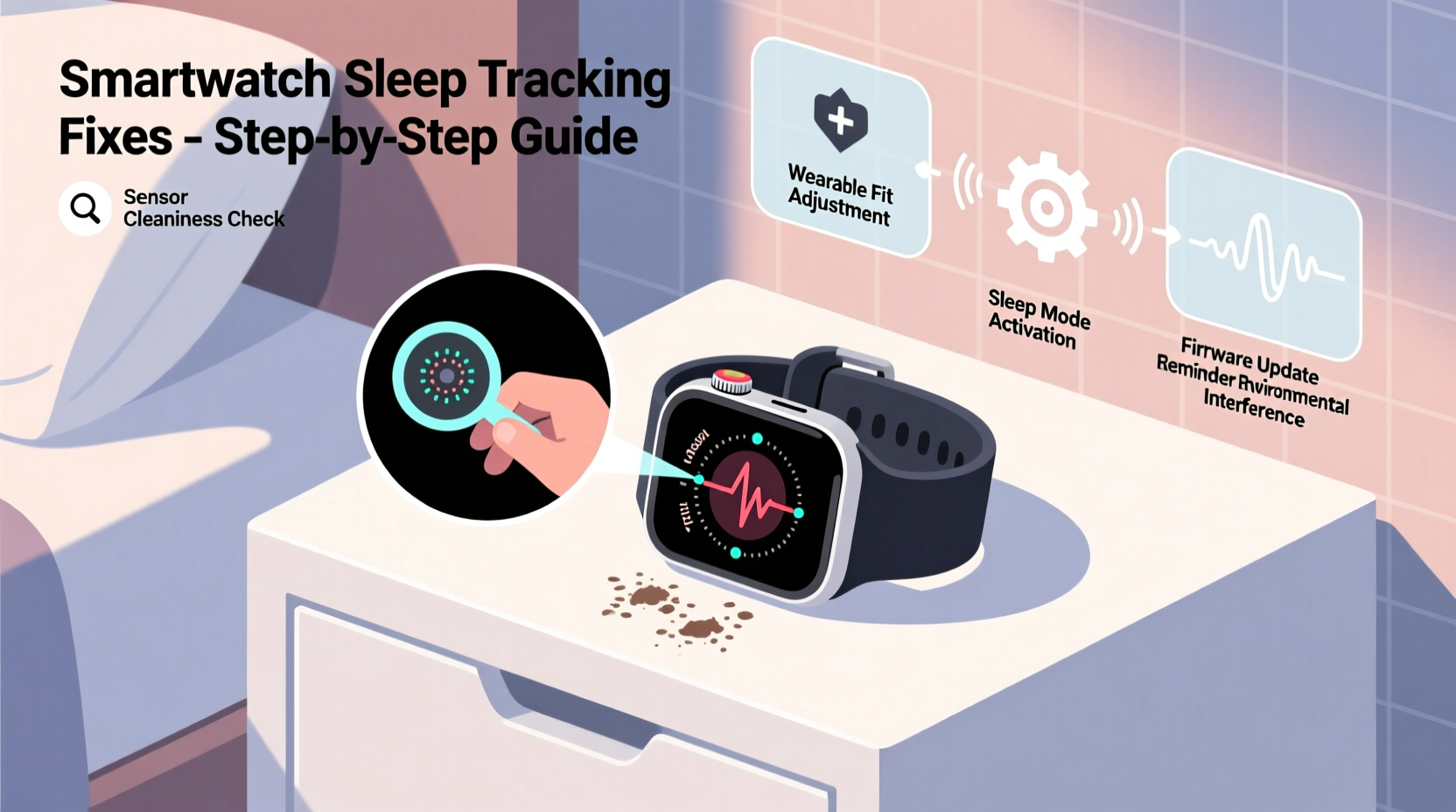
Most smartwatches rely on a combination of optical heart rate sensors, accelerometers, and gyroscopes to estimate sleep patterns. The optical sensor uses photoplethysmography (PPG) to detect blood flow changes beneath the skin, which helps infer heart rate variability—a key marker in identifying light, deep, and REM sleep stages. Motion data from the accelerometer determines whether you're moving or still, helping classify wakefulness versus sleep.
Despite these technologies, smartwatches don’t measure brain activity like clinical polysomnography (the gold standard for sleep studies). Instead, they make educated guesses based on physiological proxies. This inherent limitation means even high-end devices can misinterpret data under suboptimal conditions.
“Consumer-grade wearables provide valuable trends over time, but shouldn’t be treated as medical diagnostic tools.” — Dr. Lena Patel, Sleep Health Researcher at Stanford Medicine
Common Reasons for Inaccurate Sleep Tracking
Inaccuracy doesn’t always mean your device is faulty. More often, it reflects environmental, behavioral, or technical factors that interfere with sensor performance. Here are the most frequent culprits:
- Loose or improper fit: If the watch is too loose, movement between the sensor and skin creates noise in heart rate readings.
- Low battery or power-saving mode: Some watches disable continuous heart rate monitoring during sleep to conserve energy.
- Poor skin contact: Sweat, lotions, tattoos, or excessive hair can block the sensor’s light emission and detection.
- Frequent tossing and turning: Excessive motion may confuse the algorithm into thinking you’re awake.
- Incorrect wear position: Wearing the watch too high on the wrist reduces arterial signal strength.
- Software bugs or outdated firmware: Glitches in the operating system or companion app can corrupt data logging.
- Manual input errors: Forgetting to start sleep mode (on some models) or syncing delays distort results.
Step-by-Step Guide to Fixing Sleep Tracking Issues
Follow this structured approach to diagnose and resolve inaccuracies in your smartwatch’s sleep tracking. Each step targets a specific layer of potential failure.
- Verify Device Compatibility and Settings
Check if your model supports automatic sleep tracking. Older or budget models may require manual activation. Ensure that continuous heart rate monitoring is enabled in settings and that sleep tracking permissions are granted in the companion app. - Adjust Fit and Placement
Tighten the band so the watch stays flush against your wrist without cutting off circulation. Position it about 1–2 cm above the wrist bone. Avoid wearing it over thick clothing or pajama sleeves. - Clean the Sensor Regularly
Use a soft, dry cloth to wipe the back of the watch daily. Residue from sweat, soap, or moisturizer can scatter the LED light and reduce signal clarity. - Update Firmware and Apps
Navigate to your device’s settings menu and check for updates. Manufacturers frequently release patches that improve sensor algorithms and fix known bugs affecting sleep analysis. - Calibrate Heart Rate Accuracy
Perform a manual heart rate check while at rest and compare it with a chest strap monitor or fingertip pulse oximeter. Significant discrepancies suggest sensor calibration issues. - Test Without Power-Saving Modes
Disable battery saver or theater mode overnight. These features often limit background processes, including sensor sampling frequency. - Monitor for Skin Conditions or Obstructions
If you have a wrist tattoo, dense arm hair, or dry skin, consider testing on the opposite wrist. Alternatively, trim hair near the sensor area or apply minimal, non-oily moisturizer before bed. - Evaluate Sleep Environment
Extreme temperatures, electromagnetic interference, or wearing the watch over scar tissue can degrade sensor performance. Keep your bedroom cool and avoid placing phones or chargers directly next to the device.
Do’s and Don’ts of Smartwatch Sleep Monitoring
| Do | Don’t |
|---|---|
| Wear the watch snugly with consistent skin contact | Wear it loosely or slide it up the forearm |
| Clean the sensor weekly | Ignore grime buildup on the back of the device |
| Keep software updated | Delay firmware updates indefinitely |
| Use both wrist-based and subjective sleep logs for comparison | Rely solely on the watch for clinical decisions |
| Charge fully before bedtime if battery life is short | Go to bed with less than 30% battery expecting full-night tracking |
Real-World Example: Fixing Persistent Data Gaps
Consider the case of Mark, a 38-year-old software developer using a popular fitness smartwatch. He consistently received notifications stating “Sleep data incomplete” despite wearing the device all night. After reviewing his routine, he discovered two issues: first, his watch was set to “Battery Saver” mode by default after 8 PM; second, he had a habit of adjusting the band in his sleep, causing intermittent sensor lift-off.
He resolved the issue by disabling battery saver, switching to a silicone band with better grip, and updating his watch OS. Within three nights, his sleep logs showed full 7-hour recordings with stage breakdowns matching his perceived rest quality. By addressing both technical and behavioral factors, Mark transformed inconsistent data into a reliable health metric.
Expert Tips for Maximizing Accuracy
Beyond basic troubleshooting, long-term accuracy depends on consistent habits and realistic expectations. Consider these expert-backed strategies:
- Establish a baseline: Track sleep manually for a week (noting bedtime, wake time, and how you feel) and compare it with your smartwatch output. Look for patterns rather than single-night anomalies.
- Avoid obsessing over sleep scores: Many brands use proprietary scoring systems that prioritize certain metrics (like deep sleep) disproportionately. Focus instead on trends across weeks.
- Pair with other tools: Use a bedside sleep tracker or microphone-based app (like Sleep Cycle) to cross-validate movement and snoring data.
- Be mindful of lifestyle changes: Alcohol, caffeine, medication, and stress affect sleep architecture and may temporarily disrupt tracking consistency.
FAQ: Common Questions About Smartwatch Sleep Tracking
Can I trust my smartwatch’s REM sleep estimates?
While modern devices have improved REM detection using heart rate variability and motion cues, they still lack EEG-level precision. Use REM data as a trend indicator rather than an exact measurement. Consistency across nights matters more than isolated values.
Why does my sleep data disappear sometimes?
Data loss typically occurs due to sync failures between the watch and phone, app crashes, or storage limits. Ensure Bluetooth is active overnight and the companion app runs in the background. Restarting both devices weekly can prevent memory leaks.
Does wearing the watch on my dominant hand affect accuracy?
No, handedness doesn’t impact sensor function. However, if your dominant hand moves more during sleep (e.g., adjusting blankets), it might register more micro-awakenings. Test both wrists to see which yields more stable data.
Final Checklist for Reliable Sleep Tracking
Before going to bed each night, run through this quick checklist to ensure optimal conditions:
- ✅ Watch battery is above 50%
- ✅ Sleep tracking mode is enabled (if required)
- ✅ Band is snug and sensor is clean
- ✅ No power-saving modes active
- ✅ Companion app is updated and synced
- ✅ Watch positioned correctly on the wrist
- ✅ No lotions or obstructions on the inner wrist
Conclusion: Turn Your Smartwatch Into a Trusted Sleep Partner
Your smartwatch holds the potential to offer meaningful insights into one of the most critical aspects of health—sleep. But its value isn’t automatic. Like any tool, it requires proper setup, maintenance, and interpretation. Inaccuracies are rarely due to hardware failure; they’re usually the result of overlooked details in wear, environment, or settings. By applying the fixes outlined here—from tightening the band to updating firmware—you reclaim the accuracy needed to make informed decisions about your rest.
Sleep tracking works best when viewed as part of a broader wellness strategy, not a standalone verdict on health. Combine objective data with how you feel each morning. Over time, you’ll develop a clearer picture of your sleep patterns and the lifestyle factors that influence them. Take control tonight: adjust your fit, update your software, and wear your device with intention. Better sleep data—and better sleep itself—starts with small, deliberate actions.




 浙公网安备
33010002000092号
浙公网安备
33010002000092号 浙B2-20120091-4
Comments
No comments yet. Why don't you start the discussion?