
Wi-Fi should be reliable throughout your home, but if you’ve noticed sluggish speeds or dropped connections in certain rooms—especially basements, back bedrooms, or upper floors—you’re not alone. Signal degradation isn’t just an annoyance; it can disrupt work, streaming, gaming, and smart home functionality. The root causes are often physical barriers, distance from the router, and outdated networking hardware. But more importantly, the solution depends on choosing the right technology: a mesh Wi-Fi system or a traditional range extender. Understanding how each works—and where they fall short—is key to restoring consistent performance across every corner of your space.
Why Wi-Fi Weakens in Specific Rooms
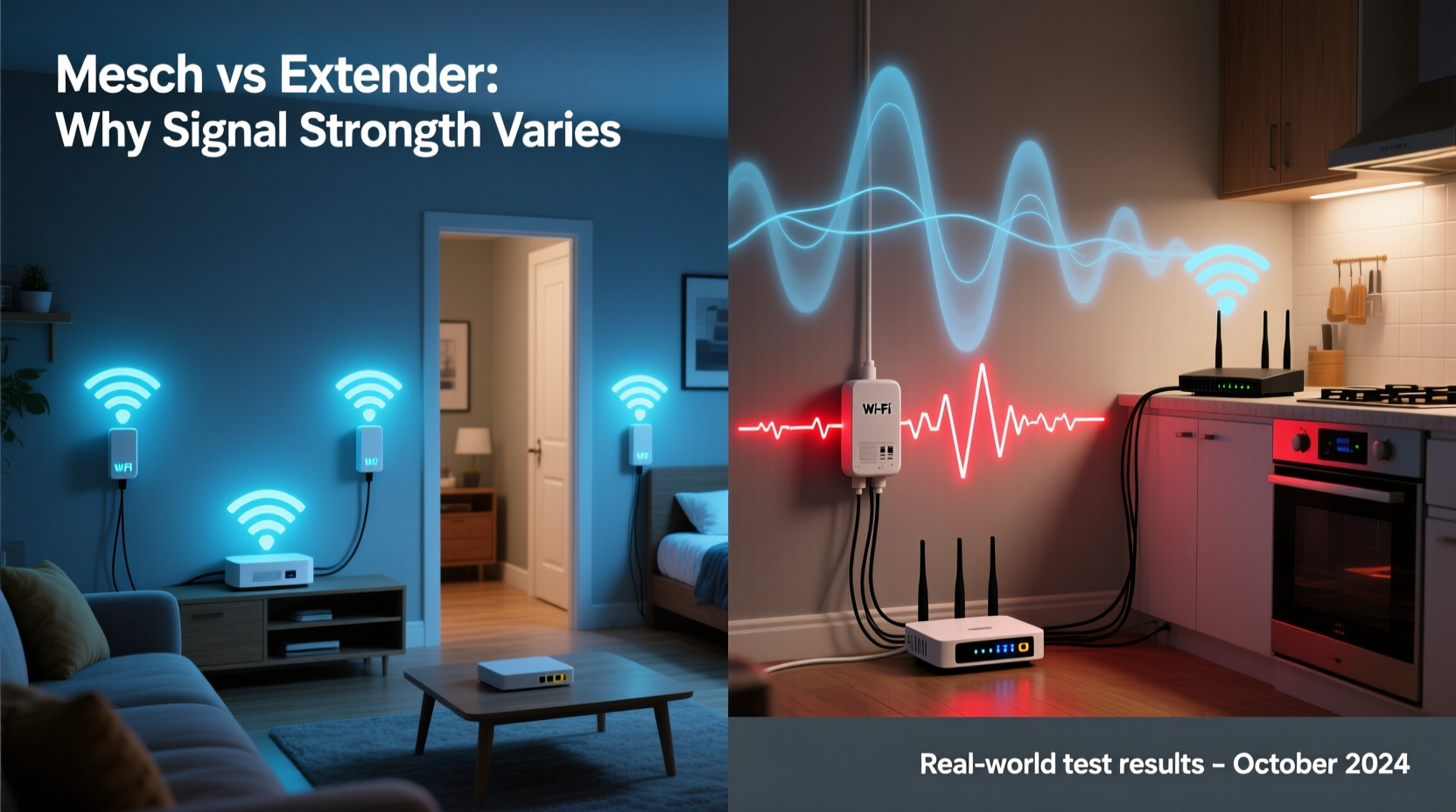
Wi-Fi signals are radio waves, typically operating on 2.4 GHz or 5 GHz frequencies. While convenient, these signals behave much like light—they can be blocked, absorbed, or reflected by common household materials. As you move away from your router, signal strength naturally decreases due to free-space path loss, a principle of physics that dictates signal attenuation over distance.
However, structural elements play a bigger role than most realize:
- Walls and floors: Concrete, brick, and cinder block absorb signals significantly. Even drywall with metal studs or foil-backed insulation can create dead zones.
- Appliances: Microwaves, refrigerators, and washing machines emit electromagnetic interference, especially on the 2.4 GHz band.
- Furniture and mirrors: Large wooden cabinets, bookshelves, and mirrored surfaces reflect or scatter signals.
- Distance: The farther you are from the router, the weaker the signal becomes, particularly for high-frequency 5 GHz, which offers speed but limited range.
In multi-story homes, vertical separation compounds the issue. A router placed in the basement may struggle to reach the second floor, while one on the top floor might leave the ground level under-covered.
How Range Extenders Work (and Where They Fall Short)
A Wi-Fi range extender, also known as a repeater, picks up your existing Wi-Fi signal and rebroadcasts it. It’s typically plugged into a wall outlet in a location where the original signal is still usable but weak. This creates a secondary network—either under the same name (SSID) or a separate one—that devices can connect to.
While extenders are inexpensive and easy to set up, they come with inherent limitations:
- Bandwidth halving: Most extenders operate on a single radio. When they receive and retransmit data, they use the same channel, effectively cutting available bandwidth in half.
- Latency spikes: Data must travel from the router to the extender and then to your device, increasing response time—problematic for video calls or online gaming.
- Network confusion: Devices may cling to a weak primary signal instead of switching to the extender, leading to poor performance despite proximity.
- Manual switching: Some extenders require users to manually select between “Router” and “Extender” networks, creating friction.
Modern dual-band extenders mitigate some issues by using one band to communicate with the router and another for client devices. However, tri-band models—which include a dedicated backhaul channel—are rare and often cost nearly as much as mesh systems.
“Range extenders are a stopgap solution. They’re better than nothing, but they rarely deliver a seamless experience.” — David Lin, Senior Network Engineer at NetSignal Labs
Mesh Wi-Fi: Seamless Coverage Through Intelligent Design
Mesh Wi-Fi systems consist of multiple nodes that work together as a single network. One node connects directly to your modem, while satellite units are placed strategically around your home. Unlike extenders, mesh systems are designed from the ground up for whole-home coverage with minimal user intervention.
Key advantages include:
- Seamless roaming: All nodes broadcast the same SSID. Your device automatically connects to the strongest signal without manual switching.
- Dedicated backhaul: Many tri-band mesh systems use a private 5 GHz or 6 GHz channel exclusively for communication between nodes, preserving client bandwidth.
- Self-optimizing networks: Mesh systems continuously monitor traffic and interference, adjusting channels and paths dynamically.
- Easy management: Most include mobile apps for monitoring devices, setting parental controls, running speed tests, and rebooting remotely.
Because mesh systems treat your home as a unified network, they avoid the pitfalls of signal duplication and bandwidth splitting that plague extenders. They’re especially effective in larger homes (2,000+ sq ft), multi-level buildings, or spaces with dense construction.
Mesh vs Extender: A Practical Comparison
| Feature | Wi-Fi Range Extender | Mesh Wi-Fi System |
|---|---|---|
| Setup Complexity | Simple (plug-and-play) | Moderate (app-guided setup) |
| Cost (Entry-Level) | $30–$60 | $150–$300 (for 2–3 pack) |
| Network Name (SSID) | Same or separate (can cause confusion) | Single, unified SSID |
| Backhaul Efficiency | Shared radio (reduces speed) | Dedicated band (preserves speed) |
| Roaming Experience | Poor (sticky connections) | Smooth (automatic handoff) |
| Ideal Use Case | Small homes, temporary fix | Large homes, long-term solution |
| Management Tools | Limited or none | Full app control (QoS, scheduling, etc.) |
This comparison shows that while extenders win on price and simplicity, mesh systems outperform in reliability, scalability, and long-term value—especially as households add more connected devices.
Real-World Example: Fixing Dead Zones in a Two-Story Home
Consider Sarah, who lives in a 2,200-square-foot colonial house. Her ISP-provided router sits in the basement near the utility room. Upstairs, her bedroom and home office suffer from frequent buffering during Zoom meetings and interrupted smart speaker commands.
She first tried a $40 dual-band extender in the hallway upstairs. Initially, it helped—but devices often stayed connected to the weak basement signal. Streaming lagged, and file downloads stalled. After reading about mesh systems, she invested in a three-node Wi-Fi 6 mesh kit ($270).
She placed one node in the basement (connected to the modem), one on the main floor hallway, and one upstairs. Within minutes, all devices switched to the stronger local node. Speed tests showed consistent 150+ Mbps throughout the house, versus under 20 Mbps in the bedroom before. Roaming became seamless—her phone automatically connected to the nearest node as she moved between floors.
Sarah also appreciated the app’s insights: she could see which devices were active, pause internet for her kids’ tablets, and schedule firmware updates overnight.
Step-by-Step Guide: Choosing and Installing the Right Solution
- Assess your current coverage: Walk through your home with a Wi-Fi analyzer app (like Wi-Fi Analyzer for Android or AirPort Utility for iOS) to map signal strength. Note areas below -70 dBm, which indicate poor reception.
- Evaluate your needs: How many devices? Do you stream 4K, game online, or work from home? High-demand usage favors mesh.
- Check your internet plan: If you have gigabit service, ensure your solution supports Wi-Fi 6 or Wi-Fi 6E to avoid bottlenecks.
- Decide on budget and scale: Extenders suit small spaces or tight budgets. Mesh is better for future-proofing and larger homes.
- Install and test: For mesh, follow the app instructions. Place the first node near the modem, then others in high-traffic areas. Run speed tests in previously weak zones.
- Optimize placement: Adjust node locations based on performance. Avoid corners and metal surfaces. Elevate nodes off the floor.
FAQ: Common Questions About Wi-Fi Coverage Solutions
Can I use a mesh system with my existing router?
Yes. You can disable your ISP router’s Wi-Fi and connect the mesh system directly to it in bridge mode. This avoids double NAT issues and lets the mesh system manage the network fully.
Do mesh systems work with all internet providers?
Absolutely. Mesh systems are provider-agnostic. As long as you have a modem (or gateway), you can plug in a mesh node and set it up regardless of your ISP.
Is Wi-Fi 6 necessary for mesh systems?
Not strictly, but highly recommended. Wi-Fi 6 improves efficiency, supports more devices, and reduces congestion. If you have many smart devices or plan to stay in your home long-term, Wi-Fi 6 is worth the investment.
Action Plan: Improve Your Home Wi-Fi Today
- Reposition your current router to a central, elevated location.
- Restart your router monthly and update firmware regularly.
- Use a Wi-Fi analyzer to identify dead zones.
- If using an extender, consider upgrading to mesh if performance remains inconsistent.
- Invest in a tri-band Wi-Fi 6 mesh system for homes over 1,800 sq ft or with thick walls.
- Monitor network performance quarterly and adjust node placement as needed.
Conclusion
Slow Wi-Fi in certain rooms isn’t inevitable—it’s a solvable problem rooted in physics and infrastructure. While range extenders offer a quick, low-cost patch, they often fail to deliver the seamless, high-speed experience modern households demand. Mesh Wi-Fi systems, though more expensive upfront, provide intelligent, scalable, and user-friendly coverage that adapts to your lifestyle. Whether you're working from a home office, streaming movies in the basement, or managing a dozen smart devices, the right network foundation makes all the difference.




 浙公网安备
33010002000092号
浙公网安备
33010002000092号 浙B2-20120091-4
Comments
No comments yet. Why don't you start the discussion?