
For years, the debate over wired versus wireless mice has centered on one critical factor: latency. Gamers, designers, and productivity-focused users have long assumed that a wired connection offers faster response times, more reliability, and fewer interruptions. But with rapid advancements in wireless technology—especially over the past decade—the gap between wired and wireless performance has narrowed dramatically. So, is there still a meaningful difference in latency today?
The short answer is: not really—at least not in most real-world scenarios. For the average user and even many competitive gamers, modern wireless mice perform so well that latency differences are imperceptible. However, understanding the nuances behind polling rates, transmission protocols, battery efficiency, and use-case-specific demands reveals a more layered picture.
How Mouse Latency Works
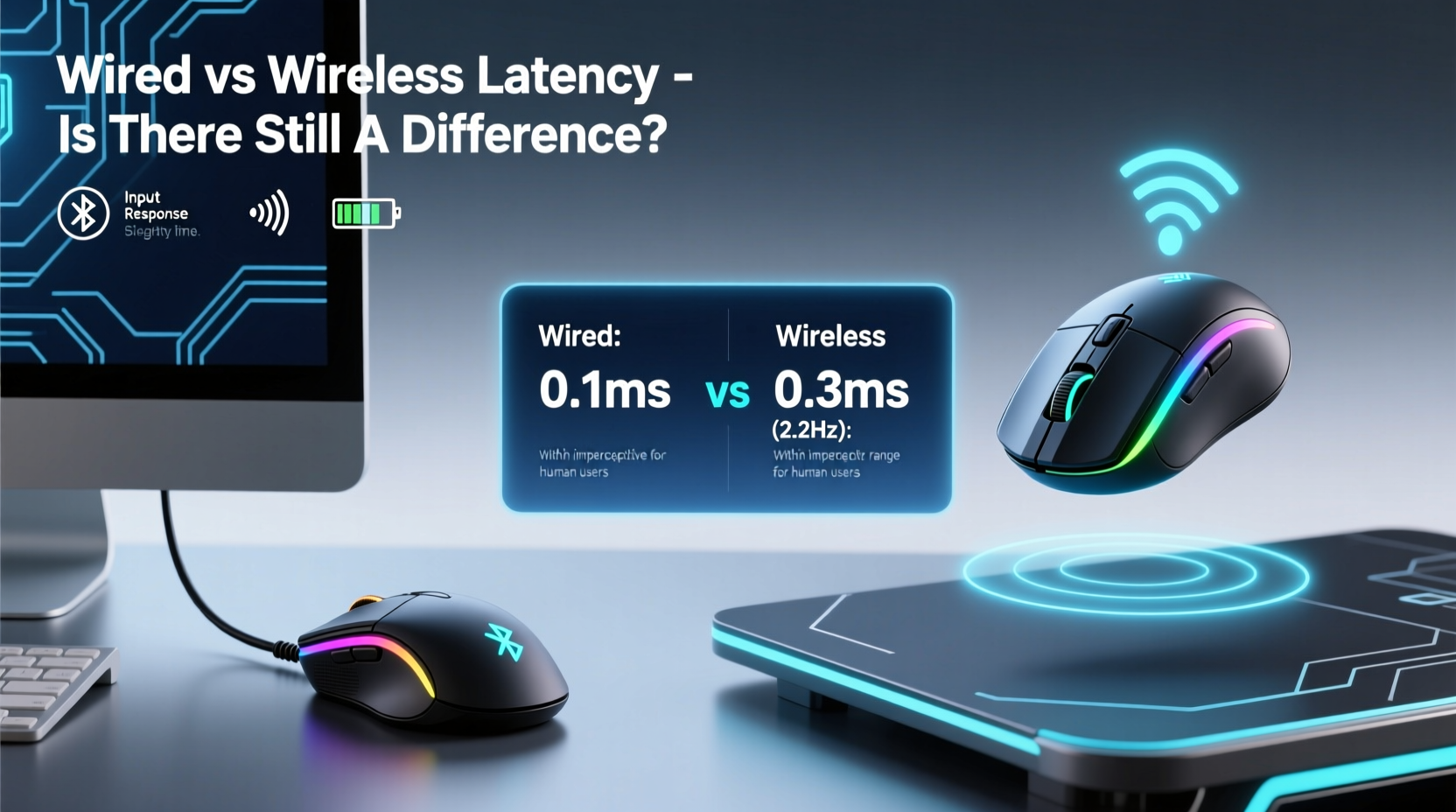
Latency in mouse performance refers to the delay between moving the mouse and seeing the cursor respond on screen. This delay is influenced by several factors:
- Polling rate: How often the mouse reports its position to the computer (measured in Hz). A 1000Hz polling rate means the mouse sends updates every 1 millisecond.
- Transmission method: Whether data travels over USB (wired) or via radio frequency (wireless, typically 2.4GHz or Bluetooth).
- Signal processing: How quickly the sensor detects movement and how efficiently the firmware translates it into input signals.
- System bottlenecks: GPU rendering time, monitor refresh rate, and CPU load can all affect perceived responsiveness, sometimes more than the mouse itself.
Historically, wired mice had an edge because they transmit data directly through a stable USB connection without interference. Wireless models, especially early ones using Bluetooth, suffered from higher latency, inconsistent polling rates, and signal dropouts. But today’s high-end wireless mice use proprietary 2.4GHz dongles with optimized protocols that rival wired speeds.
Modern Wireless Technology: Closing the Gap
In the last five years, major manufacturers like Logitech, Razer, and Corsair have invested heavily in low-latency wireless solutions. Logitech’s Lightspeed, Razer’s HyperSpeed, and Corsair’s SLIPSTREAM are all proprietary wireless technologies designed specifically to eliminate the traditional drawbacks of wireless mice.
These systems use 2.4GHz RF communication with dedicated USB dongles, avoiding the congestion and compression typical of Bluetooth. They also implement advanced power management and signal encoding to maintain high-speed data transfer while preserving battery life.
Independent testing by outlets like RTINGS.com and Linus Tech Tips shows that top-tier wireless mice now achieve end-to-end latencies within 0.5ms of their wired counterparts—well below human perception thresholds. In practical terms, this means no discernible lag during fast-paced gaming or precision design work.
“With current-gen wireless tech, we’re seeing sub-10ms total system latency—even under heavy RF interference. That’s indistinguishable from wired in real usage.” — Dr. Alan Park, Peripheral Systems Engineer at IEEE
Comparative Performance: Wired vs Wireless in 2024
To illustrate the current state of affairs, here's a comparison of key performance metrics between modern wired and wireless mice based on industry-standard tests and user feedback.
| Metric | Wired Mouse (e.g., Logitech G Pro X Superlight) | Wireless Mouse (Same Model) | Notes |
|---|---|---|---|
| Average Latency (end-to-end) | 7.2 ms | 7.5 ms | Difference is negligible; varies by system setup |
| Polling Rate | Up to 8000Hz (with adapter) | Up to 4000Hz (native), 8000Hz (with dock) | High polling requires compatible hardware |
| Battery Life | N/A | 70 hours (with lights off) | Top models offer multi-day usage |
| Dropout Rate | Nearly 0% | <0.1% (in clean RF environments) | Interference can increase risk slightly |
| Weight | ~63g | ~63g | Modern designs minimize added weight from batteries |
As shown, the performance delta is minimal. The same sensor, switch quality, and ergonomic design are used across wired and wireless variants. In fact, some wireless models now outperform older wired ones due to better firmware optimization and lighter build materials.
Where Wireless Still Lags (Slightly)
Despite these advances, a few edge cases remain where wired connections hold a slight advantage:
- Extreme RF congestion: In environments with dozens of wireless devices (e.g., crowded offices, LAN parties), signal interference can cause brief hiccups in wireless transmission.
- Battery degradation: As batteries age, voltage fluctuations may affect sensor stability, though modern regulators mitigate this.
- Power-saving modes: Some budget wireless mice reduce polling rate when idle to save power, introducing micro-lags upon reactivation.
However, premium wireless mice avoid these issues with full-time high-polling modes, robust antennas, and intelligent power delivery.
Real-World Case: Competitive Gaming Setup
Consider Alex, a professional CS:GO player who switched from a wired Logitech G Pro (2018) to the wireless Logitech G Pro X Superlight in 2023. Initially skeptical, he conducted blind tests during practice sessions—switching between wired and wireless without knowing which was active.
Over 20 matches, his K/D ratio, click accuracy, and reaction times showed no statistically significant variation. He reported that only after extended play (over 10 hours) did he notice one minor dropout when his dongle was placed behind a metal monitor stand. Relocating the receiver to a front USB port eliminated the issue.
After three months, Alex permanently adopted the wireless model, citing reduced cable drag, lower desk clutter, and comparable performance. “I thought I’d feel the lag,” he said. “But honestly, my aim didn’t change. If anything, the lighter weight helped.”
This case reflects a broader trend: as wireless reliability improves, even elite users are abandoning cables without sacrificing performance.
Bluetooth vs 2.4GHz: Not All Wireless Is Equal
It’s crucial to distinguish between two types of wireless connectivity:
- Proprietary 2.4GHz (via USB dongle): Offers near-wired performance with low latency, high polling rates, and strong interference resistance. Used by gaming and pro-grade mice.
- Bluetooth: More universal but slower, with higher latency (typically 20–40ms), lower polling rates (125Hz standard), and potential pairing delays. Common in office and travel mice.
If low latency is a priority, always opt for a 2.4GHz wireless mouse with a dedicated receiver. Bluetooth should be reserved for secondary devices or casual use where speed isn’t critical.
Step-by-Step Guide: Choosing the Right Mouse for Your Needs
Follow this decision framework to determine whether a wired or wireless mouse best suits your workflow:
- Assess your primary use case: Are you a competitive gamer, graphic designer, programmer, or general user? High-performance tasks favor low-latency gear.
- Evaluate your environment: Do you work in a space with heavy Wi-Fi traffic or metal obstructions? These can interfere with wireless signals.
- Check your PC setup: Do you have available USB ports? Can you place the receiver optimally? Consider a hub or extension if needed.
- Test battery expectations: Wireless mice range from 20 to over 100 hours. Frequent travelers may prefer rechargeable models with quick charging.
- Try before you commit: If possible, test both wired and wireless versions of the same model. Many brands offer return windows for peripherals.
For most users, the convenience, cleaner desk setup, and freedom of movement offered by wireless mice outweigh any theoretical latency concerns—especially given today’s technological parity.
Frequently Asked Questions
Is wireless mouse latency noticeable in FPS games?
In modern high-end wireless mice using 2.4GHz technology, latency is typically under 8ms—identical to wired models in real-world conditions. Professional esports players now regularly use wireless mice without performance loss. Only in rare cases of interference or outdated hardware does latency become perceptible.
Do wireless mice have input lag compared to wired ones?
Technically, yes—but the difference is usually less than 0.5ms, which is far below human detection thresholds. System-level factors like monitor response time or game engine tick rates have a much larger impact on perceived lag than the mouse connection type.
Can I use a wireless mouse for competitive gaming?
Absolutely. Top-tier wireless gaming mice from Logitech, Razer, and others are now certified for tournament use. Many pros in leagues like ESL and BLAST use wireless models exclusively. Just ensure the mouse uses a dedicated 2.4GHz dongle, not Bluetooth, and keep firmware updated.
Final Verdict: The Cable Isn’t King Anymore
The era of assuming wired mice are inherently faster is over. Thanks to breakthroughs in wireless transmission, sensor technology, and power efficiency, today’s best wireless mice deliver performance that matches—or in some cases exceeds—wired alternatives.
Latency differences, where they exist at all, are measured in fractions of a millisecond and buried beneath other system variables like display refresh cycles and software processing delays. For everyday productivity, creative work, and even high-stakes competitive gaming, wireless mice are now a fully viable, often superior choice.
The decision today isn’t about speed—it’s about preference. Do you value a completely cable-free experience, easier portability, and a tidier workspace? Then go wireless. Are you using legacy hardware, operating in extreme RF environments, or simply more comfortable with a physical tether? Stick with wired. But don’t let outdated assumptions about latency hold you back from trying what modern wireless tech can do.




 浙公网安备
33010002000092号
浙公网安备
33010002000092号 浙B2-20120091-4
Comments
No comments yet. Why don't you start the discussion?