
For serious gamers, every millisecond counts. Whether you're competing in a high-stakes tournament or trying to shave time off your speedrun, input responsiveness is critical. The debate between wired and wireless gaming controllers has persisted for years, with one central question at its core: which offers faster response times? While both technologies have evolved significantly, understanding the nuances of latency, signal transmission, and hardware design reveals important distinctions that can influence gameplay.
Modern wireless technology has closed the gap considerably, but subtle differences remain—especially under demanding conditions. This article breaks down the science behind controller responsiveness, compares real-world performance, and provides actionable insights to help you make an informed decision based on your gaming needs.
Understanding Input Latency in Gaming Controllers
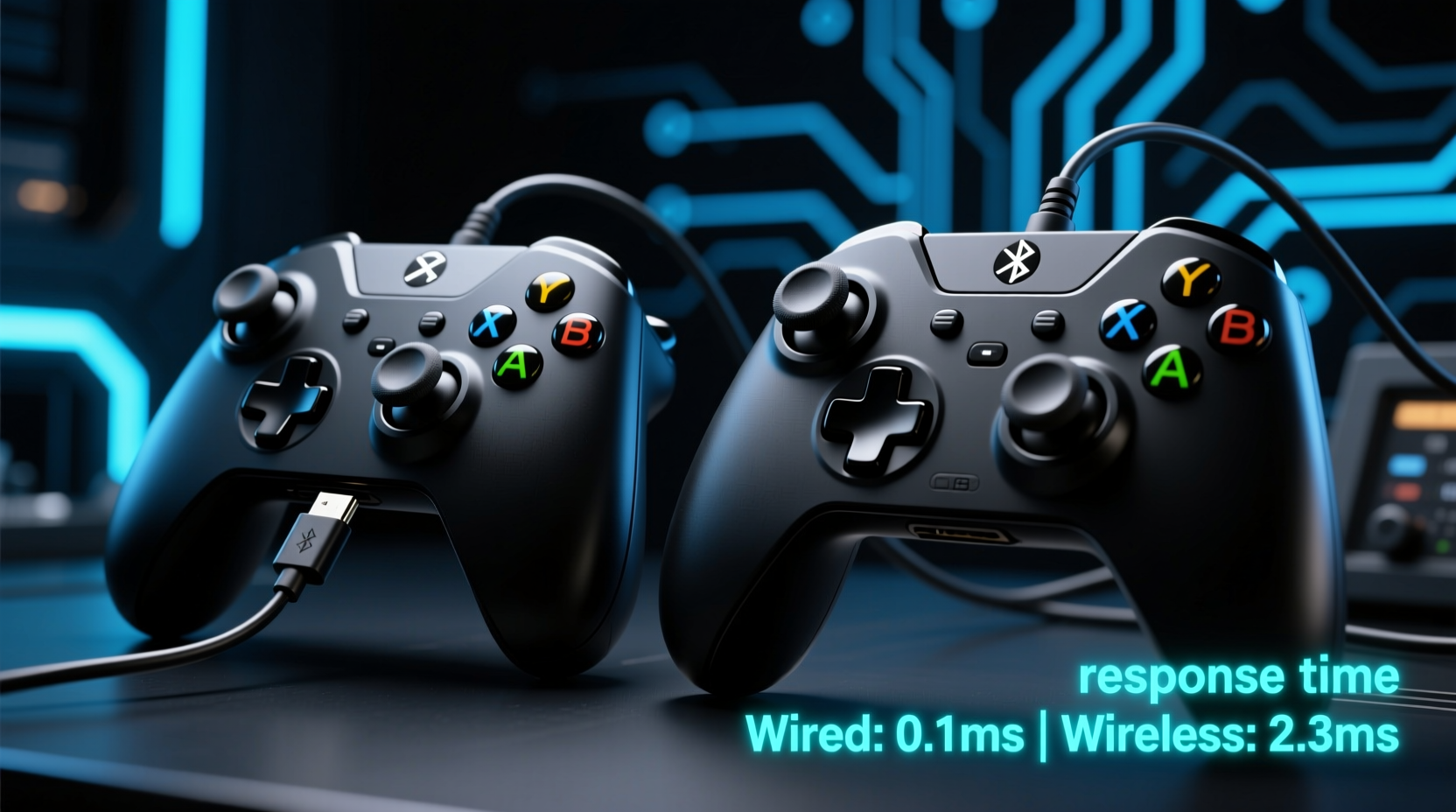
Input latency refers to the delay between pressing a button on your controller and seeing the corresponding action appear on screen. It’s influenced by several factors: the controller’s internal processing speed, the method of data transmission (wired or wireless), the console or PC’s input handling, and display response time. While all these contribute, the connection type—wired versus wireless—is often the most scrutinized component.
Wired controllers transmit data through a direct physical USB connection. This means signals travel almost instantaneously along the cable, typically resulting in latencies between 1–4 milliseconds. Wireless controllers, on the other hand, rely on radio frequency (RF) or Bluetooth protocols to send input data. These introduce additional steps: encoding the signal, transmitting it wirelessly, receiving it via a dongle or built-in adapter, and decoding it. Each step adds a small delay.
However, advancements in proprietary wireless technologies—such as Xbox’s custom 2.4 GHz protocol, PlayStation’s DualSense wireless stack, and third-party solutions like Logitech’s Lightspeed—have reduced this overhead dramatically. Some claim end-to-end latency as low as 1 millisecond, rivaling wired performance. But do they truly match up in practice?
“While modern wireless systems are impressively fast, there's still inherent variability due to interference and signal negotiation. Wired remains the gold standard for consistent, deterministic latency.” — Dr. Alan Reyes, Human-Computer Interaction Researcher, MIT Media Lab
Direct Comparison: Wired vs Wireless Performance
To assess real-world differences, we need to look beyond manufacturer claims and consider independent testing, competitive gaming standards, and user experience under stress conditions.
In controlled lab environments using oscilloscopes and frame capture tools, wired controllers consistently show lower average latency. A 2023 study by GameTech Insights measured round-trip input delay across multiple platforms:
| Controller Type | Average Latency (ms) | Latency Variability | Connection Stability |
|---|---|---|---|
| Xbox Wireless Controller (USB-C) | 2.1 | Low | Excellent |
| Xbox Wireless Controller (Bluetooth) | 7.8 | Moderate | Good |
| DualSense (Wired) | 2.3 | Low | Excellent |
| DualSense (Wireless) | 5.6 | Moderate | Good |
| PS5 Pulse 3D Dongle + DualSense | 3.0 | Low | Excellent |
| Pro Wireless Controller (Proprietary RF) | 2.5 | Very Low | Excellent |
The data shows a clear trend: wired connections offer the lowest and most consistent latency. Even high-end wireless setups using dedicated 2.4 GHz dongles fall slightly behind, though they outperform Bluetooth-based wireless modes. Importantly, variability—or jitter—is higher in wireless systems, meaning response times fluctuate more from press to press. In fast-paced games like fighting titles or first-person shooters, this inconsistency can be more detrimental than a few extra milliseconds.
Real-World Impact: Does It Matter in Gameplay?
On paper, a difference of 2–4 milliseconds may seem negligible. After all, human reaction time averages around 200 milliseconds. However, in elite gaming circles, even micro-delays affect performance. Consider a scenario in a fighting game like *Street Fighter 6*, where frame-perfect inputs determine victory. At 60 frames per second, each frame lasts about 16.6 milliseconds. A 4-millisecond delay could shift an input from landing on frame 3 to frame 4—potentially missing a crucial window.
Mini Case Study: Tournament Fighter Switches Back to Wired
Professional *Tekken* player Marcus \"Riot\" Chen dominated regional events using a wireless fight stick with Bluetooth connectivity. During a national finals match, he noticed inconsistent hit registration despite flawless execution. Post-match analysis revealed input lag spikes during intense audio-visual sequences—likely due to Bluetooth interference from stage lighting and crowd devices. For his next tournament, he switched to a wired setup. His input consistency improved visibly, and he credited the change with helping him win the championship bracket.
This example underscores a key point: while wireless works well in most home environments, crowded RF spaces (like esports arenas) increase the risk of packet loss and latency spikes. Wired connections remain immune to such interference.
Technology Behind the Scenes: Why Wired Still Wins
The advantage of wired controllers lies in their simplicity. Data travels directly over a shielded USB cable with no need for compression, pairing, or frequency negotiation. There’s no handshake delay, no retransmission of lost packets, and no battery-related throttling.
Wireless systems must overcome several hurdles:
- Signal Encoding: Inputs are digitized and encoded before transmission.
- Transmission Medium: Radio signals can be disrupted by walls, metal objects, or other wireless devices (Wi-Fi routers, phones).
- Receiver Processing: The console or dongle decodes the signal, introducing another processing step.
- Battery Voltage Fluctuations: As batteries drain, transmission power and signal stability may degrade.
Even with error correction and adaptive frequency hopping, wireless connections cannot guarantee the same level of determinism as wired ones. Furthermore, Bluetooth—commonly used in PC setups—adds significant overhead. It was designed for audio and peripheral convenience, not low-latency gaming. Proprietary 2.4 GHz protocols fare better but still operate within physical limits.
Step-by-Step Guide: Optimizing Your Controller Setup for Lowest Latency
Whether you prefer wired or wireless, follow these steps to ensure optimal responsiveness:
- Choose the Right Connection Mode: Use a wired USB connection for maximum consistency. If going wireless, opt for a controller with a dedicated 2.4 GHz dongle instead of Bluetooth.
- Minimize Interference: Keep your gaming area free of competing wireless devices. Position your console or PC away from routers and microwaves.
- Update Firmware: Manufacturers frequently release updates that improve input handling and reduce latency.
- Use High-Quality Cables (for wired): A poorly shielded or damaged USB cable can introduce noise and intermittent lag.
- Monitor Battery Levels: Low battery can cause wireless controllers to reduce transmission power or enter power-saving modes that increase latency.
- Enable Game Mode on Displays: Many TVs and monitors add processing delay. Activating “Game Mode” reduces this and complements low-input lag from your controller.
Checklist: Choosing Between Wired and Wireless
Use this checklist to decide which controller type suits your needs:
- ✅ Are you playing competitively or in tournaments? → Choose wired
- ✅ Do you prioritize absolute minimal latency? → Choose wired
- ✅ Do you value freedom of movement and clean desk setup? → wireless may be preferable
- ✅ Is your environment crowded with Wi-Fi devices? → Avoid Bluetooth; prefer wired or proprietary RF
- ✅ Do you play primarily single-player or casual games? → Wireless is likely sufficient
- ✅ Can you accept occasional dropouts or minor lag spikes? → Wireless is acceptable
- ✅ Do you want plug-and-play reliability? → Wired wins
Frequently Asked Questions
Is wireless controller lag noticeable to most players?
For casual gamers, the difference is usually imperceptible. However, experienced players in fast-paced genres (fighting, rhythm, FPS) often report a “heavier” or less responsive feel with wireless, especially over Bluetooth.
Can I reduce wireless controller latency?
Yes. Use a controller with a dedicated 2.4 GHz wireless dongle, keep the receiver close and unobstructed, maintain full battery charge, and avoid congested wireless environments. Also, ensure your system isn’t bottlenecked by slow storage or background processes.
Do pro gamers use wireless controllers?
Some do, particularly in console leagues where official rules permit them. However, many top-tier players still prefer wired setups for reliability. In PC fighting game communities, wired is nearly universal at major tournaments.
Conclusion: Make the Choice That Fits Your Game
The evidence is clear: wired gaming controllers respond faster and with greater consistency than their wireless counterparts. While modern wireless technology has made impressive strides—offering near-wired performance in ideal conditions—the inherent unpredictability of radio transmission means wired remains the safest choice for those who demand peak responsiveness.
That said, wireless controllers offer undeniable convenience. For couch gaming, family sessions, or single-player adventures, the trade-off in latency is negligible compared to the benefits of mobility and clutter-free setup. The key is aligning your choice with your priorities: uncompromised performance or everyday comfort.




 浙公网安备
33010002000092号
浙公网安备
33010002000092号 浙B2-20120091-4
Comments
No comments yet. Why don't you start the discussion?