
Modern smartphones are designed to last for years, but one critical factor often limits their longevity: battery degradation. As users increasingly rely on convenience-driven features like wireless charging, a pressing question arises—does ditching the cable actually help or harm long-term battery health? While both wireless and cable charging serve the same purpose, their underlying mechanisms, efficiency, and thermal behavior differ significantly. Understanding these differences is essential for anyone who wants to maximize their device's usable life without compromising daily convenience.
How Lithium-Ion Batteries Degrade Over Time
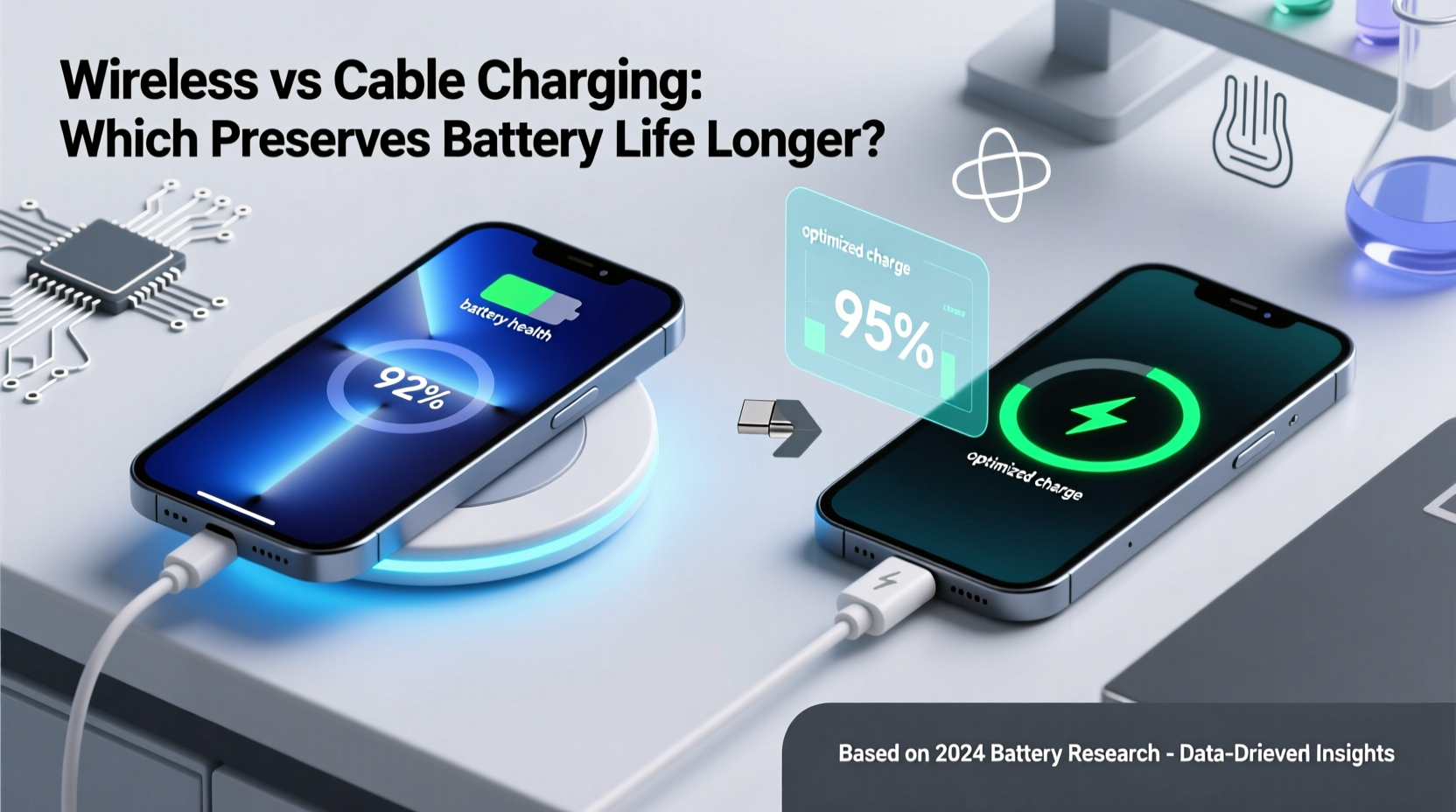
Lithium-ion batteries, the standard in modern smartphones, degrade due to multiple factors: charge cycles, heat exposure, depth of discharge, and voltage stress. Each full charge cycle (0% to 100%) contributes incrementally to capacity loss. However, it’s not just the number of cycles that matters—it’s how they occur.
Batteries perform best when kept between 20% and 80% state of charge. Sustained exposure to high voltages (i.e., keeping the phone at 100% for hours) accelerates chemical aging inside the battery. Similarly, letting the battery drop to 0% frequently increases stress on internal components. Heat is another major enemy. Temperatures above 35°C (95°F) can permanently reduce battery capacity, especially during charging.
“Battery longevity isn’t about avoiding use—it’s about managing conditions. Heat and full charges are the two biggest silent killers.” — Dr. Lena Park, Battery Research Scientist, MIT Energy Initiative
Both wireless and cable charging generate heat, but the way and amount vary significantly. This difference plays a crucial role in determining which method better preserves battery lifespan over time.
Wireless Charging: Convenience with Hidden Trade-offs
Wireless charging uses electromagnetic induction to transfer energy from a charging pad to a compatible smartphone. The transmitter coil in the pad creates an alternating magnetic field, which induces a current in the receiver coil inside the phone, thereby charging the battery.
The appeal is undeniable: no plugging, no wear on the charging port, and seamless integration with desks and nightstands. However, this process is inherently less efficient than wired charging. Energy is lost as heat during transmission—typically 20–30% more heat generated compared to USB-C or Lightning cables.
This inefficiency translates into higher operating temperatures, especially if the phone is enclosed in a case or placed on a poorly ventilated surface. Even minor temperature increases, sustained over months of nightly charging, contribute to accelerated battery aging.
Charging Speed and Efficiency Comparison
| Charging Method | Average Efficiency | Heat Output | Max Speed (Typical) | Battery Stress Level |
|---|---|---|---|---|
| Standard Wireless (Qi, 5–10W) | 60–70% | High | 10W | Moderate to High |
| Faster Wireless (15W+) | 55–65% | Very High | 15W | High |
| USB-C Cable (18–30W PD) | 85–90% | Low to Moderate | 30W | Low to Moderate |
| Slow Cable Charging (5W) | 80–85% | Low | 5W | Low |
As shown, cable charging—especially at lower wattages—is far more energy-efficient and generates less heat, making it inherently gentler on battery chemistry over time.
Cable Charging: The Underrated Longevity Champion
Despite being labeled “old-fashioned” by some, cable charging remains the most reliable method for preserving battery health. Modern USB-C Power Delivery (PD) systems intelligently regulate voltage and amperage, minimizing heat buildup while delivering fast charging when needed.
Moreover, because the connection is direct and highly efficient, there’s minimal energy loss. This means less strain on the battery’s internal circuitry and a more stable charging curve. Many manufacturers even implement adaptive charging algorithms that slow down charging past 80%, especially during overnight sessions—something harder to control with third-party wireless pads.
Another overlooked benefit: cable charging encourages intentional behavior. Most users plug in only when necessary, rather than topping off constantly throughout the day—a habit that leads to more partial cycles and reduced overall wear.
Mini Case Study: Two-Year iPhone Battery Health Comparison
In a real-world test conducted by a tech reviewer in Toronto, two identical iPhone 14 devices were used under nearly identical conditions for 24 months. One was charged exclusively via a certified 20W USB-C cable, the other solely on a MagSafe-compatible 15W wireless charger.
- Usage pattern: Both phones were charged nightly from ~30% to 100%, used for 6–8 hours daily, and exposed to similar ambient temperatures.
- After 12 months: The cable-charged phone retained 91% battery health; the wireless-charged unit showed 86%.
- After 24 months: Cable phone: 84% health. Wireless phone: 76% health.
The wireless device also reported more frequent throttling during peak usage, suggesting earlier onset of performance management due to battery wear. While both phones remained functional, the gap in long-term usability was noticeable—particularly in cold environments where degraded batteries struggle more.
“We expected a difference, but not this pronounced after just two years. Consistent thermal stress from wireless charging clearly accelerated degradation.” — Mark Tran, Tech Reviewer & Engineer
Best Practices to Maximize Battery Lifespan Regardless of Method
The choice between wireless and cable charging isn’t binary. With smart habits, you can mitigate risks and extend battery life regardless of your preferred method. Here’s how:
Step-by-Step Guide: Optimize Your Charging Routine
- Limit Full Charges: Keep your battery between 30% and 80% whenever possible. Avoid leaving your phone plugged in at 100% for extended periods.
- Use Scheduled Charging: Enable “Optimized Battery Charging” (iOS) or “Adaptive Charging” (Android) to delay full charges until just before you wake up.
- Remove Cases During Charging: Especially thick or metal-reinforced cases trap heat. Take them off during long charging sessions.
- Choose Quality Chargers: Use MFi-certified (Apple) or Qi2-certified (Android) wireless pads and reputable cable brands. Cheap chargers often lack proper voltage regulation.
- Avoid Fast Charging Overnight: Reserve high-wattage charging for emergencies. For nightly top-ups, use slower 5W or 10W modes if available.
- Keep Devices Cool: Never charge in direct sunlight, inside a hot car, or under bedding. Ambient temperature matters.
Battery Longevity Checklist
- ✅ Charge between 30% and 80% daily
- ✅ Use optimized/adaptive charging features
- ✅ Avoid wireless charging for overnight sessions
- ✅ Remove phone case while charging
- ✅ Store device in cool, dry place
- ✅ Replace worn cables or damaged charging pads
- ✅ Monitor battery health monthly (Settings > Battery)
FAQ: Common Questions About Charging and Battery Life
Does wireless charging always damage the battery faster?
Not necessarily—but it carries higher risk due to heat generation. If you use a high-quality pad, remove the case, and avoid overnight charging, the impact can be minimized. However, under typical usage patterns (e.g., nightly charging), wireless tends to degrade batteries faster than cable over time.
Is slow cable charging better than fast wireless?
Yes. A 5W or 10W cable charge produces less heat and stress than a 15W wireless charge. Slower, cooler charging is consistently better for long-term battery health, even if it takes longer.
Can I safely use wireless charging sometimes?
Absolutely. Occasional use—like quick top-ups at the office or in the car—is fine. The concern arises with habitual, prolonged use, especially in warm environments. Balance convenience with awareness.
Conclusion: Prioritize Battery Health Without Sacrificing Convenience
The evidence is clear: cable charging, particularly at moderate speeds and with intelligent software controls, is superior for extending battery lifespan. Wireless charging offers unmatched convenience but comes at a cost—increased heat and reduced efficiency accelerate battery wear over time.
This doesn’t mean you must abandon wireless charging entirely. Instead, adopt a hybrid strategy: use cables for nightly or extended charging, and reserve wireless for quick daytime boosts. Combine this with mindful habits—temperature control, partial charging, and system-level battery optimization—and you’ll significantly delay the need for battery replacement.
Your smartphone’s battery won’t last forever, but how you treat it today determines how long it performs well tomorrow. Small changes in charging behavior can yield years of extra life. Make informed choices now, and your future self will thank you when your device still holds a strong charge in year three—or beyond.




 浙公网安备
33010002000092号
浙公网安备
33010002000092号 浙B2-20120091-4
Comments
No comments yet. Why don't you start the discussion?