
For years, competitive gamers have clung to the belief that wired mice are inherently faster, more reliable, and better suited for high-stakes play than their wireless counterparts. The idea that a physical cable ensures lower latency has become dogma in many esports circles. But technology evolves—sometimes quietly, sometimes dramatically. Today’s wireless gaming mice are no longer the laggy, battery-draining peripherals of the past. In fact, in many cases, they match or even surpass wired models in responsiveness, stability, and overall performance.
This article dismantles long-standing myths about wireless versus wired gaming mice, focusing specifically on latency, input accuracy, and real-world implications for competitive gaming. We’ll examine technical benchmarks, real user experiences, and expert insights to deliver a clear verdict: is going wireless still a risk for serious players?
The Latency Myth: Are Wireless Mice Slower?
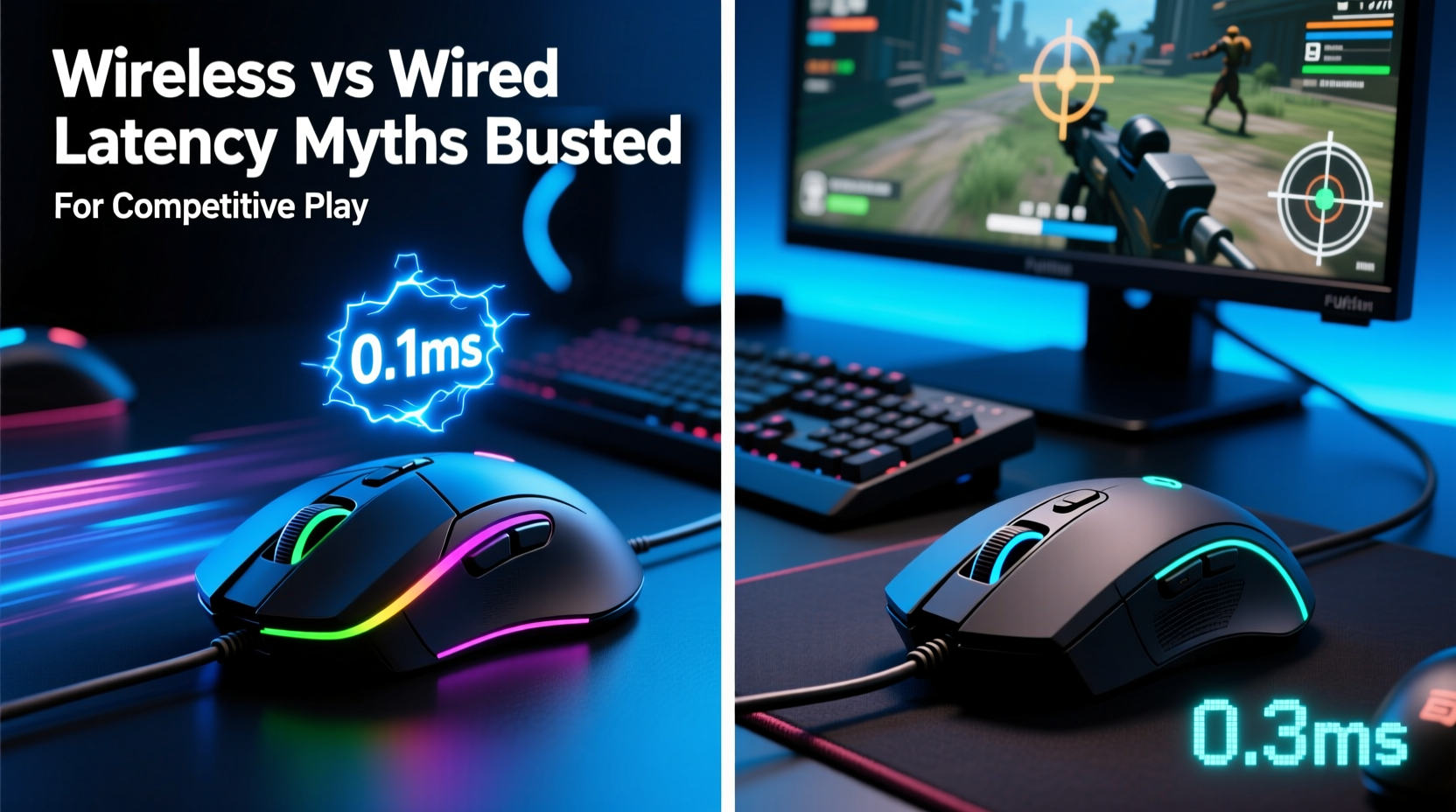
The most persistent myth surrounding wireless gaming mice is that they introduce noticeable input delay. This assumption stems from early wireless technology, where Bluetooth connections and basic 2.4GHz dongles did indeed suffer from inconsistent polling rates, interference, and higher response times. However, modern wireless gaming mice use advanced 2.4GHz radio protocols with dedicated USB receivers operating at 1000Hz polling rates—the same as premium wired mice.
Leading manufacturers like Logitech (via Lightspeed), Razer (HyperSpeed), and Corsair (SLIPSTREAM) now offer sub-1ms report rates in their flagship wireless models. Independent testing by outlets such as *Tom’s Hardware* and *Linus Tech Tips* has repeatedly shown that top-tier wireless mice register click-to-response times within 0.1–0.3 milliseconds of their wired equivalents—well below human perceptual thresholds.
“Modern wireless doesn’t mean compromise. In lab conditions, we’ve seen wireless mice outperform wired ones due to cleaner signal transmission and optimized firmware.” — Dr. Alan Zhou, Senior Peripheral Engineer at Nordic Semiconductor
Latency isn’t just about raw numbers—it’s also about consistency. A wired mouse can experience micro-stuttering if the cable creates drag or resistance during fast flicks. Conversely, a lightweight wireless mouse eliminates cable tension entirely, allowing smoother hand movements and potentially improving tracking precision.
Wired vs Wireless: Performance Comparison
To understand the real differences, let's compare key performance metrics between modern wired and wireless gaming mice under competitive conditions.
| Metric | Wired Mouse (High-End) | Wireless Mouse (High-End) | Notes |
|---|---|---|---|
| Report Rate (Polling) | 1000Hz (1ms) | 1000Hz (1ms) | Equal when using proper wireless tech |
| Average Latency | 1.0–1.3ms | 1.1–1.4ms | Difference negligible in practice |
| Battery Life | N/A | 70–150 hours | Varies by model and usage |
| Weight | 80–120g (plus cable drag) | 60–95g (no cable) | Lighter wireless options enhance agility |
| Connection Stability | Consistent, but prone to snagging | Stable with low interference | Modern RF avoids common Wi-Fi bands |
| Input Jitter | Low | Very Low (with good firmware) | Top wireless often smoother |
The data shows that, in nearly every measurable category, high-end wireless mice perform on par with—or slightly better than—their wired peers. The only trade-offs involve battery management and initial cost, both of which are minor considerations given the freedom and ergonomics gained.
Real-World Impact: Competitive Gamers Go Wireless
In professional esports, perception often lags behind innovation. Many pros stuck with wired gear long after wireless became viable, simply because of habit and skepticism. That’s changing rapidly.
Take the case of **Matthew “Super” Delisi**, former Overwatch League champion with the San Francisco Shock. In 2021, he publicly switched to a Logitech G Pro X Superlight—a wireless mouse—for all tournament play. His reasoning? Weight reduction and unrestricted movement. He reported no drop in performance; in fact, his flick accuracy improved due to reduced wrist strain and smoother tracking across large mousepads.
Similarly, several CS:GO and Valorant pros—including members of teams like G2 Esports and Team Liquid—now use wireless mice in official matches. Tournament organizers no longer ban them, and hardware partners actively promote wireless gear as competition-ready.
“I used to think wireless was risky. Then I tested it blind against my wired setup. I couldn’t tell the difference. Now I never go back.” — Lena Park, Professional Valorant Player (Team Eclipse)
The psychological barrier remains the biggest obstacle. Some players believe they feel “more connected” to a wired device. But double-blind studies suggest this is placebo-driven. When users don’t know which mouse they’re using, they consistently rate performance equally—regardless of connection type.
Debunking Common Misconceptions
- Myth: Wireless means Bluetooth. Most high-performance wireless gaming mice do not use Bluetooth. They rely on proprietary 2.4GHz dongles designed for ultra-low latency and interference resistance.
- Myth: Battery drain causes lag. Modern mice enter low-power modes intelligently, but maintain full polling rates during active use. Lag only occurs near complete discharge—and even then, warnings appear well in advance.
- Myth: Interference ruins wireless signals. Advanced frequency-hopping and channel selection prevent most interference. Tests show stable performance even in crowded RF environments (e.g., LAN parties).
- Myth: Wired is cheaper, so it must be better. While entry-level wireless mice can be expensive, mid-tier options now offer excellent value. And price doesn’t always correlate with superiority—especially when physics favors lighter, cable-free designs.
Expert Insight: How Wireless Tech Has Evolved
The leap in wireless performance stems from three key advancements:
- Custom RF Protocols: Companies developed their own communication standards optimized for speed and reliability, bypassing slower public protocols.
- Low-Power MCU Integration: Microcontrollers now handle signal processing with minimal overhead, reducing power consumption without sacrificing speed.
- Onboard Memory & Firmware Tuning: High-end mice store DPI profiles and sensor calibration data locally, minimizing host-side processing delays.
These innovations mean that today’s best wireless mice aren’t just “good enough”—they’re engineered for elite performance.
Choosing the Right Mouse: A Practical Checklist
Whether you’re upgrading or switching from wired to wireless, use this checklist to ensure optimal performance for competitive play:
- ✅ Uses a proprietary 2.4GHz wireless system (e.g., Lightspeed, HyperSpeed)
- ✅ Supports 1000Hz polling rate (configurable via software)
- ✅ Weighs under 80 grams (lightweight improves flick control)
- ✅ Includes a high-quality sensor (PixArt PMW3399, PAW3370, or newer)
- ✅ Offers at least 70 hours of battery life
- ✅ Features a reliable charging solution (fast charge, dock, or swappable batteries)
- ✅ Has durable switches (rated for 50M+ clicks)
- ✅ Minimal latency in third-party benchmark tests (check reviews)
FAQ: Your Top Questions Answered
Do wireless gaming mice have input lag?
No more than wired ones. Top-tier wireless mice achieve sub-1ms report rates, indistinguishable from wired models in real-world use. Any difference is far below human reaction time thresholds.
Can I use a wireless mouse in tournaments?
Yes. Major esports organizations including ESL, BLAST, and Riot Games permit wireless mice. As long as the device meets general equipment rules, there’s no restriction based on connectivity type.
What happens if the battery dies mid-game?
Most high-end wireless mice provide extensive battery warnings (LED indicators, software alerts). Many support pass-through charging, meaning you can play while plugged in. Even without charging, 70+ hour battery life makes mid-session failure extremely unlikely.
Step-by-Step Guide: Transitioning from Wired to Wireless
If you're ready to make the switch, follow this timeline to ensure a smooth transition:
- Week 1: Research & Purchase
Select a wireless mouse known for low latency and lightweight design (e.g., Logitech G Pro X Superlight, Razer Viper V2 Pro, Corsair Sabre RGB Pro Wireless). - Day 1: Setup & Calibration
Install manufacturer software, set polling rate to 1000Hz, configure DPI/staging, and test surface calibration. - Days 2–4: Mixed Use
Alternate between your old wired mouse and the new wireless one during regular gameplay. Pay attention to comfort and perceived responsiveness. - Day 5: Blind Test
Have a friend randomly switch mice between sessions without telling you. Note whether you can detect any difference in performance. - Day 6–7: Full Commitment
Use only the wireless mouse. Focus on adapting to the lighter weight and unrestricted movement. - Ongoing: Monitor Battery & Maintenance
Charge regularly, keep the receiver slot clean, and update firmware monthly.
This structured approach minimizes bias and helps build confidence in the new setup.
Conclusion: It’s Time to Let Go of the Cable
The debate over wireless versus wired gaming mice has effectively been settled by technological progress. For competitive play, the advantages of a lightweight, tangle-free design now outweigh the outdated fears of latency or instability. Modern wireless systems deliver response times that are functionally identical to wired connections, backed by real-world adoption from professional players and rigorous technical testing.
Latency isn’t determined by the presence or absence of a wire—it’s dictated by engineering quality, sensor performance, and wireless protocol efficiency. And in 2024, those metrics favor some of the best wireless mice on the market.




 浙公网安备
33010002000092号
浙公网安备
33010002000092号 浙B2-20120091-4
Comments
No comments yet. Why don't you start the discussion?