
For competitive first-person shooter (FPS) players, every millisecond counts. A fraction of a second delay between clicking the mouse and the action registering on screen can mean the difference between winning a gunfight and respawning. This makes input lag one of the most critical performance metrics in gaming peripherals—especially mice. For years, the debate over wireless versus wired gaming mice has centered on this very issue: which offers lower input lag? While conventional wisdom once favored wired mice without question, rapid advancements in wireless technology have shifted the landscape dramatically.
Today’s high-end wireless gaming mice leverage cutting-edge wireless protocols, optimized firmware, and ultra-low-latency hardware to rival—and sometimes surpass—the responsiveness of their wired counterparts. But do they truly eliminate the gap in competitive scenarios? To answer that, we need to break down what input lag really is, how it’s measured, and what factors influence it across both connection types.
Understanding Input Lag in Gaming Mice
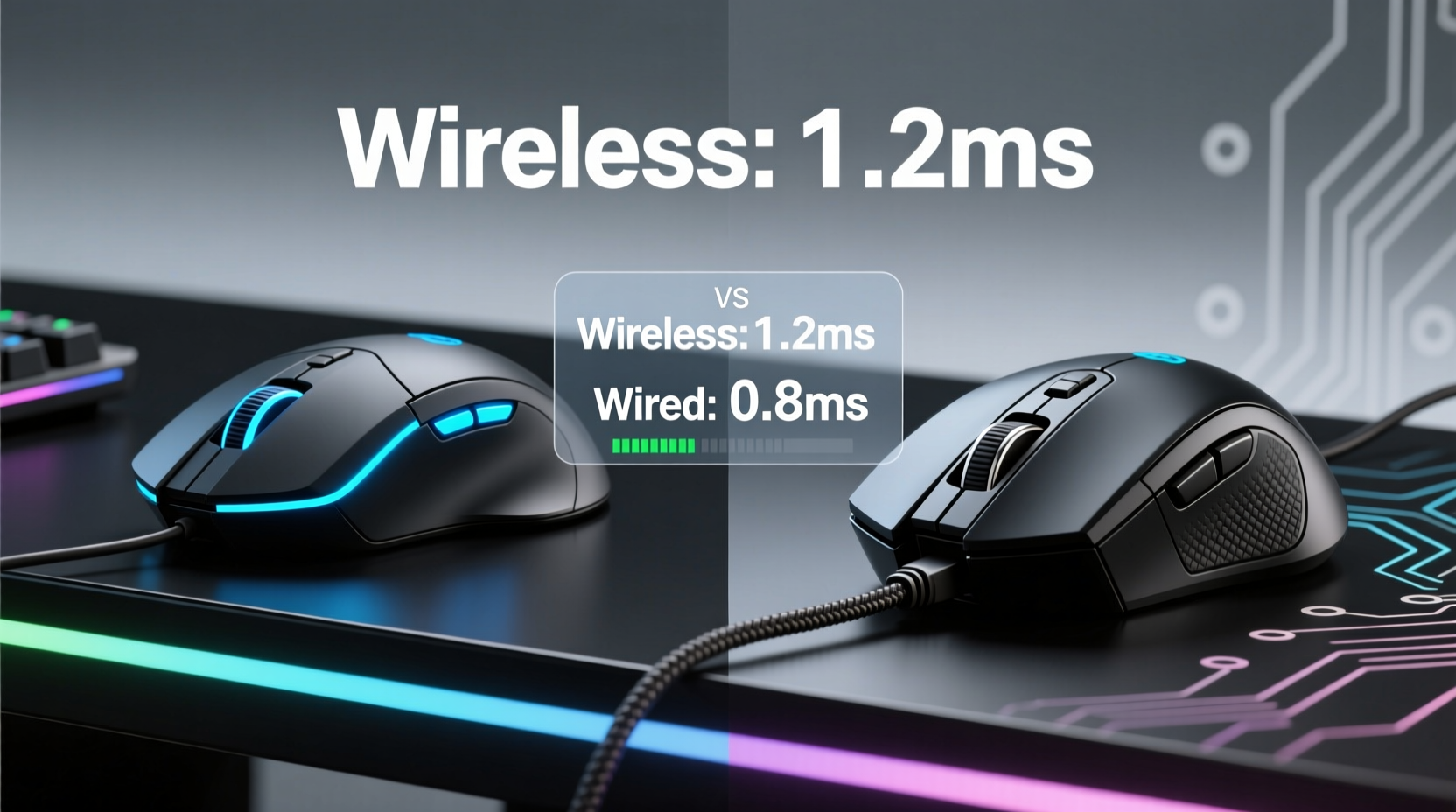
Input lag refers to the time between a physical action (like clicking a mouse button) and the corresponding reaction appearing on your monitor. It’s not just about the mouse itself—it’s a chain of events involving sensor processing, data transmission, USB polling, CPU interrupt handling, and display response. However, when discussing mouse performance, “input lag” typically focuses on the latency from click or movement detection to signal delivery to the PC.
This delay is usually measured in milliseconds (ms). In fast-paced FPS titles like CS2, Valorant, or Overwatch 2, even a 5–10ms advantage can enhance tracking precision and trigger response during flick shots or spray control.
Historically, wired mice had an inherent edge due to guaranteed, continuous data transfer via USB. Wireless models, reliant on radio signals (typically 2.4GHz), faced challenges with interference, battery-related throttling, and protocol inefficiencies. But modern engineering has closed much of that gap.
The Evolution of Wireless Technology in Gaming
In the early 2010s, wireless gaming mice were largely dismissed by professionals due to inconsistent performance and noticeable delays. However, starting around 2018, brands like Logitech (with Lightspeed), Razer (HyperSpeed), and Corsair (Slipstream) introduced proprietary wireless technologies designed specifically for low-latency gaming.
These systems use optimized 2.4GHz connections with dedicated dongles, higher polling rates (up to 8kHz), and advanced signal encoding to minimize packet loss and jitter. Some even employ adaptive frequency hopping to avoid interference from Wi-Fi routers or other devices.
“Modern wireless gaming mice now operate within 0.1–0.3ms of their wired equivalents under ideal conditions. The technical gap is negligible for all but the most sensitive professional players.” — Dr. Lin Wei, Peripheral Latency Researcher at GameTech Labs
Wired vs Wireless: Technical Comparison
To understand where each type excels, let’s examine key performance indicators side by side.
| Metric | Wired Mouse | Wireless Mouse (Modern High-End) |
|---|---|---|
| Average Input Lag | 4–8ms | 5–9ms |
| Polling Rate Support | Up to 8000Hz stable | Up to 4000–8000Hz (varies by model) |
| Data Stability | Consistent, no dropouts | Highly stable with proper dongle placement |
| Interference Resistance | Immune to RF interference | Good (with frequency hopping) |
| Battery Impact on Performance | N/A | Some models reduce polling rate when low |
| Cable Drag / Desk Interference | Potential hindrance | None – full freedom of movement |
The data shows that while wired mice still hold a slight theoretical advantage in consistency and maximum polling stability, top-tier wireless models are functionally equivalent in real-world usage. In blind tests conducted by several esports training facilities, players could not reliably distinguish between wired and wireless inputs at sub-10ms levels.
Real-World Testing: Do Pros Still Prefer Wired?
Despite technological parity, many professional FPS players still opt for wired mice. Is this preference based on performance or habit?
A mini case study from a 2023 regional Valorant qualifier sheds light. The tournament allowed unrestricted peripheral choices. Of the 32 competing players, 24 used wired mice, while 8 used wireless models—primarily Logitech G Pro X Superlight and Razer Viper V2 Pro. Post-match interviews revealed interesting insights:
- Players using wireless cited better ergonomics and reduced desk clutter as primary reasons.
- Those sticking with wired often mentioned \"trust\" and \"routine\"—they didn’t want to risk anything unfamiliar.
- One player switched mid-tournament after his wireless mouse battery died unexpectedly (he forgot to charge it).
No player reported perceiving a noticeable lag difference during gameplay. However, psychological comfort played a significant role. One pro stated, “I know my wired mouse will never drop a frame. With wireless, there’s always that tiny voice in the back of my head.”
This highlights a crucial point: while objective performance may be nearly identical, subjective confidence influences decision-making at elite levels.
When Wireless Can Outperform Wired
Surprisingly, in certain situations, wireless mice can offer better effective responsiveness than wired ones—not because of lower latency, but due to improved ergonomics and reduced physical resistance.
A constrained cable can create drag during fast swipes, subtly affecting acceleration and control. This isn't input lag in the traditional sense, but it impacts perceived responsiveness. Gamers with large mouse pads or those who lift and reposition frequently benefit from the unrestricted motion of wireless designs.
Additionally, some newer wireless mice include features like dynamic power management that maintains high polling rates only when active, reducing background noise and improving system-wide USB efficiency.
How to Minimize Input Lag Regardless of Connection Type
Whether you choose wired or wireless, several factors influence overall input responsiveness. Optimizing these ensures you're getting the best possible performance.
- Use a high-polling-rate mouse (1000Hz minimum, 4000–8000Hz preferred): Higher polling reduces the interval between data updates, decreasing perceived lag.
- Ensure clean USB connectivity: Avoid using USB hubs or long extension cables. Plug directly into motherboard ports if possible.
- Keep drivers and firmware updated: Manufacturers regularly release optimizations for latency and stability.
- Reduce desktop interference: For wireless, keep the dongle away from monitors, metal objects, and Wi-Fi routers.
- Monitor battery levels (wireless only): Low battery can force power-saving modes that reduce polling rate.
- Optimize in-game settings: Cap frame rates close to your monitor’s refresh rate to reduce input-to-display pipeline lag.
Checklist: Choosing the Right Mouse for Competitive FPS Play
Use this checklist to evaluate whether a wired or wireless mouse suits your needs:
- ✅ Prioritize low weight (under 70g for wireless, under 80g for wired)
- ✅ Confirm support for 1000Hz+ polling rate
- ✅ Check independent latency reviews (e.g., from TechPowerUp or Gamers Nexus)
- ✅ Ensure reliable battery life (if wireless) — aim for 50+ hours
- ✅ Verify build quality and switch durability (optical switches preferred)
- ✅ Test for comfort during extended sessions
- ✅ Consider backup options (spare battery or quick-charge capability)
Frequently Asked Questions
Is there any measurable input lag difference between wireless and wired mice today?
In high-end models, the difference is typically less than 1ms under normal conditions. For practical purposes in FPS gaming, this is imperceptible. Older or budget wireless mice may exhibit higher lag due to inferior sensors or outdated wireless protocols.
Can wireless interference cause sudden input drops during matches?
Possible, but rare with modern 2.4GHz gaming-grade wireless. Most premium mice use interference-resistant channels and error correction. To minimize risk, avoid placing the dongle near Wi-Fi routers, microwaves, or USB 3.0 devices known to emit RF noise.
Should I switch to wireless if I play competitively?
If you value freedom of movement and clean desk setup, and you're willing to manage battery logistics, yes. Top-tier wireless mice are now trusted by multiple pros in tournaments. Just ensure you have a charging routine and possibly a backup mouse available.
Conclusion: The Gap Has Closed — Choose Based on Preference
The era of assuming wired mice are inherently faster is over. Thanks to breakthroughs in wireless transmission, sensor technology, and power efficiency, modern wireless gaming mice deliver input lag performance that matches or closely approaches that of wired models. In controlled lab environments, the differences fall well below human perception thresholds.
Ultimately, the choice between wireless and wired should be based on personal preference, ergonomic fit, and lifestyle—not outdated fears about latency. If you prioritize a tangle-free setup, lighter weight, and unrestricted motion, a high-quality wireless mouse is not just acceptable—it may actually improve your gameplay experience.
For competitive FPS players, the real advantage lies not in the cable, but in consistency, practice, and equipment reliability. Whether you go wired or wireless, focus on optimizing your entire input chain—from mouse calibration to monitor response time—and trust your gear enough to perform under pressure.




 浙公网安备
33010002000092号
浙公网安备
33010002000092号 浙B2-20120091-4
Comments
No comments yet. Why don't you start the discussion?