
Gaming for extended periods places significant stress on the hands, wrists, and forearms. One of the most common complaints among serious gamers is wrist strain—often leading to discomfort, fatigue, or even chronic conditions like carpal tunnel syndrome. The choice of mouse plays a crucial role in either exacerbating or alleviating this strain. While wireless mice offer freedom of movement and reduced cable clutter, ergonomic mice are specifically designed to support natural hand positioning. But when it comes to reducing wrist strain during gaming, which type wins?
This article examines both options in depth—not just from a technical standpoint, but through the lens of biomechanics, real-world usage, and long-term health outcomes. Whether you're building a new gaming setup or trying to address existing discomfort, understanding the differences between wireless and ergonomic mice can help you make an informed decision that supports both performance and physical well-being.
Understanding Wrist Strain in Gamers
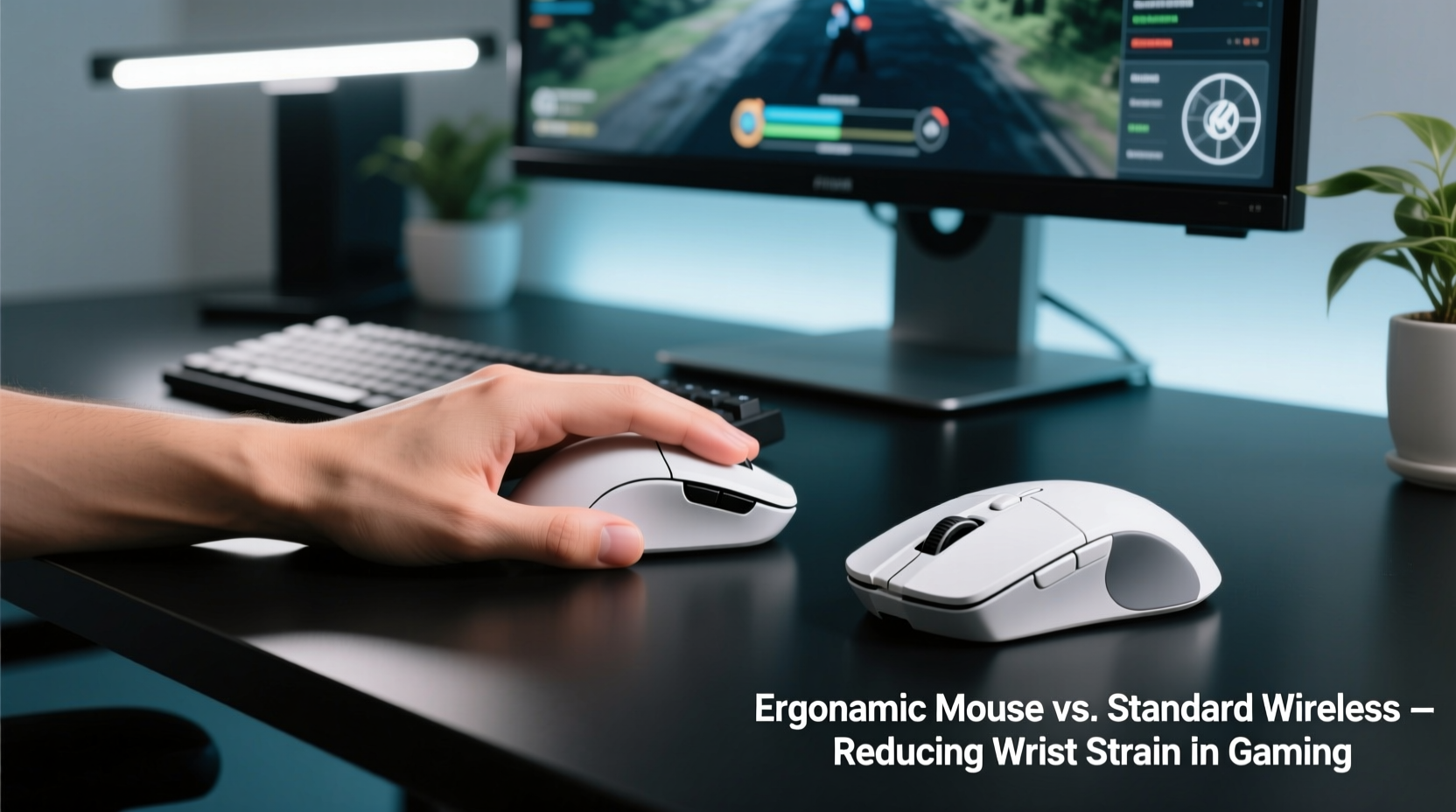
Prolonged gaming sessions often involve repetitive motions such as clicking, dragging, and rapid cursor movements. These actions place continuous pressure on the tendons and nerves in the wrist, especially when the hand remains in a pronated (palm-down) position for hours. Over time, poor ergonomics can lead to inflammation, numbness, and pain along the median nerve—a hallmark of repetitive strain injuries (RSIs).
A study published in the *Journal of Occupational Rehabilitation* found that computer users who maintain non-neutral wrist postures for more than four hours daily have a 50% higher risk of developing musculoskeletal disorders. Gamers frequently exceed this threshold, particularly during competitive play or streaming marathons.
“Even small deviations from neutral wrist alignment can significantly increase muscle load and joint stress over time.” — Dr. Lena Torres, Biomechanics Researcher at Stanford University
The root cause isn’t always the mouse itself, but how it forces the hand and forearm into unnatural positions. A traditional flat mouse requires ulnar deviation (bending the wrist sideways) and flexion (bending downward), both of which contribute to cumulative strain.
Evaluating Ergonomic Mice: Design and Health Benefits
Ergonomic mice are engineered with human anatomy in mind. Their primary goal is to align the hand, wrist, and forearm into a more neutral posture—reducing tension in muscles and tendons. Unlike standard mice, they often feature:
- Vertical orientation (45°–90° angle)
- Contoured grips that fit the palm naturally
- Thumb rests and finger grooves
- Reduced need for wrist twisting
By promoting a handshake-like grip, vertical ergonomic mice minimize ulnar deviation and keep the forearm in a supinated (palm-facing) position, closely resembling a relaxed standing posture. This alignment decreases pressure on the carpal tunnel and allows for smoother, less fatiguing movements.
Many ergonomic models also distribute button access across multiple fingers, reducing overuse of the index finger. Some high-end versions include customizable DPI settings and programmable buttons tailored for gaming, bridging the gap between health and functionality.
Wireless Mice: Performance Freedom vs Physical Trade-offs
Wireless mice have gained widespread popularity due to advancements in connectivity, battery life, and responsiveness. Modern 2.4 GHz RF and Bluetooth technologies deliver near-instantaneous input with minimal latency—making them viable for fast-paced gaming. However, their design often prioritizes aesthetics and portability over anatomical support.
Most wireless gaming mice still follow conventional horizontal shapes. While brands like Logitech, Razer, and Corsair produce high-performance wireless options with lightweight builds and advanced sensors, few prioritize true ergonomic form factors. As a result, users may enjoy greater desk mobility but remain exposed to the same wrist strain risks as wired counterparts.
That said, some hybrid models now combine wireless capability with semi-ergonomic designs. For example, the Logitech MX Vertical Wireless Mouse integrates a 57° tilt with reliable Bluetooth connectivity, offering a middle ground between freedom and comfort. Still, these remain exceptions rather than industry standards.
Battery weight distribution can also affect usability. Heavier batteries or off-center placements may alter balance, forcing subtle compensatory wrist adjustments that accumulate strain over time.
Direct Comparison: Key Factors Side-by-Side
| Feature | Ergonomic Mouse | Wireless Mouse |
|---|---|---|
| Wrist Posture Support | High – promotes neutral alignment | Low to moderate – depends on shape |
| Latency & Responsiveness | Moderate – varies by model | High – modern tech ensures low delay |
| Cable Management | Wired models have cables; wireless variants exist | No cable drag – full range of motion |
| Battery Life | Typically longer if wired; shorter if wireless | Varies (20–100 hours), requires charging |
| Gaming Suitability | Good for casual/long sessions; limited FPS adoption | Excellent – widely used in esports |
| Price Range | $50–$120 | $40–$150+ |
| Long-Term Comfort | Superior – reduces fatigue and injury risk | Depends on design – often suboptimal |
The table highlights a critical insight: while wireless mice excel in performance metrics, they generally fall short in preventing wrist strain unless explicitly designed with ergonomics in mind. Conversely, dedicated ergonomic mice offer superior physical support but may lack the ultra-lightweight build or rapid-click capabilities favored in competitive gaming.
Real-World Example: A Competitive Gamer’s Transition
Consider Mark, a 28-year-old streamer who played *Valorant* and *CS2* for 6–8 hours daily. After six months, he began experiencing persistent pain in his right wrist, accompanied by occasional numbness in his thumb and index finger. An occupational therapist diagnosed early signs of radial nerve irritation caused by prolonged wrist extension and ulnar deviation.
Mark switched from his lightweight wireless gaming mouse to the Anker Vertical Ergonomic Optical Mouse—initially skeptical about its suitability for gaming. Though the learning curve lasted two weeks, he reported reduced fatigue and eliminated nighttime tingling within a month. He later upgraded to the Logitech Lift Wireless Ergonomic Mouse, which combined vertical design with reliable 2.4 GHz connectivity.
“I thought I had to sacrifice speed for comfort,” Mark said. “But once I adapted, my aim didn’t drop—and my wrist finally stopped hurting.”
His case illustrates that ergonomic benefits aren't exclusive to office workers. Gamers, especially those logging extensive hours, stand to gain substantial long-term advantages by reevaluating their peripheral choices.
Actionable Tips for Reducing Wrist Strain
- Position the mouse close to your body to avoid overreaching.
- Use keyboard shortcuts to reduce reliance on mouse movement.
- Take micro-breaks every 30 minutes to stretch your fingers and rotate your wrists.
- Enable pointer acceleration in games to minimize large swipes.
- Keep your shoulders relaxed and arms close to your torso during gameplay.
Step-by-Step Guide to Choosing the Right Mouse
- Assess Your Usage Pattern: Determine average daily gaming time. Those exceeding three hours should strongly consider ergonomic options.
- Evaluate Hand Size and Grip Style: Larger hands benefit more from vertical designs. Palm grippers gain greater support than claw or fingertip users.
- Test Latency Requirements: For competitive FPS titles, ensure any ergonomic wireless model has sub-10ms response time.
- Check Compatibility: Verify OS support, driver availability, and software customization features.
- Try Before You Buy: Visit electronics stores or borrow models to test comfort over 10–15 minutes of simulated use.
- Gradual Adaptation: Allow 1–2 weeks to adjust to a new ergonomic shape before making final judgments.
Frequently Asked Questions
Can a wireless ergonomic mouse be good for gaming?
Yes—models like the Logitech MX Vertical, Logitech Lift, and Evoluent VM4 Wireless offer both ergonomic design and reliable wireless performance. While not ideal for professional esports, they perform well in casual, strategy, or MOBA gaming where precision timing is less extreme.
Do ergonomic mice improve accuracy in games?
Not directly—but they enhance control consistency by reducing muscle fatigue. Over long sessions, players report steadier aiming and fewer micro-tremors due to improved hand stability and reduced strain.
Is it worth switching if I don’t feel pain yet?
Preventive care is highly effective. Many gamers ignore early warning signs until discomfort becomes chronic. Switching proactively can preserve hand health and extend your gaming longevity.
Final Recommendation: Prioritize Health Without Sacrificing Functionality
The question isn't whether wireless or ergonomic mice are inherently better—it's about matching the tool to your priorities. If peak competitive performance is your sole objective and you game under four hours per week, a high-end wireless mouse may suffice. But for most gamers, especially those playing daily or experiencing any discomfort, an ergonomic mouse—particularly a wireless ergonomic model—offers the best balance.
Modern technology has closed the performance gap. Today’s best ergonomic wireless mice deliver responsive tracking, durable batteries, and intuitive layouts suitable for various genres. Investing in one is not a compromise; it’s a strategic upgrade for sustainable gaming.
“The best gaming gear doesn’t just win matches—it protects your ability to keep playing.” — Adrian Lin, Esports Wellness Consultant
Conclusion: Make Your Setup Work for Your Body
Your mouse is one of the most frequently used tools in gaming—yet it’s often chosen based on brand loyalty or aesthetic appeal rather than health impact. Wrist strain is preventable, not inevitable. By shifting focus toward ergonomic principles and leveraging wireless convenience intelligently, you can create a setup that supports both performance and physical resilience.




 浙公网安备
33010002000092号
浙公网安备
33010002000092号 浙B2-20120091-4
Comments
No comments yet. Why don't you start the discussion?