All categories
Featured selections
Trade Assurance
Buyer Central
Help Center
Get the app
Become a supplier
(5 products available)
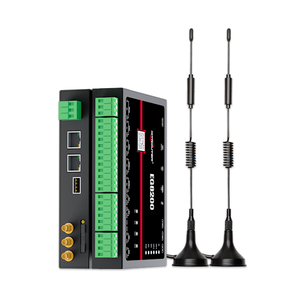
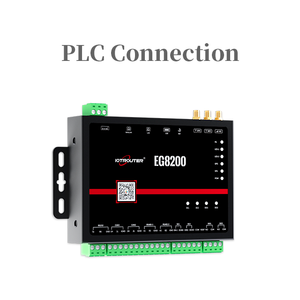
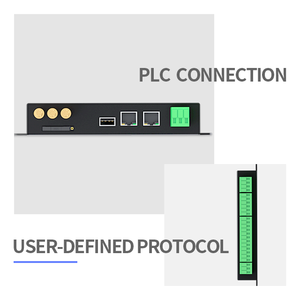
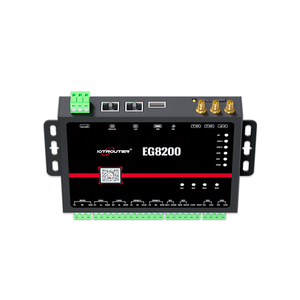
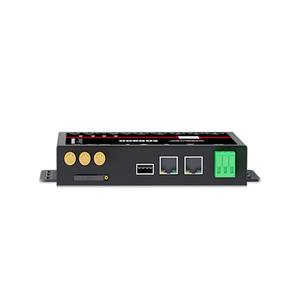
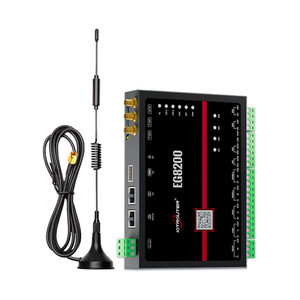


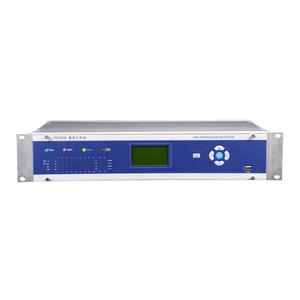
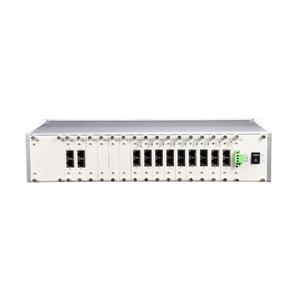
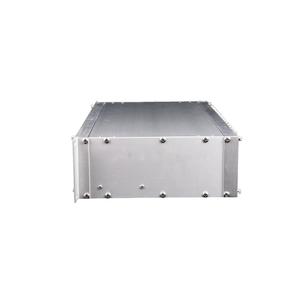
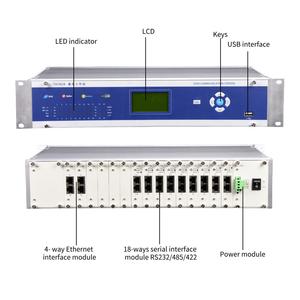
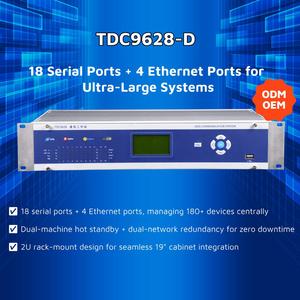

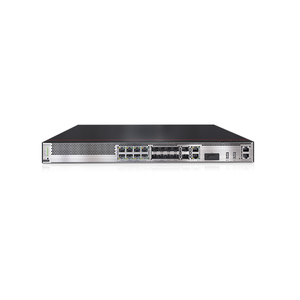
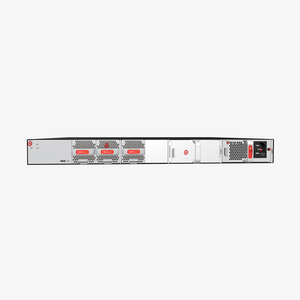
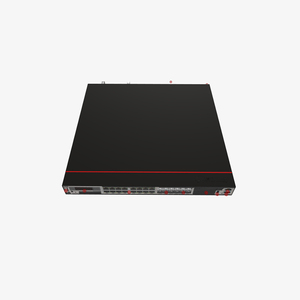

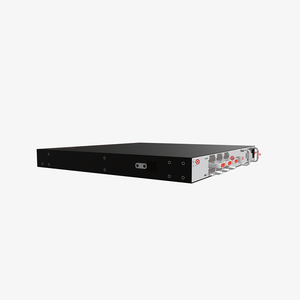



GOIP gateways are available in various types depending on the required GSM channel and SIP capability. Here are some common configurations:
Fixed GSM Channel GOIP Gateways
This type has a predetermined number of GSM channels for each GSM port. For instance, one channel can connect to one GSM phone.
Multi-SIM GOIP Gateways
Multi-SIM GOIP gateways allow users to insert multiple SIM cards into a single GSM channel device.
This enables automatic selection of incoming call traffic based on specific criteria like cost or signal strength.
Hybrid GOIP Gateways
Hybrid GOIP gateways combine both VoIP and PSTN (public switched telephone network) connectivity.
This allows users to connect traditional phone lines alongside GSM networks. It provides greater flexibility and redundancy in communication.
High-Density GOIP Gateways
These are for enterprises requiring large volumes of simultaneous VoIP calls. For instance, shipping companies or call centres.
Cloud-based GOIP Gateways
Recent trends in greenfield network engineering have seen the proliferation of cloud-based GOIP gateways.
They are hosted on cloud servers rather than physical on-premise devices. These gateways can be managed remotely and paired with advanced features like analytics and failover.
They are ideal for businesses looking to reduce equipment costs.
Selecting a suitable gateway configuration for goip depends on various factors that fit business needs. Here are some considerations:
Required Capacity
Determine the number of simultaneous VoIP calls your business needs. High-capacity models are ideal for large call volumes, while low-capacity ones are enough for small operations.
Network Compatibility
Ensure the selected configuration is compatible with the current VoIP infrastructure. Consider the ease of integration with existing systems.
Channel flexibility
If using multiple GSM networks, prefer multi-SIM or hybrid models. They automatically select networks, increasing uptime and reducing costs.
Budget
Choose a gateway configuration that meets user requirements without compromising essential features to avoid overspending.
Future Scalability
Opt for configurations that allow easy expansion. For example, if planning to increase call volumes or add new features.
Cloud vs. On-Premise
Decide between a cloud-based or traditional on-premise gateway. Cloud options offer remote access, while on-premise provides direct control.
A Step-by-Step Guide to Setting Up and Using GOIP Gateway Configuration:
Initial Setup
Insert the desired SIM cards into the GOIP gateway. Connect the device to a power source. Put the network LAN cable on the WAN port. Power on the device and wait for it to connect.
Accessing the Configuration Interface
Use a web browser and type in the gateway's IP address to access the configuration interface. Enter the login credentials (default are usually admin/admin).
Configuring Network Settings
Set up the network connection for the gateway. Go to the 'Network' or 'WAN' settings section of the interface. Depending the connection type, select 'DHCP' or 'Static'. Enter the required details. Save the changes and restart the device as needed.
Setting SIP Account Parameters
Within the configuration interface, navigate to the SIP settings section. Here, enter the SIP account details for each channel. Configure the SIP server address, port, and username/password. Save the new parameters.
Dialing Rules and GSM Settings
Set the dialing rules to determine how calls get routed. Go to the 'Dialing Rules' section. Then define local and international call patterns.
Now, configure the GSM settings. This is to enable VoIP and GSM call interconnects. Select preferred GSM channels for outgoing VoIP calls.
Save all new settings for futureхадгвjr restarts.
Testing and Troubleshooting
Test the configuration by placing test calls. Both IP and GSM. Ensure call quality is good and no dropped calls.
Check the 'Call Logs' and 'Status' sections in the configuration interface for possible errors and statistics. Adjust settings as required for optimal performance.
Some maintenance tips for long-term reliability and performance:
Regular Software Updates
Check the manufacturer's website for firmware updates periodically. Apply relevant updates in line with latest features and security enhancements.
Monitoring Call Quality
Set up monitoring tools to keep an eye on call quality metrics. These include latency, jitter, and packet loss. This is so users can proactively detect issues early.
Heat Management
Ensure the gateway is placed in a cool, well-ventilated area. Excessive heat causes hardware degradation.
Backup Configuration Settings
Regularly back up configuration settings. Do so especially before software upgrades or after significant changes. This ensures quick recovery in case of failure.
Hardware Inspection
Check all ports, power supplies, and cables for undue wear and tear regularly. Replace damaged cables or connectors as soon as identified.
Power Protection
Consider using an uninterruptible power supply (UPS) to prevent sudden electrical surges from damaging the hardware.
Common Issues and Fixes
Refer to the troubleshooting section of the user manual. This documents the common issues and how to solve them.
For complex problems, consider contacting customer support or consult a certified technician. Only do when the troubleshooting tip in the manual fails to fix the problem.
A1.Yes, some modern GOIP gateways support 4G or LTE SIM card connections for enhanced call quality and data speed.
A2.This depends on the model. While some support from a handful to a dozen.
A3.Users need to enter the gateway's IP address in a web browser to access the configuration interface.
A4.Yes, cloud-based GOIP gateways enable users to manage and monitor their configurations remotely through an Internet connection.
A5.Firmware updates should only be made when users see official releases from manufacturers or experience related performance issues.