
Apple Pay has become a cornerstone of modern digital transactions, offering users a secure and seamless way to make purchases in stores, online, and within apps. However, like any digital service, it’s not immune to disruptions. Whether you're unable to complete a transaction at checkout or your device fails to authenticate a payment, knowing how to quickly determine if Apple Pay is experiencing outages — and what steps to take next — can save time and frustration.
This guide provides up-to-date insights into checking Apple Pay's operational status, identifying whether an issue stems from a widespread outage or a personal device problem, and walking through practical troubleshooting steps when the service isn’t working as expected.
How to Check Apple Pay Current Status for Outages
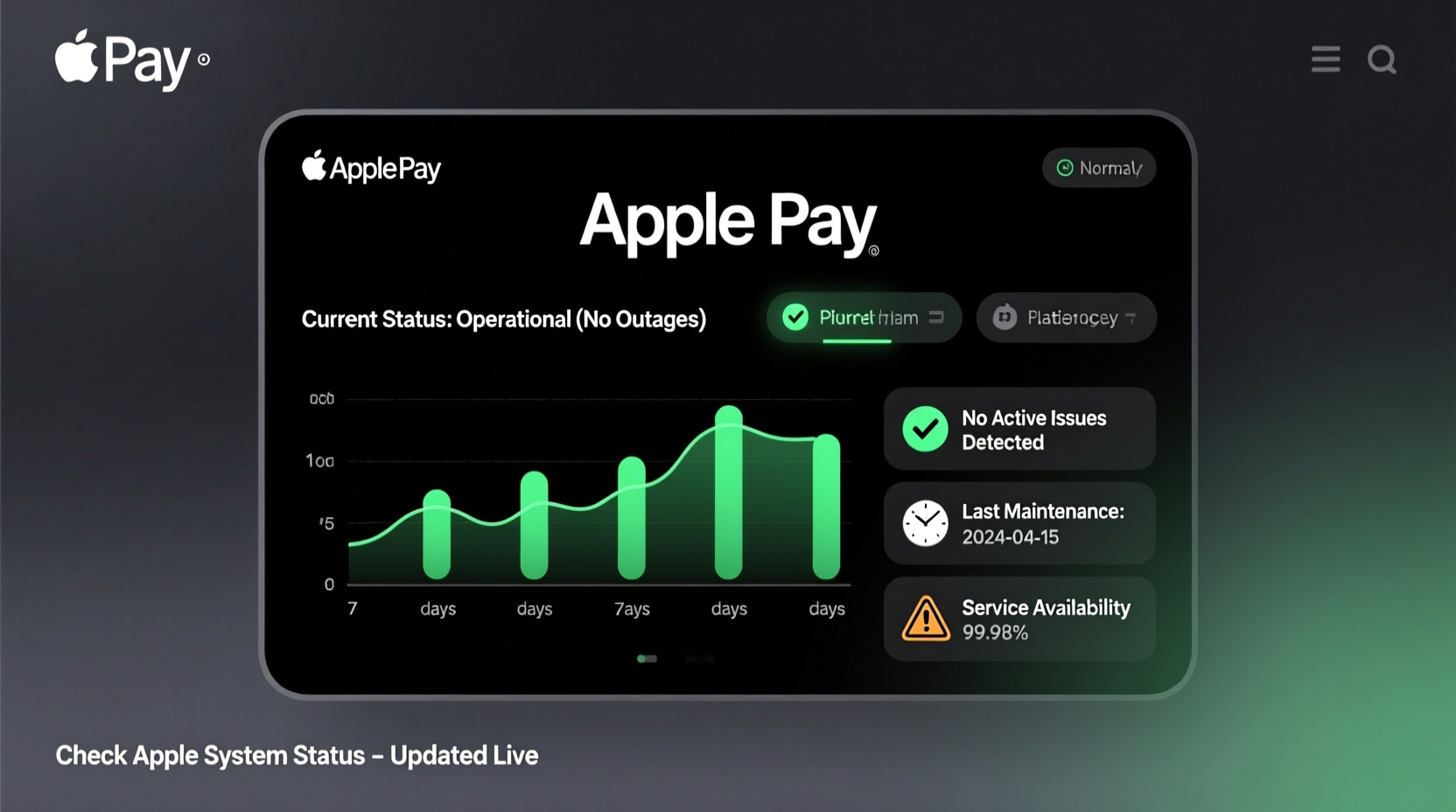
The first step when Apple Pay fails is determining whether the problem lies with your device or a broader system-wide outage. Apple does not maintain a public-facing real-time dashboard specifically for Apple Pay, but there are reliable third-party tools and official channels that offer accurate status updates.
Dedicated outage tracking platforms such as Downdetector and Outage.Report aggregate user reports globally to identify spikes in complaints about specific services. These sites use data from social media, network monitoring, and community submissions to detect patterns indicating service degradation or downtime.
Additionally, Apple’s own System Status Page lists known issues across its ecosystem, including iCloud, iMessage, FaceTime, and Apple Pay. While it may not reflect minor glitches immediately, major service interruptions are typically documented here within hours.
Signs of a Widespread Apple Pay Outage
- Sudden inability to process payments across multiple devices and locations
- Notifications from banks or merchants about failed Apple Pay transactions
- Spikes in social media mentions using hashtags like #ApplePayDown or #ApplePayNotWorking
- Official alerts posted on Apple Support Twitter (@AppleSupport)
Common Apple Pay Problems and Their Causes
Not every Apple Pay failure indicates a server-side outage. In fact, most issues originate from local device settings, connectivity problems, or account verification errors. Understanding these frequent pain points helps differentiate between isolated malfunctions and systemic failures.
| Problem | Possible Cause | Solution Path |
|---|---|---|
| Payment declined despite sufficient funds | Bank authentication failure or card deactivation | Contact issuer; re-add card |
| Device doesn't respond at terminal | NFC disabled, low battery, or case interference | Remove case, charge device, ensure NFC active |
| \"Cannot Verify Card\" error | Network issue or expired token | Toggle Airplane mode, retry setup |
| Apple Pay not loading in Wallet app | Software bug or outdated iOS version | Update iOS, restart device |
| Fingerprint/Face ID not recognized | Biometric sensor malfunction or misalignment | Re-enroll biometrics, clean sensor |
Step-by-Step Guide to Troubleshooting Apple Pay Issues
If you suspect Apple Pay isn't functioning correctly, follow this structured approach before assuming a large-scale outage:
- Verify Network Connection: Ensure your iPhone or Apple Watch has stable internet access via Wi-Fi or cellular data. Some backend processes require connectivity even for contactless payments.
- Restart Your Device: A simple reboot resolves many temporary software hiccups affecting Apple Pay functionality.
- Check Date & Time Settings: Incorrect time zones or manual date adjustments can disrupt SSL certificates used in secure transactions.
- Ensure NFC Is Enabled: On iPhones, NFC operates automatically during payment attempts, but cases with metal linings may block signals.
- Remove and Re-add Your Card: Go to Wallet > select card > tap (...) > Remove Card. Then re-enter card details to refresh the secure token.
- Update iOS to Latest Version: Bugs fixed in recent updates often resolve compatibility issues with payment terminals.
- Test at Another Terminal: Try using Apple Pay at a different store to rule out reader-specific incompatibilities.
Real Example: When a Regional Outage Affected Transit Payments
In early 2023, commuters in London reported widespread failures using Apple Pay on Transport for London (TfL) systems. Users tapping their phones at Underground gates received “Transaction Failed” messages, causing delays during peak hours.
Investigations revealed the issue wasn’t with Apple’s servers but with TfL’s backend integration temporarily rejecting authentication tokens generated by Apple Pay. The disruption lasted approximately four hours and impacted tens of thousands of riders.
During the event, Downdetector recorded over 2,300 user reports within two hours, clustering around central London stations. Apple Support confirmed no internal outage, directing users to monitor TfL’s service updates. This case highlights how third-party dependencies can mimic Apple Pay outages even when the core service remains functional.
“Many so-called 'Apple Pay outages' are actually downstream integration issues with merchant or transit systems.” — David Lin, Senior Mobile Payments Analyst at FinTech Insights Group
Do’s and Don’ts When Apple Pay Isn’t Working
| Do | Don’t |
|---|---|
| Check Apple’s System Status page first | Assume the problem is always on Apple’s end |
| Use another payment method temporarily | Repeatedly attempt failed transactions (may trigger fraud alerts) |
| Clear Wallet cache by removing and re-adding cards | Delete all cards without noting security codes or expiration dates |
| Contact your bank to confirm card eligibility | Share sensitive info (like full CVV) on unsecured support forums |
| Report issues via Feedback Assistant or Apple Support app | Rely solely on social media for technical resolution |
FAQ: Common Questions About Apple Pay Downtime
Is there a way to get real-time alerts for Apple Pay outages?
While Apple doesn’t offer push notifications for service disruptions, you can enable outage alerts on platforms like Downdetector. Additionally, following @AppleSupport on X (formerly Twitter) provides timely updates during verified incidents.
Why does Apple Pay work sometimes but not others?
Intermittent performance usually points to environmental factors — weak NFC signal due to thick phone cases, low battery forcing Express Mode off, or spotty network connection preventing card validation. It may also occur if your default card switches unexpectedly after adding a new one.
Can my bank disable Apple Pay remotely?
Yes. Financial institutions can suspend tokenized card access for risk mitigation, especially after suspected fraud or prolonged inactivity. Contact your bank directly if your card suddenly stops working in Wallet despite previous success.
Conclusion: Stay Informed, Stay Ready
When Apple Pay appears down, the fastest path to resolution starts with verifying whether the issue is global or personal. Leveraging outage trackers, understanding common failure modes, and applying systematic fixes empower users to regain functionality quickly — often without waiting for external repairs.
Technology will inevitably face hiccups, but preparedness minimizes disruption. Bookmark Apple’s System Status page, know how to re-authenticate your cards, and stay aware of regional trends through trusted reporting platforms.




 浙公网安备
33010002000092号
浙公网安备
33010002000092号 浙B2-20120091-4
Comments
No comments yet. Why don't you start the discussion?