
Despite the rise of wireless audio, the auxiliary (aux) cable remains a reliable staple for connecting smartphones, MP3 players, laptops, and other devices to speakers, car stereos, and headphones. When an aux cord stops working, it can disrupt everything from your morning commute to a home listening session. The good news is that most issues are fixable with simple diagnostics and targeted solutions. Understanding the root causes—ranging from physical damage to software glitches—can save time, money, and frustration.
Common Signs of a Failing Aux Cord
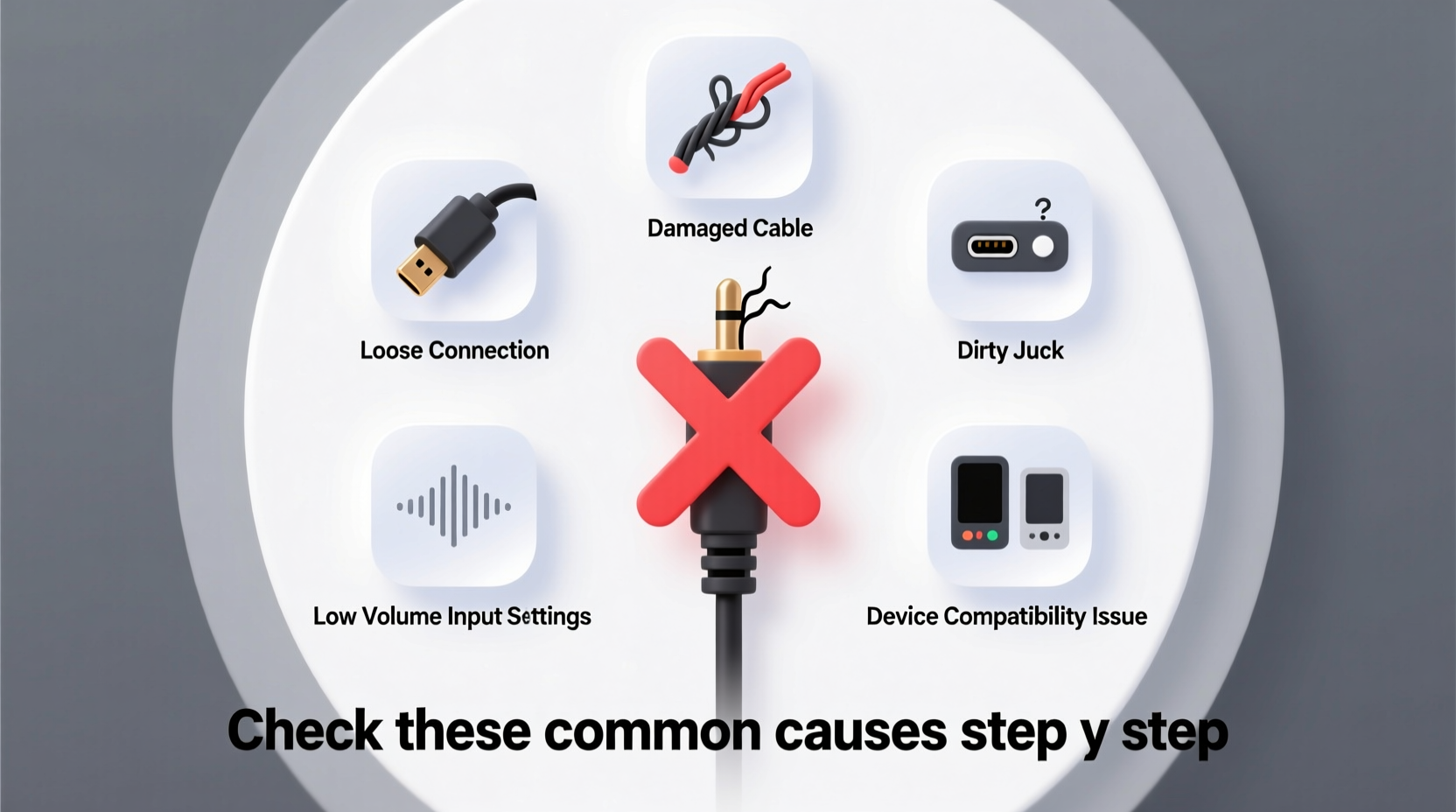
Before diving into troubleshooting, recognize the symptoms of a faulty aux connection:
- No sound output from connected device
- Intermittent audio or static noise
- Sound only in one ear (mono output)
- Device recognizes connection but doesn’t switch audio output
- Volume fluctuates when adjusting cord position
These signs often point to specific problems, whether mechanical, electrical, or software-related. Identifying which symptom you're experiencing helps narrow down the cause.
Step-by-Step Guide: Diagnosing the Problem
Follow this logical sequence to isolate where the failure occurs:
- Test the aux cord on another device. Plug it into a different smartphone, laptop, or speaker. If it works elsewhere, the issue likely lies with your original device’s port.
- Try a different aux cord on the same device. A known-working cable will confirm whether the problem is the cord itself.
- Inspect both ends of the cable. Look for bent pins, frayed wires, or corrosion. Even minor bends in the plug can break internal connections.
- Clean the aux port. Use compressed air or a soft brush to remove lint and debris from the jack on your device. Avoid metal tools that could cause shorts.
- Check audio settings. Ensure the device hasn’t defaulted to Bluetooth or another output source. On smartphones, disable any “do not disturb” or media routing restrictions.
- Restart the device. Sometimes, a simple reboot resolves temporary software hiccups affecting audio routing.
Physical Damage: The Most Common Culprit
The majority of aux cord failures stem from wear and tear. Cords are frequently bent, twisted, or pulled from ports, leading to broken internal wiring. The weakest points are typically near the connectors, where stress concentrates.
Common types of physical damage include:
- Frayed insulation exposing copper wires
- Bent or flattened 3.5mm plug tips
- Loose connection when inserted (wobbles in the jack)
- Internal wire breaks invisible to the naked eye
A telltale sign of internal breakage is when wiggling the cord produces intermittent sound. This indicates a severed conductor inside the cable. While some users attempt soldering repairs, these are often short-lived due to repeated strain.
“Over 70% of reported aux cable failures we see in repair clinics are due to connector fatigue from improper unplugging.” — Carlos Mendez, Audio Hardware Technician at SoundFix Labs
Do’s and Don’ts: Handling Your Aux Cord Properly
| Do’s | Don’ts |
|---|---|
| Unplug by gripping the plug, not the cord | Pull the cable sharply from the port |
| Store loosely coiled in a protective case | Wrap tightly around devices or fold sharply |
| Use dust caps if available | Leave cables exposed to moisture or extreme heat |
| Replace frayed cords immediately | Continue using a cable with inconsistent audio |
Proper handling significantly extends cable lifespan. Rolling instead of twisting prevents internal wire fatigue. Avoid stepping on or placing heavy objects on cords, especially when in use.
Device-Specific Issues and Software Conflicts
Sometimes, the aux cord works perfectly—but the device fails to respond. Modern smartphones and computers may misinterpret input signals or default to wireless outputs.
Common software-related issues include:
- Bluetooth priority overriding wired connections
- Outdated firmware preventing proper detection
- Audio routing bugs after OS updates
- Third-party apps blocking system-level audio switching
On iPhones, ensure that \"Audio Routing\" in Control Center isn’t set to AirPods or another accessory. Android users should check Developer Options for USB audio settings that might interfere. Restarting the device usually resets these glitches.
Mini Case Study: Car Stereo Connection Failure
Mark, a daily commuter, noticed his phone wouldn’t play music through his car’s aux input. He tested multiple cables without success. After ruling out cord damage, he inspected the car stereo’s aux port and found compacted pocket lint blocking full insertion. Using a can of compressed air, he cleared the debris. The next cable seated fully—and audio resumed instantly. The issue wasn’t the cord or phone, but a blocked physical interface. This real-world example underscores why port maintenance matters as much as cable quality.
Testing Tools and Methods for Accurate Diagnosis
If basic checks don’t resolve the issue, use advanced methods to verify functionality:
- Multimeter testing: Set to continuity mode and touch probes to corresponding tip, ring, and sleeve contacts on both ends. A beep confirms intact wiring.
- Aux splitter adapter: Plug in headphones while the cord is connected to a playing device. If you hear sound, the cable is functional but the output device has an issue.
- Audio loopback app: Some Android apps generate tone through the headphone jack, helping confirm output capability independent of external devices.
For frequent users, investing in a $10–$15 diagnostic tool kit can prevent unnecessary replacements.
Troubleshooting Checklist
Use this checklist to methodically eliminate potential causes:
- ✅ Try the aux cord on a second device
- ✅ Test a different aux cord on the original device
- ✅ Inspect plugs for visible damage or bending
- ✅ Clean the aux port with compressed air
- ✅ Check device audio settings and disable Bluetooth
- ✅ Restart the audio source device
- ✅ Wiggle the cord gently to test for intermittent contact
- ✅ Confirm the receiving device (speaker, car stereo) is powered and set to correct input
FAQ
Can a damaged aux cord be repaired?
Minor frays can be temporarily fixed with heat-shrink tubing or electrical tape, but internal wire breaks usually require soldering. Given the low cost of replacement cables, repair is rarely cost-effective unless done professionally or for high-end audiophile cords.
Why does my aux cord work in headphones but not in my car?
This often indicates a mismatch in impedance or cable shielding. Car stereos may have deeper jacks or stricter signal requirements. Also, check if the car's input is TRS (stereo) vs. TRRS (mic-enabled). A TRRS cable may not make full contact in a TRS-only jack.
Do expensive aux cables make a difference?
For most users, no. Well-made budget cables perform identically to premium ones over short distances. However, higher-end cables offer better shielding, strain relief, and durability—worth considering for professional or high-fidelity use.
Conclusion
An aux cord not working doesn’t automatically mean it’s time to replace your gear. By systematically checking the cable, ports, settings, and compatibility, you can identify and resolve the real issue—often in under ten minutes. Whether it’s a speck of lint in a jack or a forgotten Bluetooth pairing, the solution is usually simpler than it seems. With proper care and smart diagnostics, your analog audio link can remain a dependable part of your tech ecosystem.




 浙公网安备
33010002000092号
浙公网安备
33010002000092号 浙B2-20120091-4
Comments
No comments yet. Why don't you start the discussion?