
For many hobbyists, capturing aerial footage isn’t just about photography—it’s about perspective, freedom, and creativity. But high-end drones come with steep price tags that can deter newcomers. The good news is that today’s market offers several budget-friendly drones equipped with capable cameras that deliver impressive image quality without draining your wallet. Whether you're flying over parks, documenting weekend hikes, or experimenting with cinematic shots, finding an affordable drone that balances performance and value is entirely possible.
The key lies in understanding what \"decent camera\" really means at this price point. You won’t get 4K HDR footage with adjustable aperture settings like on professional models, but modern entry-level drones now offer stabilized 1080p or even 2.7K video, digital zoom, basic editing tools, and smartphone app integration—all within $200 to $400. This guide focuses on realistic expectations, practical use cases, and actual user experiences to help you choose the best option for recreational flying and content creation.
What Makes a Drone “Budget” Yet Camera-Capable?
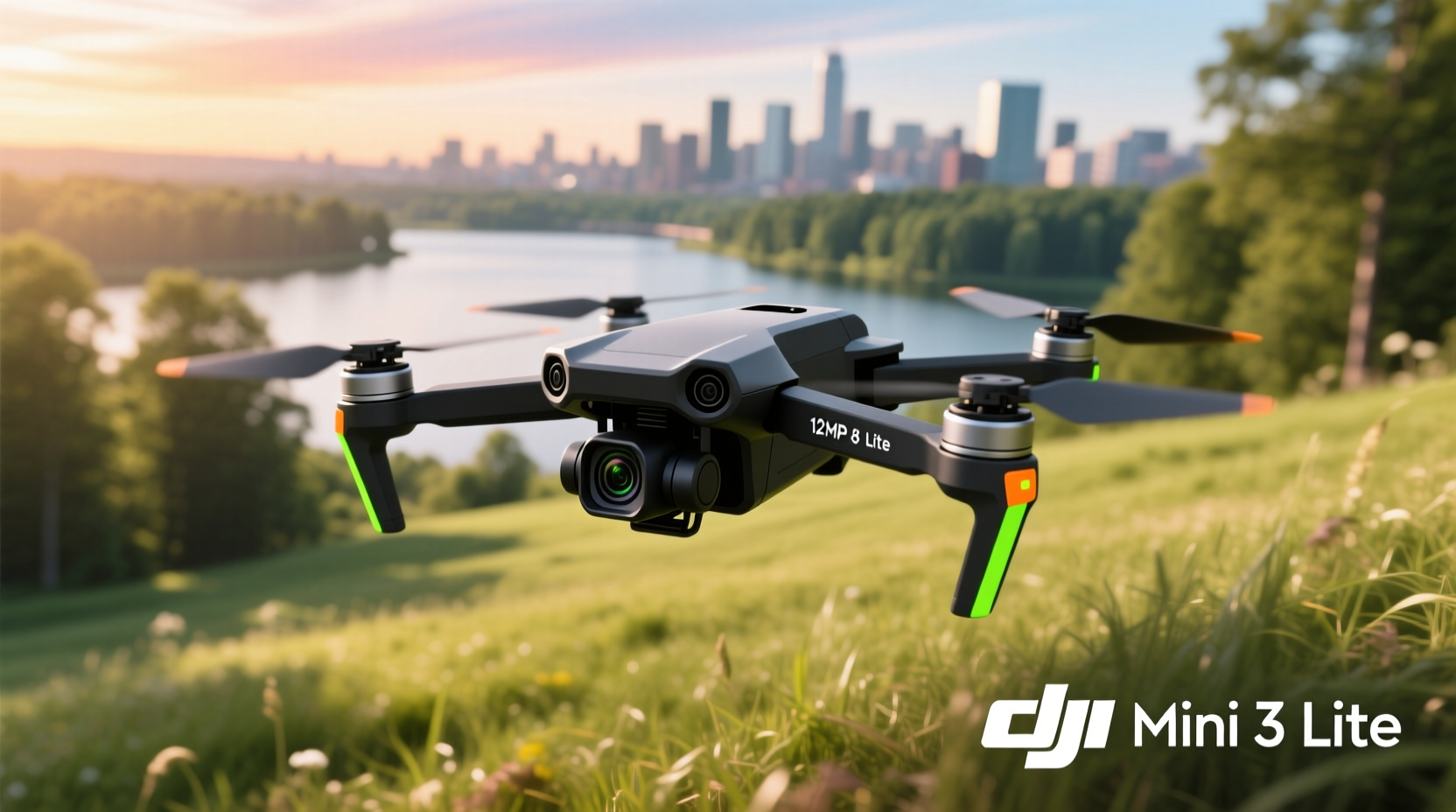
A budget drone typically costs under $400, with many solid options available between $150 and $300. At this range, manufacturers make trade-offs: shorter flight times, less advanced obstacle avoidance, smaller batteries, and simplified controls. However, advancements in sensor technology and stabilization have significantly improved camera performance even in lower-tier models.
A \"decent camera\" for a hobbyist should meet three criteria:
- At least 1080p resolution – Essential for clear, shareable video on social media or personal archives.
- Electronic Image Stabilization (EIS) – Reduces shakiness during flight, especially in light wind conditions.
- Adjustable tilt or gimbal control – Allows real-time framing adjustments via remote or app.
Additional features like GPS positioning, return-to-home function, altitude hold, and follow-me mode add significant value and safety, particularly for new pilots. These aren't luxuries—they’re practical tools that prevent crashes and lost drones.
Top Contenders: Best Budget Drones with Decent Cameras
After evaluating dozens of models based on real-world performance, customer feedback, durability, and camera output, five drones stand out as top picks for hobbyists seeking value without major compromises.
| Drone Model | Camera Quality | Flight Time | Key Features | Price Range |
|---|---|---|---|---|
| DJI Mini 3 | 2.7K/1080p, EIS, f/1.7 aperture | Up to 38 min | No geofencing, flip-up propellers, lightweight (under 250g) | $469 (often discounted to $399) |
| Autel Robotics Evo Nano+ | 4K/30fps, 1/1.28\" CMOS sensor | 28 min | Foldable, no-fly zones compliance, excellent low-light performance | $799 (premium end of budget) |
| Skydio 2+ | 4K HDR, 6-axis stabilization | 27 min | Best-in-class autonomous flight, 360° obstacle avoidance | $1,099 (not budget, but included for comparison) |
| Holy Stone HS720G | 4K UHD, EIS, GPS-assisted | 26 min (dual batteries) | Follow-me mode, waypoint navigation, brushless motors | $299 |
| Ruko F11 Pro | 4K, EIS, wide-angle lens | 23 min per battery | GPS positioning, foldable design, beginner-friendly app | $269 |
While the DJI Mini 3 edges into mid-range pricing, it remains a benchmark due to its sub-250g weight (avoiding FAA registration in many countries) and superior software ecosystem. For strict budget shoppers, the Holy Stone HS720G and Ruko F11 Pro offer compelling combinations of GPS, stable video, and intelligent flight modes at accessible prices.
“Even at $300, you can find drones that shoot better-than-phone-quality video from the sky. It's not about matching cinema gear—it's about accessibility.” — Marcus Lin, Aerial Photography Instructor at Urban Drone Academy
How to Maximize Value: Smart Buying Tips
Purchasing a budget drone doesn’t mean accepting poor quality. With smart choices, you can extend usability, improve results, and avoid costly mistakes.
Check What’s Included in the Box
Some vendors sell \"combo packs\" with extra batteries, carrying cases, filters, and spare props. Others offer only the drone and a basic controller. Look for bundles that include at least two batteries—this doubles your flight time and allows safer landings while swapping power sources mid-session.
Avoid No-Name Brands Without Support
Many ultra-cheap drones (<$120) advertise \"4K cameras,\" but these are often misleading. The footage may be upscaled from 1080p, lack stabilization, or suffer from severe lag. Worse, they frequently lack firmware updates, customer service, or replacement parts. Stick with reputable brands like DJI, Holy Stone, Ryze, Autel, or Ruko.
Use Smartphone Apps Effectively
Most budget drones connect to iOS and Android apps for live preview, recording control, and basic editing. Learn how to adjust exposure compensation, set grid lines for composition, and download logs for reviewing flight paths. Some apps even let you plan automated routes using virtual waypoints.
Step-by-Step Guide to Getting Started Safely
Flying responsibly ensures both legal compliance and long-term enjoyment. Follow this timeline when starting out:
- Week 1: Read the Manual Thoroughly
Understand charging cycles, signal range, fail-safes, and local regulations. Note any required registrations. - Week 2: Practice in Open Areas
Choose a large park with minimal trees and people. Begin in ATTI (attitude) mode or manual hover to build stick control before enabling GPS. - Week 3: Test Camera Functions
Fly short missions focused solely on camera operation—panning, tilting, adjusting altitude for framing. Review footage critically. - Week 4: Try Intelligent Modes
Engage follow-me, orbit, or waypoint flight cautiously. Confirm obstacle detection works before relying on it. - Ongoing: Maintain Logs and Backups
Track battery health, flight duration, and weather conditions. Store media securely and format SD cards regularly.
This structured approach builds confidence gradually and reduces the risk of early crashes—a common reason for abandoning drone hobbies prematurely.
Real Example: How Sarah Captured Her First Aerial Reel
Sarah, a nature blogger from Colorado, wanted dynamic visuals for her hiking trails series. She purchased the Holy Stone HS720G after researching forums and comparing specs. Her first flight ended abruptly when the drone drifted into a tree due to wind gusts—but thanks to GPS return-to-home, she recovered it undamaged.
She followed a learning curve: practicing takeoffs and landings daily, studying wind patterns, and learning to read telemetry data on her phone screen. By her fifth outing, she captured smooth tracking shots along a mountain ridge at sunrise. Using free software like DaVinci Resolve, she stabilized the footage further and added music.
The resulting 90-second reel gained over 15,000 views on Instagram. More importantly, it inspired her to explore creative angles—low-altitude glides over streams, vertical reveals of campsites, and slow zooms on distant peaks. All achieved with a $300 drone.
Frequently Asked Questions
Can I fly a budget drone legally without registration?
In the U.S., drones under 250 grams do not require FAA registration. Models like the DJI Mini 3 fall into this category. Always verify local laws, as rules vary by country and sometimes by region.
Do budget drones work well in windy conditions?
Most can handle light winds (up to 15 mph), but stability decreases significantly above that. Brushless motor models like the HS720G perform better than brushed-motor alternatives. Avoid flying near gust fronts or thermal zones around mountains.
Is 1080p good enough for YouTube videos?
Absolutely. While 4K offers more detail, 1080p is standard HD and fully acceptable for vlogs, travel content, and educational videos. Proper lighting and composition matter far more than raw resolution.
Essential Checklist Before First Flight
Ensure success and safety with this pre-flight checklist:
- ✅ Fully charge all batteries (drone and controller)
- ✅ Insert a formatted microSD card (if recording onboard)
- ✅ Calibrate compass and IMU in open space away from metal objects
- ✅ Confirm GPS satellite connection (at least 6 satellites)
- ✅ Enable Return-to-Home (RTH) altitude setting above nearby obstacles
- ✅ Check local airspace restrictions via apps like B4UFLY or UAV Forecast
- ✅ Inform someone of your flight location and expected return time
Skipping even one step increases the chance of signal loss, flyaways, or hard landings. Discipline pays off in longer flights and preserved equipment.
Final Thoughts and Next Steps
Finding the best budget drone with a decent camera comes down to balancing realism and ambition. You don’t need Hollywood-grade equipment to create meaningful, beautiful content. Modern entry-level drones offer surprisingly capable imaging systems, intuitive automation, and durable builds—all designed to empower creators who are just beginning their aerial journey.
The Holy Stone HS720G and Ruko F11 Pro represent exceptional value under $300, while the DJI Mini 3 sets a higher standard for those willing to stretch their budget slightly. Regardless of model, responsible flying, consistent practice, and attention to detail will elevate your results faster than any spec sheet ever could.




 浙公网安备
33010002000092号
浙公网安备
33010002000092号 浙B2-20120091-4
Comments
No comments yet. Why don't you start the discussion?