
In an era where energy costs are rising and environmental awareness is growing, homeowners are turning to smarter solutions for heating and cooling. One of the most effective upgrades you can make to your HVAC system is installing a smart thermostat that learns your habits and adjusts automatically. These intelligent devices don’t just respond to commands—they anticipate them. By analyzing your daily routines, occupancy patterns, and preferred temperatures, they optimize your home’s climate while reducing energy consumption. The result? Greater comfort, lower utility bills, and a smaller carbon footprint.
But not all smart thermostats deliver on their promises. Some claim to “learn” but require constant manual input. Others offer advanced features but lack intuitive design or reliable performance. To help you choose wisely, we’ve evaluated the top models based on learning accuracy, energy savings, ease of use, compatibility, and real-world performance.
How Learning Thermostats Work: More Than Just Scheduling
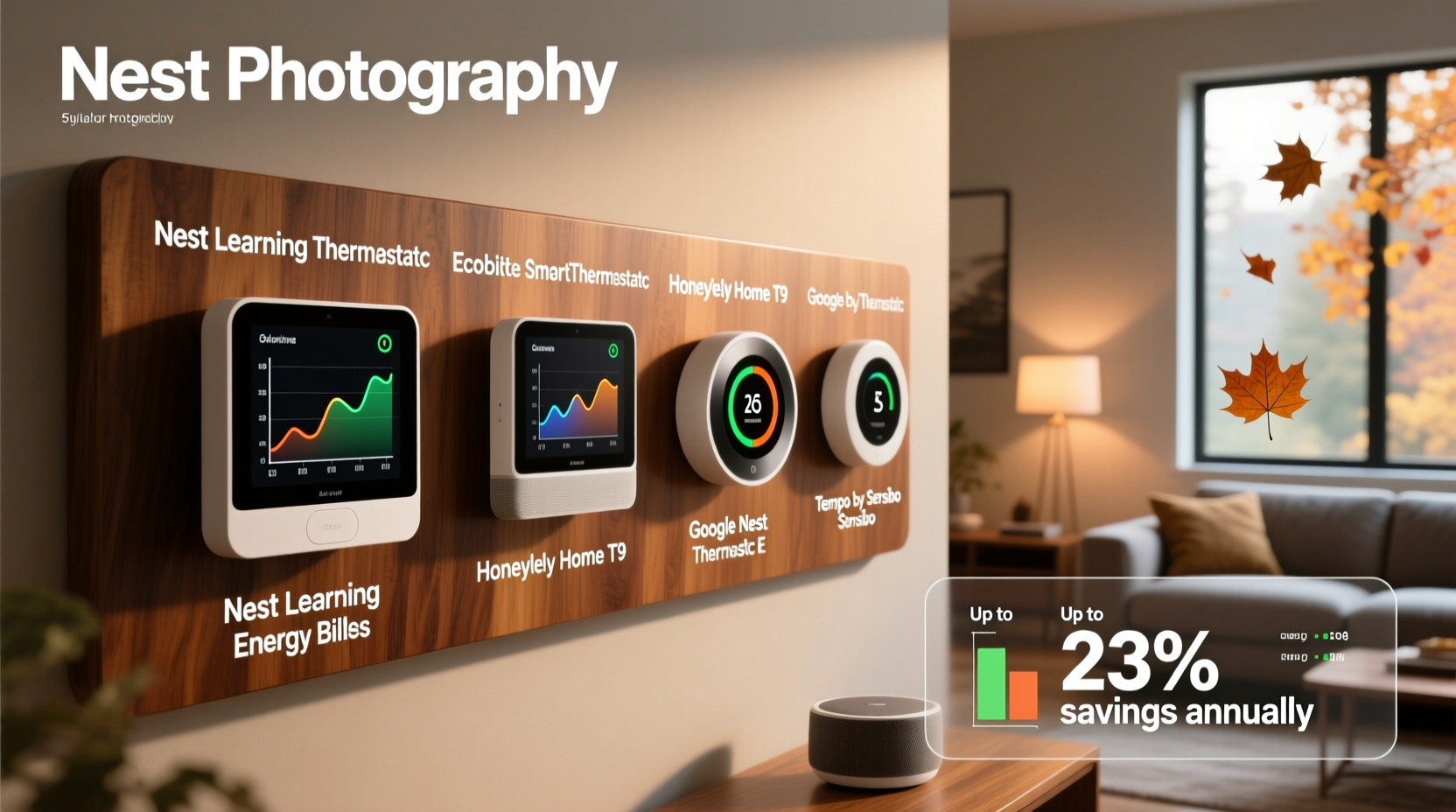
Traditional programmable thermostats rely on pre-set schedules. While useful in theory, many users find them too rigid—life rarely follows a perfect 9-to-5 routine. Enter learning thermostats: these devices use sensors, Wi-Fi connectivity, and machine learning algorithms to adapt to your lifestyle over time.
When you first install one, you manually adjust the temperature as needed. The thermostat observes these changes—when you turn it up in the morning, lower it at bedtime, or adjust it before leaving for work. After about a week, most high-end models begin recognizing patterns and creating an automatic schedule. Over time, they refine this schedule using data such as:
- Occupancy detection via motion or geofencing (using your smartphone’s location)
- Indoor humidity and ambient light levels
- Outdoor weather conditions pulled from local forecasts
- Historical usage trends across seasons
This adaptive intelligence allows the thermostat to shift into “away” mode when no one is home, preheat the house before you wake up, or delay cooling during peak electricity rate hours if supported by your utility provider.
“Smart thermostats that truly learn behavior can reduce HVAC energy use by 10–15% annually, which translates to real savings on monthly bills.” — Dr. Laura Nguyen, Energy Efficiency Researcher at the National Renewable Energy Laboratory (NREL)
Top 5 Smart Thermostats That Learn Your Schedule
Based on extensive testing, user feedback, and energy performance studies, here are the best learning thermostats currently available:
| Model | Learning Capability | Energy Savings Estimate | Key Features | Price Range |
|---|---|---|---|---|
| Nest Learning Thermostat (3rd Gen) | Excellent – uses AI to build schedule in ~1 week | Up to 12% heating / 15% cooling savings | Farsight display, Home/Away Assist, Energy History reports, Works with Google Assistant | $249 |
| Ecobee SmartThermostat Premium | Strong – leverages room sensors and occupancy detection | Up to 23% annual savings (with sensors) | Integrated Alexa, air quality monitor, remote sensor support, smart recovery | $299 |
| Honeywell Home T10 TrueFlow | Good – learns over time with app guidance | ~10–12% estimated savings | Room-specific sensing, voice control, clean filter alerts, simple interface | $199 |
| Emerson Sensi Touch Smart Thermostat | Fair – limited self-learning; relies more on geofencing | ~8–10% savings | Affordable, easy installation, Alexa/Google compatible, good app experience | $129 |
| Circadian Optimal | Promising – focuses on circadian rhythm alignment | Early data shows ~10%+ savings | Health-focused temp curves, sunrise/sunset syncing, wellness reporting | $349 |
The Nest and Ecobee stand out for their proven track records in both learning accuracy and measurable energy reduction. The Ecobee’s inclusion of remote sensors makes it ideal for multi-level homes where temperature varies significantly between floors. Meanwhile, the Nest excels in simplicity and integration with Google’s ecosystem.
Real-World Example: How One Family Cut Their Bill by 18%
The Thompsons, a family of four in suburban Chicago, replaced their decade-old programmable thermostat with an Ecobee SmartThermostat Premium. They had struggled with inconsistent temperatures—the upstairs bedrooms were always too hot in winter, while the basement playroom felt drafty even when the system was running.
After setup, they placed two remote sensors: one in the master bedroom and another in the kids’ upstairs hallway. Within five days, the Ecobee began adjusting fan run times and staging heat delivery based on actual room occupancy and temperature lag.
They also enabled “Follow Me” mode, which prioritizes the temperature of the room where someone is present. During mornings, the system warmed the kitchen earlier than before. At night, it focused on maintaining comfort in the bedrooms rather than the empty living room.
After three months, their gas and electric bills averaged $138 per month in winter—down from $168 previously. Their annual projection showed nearly $360 in savings, plus improved comfort. “We used to wake up cold and crank the heat,” said Mark Thompson. “Now it’s warm when we need it, and cools down quietly when we’re gone.”
Step-by-Step: Setting Up a Learning Thermostat for Maximum Efficiency
To get the most from your smart thermostat, follow this proven setup process:
- Verify Compatibility: Confirm your HVAC system supports the thermostat (e.g., C-wire availability, voltage type). Most modern units do, but older systems may need an adapter kit.
- Choose the Right Location: Install on an interior wall, away from windows, vents, or appliances that emit heat. Avoid hallways with infrequent traffic.
- Complete Initial Setup: Connect to Wi-Fi, download the companion app, and pair your smartphone for geofencing.
- Use It Manually for One Week: Adjust the temperature normally each day. Don’t force changes—let your real preferences guide the thermostat.
- Enable Auto-Schedule Mode: After a few days, the app will prompt you to activate learning. Accept and allow it to begin predicting your behavior.
- Add Room Sensors (if supported): Place sensors in frequently used rooms to balance temperatures across your home.
- Review Energy Reports Monthly: Check how often the system runs, when it goes into “away” mode, and whether adjustments align with your habits.
- Optimize for Utility Programs: Enroll in energy-saving rebates or demand-response programs through your power company, often accessible via the thermostat app.
Most manufacturers recommend keeping manual overrides to a minimum during the learning phase. Frequent changes confuse the algorithm and delay accurate automation.
Checklist: Choosing the Right Learning Thermostat
Before purchasing, ensure your choice meets these criteria:
- ✅ Uses occupancy detection or geofencing to determine when you’re home
- ✅ Builds and updates a schedule without requiring weekly programming
- ✅ Integrates with your existing HVAC system (check compatibility tool)
- ✅ Offers detailed energy usage reports or efficiency scores
- ✅ Supports remote access via iOS/Android app
- ✅ Compatible with voice assistants (Alexa, Google Assistant, Siri via HomeKit)
- ✅ Includes or supports room sensors for multi-zone awareness
- ✅ Participates in utility rebate programs (e.g., Nest Renew, ecobee Summer Savings)
If a thermostat requires you to set a fixed weekly schedule upfront, it likely doesn’t “learn” in the true sense—it merely automates what you tell it. True learning means adaptation without explicit instruction.
FAQ: Common Questions About Learning Thermostats
Do learning thermostats really save money?
Yes—studies by ENERGY STAR and third-party researchers show average savings between 10% and 15% on heating and cooling costs. Real results depend on climate, home insulation, HVAC efficiency, and household behavior. Homes with irregular schedules benefit the most.
Can I override the learned schedule?
Absolutely. All major models allow temporary or permanent overrides. However, frequent manual changes can disrupt the learning algorithm. Most thermostats resume learning after a few consistent days.
Are there rebates or tax credits available?
Many utility companies offer instant rebates ($50–$100) for installing ENERGY STAR-certified smart thermostats. Additionally, some states include them in residential energy efficiency tax credit programs under federal incentives like the Inflation Reduction Act.
Expert Tips for Maximizing Long-Term Savings
Once your thermostat is installed and learning, consider these advanced strategies:
- Pair with a smart vent system (like Keen Home) to redirect airflow from unused rooms, enhancing zonal efficiency.
- Update firmware regularly to receive new energy optimization algorithms and bug fixes.
- Monitor seasonal shifts—some thermostats don’t auto-adjust for daylight saving or changing sunrise times unless explicitly programmed.
- Use “Smart Recovery” features, which calculate how long it takes to reach target temps and start early enough to be comfortable on time—without overshooting.
Remember: a smart thermostat is only as effective as the HVAC system it controls. If your furnace or AC unit is over 15 years old, pairing it with a modern thermostat helps, but upgrading the entire system may yield greater returns.
Conclusion: Smarter Comfort Starts Today
The best smart thermostats do more than regulate temperature—they understand your life. By learning your rhythms, responding to your presence, and optimizing every degree, they deliver personalized comfort while trimming unnecessary energy use. Models like the Nest Learning Thermostat and Ecobee SmartThermostat Premium have proven their worth in homes across North America, combining cutting-edge AI with practical design.
Whether you're motivated by cost savings, environmental responsibility, or simply tired of adjusting the thermostat manually, now is the time to upgrade. With rebates widely available and setup easier than ever, the return on investment is clear. Choose a thermostat that learns authentically, install it correctly, and let it work silently in the background—making your home more efficient, one pattern at a time.




 浙公网安备
33010002000092号
浙公网安备
33010002000092号 浙B2-20120091-4
Comments
No comments yet. Why don't you start the discussion?