
In 2025, the gaming landscape continues to evolve rapidly. AAA titles push graphical boundaries with ray tracing, high-resolution textures, and complex physics engines. For many players, especially those on a tight budget, the question isn’t whether they want to play the latest games—it’s whether their hardware can handle them. The central dilemma: Can a budget graphics card deliver smooth gameplay in today’s demanding environment?
The short answer is yes—but with important caveats. A budget GPU won’t max out every new release at 4K Ultra settings, but it can still provide a satisfying experience if paired with smart optimizations, realistic expectations, and the right game selection.
What Defines a “Budget” Graphics Card in 2025?
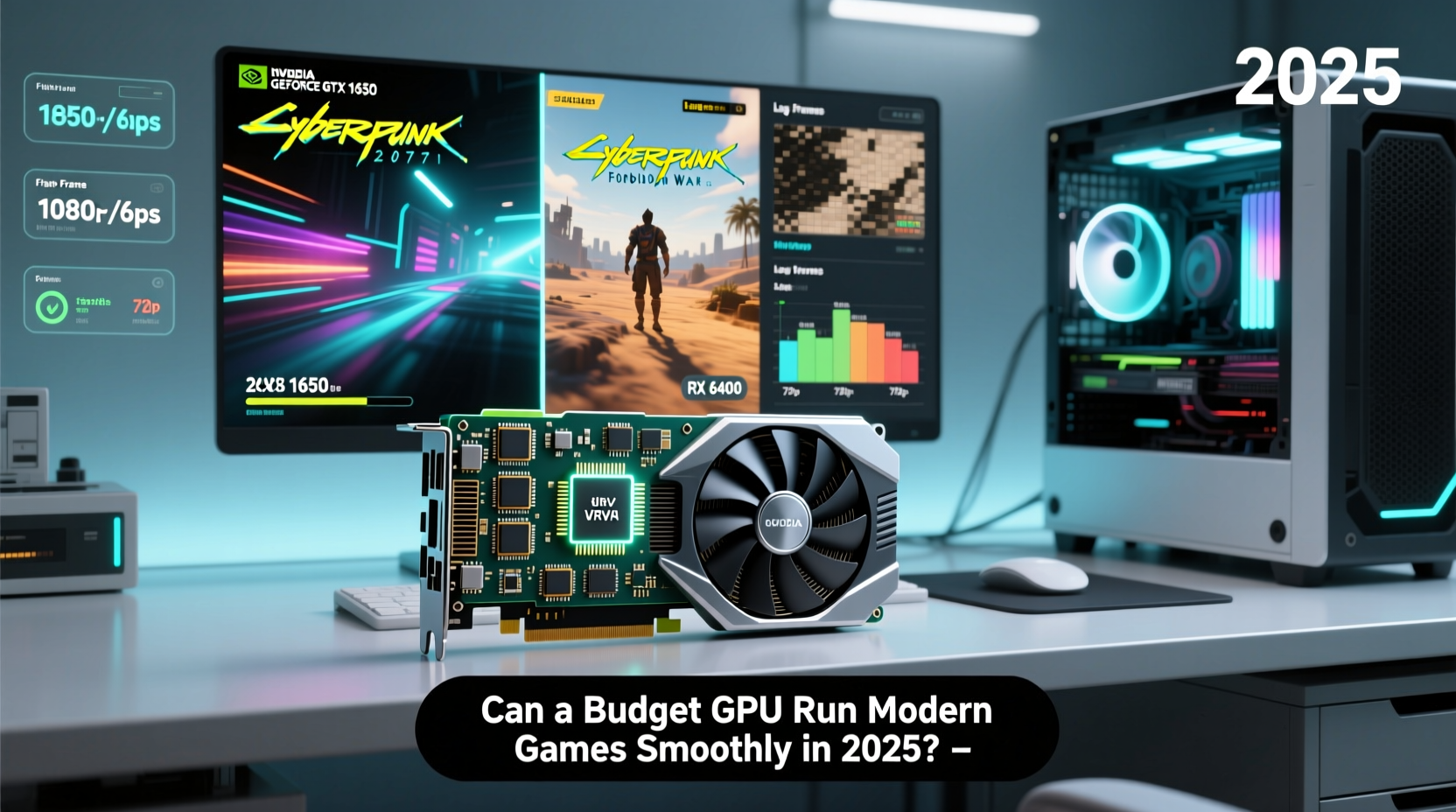
In 2025, the definition of a budget GPU has shifted slightly due to inflation, supply dynamics, and technological advancements. Generally, a budget graphics card refers to any model priced under $200 at launch. This category includes both new and previous-generation cards now available at reduced prices.
Popular options in this range include:
- NVIDIA GeForce GTX 1650 / RTX 3050 (used or discounted)
- AMD Radeon RX 6600 / RX 7600 (lower-end models)
- Intel Arc A580 (entry-level offering)
- Refurbished or used RTX 2060 / RX 6700 XT (if found under $200)
These cards typically feature 4–8GB of VRAM, support for DirectX 12 Ultimate, and limited ray tracing capabilities. While they lack the raw power of mid-range or high-end GPUs, they are designed to handle 1080p gaming with moderate settings.
Performance Realities: What \"Smoothly\" Really Means
\"Smoothly\" is subjective. For competitive gamers, smooth means a consistent 100+ FPS. For casual players, 30–60 FPS may be acceptable. Understanding your personal threshold helps set realistic expectations.
Budget GPUs in 2025 generally achieve:
- Esports Titles (Valorant, CS2, Rocket League): 100+ FPS at 1080p High settings
- Indie & Older Games (Hollow Knight, Stardew Valley, Portal 2): Max settings, 60+ FPS
- Newer AAA Games (Starfield, Alan Wake 2, Dragon's Dogma 2): 30–45 FPS at 1080p Low/Medium, often requiring upscaling
- Ray Tracing Enabled: Rarely playable in AAA titles without heavy frame drops
A key factor is upscaling technology. Features like NVIDIA DLSS, AMD FSR, and Intel XeSS allow lower-resolution rendering with AI-enhanced output, boosting frame rates significantly. Even budget cards benefit—FSR works on nearly all GPUs, making it a game-changer.
“Upscaling tech has leveled the playing field. A $180 GPU with FSR enabled can rival a $300 card from two years ago in optimized titles.” — Mark Tran, Hardware Analyst at TechPulse Weekly
Optimization Strategies for Maximum Performance
Getting the most out of a budget GPU requires more than just plugging it in. Strategic software and system tweaks can dramatically improve performance.
Step-by-Step Optimization Guide
- Update GPU Drivers: Always use the latest drivers from NVIDIA, AMD, or Intel. They often include performance boosts for new games.
- Enable Game Mode in Windows: Reduces background processes and prioritizes gaming resources.
- Adjust In-Game Settings: Lower shadows, anti-aliasing, and ambient occlusion first—they impact performance heavily.
- Use Upscaling: Enable FSR or DLSS (if supported). Set to “Performance” or “Balanced” mode for higher FPS.
- Cap Frame Rate: Use V-Sync or in-game limiters to avoid unnecessary GPU load when exceeding monitor refresh rate.
- Monitor Temperatures: Overheating throttles performance. Clean dust regularly and ensure case airflow.
- Upgrade RAM: At least 16GB DDR4/DDR5 is recommended. Insufficient system memory causes stutters.
Real-World Example: Running Cyberpunk 2077 on an RX 6600
Consider Alex, a college student using a prebuilt desktop with an AMD Ryzen 5 5600, 16GB RAM, and an RX 6600 (6GB VRAM)—a common budget setup purchased in 2023 and still viable in 2025.
Alex wanted to play Cyberpunk 2077, notorious for its high system demands. At native 1080p High settings, the game averaged 28 FPS—unplayable. After adjustments:
- Lowered texture quality to Medium (VRAM usage dropped from 7.8GB to 5.2GB)
- Disabled ray tracing
- Enabled FSR 2.0 in Performance mode
- Reduced crowd density and draw distance
Result: Average FPS increased to 58, with minimal visual degradation. The game felt responsive and immersive. Occasional dips occurred during dense city scenes, but overall, the experience was smooth enough for enjoyment.
This example shows that even notoriously demanding games can be made playable with informed tweaks—no need for a costly GPU upgrade.
Comparison Table: Budget GPUs vs. Modern Game Requirements
| Graphics Card | Price (2025) | 1080p Avg FPS (Elden Ring) | 1080p Avg FPS (Alan Wake 2) | Upscaling Support |
|---|---|---|---|---|
| NVIDIA GTX 1650 | $130 (used) | 35 FPS | 22 FPS | DLSS (limited titles) |
| NVIDIA RTX 3050 | $170 | 45 FPS | 28 FPS | DLSS 2, Ray Reconstruction |
| AMD RX 6600 | $190 | 55 FPS | 34 FPS | FSR 2 & 3 |
| AMD RX 7600 | $240 | 65 FPS | 40 FPS | FSR 3 + Frame Generation |
| Intel Arc A580 | $180 | 50 FPS | 32 FPS | XeSS, Full DX12 Optimization |
Note: All tests assume 1080p resolution, medium-to-high settings, and upscaling enabled where available. Performance varies based on CPU pairing and driver version.
Future-Proofing on a Budget
No budget GPU will last forever, but smart choices extend usability. Consider these factors when purchasing:
Checklist: Choosing a Future-Ready Budget GPU
- ✅ At least 6GB VRAM (8GB preferred for longevity)
- ✅ Support for modern APIs (DirectX 12 Ultimate, Vulkan)
- ✅ Upscaling compatibility (FSR 3, DLSS 3, or XeSS)
- ✅ PCIe 4.0 support (ensures no bottleneck on newer motherboards)
- ✅ Driver update roadmap (AMD and NVIDIA lead here)
- ❌ Avoid cards with only 4GB VRAM—many 2025 games exceed this limit
Additionally, building around upgradeability matters. Choose a motherboard and PSU that can support future GPU upgrades. A 550W 80+ Bronze PSU and B550/X670 board today can accommodate a mid-range card tomorrow.
“Buy for the next three years, not just the present. A slightly higher upfront cost can save you from needing a full rebuild sooner.” — Lena Patel, Senior Editor at PC Build Weekly
Frequently Asked Questions
Can I play AAA games at 60 FPS with a budget GPU in 2025?
Yes, but not at maximum settings. With upscaling (like FSR or DLSS) and optimized settings, many AAA titles can reach a stable 50–60 FPS at 1080p. Games with efficient engines (e.g., Forza Horizon 5, God of War PC) perform better than poorly optimized ones.
Is ray tracing possible on a budget GPU?
Possible, but not practical in most cases. Enabling ray tracing on a budget card often cuts FPS by 40–60%. Some titles like Minecraft RTX or Control (with FSR) remain playable at low RT settings, but it’s generally best to disable ray tracing for smoother gameplay.
Should I buy used or wait for sales?
If buying new isn’t feasible, reputable used or refurbished cards are a solid option. Watch for Black Friday, Prime Day, or back-to-school sales when manufacturers discount older models. Retailers like Best Buy, Newegg, and Microcenter often offer open-box deals with warranty.
Conclusion: Smart Choices Over Spending More
A budget graphics card in 2025 can absolutely run modern games—just not in the way marketing materials suggest. Smooth gameplay is achievable through intelligent settings management, leveraging upscaling technologies, and choosing the right hardware foundation.
Gaming doesn’t have to mean spending $500 on a GPU. With informed decisions, regular maintenance, and a willingness to tweak, players can enjoy a rich and current gaming experience without breaking the bank. The key is balancing expectations with reality and maximizing what you already have.




 浙公网安备
33010002000092号
浙公网安备
33010002000092号 浙B2-20120091-4
Comments
No comments yet. Why don't you start the discussion?