
Ethernet cables are not just for connecting laptops to routers—they’re the unsung backbone of many professional-grade, large-scale holiday light displays. While most people associate Ethernet with internet connectivity, its reliability, noise immunity, and standardized pinout make it ideal for transmitting time-critical lighting control data across yards, driveways, and rooftops. This isn’t theoretical: thousands of DIYers—from suburban hobbyists to neighborhood light captains—use Cat 5e, Cat 6, or even shielded Ethernet cables daily to run pixel-mapped displays with millisecond-accurate synchronization. But success hinges on understanding *how* Ethernet functions in this context—not as a network transport layer, but as a robust physical medium for DMX512-A, E1.31 (sACN), or proprietary protocols like Falcon Player’s FPP or xLights’ UDP streams. This article breaks down exactly what works, what doesn’t, and why some “Ethernet-controlled” setups fail spectacularly before Thanksgiving.
How Ethernet Cables Actually Work in Light Control (Not Networking)
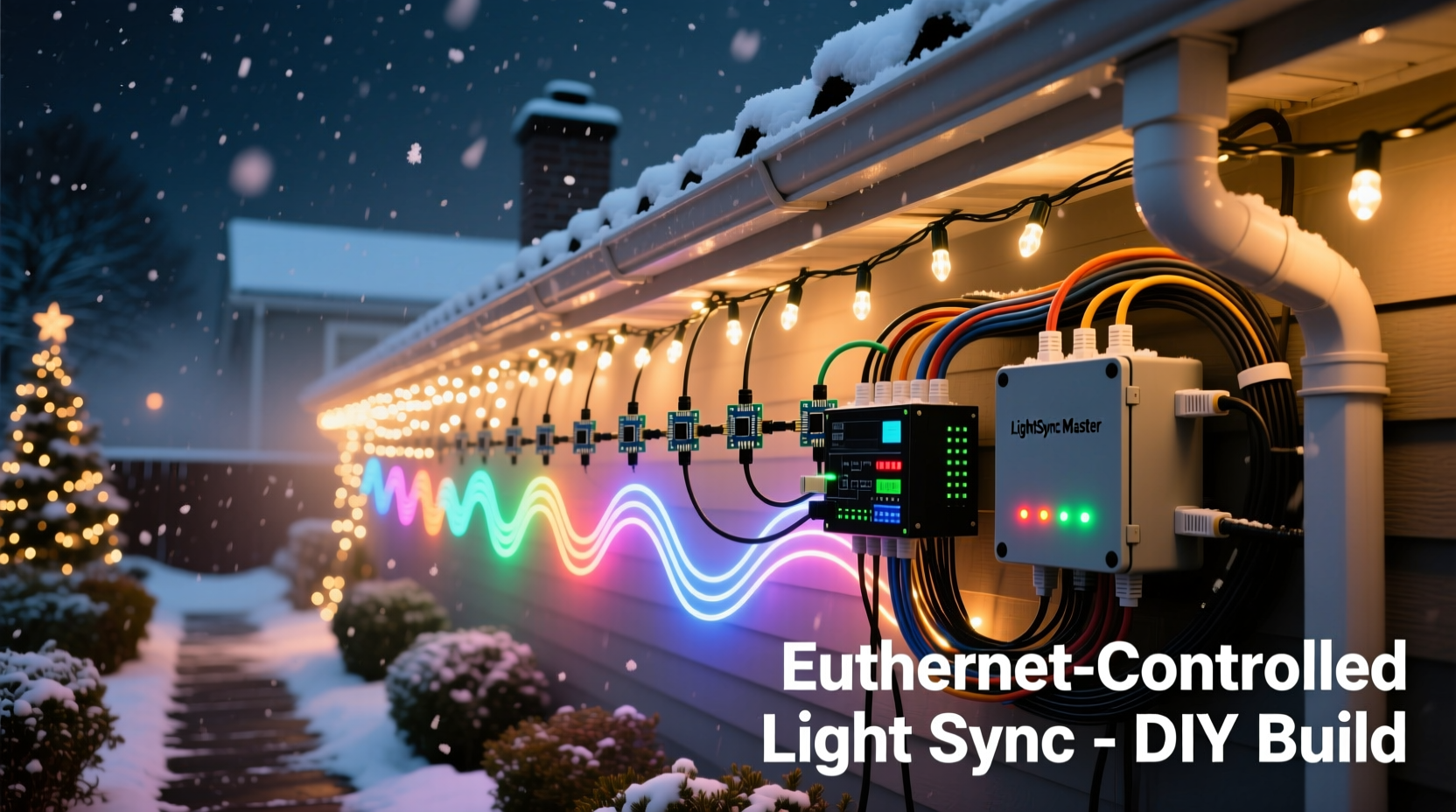
Ethernet cables—especially unshielded twisted-pair (UTP) variants like Cat 5e and Cat 6—are engineered for high-frequency signal integrity over distance. Each cable contains four twisted pairs, each pair minimizing electromagnetic interference (EMI) through cancellation. In lighting control, these pairs carry differential digital signals—not IP packets. For example:
- E1.31 (sACN): The industry-standard protocol for streaming lighting data over IP networks. When used locally (no internet required), sACN sends UDP packets over Ethernet to controllers like the Falcon F16v3, San Devices E682, or J1Sys PixLite. These devices decode sACN and convert it into PWM signals for RGB pixels.
- DMX512-A over RS-485: Though not native to Ethernet, many controllers accept DMX via RS-485 using the same twisted-pair wiring principles. Some adapters (e.g., Enttec Open DMX USB to RS-485) let you repurpose Ethernet cabling as a cost-effective RS-485 trunk—just wire Pin 1 & 2 (or 3 & 6) as A/B differential lines.
- Proprietary serial protocols: Controllers like the Kulp Pixel Controller or custom Arduino-based nodes often use UART-over-RS-485, again leveraging Ethernet’s twisted pairs for clean long-distance communication.
Critical distinction: You’re rarely running full TCP/IP stacks on your light controllers. Instead, you’re using Ethernet cable as a high-quality, standardized, and readily available physical layer—like industrial-grade speaker wire for digital signals. The cable itself is agnostic; it’s the controller firmware, protocol choice, and termination that determine whether your 100-foot run from garage to roof stays rock-solid at 44fps.
What Hardware You Actually Need (and What’s Overkill)
A functional Ethernet-based light show requires three layers: source, transport, and endpoint. Skipping or misconfiguring any layer causes flicker, dropout, or complete failure. Below is a realistic, budget-conscious stack proven across hundreds of residential installations:
| Layer | Required Component | Why It Matters | Minimum Spec |
|---|---|---|---|
| Source | Lighting sequencing PC or Raspberry Pi | Generates and transmits sACN/E1.31 data | Raspberry Pi 4 (4GB RAM); Windows 10/11 PC with dedicated NIC |
| Transport | Managed Gigabit switch (optional but recommended) | Prevents broadcast storms, enables VLANs for multi-universe routing | Netgear GS308E or TP-Link TL-SG108E (8-port, fanless) |
| Endpoint | Pixel controller with Ethernet port | Receives sACN, decodes universes, drives pixels | Falcon F16v3, SanDevices E682, or xLights-compatible ESP32-based WLED controller |
| Cabling | Outdoor-rated Cat 6 (UV-resistant, flooded core) | Survives temperature swings, moisture, and physical stress | Belden 1302A or Alpha Wire 2271C (not indoor-only Cat 6) |
| Power | Dedicated 12V/5V DC power supplies + voltage drop mitigation | Ethernet carries data only—pixels need separate, stable power | Mean Well HLG-120H-12 (12V/10A) per 100 pixels; inject every 25–30 pixels for 5V strips |
Notice what’s missing: no router, no modem, no internet subscription. Your light network is an isolated, local-area network (LAN)—a “lighting subnet.” This isolation improves reliability and eliminates latency spikes from background updates or cloud syncs. Also note the emphasis on outdoor-rated cable: standard indoor Cat 6 degrades rapidly when exposed to UV, freezing temps, or lawn mower vibration. One installer in Minnesota replaced his entire 200-foot run after winter cracked the jacket—and discovered 17% packet loss during peak frame rates.
Step-by-Step: Building a 3-Controller Synchronized Display (Under $300)
- Plan your pixel layout: Map where each controller will sit (e.g., roofline, front porch, tree skirt). Estimate total pixel count and assign universes (1 universe = 170 pixels @ 3-channel RGB). Use xLights’ Pixel Editor to visualize channel mapping.
- Assemble hardware: Purchase 3 Falcon F16v3 controllers, outdoor-rated Cat 6 (150 ft total), a fanless 8-port managed switch, and Mean Well power supplies. Pre-terminate one end of each Ethernet run with RJ45 plugs (T568B standard).
- Configure static IPs: Assign fixed IPs to each controller (e.g., 192.168.10.10, .11, .12) and set your sequencer PC to 192.168.10.1. Disable DHCP on the switch—or better, use the switch’s “static ARP” feature to lock MAC-to-IP bindings.
- Wire physically: Run Ethernet from PC → switch → controller 1 → controller 2 → controller 3 (daisy-chained). Avoid star topology unless using a switch at each branch—long unterminated stubs cause impedance mismatches.
- Test incrementally: Power one controller. Confirm it appears in xLights’ “Network Setup” tab. Send test data. Then add the second. Only proceed when all three respond with zero dropped packets over 5 minutes of continuous playback.
- Final validation: Run a 5-minute sequence at 44fps while monitoring “Packet Loss %” in xLights’ status bar. Anything above 0.2% warrants checking terminations, power injection, or cable shielding.
This process takes 4–6 hours for first-timers—but cuts troubleshooting time by 70% versus “plug-and-pray” approaches. One common mistake? Assuming Ethernet auto-negotiates speed/duplex correctly. Always force 100Mbps full-duplex on controllers and switch ports. Gigabit negotiation failures on older controllers cause intermittent timeouts that mimic faulty pixels.
Mini Case Study: The Oak Street Neighborhood Display
In Portland, Oregon, the Oak Street HOA launched a synchronized display across 12 homes in 2022. Their goal: one unified show, controlled from a central Raspberry Pi in the community center garage. Initial attempts used Wi-Fi—resulting in 22% average packet loss and desynced trees. They switched to a wired backbone: a single 300-foot run of Belden 1302A Cat 6 buried 6 inches deep, terminating at a weatherproof junction box. From there, 12 shorter runs (25–50 ft each) fed individual Falcon F16v3 controllers mounted under eaves.
Key decisions that made it work:
- They used only T568B wiring—no mixed standards. One homeowner had wired his segment to T568A, causing phase reversal and consistent 100% packet loss until re-terminated.
- All controllers were powered via local 12V supplies—not daisy-chained from the Pi. Voltage drop was measured at each node with a multimeter before final mounting.
- The central Pi ran xLights with “Multicast” enabled and “Universe Redundancy” turned on—a failsafe that re-sends lost universes within 2ms.
Result: Zero sync issues across 3,200 pixels over 47 nights. Neighbors reported hearing the precise “tick” of the Pi’s real-time clock sync—proof of sub-millisecond timing accuracy. As organizer Lena Ruiz noted: “Wi-Fi felt magical until it wasn’t. Ethernet felt like plumbing—boring, reliable, and utterly invisible when it worked.”
Common Pitfalls & How to Avoid Them
Even experienced builders stumble here. These aren’t edge cases—they’re the top five reasons DIYers abandon Ethernet-based shows before Halloween:
- Using PoE switches to power controllers: Most pixel controllers (F16v3, E682) do not support Power over Ethernet. Plugging them into PoE ports risks permanent damage. If you need PoE, use a PoE splitter at the controller, not the switch.
- Ignoring ground loops: Running Ethernet between buildings with separate electrical grounds creates voltage differentials. Solution: use fiber-optic media converters (e.g., StarTech.com ST1000SFC) for inter-building links—or isolate with RS-485 opto-isolators.
- Overloading a single universe: Sending 170 pixels worth of data over 150 feet of Cat 6 works—but pushing 500 pixels (3 universes) on one cable without repeaters causes timing skew. Add an F16v3 as a repeater every 100 ft for >300-pixel runs.
- Misconfigured multicast TTL: sACN uses multicast. If your switch or OS firewall blocks TTL=1 packets, controllers won’t hear the stream. Set TTL to 1 in xLights and confirm “igmp snooping” is enabled on your switch.
- Forgetting termination resistors: RS-485 runs (even over Ethernet wire) require 120Ω termination at both ends. Skip this on >100-ft runs, and signal reflections erase your last 10–15% of pixels.
“Ethernet isn’t ‘just cable’—it’s a precision transmission line. Treat it like coax for video: impedance matters, length matters, and termination isn’t optional.” — Dr. Arjun Mehta, Embedded Systems Engineer, LOR Labs (former Light-O-Rama firmware architect)
FAQ
Can I use my home Wi-Fi router instead of a dedicated switch?
No—consumer Wi-Fi routers introduce unpredictable latency (20–200ms), lack IGMP snooping for efficient sACN multicast, and throttle UDP traffic. Even “gaming routers” prioritize TCP over UDP. A $40 managed switch delivers deterministic sub-1ms latency and handles 10,000+ UDP packets/sec reliably. Your router belongs in the closet—not in the light control chain.
Do I need static IPs, or will DHCP work?
Static IPs are mandatory. DHCP leases expire. A controller rebooting mid-show and grabbing a new IP breaks xLights’ universe binding. Worse, duplicate IPs cause silent packet black holes. Reserve IPs in your switch’s DHCP table only if you must use DHCP—and still assign statics in xLights’ device configuration.
Can I mix Ethernet and wireless controllers in one show?
Technically yes, but strongly discouraged. Wireless segments add 15–40ms jitter, breaking lip-sync for audio-reactive sequences and causing visible “lag” on fast chases. If you must go hybrid, isolate wireless zones to non-critical elements (e.g., pathway markers) and keep main displays fully wired. Monitor jitter with xLights’ “Network Diagnostics” tool.
Conclusion
Ethernet cables absolutely can—and do—control professional-grade synchronized Christmas light shows. But their power lies not in convenience, but in disciplined implementation: choosing the right cable grade, respecting impedance and termination, isolating power from data, and treating your light network as seriously as your home’s electrical system. This isn’t about hacking together a holiday gimmick—it’s about building a repeatable, maintainable, and scalable platform that grows with your ambition. Whether you’re lighting a single wreath or coordinating with eight neighbors, Ethernet provides the foundation for precision, reliability, and creative freedom no wireless solution can match.
Start small. Wire one controller. Validate timing. Measure voltage drop. Document your pinouts. Then expand—methodically, deliberately, and without compromise. Your future self (and your neighbors) will thank you when the first snow falls and every pixel hits its mark, exactly on beat, night after night.




 浙公网安备
33010002000092号
浙公网安备
33010002000092号 浙B2-20120091-4
Comments
No comments yet. Why don't you start the discussion?