
Cash App has become a go-to platform for quick peer-to-peer payments, direct deposits, investing in stocks and Bitcoin, and even accessing a Cash Card. However, like any digital service, it can occasionally run into technical hiccups. Whether you're facing login problems, failed transactions, or the app crashing unexpectedly, these disruptions can be frustrating—especially when you rely on it for daily financial activity. The good news is that most issues have straightforward fixes. Understanding the root causes and applying targeted solutions can get you back up and running in minutes.
Common Signs Cash App Isn’t Working Properly
Before diving into fixes, it's important to recognize the symptoms of a malfunctioning Cash App experience. These include:
- The app fails to open or freezes during use
- You’re unable to log in despite entering correct credentials
- Payments are delayed or marked as “failed” without explanation
- Balance doesn’t update after a transaction
- Direct deposits are missing or late
- Notifications stop arriving
- Bitcoin or stock purchase attempts fail repeatedly
While some issues stem from user-side factors like poor internet or outdated software, others may originate from server outages or account restrictions. Identifying the scope helps determine whether the problem is isolated to your device or part of a broader outage.
Step-by-Step Guide to Fix Cash App Issues
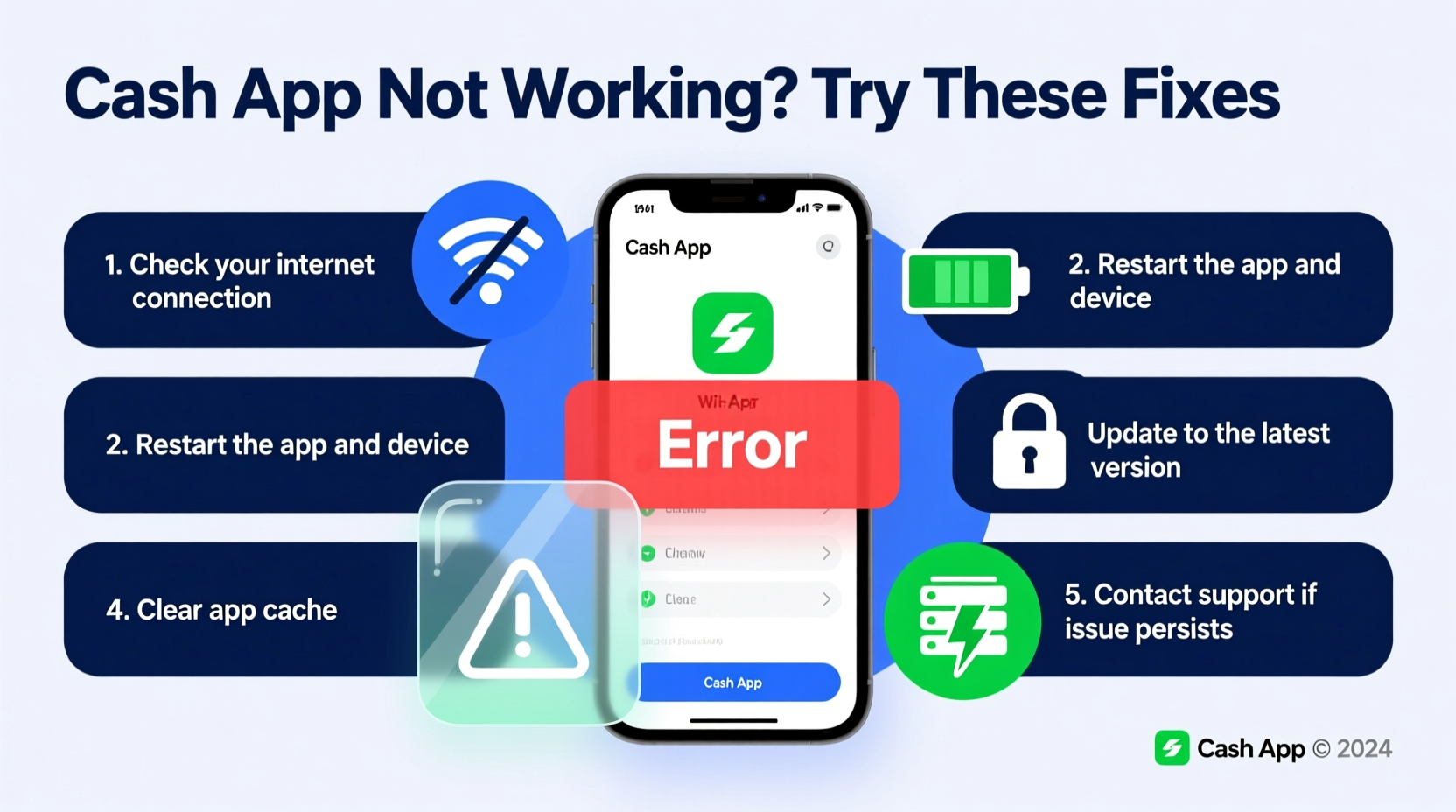
Follow this structured approach to diagnose and resolve most common problems with Cash App.
- Check Your Internet Connection
A weak or unstable connection can prevent the app from syncing data. Switch between Wi-Fi and mobile data to test stability. Try loading other apps or websites to confirm connectivity. - Restart the App Completely
Close Cash App from your phone’s recent apps menu, then reopen it. This clears temporary glitches that may interfere with performance. - Restart Your Device
Power cycling your smartphone often resolves underlying system conflicts affecting app behavior. - Update the Cash App
Outdated versions may lack critical bug fixes. Visit the Apple App Store or Google Play Store and search for “Cash App.” If an update is available, install it immediately. - Clear Cache (Android Only)
Go to Settings > Apps > Cash App > Storage > Clear Cache. This removes corrupted temporary files without deleting your account data. - Reinstall the App
If the issue persists, uninstall Cash App, restart your phone, and download the latest version from the official store. Log back in using your credentials or recovery key.
Do’s and Don’ts When Troubleshooting Cash App
| Do’s | Don’ts |
|---|---|
| Use a secure network when logging in | Log in over public Wi-Fi without a VPN |
| Enable two-factor authentication (2FA) | Share your $Cashtag or login details |
| Keep your phone’s OS updated | Ignore app update notifications |
| Contact Cash App support via the app | Respond to unsolicited emails claiming to be from Cash App |
| Verify transaction status before retrying | Repeatedly resend payments during a failure |
Account-Specific Problems and Fixes
Some issues relate directly to your account status rather than technical faults.
Login Failures and Locked Accounts
If you see messages like “Incorrect Password” or “Your account is temporarily locked,” first ensure caps lock is off and your keyboard layout is correct. After multiple failed attempts, Cash App locks accounts automatically for security. Wait 15–30 minutes before trying again. If you’ve forgotten your password, use the “Forgot Password” option and follow the prompts via email or SMS.
Transaction Failures with Sufficient Funds
A payment may fail even with enough balance due to:
- Recipient’s account being inactive or restricted
- Bank processing delays for linked cards or banks
- Security flags triggered by unusual activity
In such cases, review the transaction note in the app for specific error codes. Common ones include:
- “Unable to complete transaction” – Usually temporary; wait and retry later.
- “Card declined by bank” – Contact your card issuer to authorize Cash App usage.
- “Invalid recipient” – Confirm the $Cashtag or phone number is correct.
“Over 70% of reported Cash App issues are resolved by updating the app or switching networks. Users often overlook simple fixes before assuming account compromise.” — Jordan Lee, Mobile Finance Analyst at TechSecure Insights
Real Example: Resolving a Frozen Balance Issue
Sarah, a freelance designer in Austin, noticed her Cash App balance hadn’t updated after receiving a $450 client payment. The sender confirmed the transfer, but her app still showed the old amount. She tried restarting the app with no success. Following online advice, she checked Downdetector and saw no widespread outage. Next, she force-closed the app and toggled airplane mode to reset her network. Upon reconnecting and reopening Cash App, her balance refreshed instantly. The issue was caused by a local sync delay—a common occurrence when background data is restricted. Sarah now keeps her app updated and avoids low-power mode during transactions.
When to Contact Cash App Support
Not all problems can be self-resolved. Reach out to official support if you encounter:
- Unauthorized transactions on your account
- Permanent account lock or verification holds
- Missing direct deposits beyond expected dates
- Persistent error messages after reinstalling
- Issues with fraud protection or identity verification
To contact support, open Cash App > Profile icon > Help > Contact Us. Use the chat feature or submit a ticket with detailed information including timestamps, transaction IDs, and screenshots (if possible). Response times vary but typically range from a few hours to two business days.
Frequently Asked Questions
Why does Cash App keep logging me out?
This can happen due to app bugs, device compatibility issues, or security policies. Ensure you’re using the latest version. If logs out persist, disable battery optimization for Cash App on Android or check iOS background app settings. Also, avoid using third-party launchers or task killers that may interfere with session retention.
Can server outages affect my money?
No. During server downtime, transactions may be delayed, but funds are never lost. Cash App uses secure backend systems that record all activity even when the interface is inaccessible. Once service resumes, pending actions usually process automatically.
How do I know if my transaction went through?
Check the Activity tab in the app. Completed transactions appear with a green checkmark. Pending ones show a clock icon. Failed transactions display a red X and often include a reason. Never assume a payment failed unless clearly marked—duplicate sends can cause overpayments.
Final Checklist: Quick Actions to Restore Cash App Functionality
- ✅ Verify internet connection (Wi-Fi or cellular)
- ✅ Restart both the app and your phone
- ✅ Check for app updates in the App Store or Google Play
- ✅ Confirm there’s no ongoing outage via Downdetector
- ✅ Clear cache (Android) or reinstall the app if needed
- ✅ Ensure your device meets minimum OS requirements
- ✅ Contact support if issues involve funds or account access
Conclusion
Cash App is a powerful tool for managing everyday finances, but occasional disruptions are inevitable in any digital ecosystem. Most problems—from login troubles to frozen balances—are easily fixed with basic troubleshooting. By understanding how to identify symptoms, apply systematic fixes, and know when to escalate to support, you maintain control over your financial flow. Don’t let a temporary glitch deter you from using a service that simplifies your life. Stay proactive, keep your app updated, and treat small issues before they grow. Your digital wallet works best when you’re one step ahead.




 浙公网安备
33010002000092号
浙公网安备
33010002000092号 浙B2-20120091-4
Comments
No comments yet. Why don't you start the discussion?