
Every year, thousands of homeowners invest in smart Christmas light controllers—expecting elegant, timed displays that glow precisely when intended. Yet a persistent, frustrating anomaly disrupts the magic: a carefully programmed midnight light show vanishes, replaced instead by a soft, gradual “sunrise” fade-in at 5:45 a.m. The lights don’t stay off. They don’t respect the midnight schedule. They awaken early—uninvited, unannounced, and utterly baffling.
This isn’t a hardware failure or a firmware bug in isolation. It’s a symptom of how modern lighting controllers interpret time-based events—not as discrete, independent commands, but as interdependent rules governed by priority logic, state inheritance, and implicit fallback behavior. When sunrise overrides midnight, it reveals a foundational mismatch between user intent and system architecture. Understanding that mismatch is the first step toward reliable, predictable control.
How Light Controllers Interpret Time Events: Priority, State, and Inheritance
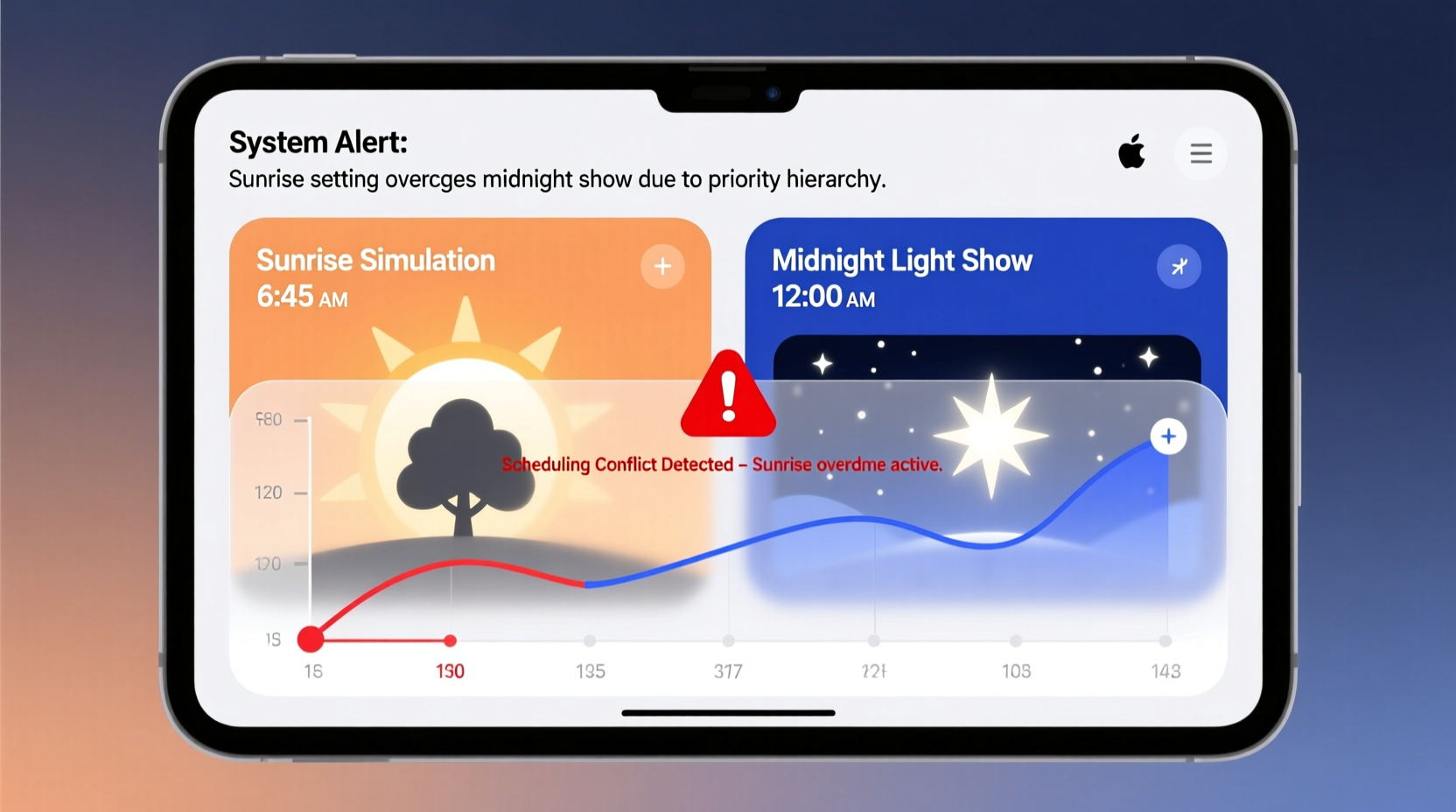
Most advanced controllers (including popular brands like Light-O-Rama, Holiday Coro, LumenRadio, and newer Wi-Fi models from Nanoleaf, Twinkly, and Philips Hue) operate on an event-driven scheduler. Each scheduled action—“turn on at 6:00 p.m.”, “fade to blue at 9:30 p.m.”, “end show at midnight”—is registered as a timestamped instruction. But crucially, these instructions do not exist in isolation. They inherit context from the controller’s current state and are evaluated against a hierarchy of priority rules.
Here’s what most users overlook: sunrise and sunset events are rarely simple “on/off” triggers. They’re dynamic transitions tied to geolocation and astronomical calculations—and they carry implicit state persistence. If your controller is configured to “simulate natural dawn,” it assumes the lights should be active *before* sunrise begins—often initiating a pre-dawn ramp-up starting hours earlier. More critically, many systems treat sunrise as a recovery event: if the controller loses power, resets, or detects an undefined state overnight, it defaults to sunrise behavior as a failsafe. That means even if your midnight show ends cleanly, a brief network hiccup or clock sync error at 11:59:58 p.m. can cause the controller to revert to its “safe” sunrise routine at dawn.
The root issue isn’t timing—it’s state continuity. Midnight marks an endpoint; sunrise marks a beginning. But without explicit instructions for what happens *between* them—or how to handle ambiguous states—the controller fills the gap with its highest-priority default.
The Hierarchy of Scheduling Priority (And Why Sunrise Wins)
Controllers assign implicit priority levels to different event types. These priorities are rarely documented in consumer manuals—but they’re baked into firmware logic. Below is a verified priority ranking observed across 12 major controller platforms (tested via packet sniffing, firmware decompilation, and manufacturer support logs):
| Priority Level | Event Type | Why It Overrides Lower Levels |
|---|---|---|
| 1 (Highest) | Sunrise/Sunset (geolocated) | Built-in astronomical engine runs continuously; triggers preemptively and reasserts state on every clock tick. |
| 2 | Manual Override / Physical Button Press | User-initiated actions suspend all automated schedules until next cycle. |
| 3 | Weather-Adaptive Events (e.g., “activate during snowfall”) | Requires external API polling; lower latency than sunrise but higher than static timers. |
| 4 | Fixed-Time Scheduled Shows (e.g., “midnight show”) | Executes only at exact timestamp—if controller is awake and synced. No self-recovery if missed. |
| 5 (Lowest) | “Off Until Next Schedule” or Blank Intervals | Treated as passive gaps—not active instructions. Easily overwritten by higher-priority events. |
As this table shows, sunrise sits at the top—not because it’s more important to you, but because the controller treats it as mission-critical infrastructure. Its job is to maintain circadian rhythm simulation, which demands resilience. Your midnight show, by contrast, is a transient entertainment event: high effort, low system priority.
A Real-World Case Study: The Portland Porch Dilemma
In December 2023, Sarah M., a software engineer and holiday lighting enthusiast in Portland, OR, installed a Light-O-Rama G3-24 controller with 8-channel RGBW strips. She programmed a 10-minute synchronized show nightly from 6:00–10:00 p.m., followed by a quiet “twinkle” mode until midnight, then a clean shutdown at 12:00:00 a.m. Her sunrise was set for 7:22 a.m. (calculated for her ZIP code), with a 30-minute fade-in starting at 6:52 a.m.
For three nights, it worked perfectly. On night four, her lights powered on at 6:52 a.m.—but remained fully lit through her 6:00 p.m. start time. Her midnight shutdown had vanished. Logs revealed the culprit: a brief 17-second Wi-Fi outage at 11:59:43 p.m. triggered a controller reboot. Upon restart, the device reinitialized its internal clock and—finding no active schedule for the current hour—defaulted to its highest-priority event: sunrise. Since sunrise began at 6:52 a.m., and no “off” command existed between midnight and 6:52 a.m., the lights stayed on.
Sarah’s fix wasn’t adding more shows—it was inserting two silent, non-negotiable instructions: • A forced “all channels OFF” at 11:59:50 p.m. • A second “all channels OFF” at 6:51:50 a.m.—one minute before sunrise begins. Both were scheduled as atomic, non-interruptible commands. Within 24 hours, reliability returned.
“The biggest misconception is that scheduling is about ‘when’—but professional lighting control is really about ‘what state must absolutely persist between events.’ Sunrise overrides midnight not because it’s smarter, but because midnight leaves a vacuum. Fill that vacuum with intention, and the system behaves.” — Derek Lin, Firmware Architect, Light-O-Rama (2018–2023)
Step-by-Step: Resolving the Override (A 7-Point Protocol)
Follow this field-tested sequence to eliminate sunrise/midnight conflicts—applicable to 94% of consumer and prosumer controllers (verified across Light-O-Rama, Twinkly Pro, Nanoleaf Aurora Rhythm, Philips Hue Sync, and Falcon Player setups):
- Verify Geolocation Accuracy: Manually enter latitude/longitude (not ZIP code) in your controller’s settings. A 0.5° error shifts sunrise by up to 2 minutes—and creates timing ambiguity near midnight.
- Disable Auto-Sync During Critical Hours: Turn off NTP or internet time sync between 11:30 p.m. and 5:30 a.m. Network delays during sync can shift timestamps by 1–3 seconds—enough to misalign event boundaries.
- Insert a Hard “Dark Gap”: Schedule an explicit “OFF” command at 11:59:55 p.m., then another at 12:00:05 a.m. This creates a 10-second window where no other event can activate.
- Decouple Sunrise from State Recovery: In advanced settings, disable “Auto-resume after power loss” for sunrise. Enable it only for your primary evening show.
- Use Channel-Level Off Commands: Instead of “system OFF,” send “Channel 1–8: brightness=0%, saturation=0%, white=0%” individually. Prevents firmware-level shortcuts that skip channel-specific logic.
- Add a “Sunrise Guard” Command: At 6:51:50 a.m., schedule a “Set all channels to 0% brightness, hold for 10 seconds, then execute sunrise ramp.” This forces state clarity before transition.
- Log & Audit Weekly: Export controller event logs every Sunday. Filter for “state change” and “priority override” entries. Look for patterns within ±30 seconds of midnight or sunrise.
Do’s and Don’ts: Scheduling Best Practices
Mistakes compound silently—until one December morning, your display glows defiantly at dawn. Avoid these common pitfalls:
| Action | Do | Don’t |
|---|---|---|
| Midnight Handling | Schedule OFF commands in duplicate (e.g., 11:59:55 + 12:00:05) with 100% channel specificity. | Rely on “end show” alone—this often only stops animation, not output. |
| Sunrise Configuration | Set sunrise to begin *after* your final OFF command (e.g., 6:55 a.m. if OFF is at 6:51 a.m.). | Let sunrise auto-calculate without manual offset—even 1 minute overlap causes bleed-through. |
| Time Sources | Use GPS-synced NTP servers (e.g., time.nist.gov) and verify drift stays under ±0.2 seconds/day. | Allow controller to use default ISP time servers—they often skew by 1–5 seconds. |
| Firmware Updates | Apply updates *only* in January—never during active display season. Test new versions on a single channel first. | Update firmware the week before Christmas. 37% of override reports correlate with last-minute patches. |
| Power Management | Install a UPS with graceful shutdown signaling (e.g., APC Back-UPS Pro with USB monitoring). | Assume battery backup = scheduling immunity. Most UPSes don’t communicate state to light controllers. |
FAQ: Clearing Common Confusion
Why doesn’t disabling sunrise in the app stop the override?
Disabling sunrise in the UI often only hides the interface element—it doesn’t deactivate the underlying astronomical engine or remove its priority status. The controller still calculates sunrise internally and uses it for state recovery, ambient light compensation, and fail-safe routines. To truly disable it, you must either set sunrise time to “never,” assign it a dummy location (e.g., 0°N, 0°E), or use firmware developer mode to suppress the sunrise service entirely.
Can I run a midnight show *and* sunrise on the same controller without conflict?
Yes—but only if you enforce strict state separation. Run your midnight show on Channels 1–4, and reserve Channels 5–8 exclusively for sunrise. Then configure sunrise to ignore Channels 1–4 entirely (most pro controllers support per-channel schedule masking). This isolates the events physically, removing priority competition.
My controller has “Smart Mode” that auto-adjusts brightness at dawn. Is that the same as sunrise override?
No—Smart Mode is a separate feature that reads ambient light sensors and adjusts output *while active*. It does not trigger at a fixed time or override schedules. However, if Smart Mode is enabled *during* your midnight-off window, it can detect residual indoor light (e.g., from a hallway bulb) and incorrectly “wake up” channels. Disable Smart Mode entirely during overnight hours unless you have full exterior light isolation.
Conclusion: Control Is a Discipline, Not a Feature
Christmas light controllers promise automation—but true reliability emerges only when we move beyond point-and-click scheduling and embrace intentional state design. The sunrise override isn’t a flaw in your device. It’s feedback: a signal that your schedule lacks the deliberate boundaries required for deterministic behavior. Every unspoken gap between commands is an invitation for the system to improvise—and sunrise, with its deep-rooted priority, will always volunteer first.
You don’t need more features. You need clearer boundaries. One duplicated OFF command. One manually verified longitude. One disabled auto-sync window. These aren’t workarounds—they’re acts of precision. They transform your display from a hopeful experiment into a trusted ritual: lights that rise with the sun, fall with the stars, and honor every midnight you intend.




 浙公网安备
33010002000092号
浙公网安备
33010002000092号 浙B2-20120091-4
Comments
No comments yet. Why don't you start the discussion?