
The magic of the holiday season reaches new heights when twinkling lights dance in perfect rhythm with beloved Christmas songs. Synchronized light shows have evolved from niche tech experiments into mainstream festive traditions, transforming front yards into immersive audiovisual experiences. While the idea may sound complex, modern apps now make it surprisingly simple to sync your Christmas playlist with animated lights—no engineering degree required. Whether you're a first-time decorator or a seasoned display veteran, the right tools can turn your holiday soundtrack into a choreographed spectacle.
How Music Syncing Works with Holiday Lights
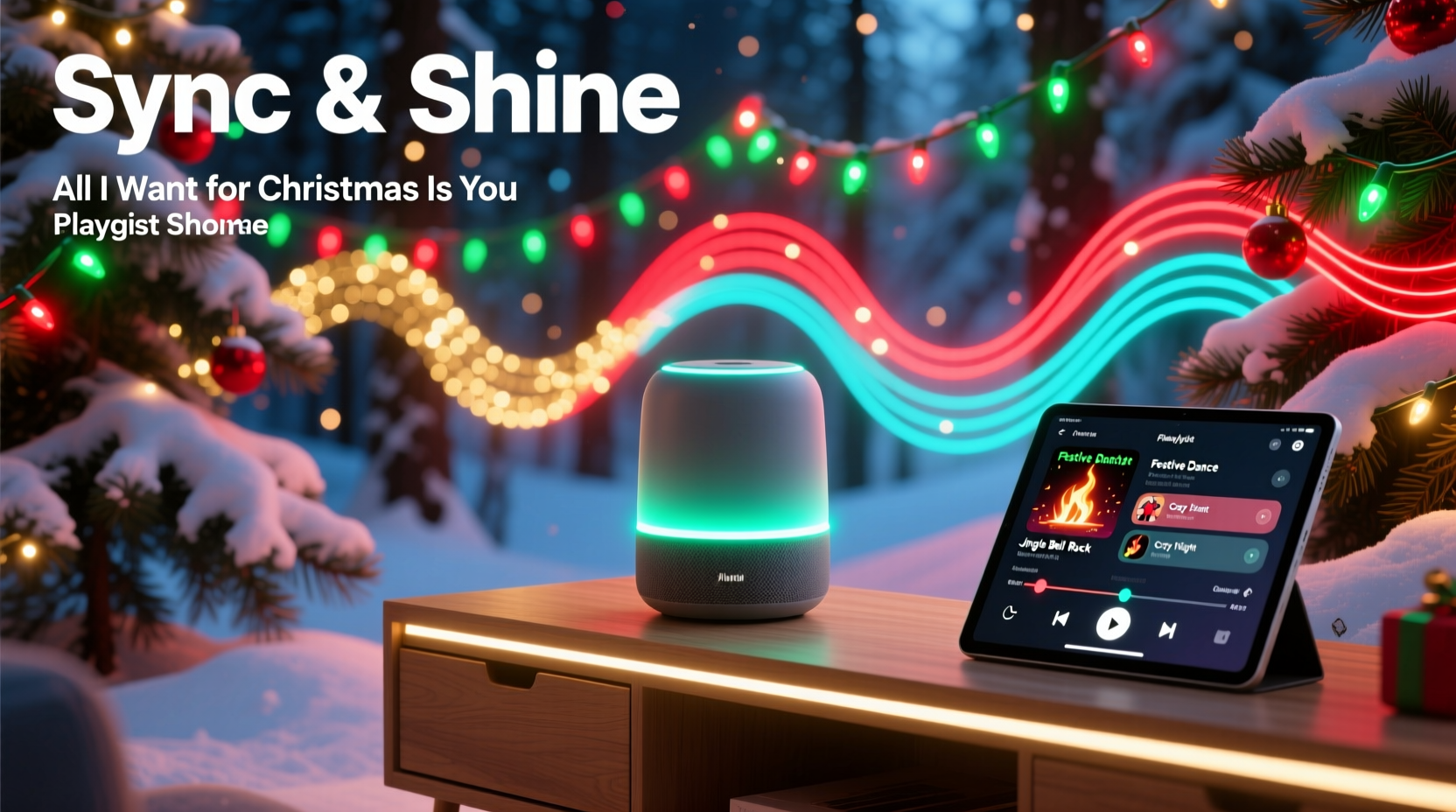
Synchronized light displays rely on precise timing between audio cues and lighting effects. At its core, the process involves breaking down a song into beats, melodies, and key moments—like chimes, drum hits, or vocal peaks—and assigning specific light actions (on, off, fade, strobe) to match those elements. Traditionally, this was done manually using software like XLights or Light-O-Rama, which required detailed sequencing and technical know-how.
Today’s smart lighting systems and mobile apps automate much of this work. Using audio analysis algorithms, they detect tempo changes, volume spikes, and rhythmic patterns, then generate lighting effects in real time. These signals are sent wirelessly to compatible smart bulbs, LED strips, or outdoor controllers, creating a dynamic show that feels professionally produced.
The shift toward plug-and-play solutions has opened the door for casual users. Instead of spending hours mapping out sequences, homeowners can now upload a holiday playlist, select an effect style, and let the app handle synchronization. This democratization of light show technology means even modest setups can deliver impressive results.
Top Apps That Simplify Playlist-to-Lights Syncing
A growing number of apps bridge the gap between music and lighting, offering intuitive interfaces and robust compatibility. Below are the most effective platforms currently available:
| App Name | Platform | Key Features | Best For |
|---|---|---|---|
| Twinkly | iOS, Android | Real-time music sync, AI beat detection, drag-and-drop playlist builder | Indoor/outdoor Twinkly LED products |
| Govee Garden Lights | iOS, Android | Music mode with ambient response, customizable sensitivity, DIY pattern editor | Budget-friendly Govee ecosystem |
| Lumenplay by Philips Hue | iOS, Android | Beat-synced animations, holiday-themed presets, voice assistant integration | Hue-compatible smart lights |
| Falcon Christmas App | Web-based + iOS/Android companion | Advanced timeline editing, multi-zone control, cloud export for Falcon controllers | Large-scale professional displays |
| LEDfx | Windows, Android | Live audio visualization, spectrum effects, MIDI support | DIY Raspberry Pi or ESP8266 setups |
Among these, Twinkly stands out for its seamless blend of automation and customization. Its AI-powered “Music Sync” feature analyzes uploaded tracks and generates responsive lighting patterns within seconds. Users can adjust reaction speed, color themes, and intensity—ideal for tailoring a display to different genres, from jazzy renditions of “Winter Wonderland” to upbeat versions of “Jingle Bell Rock.”
“With today’s apps, synchronization isn’t just for experts anymore. We’re seeing families create professional-grade shows in under an hour.” — Daniel Reyes, Smart Lighting Developer at Twinkly
Step-by-Step Guide to Syncing Your First Holiday Playlist
Creating a synchronized light show no longer requires months of preparation. Follow this streamlined process to launch your own musical display:
- Choose your lighting system: Select smart lights compatible with music-syncing apps. Popular options include Twinkly String Lights, Govee Neon Rope Lights, or Philips Hue Outdoor Strips.
- Install and connect the hardware: Set up your lights according to manufacturer instructions. Ensure they’re powered and connected to your home Wi-Fi network.
- Download the corresponding app: Install the official app (e.g., Twinkly, Govee, Hue) on your smartphone or tablet.
- Create your Christmas playlist: Compile your favorite holiday tracks in the app or import them from streaming services. Most apps support MP3 uploads or local audio files.
- Enable music sync mode: Navigate to the “Music” or “Live Mode” section. Allow microphone access if using live audio, or select pre-loaded tracks for scheduled playback.
- Customize the visual effects: Adjust settings like beat sensitivity, color palette, transition speed, and animation type (wave, ripple, burst).
- Test and refine: Play a sample track and observe how lights respond. Fine-tune timing delays or brightness levels as needed.
- Schedule automatic shows: Set daily start and end times so your display runs every evening without manual input.
This entire setup can take as little as 30 minutes. For larger installations involving multiple zones (roof, trees, porch), use apps that support group controls to synchronize different areas independently while maintaining overall harmony.
Real Example: A Family’s First Animated Display
The Thompsons of suburban Denver had always admired elaborate holiday light shows but assumed they were beyond their skill level. In 2023, inspired by neighbors’ displays, they decided to try a small setup using Govee smart string lights and their existing Bluetooth speaker.
They began with a single 25-light strand wrapped around their front window. After downloading the Govee Home app, they uploaded “All I Want for Christmas Is You” and activated Music Mode. The lights immediately pulsed to Mariah Carey’s vocals, flashing brighter on high notes and dimming during softer verses. Encouraged, they added two more strands—one along the roofline, another outlining their porch railing—and grouped them in the app.
Using the DIY pattern tool, they programmed a wave effect that traveled left to right during instrumental breaks. They also set a nightly schedule from 5 PM to 10 PM. Within a week, their modest display attracted visitors from nearby blocks. Local news even featured their home in a “Community Spirit” segment.
“We thought we’d need special equipment or coding skills,” said Lisa Thompson. “But the app did most of the work. Now our kids help pick the songs each night—it’s become a family ritual.”
Checklist: Preparing a Flawless Synchronized Show
- ✅ Verify all smart lights are updated to the latest firmware
- ✅ Test Wi-Fi signal strength near outdoor installations
- ✅ Use weatherproof enclosures for power adapters and hubs
- ✅ Trim playlist to 5–7 high-energy holiday tracks for variety
- ✅ Calibrate audio delay if lights lag behind the music
- ✅ Add transitions between songs to avoid abrupt blackouts
- ✅ Share your display schedule with neighbors to manage expectations
- ✅ Monitor energy usage if running extended nightly shows
One often-overlooked factor is latency—the slight delay between audio output and light response. If your speaker plays through a TV or soundbar, the lights may appear out of sync. To fix this, use direct Bluetooth pairing or enable “audio offset” adjustments in advanced apps like Falcon Player.
Common Pitfalls and How to Avoid Them
Even with user-friendly apps, some issues can disrupt the experience. Understanding these challenges helps ensure smooth operation:
- Poor audio source placement: If the app uses microphone input, background noise or distance from the speaker can confuse beat detection. Place the device close to the audio source and minimize wind interference outdoors.
- Overloaded circuits: Running dozens of LED strings simultaneously may trip breakers. Distribute loads across multiple outlets and use surge protectors rated for outdoor use.
- Inconsistent colors: Some budget LEDs struggle with color accuracy during fast transitions. Stick to reputable brands and calibrate white balance in-app.
- Unbalanced playlists: Songs with irregular tempos or long intros may cause erratic lighting. Edit tracks to begin at the first beat or use apps that allow manual cue points.
Another consideration is neighborhood impact. Bright, animated displays can be dazzling—but also disruptive. Many municipalities have guidelines on display duration, brightness, and sound levels. When in doubt, consult local ordinances or opt for silent operation with personal speakers directed inward.
FAQ
Can I sync lights to Spotify or Apple Music directly?
Most apps don’t integrate directly with streaming services due to DRM restrictions. However, you can play music from these platforms through your phone’s speaker while using the app’s microphone mode. Alternatively, download offline versions of tracks (if permitted) and import them into the lighting app for precise control.
Do I need a separate controller for each light strand?
Not necessarily. Many modern smart lights, like Twinkly or Govee, operate over Wi-Fi or Bluetooth and can be managed centrally via an app. For large-scale setups with non-smart LEDs, you may need a dedicated controller such as a Falcon F16v3 or a DIY solution using WLED firmware.
Can I run the show without my phone?
Yes. Once configured, most systems support standalone operation. Schedule shows through the app, and the lights will activate automatically. Some devices, like the Twinkly Controller, can run sequences from internal memory without requiring a connected phone.
Conclusion
Synchronizing your Christmas playlist with a light show used to be a labor-intensive project reserved for tech enthusiasts. Today, intuitive apps and affordable smart lighting have transformed it into an accessible, joyful tradition. With minimal setup, you can turn your home into a holiday centerpiece that delights family, friends, and passersby alike. The fusion of music and light captures the spirit of the season in a way static decorations simply can’t match.
Start small, experiment with effects, and gradually expand your display as confidence grows. Whether it’s a single window outline pulsing to “Sleigh Ride” or a full-yard production timed to “Carol of the Bells,” the tools exist to bring your vision to life. Embrace the rhythm, share the cheer, and let your lights tell a story this Christmas.




 浙公网安备
33010002000092号
浙公网安备
33010002000092号 浙B2-20120091-4
Comments
No comments yet. Why don't you start the discussion?