
Smartglasses are transforming how we interact with digital information—offering hands-free navigation, real-time notifications, and immersive audio experiences. But when the audio fails, these devices lose much of their functionality. Whether you're hearing no sound at all, distorted playback, or inconsistent volume, audio problems can quickly disrupt your experience. Unlike traditional headphones or speakers, smartglasses integrate audio into compact, wearable frames, making troubleshooting more nuanced. This guide walks through every stage of identifying and resolving audio issues with precision, offering practical diagnostics, step-by-step fixes, and insights from audio engineers who design these systems.
Understanding Smartglass Audio Systems
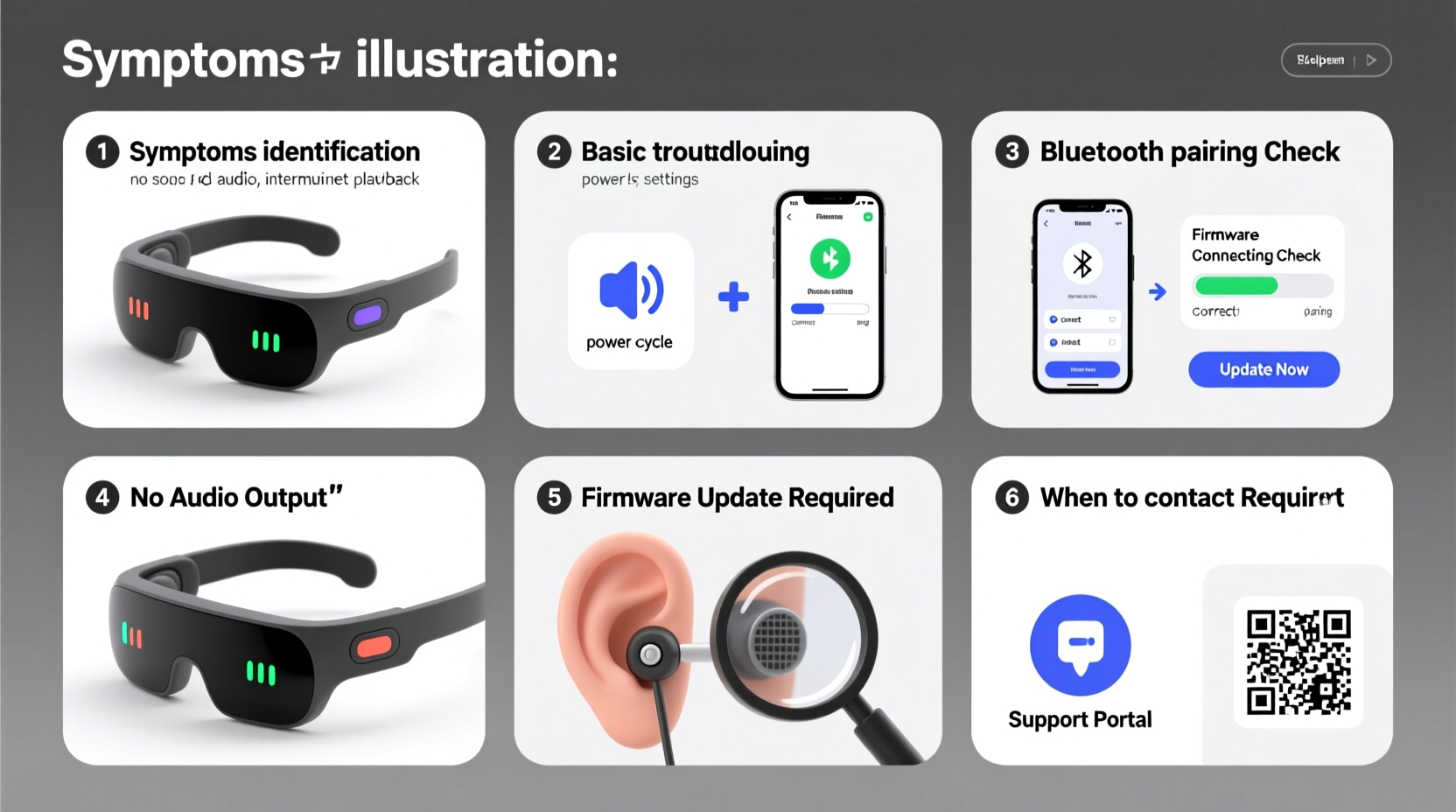
Most modern smartglasses use one of two audio delivery methods: open-ear bone conduction or miniature directional speakers. Bone conduction transmits sound through vibrations in the skull, bypassing the eardrum. Directional speakers project sound close to the ear without blocking ambient noise. Both technologies prioritize situational awareness and comfort but come with unique failure points.
Common components involved in audio output include:
- Transducers – Convert electrical signals into sound (vibrations or acoustic waves).
- Auxiliary circuits – Amplifiers and signal processors that modulate volume and clarity.
- Bluetooth module – Handles wireless connectivity with paired devices.
- Firmware – Governs how hardware interprets commands from apps or OS.
Because smartglasses often lack physical ports and rely heavily on wireless protocols, many audio issues stem from software miscommunication rather than hardware damage.
Step-by-Step Diagnosis Process
Before attempting repairs, systematically isolate the root cause. Jumping to conclusions may lead to unnecessary resets or hardware replacements.
- Verify the source device: Play audio from another app or device to rule out media-specific glitches.
- Check connection stability: Ensure Bluetooth is actively connected and not experiencing interference from Wi-Fi or other 2.4GHz devices.
- Test both ears: Some models support stereo separation; test each side independently using mono audio settings.
- Inspect volume settings: Confirm that both the smartglasses and source device are not muted or set too low.
- Listen for distortion patterns: Hissing suggests signal interference; crackling may indicate moisture or loose wiring.
- Restart both devices: A soft reset clears temporary cache errors affecting audio routing.
If audio remains impaired after these checks, proceed to targeted troubleshooting.
Common Causes and Fixes
Audio issues typically fall into three categories: connection problems, software bugs, and hardware faults. Address them in that order.
1. Bluetooth Pairing Failures
Intermittent or failed connections prevent audio transmission entirely. Even if the device shows as \"paired,\" data packets may drop due to outdated profiles or signal congestion.
2. Outdated Firmware
Manufacturers release firmware updates to improve audio codecs, fix latency, and patch bugs. An outdated version might not support newer Bluetooth standards like AAC or aptX, leading to choppy playback.
To update:
- Open the companion app (e.g., Bose AR, Ray-Ban Stories, or Nreal Air).
- Navigate to Device Settings > Firmware Update.
- Ensure the glasses are charged above 50% and remain within range during installation.
3. Physical Obstructions or Damage
Dust, sweat, or debris can clog speaker grilles or dampen bone conduction efficiency. Wipe the transducer areas gently with a dry microfiber cloth. Avoid liquids unless specified by the manufacturer.
In humid environments, condensation inside internal channels can short-circuit components. If suspected, place the glasses in a sealed container with silica gel packs for 24 hours.
4. Incorrect Audio Routing
Some smartphones default to “phone speaker” even when Bluetooth devices are connected. Manually select the smartglasses as the audio output in your device’s Bluetooth settings under “Media Audio.”
| Symptom | Possible Cause | Solution |
|---|---|---|
| No sound at all | Muted device, wrong output selected | Check volume, reselect audio output |
| One-sided audio | Imbalanced settings or damaged transducer | Test mono mode; contact support if uneven |
| Distorted sound | Firmware bug or water exposure | Update firmware; dry thoroughly |
| Delay during video | Latency in Bluetooth codec | Switch to low-latency mode if available |
“Over 60% of reported audio failures in wearables are resolved through firmware updates or proper pairing sequences—not hardware replacement.” — Dr. Lena Torres, Senior Acoustic Engineer at WearableTech Labs
Mini Case Study: Resolving Intermittent Audio on Ray-Ban Meta Glasses
A user reported that their Ray-Ban Meta smartglasses would randomly mute during calls, especially outdoors. Initial troubleshooting revealed stable Bluetooth connection and full battery. The issue persisted across multiple phones, ruling out device-specific conflicts.
Upon inspection, the left temple—which houses the speaker—showed minor scuffing near the grille. Cleaning with compressed air removed fine sand particles lodged beneath the mesh. Further testing showed the auto-brightness sensor was misinterpreting sunlight reflections as proximity triggers, activating a safety mute function meant for indoor-to-outdoor transitions.
The fix involved disabling the “Adaptive Audio” setting in the Meta View app. Post-adjustment, audio remained consistent regardless of lighting conditions. This case underscores how environmental sensors can indirectly impact audio performance.
Prevention and Maintenance Checklist
Regular maintenance prevents most audio issues before they arise. Use this checklist monthly:
- ✅ Clean speaker grilles with a dry brush or compressed air.
- ✅ Verify firmware is up to date via the companion app.
- ✅ Test audio balance and clarity using diagnostic tones.
- ✅ Re-pair Bluetooth connection to refresh communication protocol.
- ✅ Store in a dry case away from extreme temperatures.
- ✅ Avoid wearing in heavy rain unless rated IPX4 or higher.
Frequently Asked Questions
Why does my smartglass audio cut out when I turn my head?
This may be due to Bluetooth signal obstruction caused by your body. The human head absorbs 2.4GHz signals, creating momentary dropouts. Try repositioning your phone to the opposite side or enabling signal boost mode if supported.
Can I replace the speaker if it stops working?
In most consumer models, internal components are not user-replaceable due to sealed construction. Attempting disassembly voids warranties. Contact the manufacturer for repair options or consider professional third-party services specializing in micro-soldering.
Is it safe to wear smartglasses in the gym?
Only if they have an appropriate water resistance rating. Sweat contains salts that corrode metal contacts over time. Always wipe down the temples after workouts and avoid prolonged exposure to high humidity.
Final Thoughts and Action Steps
Audio issues on smartglasses are rarely permanent. Most problems stem from correctable software misconfigurations, environmental interference, or simple neglect. By following a structured diagnostic approach—starting with connection checks, moving through firmware updates, and inspecting for physical blockages—you can restore full functionality in the majority of cases.
Remember: these devices operate at the intersection of fashion, computing, and acoustics. Their compact design demands extra care. Treat them like sensitive electronics, not just accessories.




 浙公网安备
33010002000092号
浙公网安备
33010002000092号 浙B2-20120091-4
Comments
No comments yet. Why don't you start the discussion?