
Gift cards are a convenient way to enjoy your favorite meals without pulling out cash or a credit card. When you're ready to order pizza from Domino’s and your gift card fails at checkout, it can be frustrating—especially if it's meant for a special occasion or last-minute dinner plan. The good news: most issues with Domino’s gift cards have simple explanations and even simpler fixes. Whether the problem lies in how the card was entered, where you're trying to use it, or an outdated balance, this guide walks through every possible cause and solution so you can get back to enjoying hot, fresh pizza quickly.
Common Reasons Why Your Domino’s Gift Card Isn’t Working
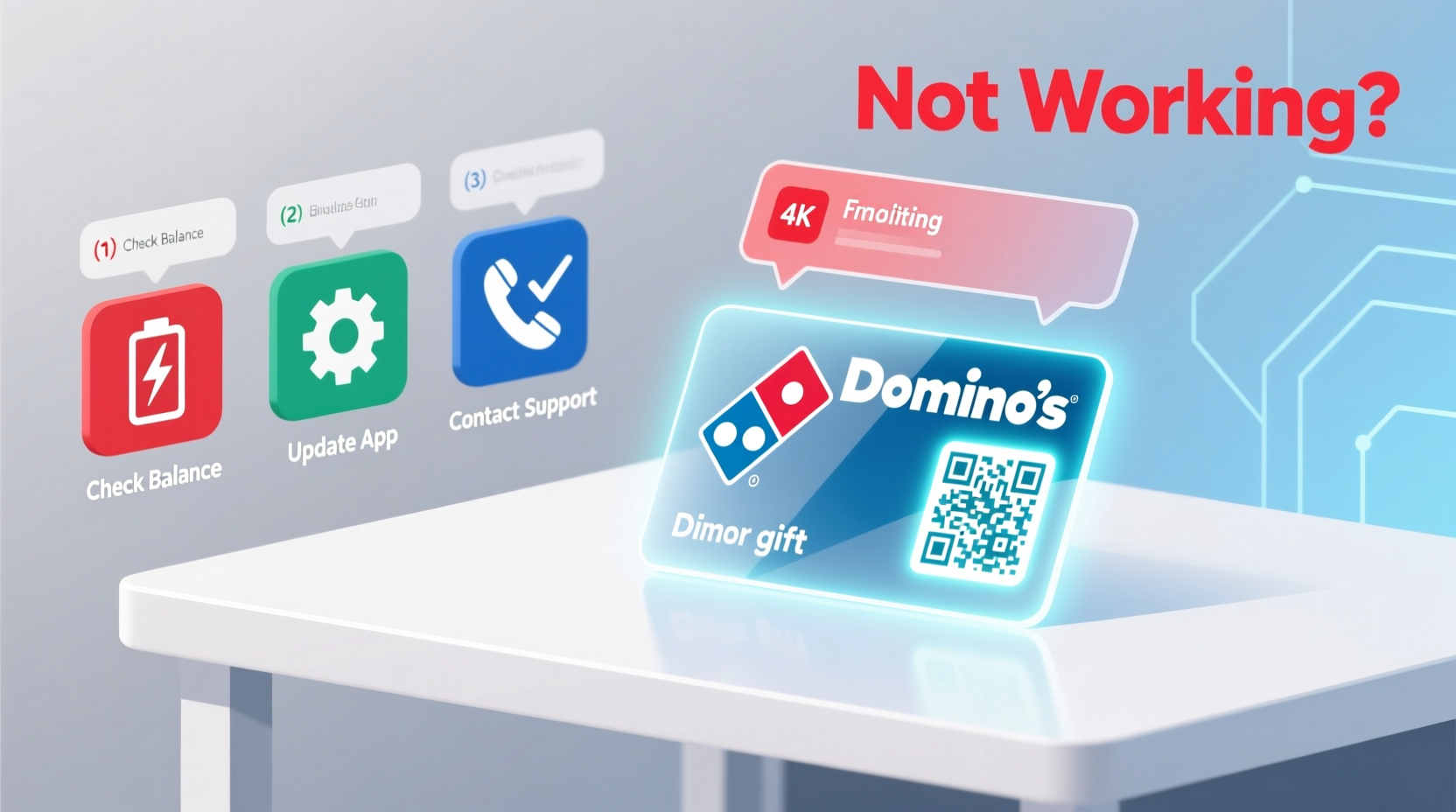
Before diving into troubleshooting, it helps to understand the most frequent causes behind gift card failures. Identifying the root issue saves time and prevents unnecessary calls to customer service.
- Incorrect entry of card number or PIN: A single typo can invalidate the entire process.
- Insufficient balance: Many users assume their card covers full orders, but balances may fall short after partial redemptions.
- Expired card: While rare, some promotional or limited-time cards do carry expiration dates.
- Geographic restrictions: Cards purchased in one country often don’t work on international websites or apps.
- Technical glitches: Website bugs, browser cache errors, or app crashes can interfere with validation.
- Not activated: Physical cards must sometimes be registered online before first use.
Step-by-Step Guide to Fix a Non-Working Domino’s Gift Card
Follow this structured approach to identify and resolve the issue efficiently. Each step builds on the previous one, ensuring no stone is left unturned.
- Verify the card details manually. Carefully re-enter the 16-digit card number and 4-digit PIN. Avoid copy-pasting from emails unless certain the text isn’t corrupted.
- Check your current balance. Visit Domino’s official balance checker and input your card information. This confirms whether funds remain and if the card is active.
- Ensure compatibility with your ordering method. Some third-party delivery platforms (like DoorDash or Uber Eats) don’t accept Domino’s gift cards. You must order directly via dominos.com or the Domino’s app.
- Clear browser cache or restart the app. Cached data can corrupt form fields. On desktop, clear cookies and site data. On mobile, force-close the app and relaunch.
- Try a different device or network. Switch from Wi-Fi to cellular data or try logging in from another phone or computer to rule out local connectivity problems.
- Confirm regional eligibility. If you’re outside the U.S., ensure your card was issued for that region. U.S.-issued cards typically won’t work on Canadian or UK sites.
- Contact Domino’s support. If all else fails, reach out through live chat or call 1-800-356-6466 for real-time assistance.
Do’s and Don’ts When Using a Domino’s Gift Card
| Do’s | Don’ts |
|---|---|
| Order directly through dominos.com or the official app | Use the card on third-party delivery services |
| Check balance before placing an order | Assume the card covers tax and delivery fees |
| Register physical cards online upon receipt | Share your PIN publicly or store it insecurely |
| Keep the original email or packaging as proof | Wait until the last minute to test the card |
| Report suspected fraud immediately | Use public Wi-Fi to enter sensitive card info |
Real Example: How Sarah Fixed Her Failed Gift Card Redemption
Sarah received a $25 Domino’s e-gift card for her birthday and planned to use it during a movie night with friends. She opened the Domino’s app, added two large pizzas and dipping sauces, then selected “Gift Card” at checkout. After entering the number and PIN, she received an error: “Invalid card information.” Frustrated, she almost gave up—but decided to investigate further.
First, she visited the balance checker page and discovered the card had $24.75 remaining—so it wasn’t expired or empty. Next, she realized she’d copied the PIN from a forwarded email, which accidentally included a trailing space. After deleting and retyping the code carefully, the payment went through successfully.
This case highlights how small oversights—like invisible characters or incorrect formatting—can derail redemption. Taking a moment to verify each field saved Sarah from missing out on her meal.
Expert Insight: What Customer Support Teams See Most Often
“Over 60% of reported gift card issues stem from incorrect entry or misunderstanding where the card can be used. We always recommend checking the balance first—it instantly rules out expiration and depletion.” — James Lin, Former Domino’s Digital Support Lead
According to internal training materials reviewed by former support staff, frontline agents are trained to ask three key questions when handling gift card complaints:
- Have you checked the balance online?
- Are you ordering through the official website or app?
- Did you purchase this card directly from Domino’s or a trusted retailer?
These help isolate technical vs. procedural errors early in the conversation.
Quick Checklist: Fix Your Domino’s Gift Card in Under 5 Minutes
- ✅ Re-enter card number and PIN manually
- ✅ Confirm available balance at dominos.com/check-balance
- ✅ Ensure you’re using the official Domino’s platform
- ✅ Clear browser cache or restart the app
- ✅ Try a different device or internet connection
- ✅ Contact Domino’s support if unresolved
Frequently Asked Questions
Can I use a Domino’s gift card on DoorDash or Grubhub?
No. Domino’s gift cards only work when ordering directly through dominos.com, the Dominos app, or by calling a local store. Third-party platforms handle payments separately and cannot apply Domino’s card balances.
Why does my gift card say 'invalid' even though I just got it?
This usually happens due to typos in the card number or PIN. It can also occur if the card hasn’t been activated. For physical cards, activation occurs automatically upon purchase, but digital cards sent via email should be clicked and saved properly. If the issue persists, contact the sender or Domino’s support.
Do Domino’s gift cards expire?
In compliance with U.S. federal law, most Domino’s gift cards do not expire. However, dormancy fees may apply after 12 months of inactivity, depending on state regulations. Check your card terms for specifics.
Final Tips and When to Escalate
If you’ve followed all steps and still can’t redeem your card, gather the following information before contacting support:
- Full card number
- PIN
- Date and location of purchase (if applicable)
- Screenshot of any error messages
- Email confirmation (for e-gifts)
With these details ready, call Domino’s customer service or use the live chat option on their website. Most issues are resolved within minutes once verified.
Remember, prevention beats frustration. In the future, check your gift card balance within 48 hours of receiving it. Register physical cards online, and avoid relying solely on screenshots or forwarded emails for digital ones.




 浙公网安备
33010002000092号
浙公网安备
33010002000092号 浙B2-20120091-4
Comments
No comments yet. Why don't you start the discussion?