
Laptop bags endure daily wear from commutes, coffee spills, hand oils, and dust buildup. Over time, this grime accumulates not only on the exterior but deep within seams, pockets, and padding. A dirty bag doesn’t just look unprofessional—it can harbor bacteria, cause odors, and degrade materials faster. Yet many people avoid cleaning their laptop bags out of fear of ruining them. The truth is, with the right approach, you can safely deep clean almost any type of laptop bag. This guide walks through proven techniques tailored to different materials, backed by expert insights and real-world experience.
Why Deep Cleaning Your Laptop Bag Matters
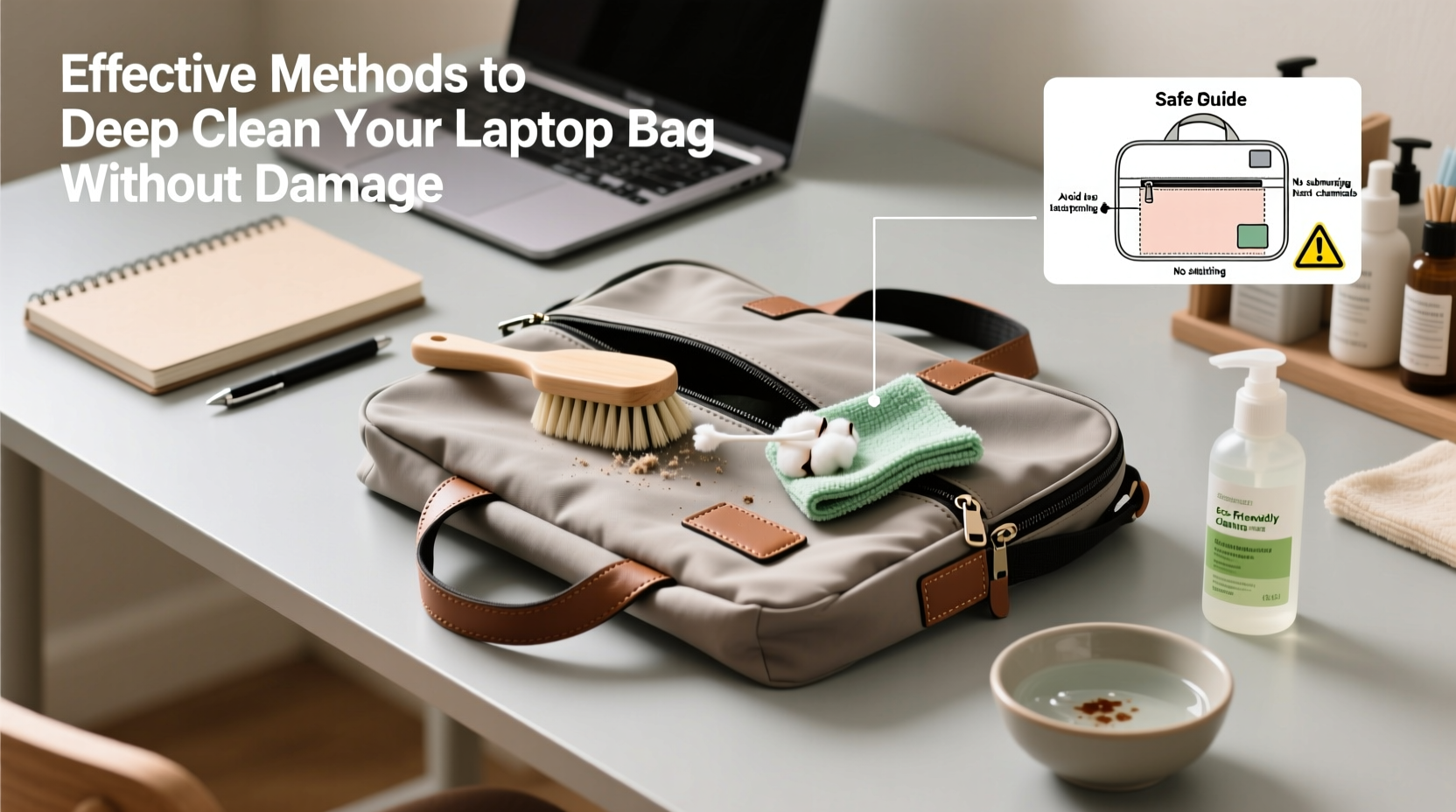
Your laptop bag is more than a carrying case—it’s a mobile workspace exposed to germs, moisture, and friction. Studies show that frequently touched surfaces like bag handles and zippers can carry as many bacteria as a smartphone screen. Beyond hygiene, dirt and oils can erode stitching, weaken fabric fibers, and compromise water resistance. Regular deep cleaning preserves structural integrity, maintains appearance, and extends the life of your investment.
“Most people overlook the inside of their bags, but that’s where sweat, crumbs, and skin cells accumulate fastest.” — Dr. Lena Patel, Microbiologist & Hygiene Researcher
Step-by-Step Guide to Safely Deep Clean Any Laptop Bag
Cleaning your laptop bag doesn’t require special equipment—just patience and attention to detail. Follow this timeline-based process to ensure thorough yet gentle results:
- Empty and Inspect (5–10 minutes): Remove all items, including hidden ones in side pockets. Check for manufacturer care labels. Note any stains, odors, or damaged areas.
- Dry Brush Surface (5 minutes): Use a soft-bristle brush or dry microfiber cloth to remove loose dust, lint, and debris from both interior and exterior.
- Spot Test (10 minutes): Choose an inconspicuous area (like a bottom corner). Apply a small amount of cleaning solution. Wait 15 minutes to check for discoloration or material reaction.
- Interior Wipe Down (15–20 minutes): Dampen a microfiber cloth with a mild soap solution (1 tsp dish soap per cup of lukewarm water). Gently wipe all inner compartments. Avoid soaking fabric.
- Exterior Cleaning (15–30 minutes): Based on material (see table below), use appropriate method: wiping, spot scrubbing, or hand washing.
- Rinse and Dry (Air Dry: 6–24 hours): Never use heat. Hang upside down in a well-ventilated area away from direct sunlight. Stuff with paper towels to maintain shape and absorb moisture.
Cleaning Methods by Material Type
Not all laptop bags are created equal. Using the wrong method on delicate fabrics can lead to warping, fading, or delamination. Refer to this comparison table before proceeding:
| Material | Safe Cleaning Method | Avoid | Drying Time |
|---|---|---|---|
| Nylon/Polyester | Hand wash with mild soap; spot clean with vinegar-water mix | Bleach, machine washing, high heat | 6–12 hours |
| Leather (genuine or faux) | Damp cloth + leather cleaner; condition after drying | Submerging, alcohol wipes, ammonia | 12–24 hours |
| Canvas | Spot clean or hand wash; use soft brush for stains | Hot water, tumble drying | 8–16 hours |
| Water-Resistant Coated Fabric | Wipe with damp cloth; no detergents | Scrubbing, soaking, chemical cleaners | 6–10 hours |
For heavily soiled nylon bags, mix 1 tablespoon baking soda with 1 cup of warm water. Dip a soft toothbrush into the solution and gently scrub stained areas. Wipe clean with a damp cloth afterward. For odor removal, sprinkle baking soda inside the bag, let sit for 30 minutes, then vacuum with a brush attachment.
Real Example: Reviving a Two-Year-Old Commuter Bag
Jamal, a software developer in Seattle, used his black nylon laptop backpack daily for over two years. It accumulated coffee splashes, muddy fingerprints, and a persistent musty smell from rainy commutes. Afraid of damaging the padding, he avoided washing it—until a colleague noticed mold near the shoulder strap padding.
Following a careful cleaning protocol, Jamal emptied the bag, brushed off surface dirt, and wiped the interior with a vinegar-water solution (1:3 ratio). He spot-cleaned the exterior with a baking soda paste, rinsed with a damp cloth, and air-dried it upright in his garage for 18 hours. After drying, he applied a fabric protector spray. The result? A visibly cleaner bag with no damage to seams or padding. “I didn’t realize how much better it would feel—literally lighter and fresher,” he said.
Common Mistakes That Damage Laptop Bags
- Machine washing: Even “durable” bags can suffer zipper failure, foam compression, or lining tears in a washer.
- Using harsh chemicals: Bleach, acetone, or window cleaners strip protective coatings and fade colors.
- Direct heat drying: Hairdryers, radiators, or sun exposure warp synthetic materials and crack leather.
- Ignoring the interior: Most cleaning focuses on the outside, but crumbs and liquids often leak inside unnoticed.
- Overloading during cleaning: Scrubbing too hard can fray fabric or loosen padding attachments.
Essential Cleaning Checklist
Use this checklist before every deep clean to ensure safety and effectiveness:
- ✅ Empty all compartments and pockets
- ✅ Remove electronic accessories (battery packs, cables)
- ✅ Check for care labels or manufacturer instructions
- ✅ Perform a spot test in a hidden area
- ✅ Prepare tools: soft cloths, mild soap, soft brush, baking soda, vinegar
- ✅ Clean interior first, then exterior
- ✅ Air dry completely before reuse (minimum 6 hours)
- ✅ Condition leather or apply fabric protector if needed
Frequently Asked Questions
Can I use baby wipes to clean the inside of my laptop bag?
Only alcohol-free, fragrance-free wipes should be used—and sparingly. Most baby wipes contain citric acid or alcohol, which can degrade synthetic linings over time. A better option is a cloth dampened with water and a drop of mild soap.
How often should I deep clean my laptop bag?
Every 2–3 months for regular users. If you commute daily, eat near your bag, or live in a humid climate, consider monthly light cleaning and quarterly deep cleans.
What should I do if my bag smells musty?
Mold and mildew odors indicate trapped moisture. First, ensure the bag is fully dry. Then, place an open box of baking soda inside overnight. For stronger odors, use activated charcoal packets or a fabric-safe deodorizing spray. Never mask smells with perfume—this can worsen bacterial growth.
Final Thoughts: Make Cleaning Part of Your Routine
Your laptop bag supports your productivity, protects expensive gear, and reflects your personal standards. Treating it with consistent care isn’t just about cleanliness—it’s about respect for your tools and habits. A five-minute wipe-down weekly and a thorough deep clean quarterly can extend your bag’s life by years. Whether it’s a sleek leather messenger or a rugged backpack, proper maintenance ensures it stays functional, fresh, and professional.




 浙公网安备
33010002000092号
浙公网安备
33010002000092号 浙B2-20120091-4
Comments
No comments yet. Why don't you start the discussion?