
Text messages often contain vital information—confirmation codes, personal conversations, work-related details, or sentimental exchanges. Accidentally deleting them can feel like losing a piece of digital history. The good news is that in many cases, deleted messages aren’t gone forever. With the right approach, recovery is possible across smartphones, tablets, and even backup systems. This guide explores proven methods to retrieve lost texts from iPhones, Android devices, and cloud-based platforms, combining technical insight with practical steps.
How Text Message Deletion Works
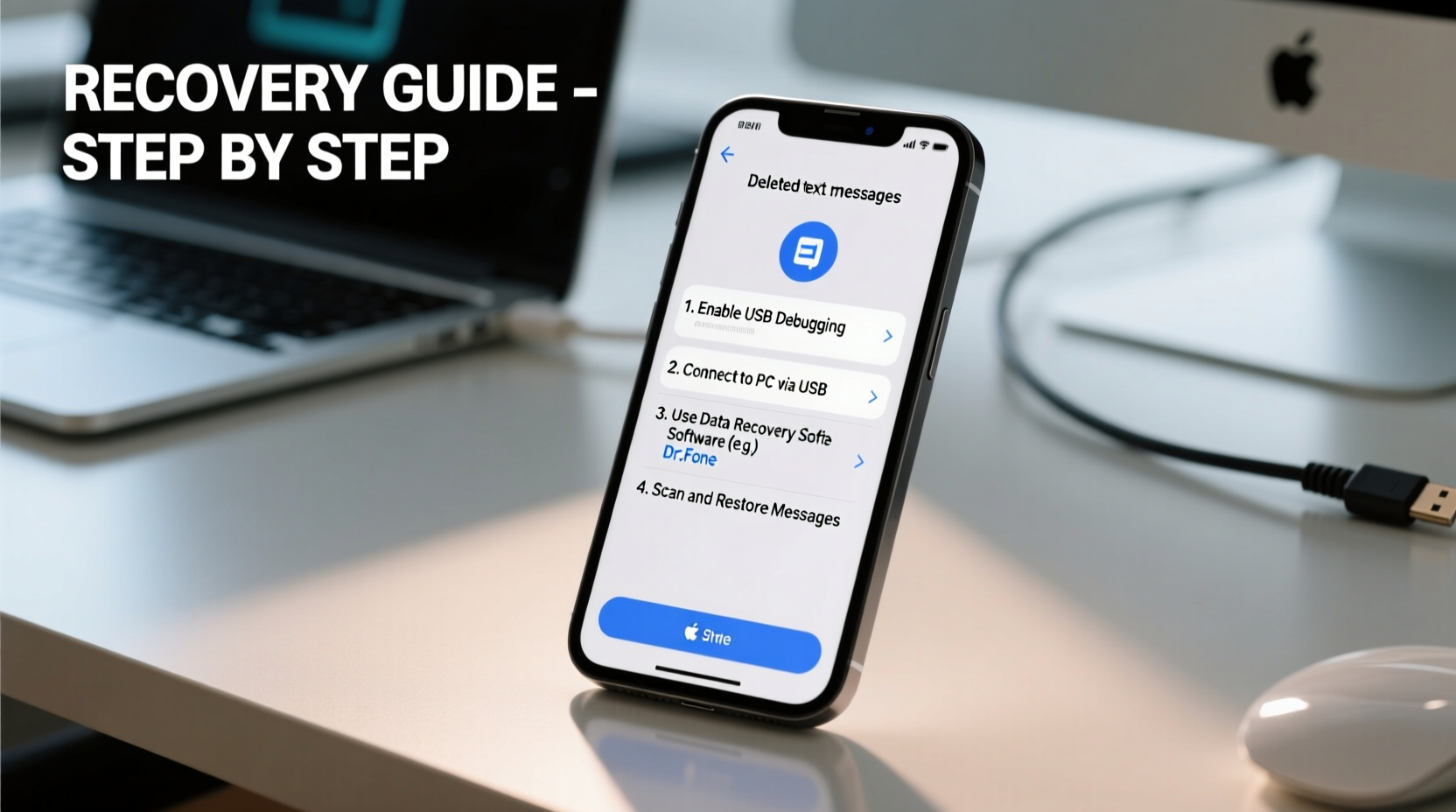
When you delete a text message, it doesn’t vanish instantly from your device’s storage. Instead, the operating system marks the space as available for new data. Until that space is overwritten, the original message remains recoverable using specialized tools. This behavior is consistent across iOS and Android, though the accessibility of recovery options varies due to differences in file management and security models.
iOS uses an encrypted, sandboxed environment, making direct access difficult without backups. Android, while more open, still limits user-level access to system databases where SMS data is stored. Understanding this underlying mechanism is crucial—it means timing matters. The sooner you act after deletion, the higher your chances of successful recovery.
Recovery Methods by Device Type
For iPhone Users
iOS users rely heavily on Apple’s ecosystem for data protection. If you’ve enabled iCloud or iTunes backups, your deleted messages may still exist in a previous snapshot.
- Restore from iCloud Backup: Go to Settings > General > Transfer or Reset iPhone > Erase All Content and Settings. During setup, choose “Restore from iCloud Backup” and select a backup created before the deletion.
- Use iTunes/Finder Backup: Connect your iPhone to a computer. Open iTunes (Windows) or Finder (Mac), select your device, and click “Restore Backup.” Choose a pre-deletion backup.
- Third-party Tools: Software like iMobie PhoneRescue, Tenorshare UltData, or Dr.Fone – iOS Data Recovery can scan your device or backup files for deleted messages without full restoration.
Note: Restoring from a full backup erases current data. Third-party tools offer selective recovery but require trust in their privacy policies.
For Android Users
Android offers more flexibility but also greater fragmentation across brands and OS versions. Recovery depends on whether root access is available and if backups were enabled.
- Google Messages Backup: If you use Google Messages and have chat backup enabled, deleted messages synced before deletion can be restored by reinstalling the app and signing into the same Google account.
- Local Backups: Some OEMs (e.g., Samsung) include built-in backup features. Check Settings > Accounts and Backup > Restore.
- Root-Based Recovery: Apps like Dumpster or SMS Backup & Restore can recover messages if installed prior to deletion. For advanced users, rooted devices allow deep scans using SQLite database browsers.
- Data Recovery Software: Programs such as DiskDigger (root required) or EaseUS MobiSaver for Android can scan internal memory for residual message fragments.
“On Android, immediate action is critical. Every new app install or photo taken could overwrite the memory sectors holding your lost messages.” — David Lin, Mobile Forensics Analyst
Step-by-Step Guide: Recovering Messages Using Backup Files
Whether you're on iOS or Android, leveraging existing backups is the safest and most reliable method. Follow this universal process:
- Identify Available Backups: Check iCloud, Google Drive, or computer-stored backups. Note timestamps to find one created before the deletion.
- Verify Backup Contents: Some tools (like iMazing for iOS or Helium for Android) let you browse backup contents without restoring.
- Selective Extraction (if possible): Use third-party software to extract only messages instead of overwriting your entire device.
- Restore Full Backup (last resort): If no selective option exists, back up your current data first, then restore the older backup.
- Transfer Recovered Data: After recovery, export important messages via email or cloud note for safekeeping.
Do’s and Don’ts of Message Recovery
| Do’s | Don’ts |
|---|---|
| Act quickly after deletion | Continue heavy phone usage |
| Check cloud backups first | Assume messages are permanently gone |
| Use trusted recovery software | Download unverified “free recovery” apps |
| Enable future auto-backups | Ignore encryption and privacy settings |
Real Example: Recovering Critical Messages After a Misstep
Sophia, a freelance designer, accidentally deleted a thread containing client feedback and payment confirmation. She realized the mistake two days later. Her iPhone had iCloud backup enabled, but she hadn’t backed up since the messages were sent. However, she had recently synced her phone to her MacBook via Finder. Using iMazing, she connected her device and browsed the local backup, locating the conversation. She exported the messages as a PDF and forwarded them to her client, avoiding a billing dispute. The experience prompted her to enable daily iCloud backups and start archiving key threads in Notes.
Expert-Recommended Prevention Checklist
While recovery is possible, prevention reduces stress and dependency on technical fixes. Follow this checklist to safeguard your messages:
- ✅ Enable automatic cloud backups (iCloud or Google Drive)
- ✅ Set backup frequency to daily or weekly
- ✅ Use messaging apps with built-in archive or star features
- ✅ Export important conversations periodically (email, PDF, or cloud docs)
- ✅ Avoid jailbreaking or rooting solely for recovery access unless experienced
- ✅ Install reputable security software to prevent malware-induced data loss
Frequently Asked Questions
Can I recover messages without a backup?
It’s challenging but not impossible. On rooted Android devices, forensic tools may extract remnants from storage. For non-rooted phones or iPhones, success is rare without a backup. Specialized services exist, but they’re costly and not guaranteed.
Are third-party recovery apps safe?
Reputable tools from established companies (e.g., Dr.Fone, iMobie, EaseUS) are generally safe. However, avoid free apps from unknown developers—they may contain malware or harvest personal data. Always check reviews, permissions, and privacy policies.
Will recovering messages void my warranty?
Using software to extract backup data does not void warranties. However, rooting an Android device or jailbreaking an iPhone typically does. Proceed with caution and understand the risks.
Conclusion: Take Control of Your Digital Conversations
Losing text messages doesn’t have to mean permanent loss. Whether through cloud backups, local archives, or specialized recovery tools, there are multiple pathways to regain access—especially when action is swift. Technology evolves, but human error remains constant. By understanding how deletion works and preparing in advance with regular backups, you gain control over your digital footprint. Don’t wait until a message vanishes to act. Implement automated backups today, familiarize yourself with recovery tools, and treat your message history with the same care as any other important data.




 浙公网安备
33010002000092号
浙公网安备
33010002000092号 浙B2-20120091-4
Comments
No comments yet. Why don't you start the discussion?