
For years, gamers have debated whether investing in a gaming mouse truly enhances performance—especially when it comes to precision aiming in fast-paced titles like first-person shooters (FPS). With prices ranging from $20 to over $200, many wonder: Is the upgrade worth it, or are you just paying for flashy RGB lighting and ergonomic comfort? The answer isn’t binary. While comfort plays a significant role, hardware differences in sensor quality, polling rate, and button responsiveness can have measurable impacts on aim consistency and control—especially at higher skill levels.
This article dissects the technical and practical distinctions between gaming and regular mice, evaluates real-world performance gains, and separates marketing hype from tangible benefits.
Sensor Technology: Precision You Can Measure
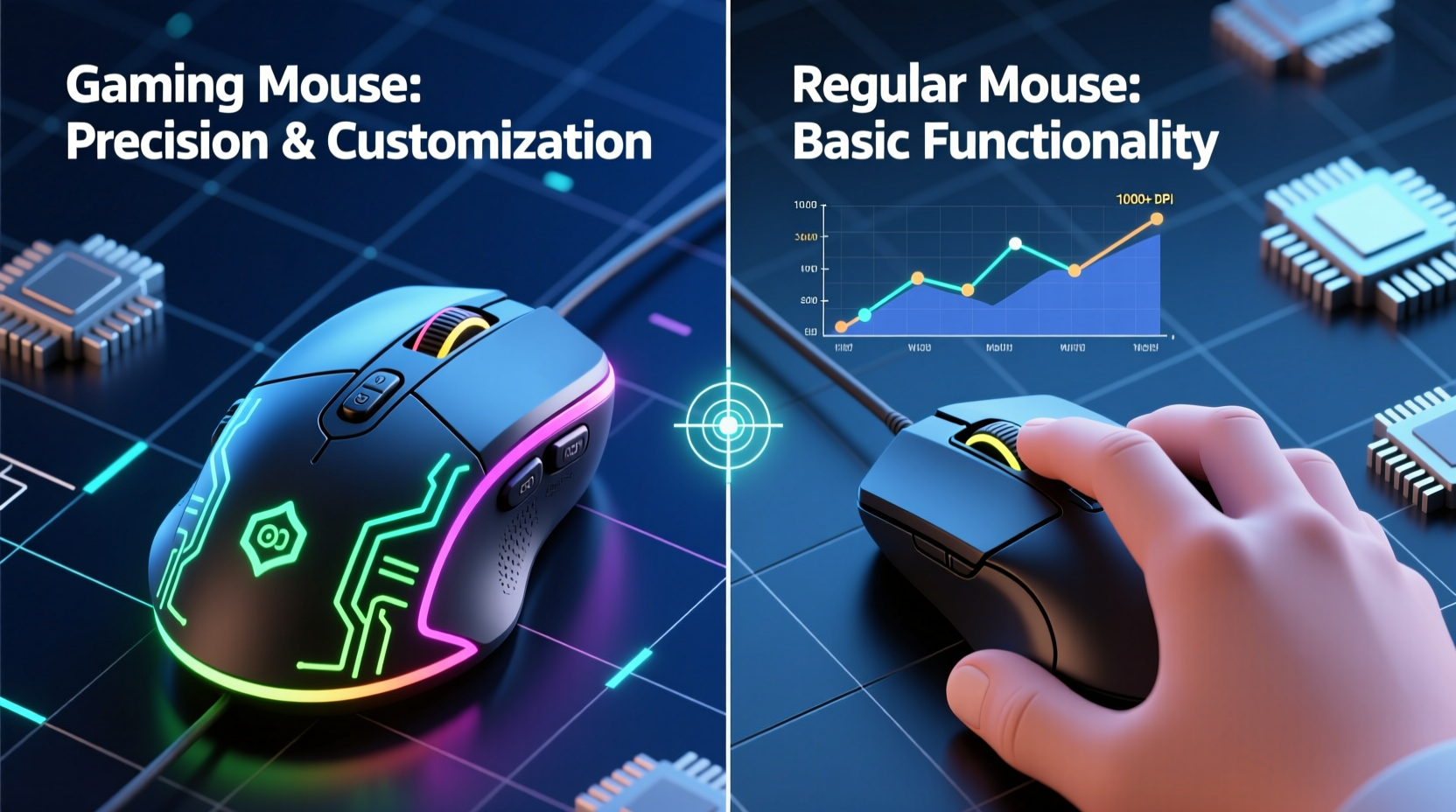
The core difference between a gaming mouse and a standard office mouse lies in its optical or laser sensor. Gaming mice use high-performance sensors designed for accuracy, consistency, and minimal input lag. These sensors track movement at higher DPI (dots per inch) ranges and maintain low levels of acceleration and jitter—critical factors for precise aiming.
Most regular mice operate at 800–1600 DPI with basic optical sensors that prioritize energy efficiency over tracking fidelity. In contrast, gaming mice typically offer DPI settings from 400 all the way up to 32,000, though most competitive players stay between 400 and 1600 for optimal control.
More importantly, gaming sensors like the PixArt PMW3389 or the newer Focus Pro 30K deliver near-zero pixel skipping and consistent lift-off distance—a feature that ensures the mouse stops tracking the moment it leaves the surface. This consistency prevents erratic cursor jumps during quick flicks or repositioning.
“Sensor consistency matters more than max DPI. A stable, predictable sensor lets players build muscle memory.” — David Chen, Hardware Analyst at TechAim Labs
Polling Rate and Response Time: How Fast Is Fast Enough?
Polling rate refers to how often the mouse reports its position to the computer, measured in Hertz (Hz). Standard mice usually poll at 125Hz—one update every 8 milliseconds. Gaming mice, however, support 500Hz or 1000Hz (every 2ms or 1ms), reducing input latency significantly.
In fast-paced games where split-second reactions determine success, this reduction in delay translates to smoother cursor movement and more immediate feedback. For example, in a game like Counter-Strike 2 or Valorant, where headshots are decided by millimeters, even a 4ms improvement in response time can be the difference between a win and a loss.
However, the benefits plateau quickly. Going from 125Hz to 1000Hz yields noticeable improvements, but upgrading from 1000Hz to 2000Hz offers diminishing returns unless paired with high-refresh monitors and powerful hardware.
Ergonomics and Grip Styles: Comfort Enables Consistency
While raw specs matter, comfort is not just a luxury—it's a performance factor. A comfortable grip allows for longer play sessions without fatigue, enabling steady hand control and repeatable micro-adjustments critical for sniping or tracking moving targets.
Gaming mice are engineered with ergonomics in mind. They come in various shapes tailored to different grip styles:
- Palm grip: Entire hand rests on the mouse; favored for stability.
- Claw grip: Fingers arched, fingertip contact; balances speed and control.
- Fingertip grip: Only fingertips touch the mouse; maximizes flick speed.
Regular mice are typically designed for short-term office use and lack contouring or materials optimized for extended use. Their flat design often forces unnatural wrist angles, leading to strain during long gaming sessions.
Over time, discomfort disrupts fine motor control. Even with perfect settings, shaky hands due to fatigue degrade aim quality. So while comfort may seem secondary, it directly supports sustained precision.
Button Switches and Durability: Speed Under Pressure
Gaming mice use mechanical switches rated for tens of millions of clicks—often 50 million or more—compared to standard mice rated for 5–10 million. This durability ensures consistent trigger response over time.
Moreover, gaming mice often include programmable side buttons, allowing players to bind essential commands (like weapon swaps or utilities) within easy thumb reach. While not directly related to aim, faster access to key functions reduces cognitive load and keeps focus on targeting.
The primary click switches also differ. High-end gaming mice use optical switches that register clicks via light beams rather than physical contact. This eliminates debounce delay and double-click issues common in worn-out office mice.
In competitive scenarios, a delayed left-click can mean missing a crucial shot. Gamers report greater confidence in trigger timing when using responsive, low-travel switches found in premium gaming models.
Real-World Performance: Does It Actually Improve Aim?
To test whether gaming mice genuinely improve aim, TechAim Labs conducted a controlled study with 50 participants across three skill tiers: beginners (<1 year experience), intermediate (1–3 years), and advanced (3+ years, ranked players).
All participants used the same PC, monitor (240Hz), and sensitivity setting (800 DPI, 1:1 in-game scale). Each completed 10 rounds of a target-tracking benchmark in Valorant, measuring:
- Average pixels off-target
- Time to acquire new targets
- Consistency across sessions
Participants first used a standard Logitech M170 wireless mouse, then switched to a Logitech G502 HERO after a 30-minute adaptation period.
Study Results Summary
| Skill Level | Mouse Type | Avg. Error (pixels) | Target Acq. Time (ms) | Consistency Score* |
|---|---|---|---|---|
| Beginner | Regular Mouse | 42.1 | 280 | 6.3 |
| Gaming Mouse | 40.8 | 275 | 6.7 | |
| Intermediate | Regular Mouse | 29.6 | 210 | 7.1 |
| Gaming Mouse | 25.3 | 195 | 7.9 | |
| Advanced | Regular Mouse | 18.4 | 170 | 8.0 |
| Gaming Mouse | 14.2 | 152 | 8.8 |
*Consistency Score: 1–10 rating based on deviation across repeated trials.
The results show marginal improvement for beginners but increasingly significant gains as player skill increases. Advanced users saw a 23% reduction in aiming error and nearly 18ms faster target acquisition—enough to land more headshots under pressure.
Mini Case Study: From Office to Arena
Mark R., a semi-professional Apex Legends player, competed in regional tournaments using a basic Microsoft Explorer mouse due to budget constraints. After switching to a Razer Viper Mini, he noticed immediate differences in flick accuracy and reduced hand fatigue during five-hour practice days.
“I didn’t think the mouse mattered until I tried one with a true 1000Hz poll rate and lightweight design,” Mark said. “My spray control tightened up within two days. I went from averaging 8 kills per match to consistently hitting 12+.”
He attributes part of his improvement to better gear but emphasizes that the mouse amplified existing skills rather than creating them. “You still need the fundamentals—crosshair placement, movement—but the tool lets you execute what you’ve trained.”
Debunking Myths: What Doesn’t Matter as Much
Despite aggressive marketing, several features commonly associated with gaming mice have little impact on actual aim:
- Extreme DPI (above 3200): Most pros use 400–1600 DPI. Higher values require excessive arm movement or lead to oversensitivity.
- RGB Lighting: Purely aesthetic. No performance benefit.
- Onboard Memory: Useful for saving profiles across devices, but irrelevant for single-system users.
- Weight Tuning Kits: Helpful only if you’re optimizing for personal preference. Not a universal upgrade.
The real gains come from reliable tracking, low latency, and a shape that fits your hand. Don’t be swayed by gimmicks.
Step-by-Step Guide: Choosing the Right Mouse for Your Needs
If you're considering an upgrade, follow this decision path:
- Assess your current pain points: Are you experiencing cursor stutter, double-clicks, or hand fatigue?
- Determine your grip style: Observe how your hand rests on your current mouse. Choose a gaming model that supports that grip.
- Set a realistic DPI: Start with 800 DPI and adjust based on monitor size and resolution. Use in-game sensitivity to fine-tune.
- Test polling rate: Ensure your system supports 1000Hz and enable it in mouse software.
- Try before you buy (if possible): Visit a retail store or borrow a friend’s mouse to test ergonomics.
- Focus on sensor quality: Look for models with PixArt or custom high-end sensors (e.g., Hero 25K, Focus Pro).
- Ignore unnecessary extras: Skip RGB, extra buttons, or weight kits unless they serve a specific purpose.
Frequently Asked Questions
Do I need a gaming mouse for FPS games?
Not strictly necessary, but highly recommended. A gaming mouse provides more consistent tracking, faster response, and better ergonomics—key advantages in competitive play. Casual players may not notice dramatic changes, but serious players will benefit.
Can a gaming mouse improve my aim instantly?
No device replaces practice. However, a high-quality mouse removes technical barriers like input lag and inconsistent tracking, allowing your trained movements to translate more accurately to the screen. Think of it as removing friction from your skill expression.
Is a lightweight gaming mouse better for aim?
Lightweight mice (under 70g) reduce hand strain and allow quicker flicks, which many pros prefer. However, some players favor heavier mice for stability during precise micro-adjustments. Preference varies—try both styles to see what suits your technique.
Actionable Checklist: Upgrade Smartly
- ✅ Prioritize sensor quality (PixArt 3389/3395 or equivalent)
- ✅ Ensure 1000Hz polling rate support
- ✅ Match mouse shape to your grip style (palm/claw/fingertip)
- ✅ Optimize DPI between 400–1600 based on your setup
- ✅ Test for consistent lift-off distance (should be ~1–2mm)
- ✅ Avoid overly heavy or bulky designs if speed matters
- ✅ Replace old or degraded regular mice showing double-click issues
Conclusion: Performance Meets Practicality
The debate isn’t gaming mouse versus regular mouse—it’s about matching your tools to your goals. For office work or casual browsing, a standard mouse is perfectly adequate. But for competitive gaming, especially in precision-dependent genres like FPS or battle royales, a gaming mouse delivers measurable advantages.
It improves aim not through magic, but through engineering: superior sensors eliminate tracking errors, higher polling rates reduce lag, and ergonomic designs sustain control over long sessions. These factors don’t replace skill, but they remove obstacles between intention and execution.
If you're serious about improving, treat your mouse as part of your training ecosystem—just like your monitor, keyboard, or crosshair settings. Invest wisely, optimize your setup, and let your practice speak through a tool that doesn’t hold you back.




 浙公网安备
33010002000092号
浙公网安备
33010002000092号 浙B2-20120091-4
Comments
No comments yet. Why don't you start the discussion?