
Losing a mobile phone is more than just an inconvenience—it can mean losing access to personal data, financial accounts, and private communications. Fortunately, modern technology offers powerful solutions to track and locate a lost or stolen device with remarkable accuracy. Whether you’ve misplaced your phone at home or it’s been taken during travel, knowing the right tools and strategies can make all the difference. This guide breaks down proven methods, reliable platforms, and practical steps to help you recover your device quickly and securely.
Understanding Mobile Tracking Technology
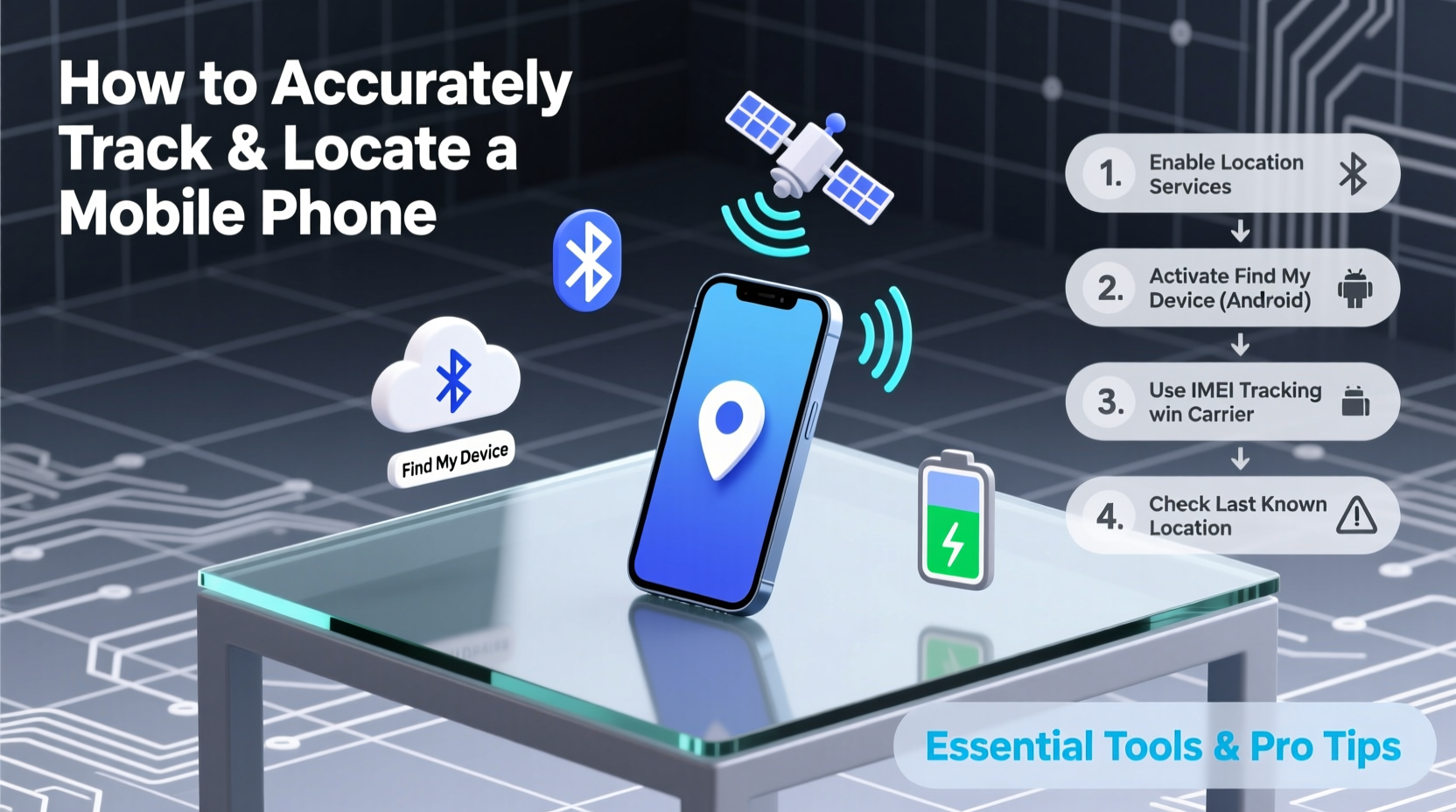
Mobile tracking relies on a combination of GPS, Wi-Fi triangulation, cellular network signals, and device-specific software. Most smartphones today come equipped with built-in location services that allow remote tracking when enabled. These systems work by transmitting the device’s approximate or precise location to secure servers, which users can access via web portals or companion apps.
Key technologies include:
- GPS (Global Positioning System): Provides real-time location data with high accuracy, especially outdoors.
- Wi-Fi Positioning: Uses nearby Wi-Fi networks to estimate location when GPS is unavailable.
- Cell Tower Triangulation: Determines position based on signal strength from multiple towers—less accurate but functional indoors.
- Bluetooth Beacons: Used in proximity tracking, especially with accessories like AirTags or SmartTags.
For tracking to work effectively, the device must be powered on, connected to a network (cellular or Wi-Fi), and have location services enabled. Battery life, airplane mode, and physical damage can all impact tracking success.
Essential Tools for Locating a Lost Phone
Different operating systems offer native tracking solutions that are free, reliable, and deeply integrated into the device ecosystem.
Apple’s Find My iPhone (iOS)
iOS users benefit from Apple’s robust \"Find My\" network. When enabled, this service uses end-to-end encryption to locate iPhones, iPads, and Macs—even if they’re offline. The feature leverages Bluetooth signals from nearby Apple devices to anonymously relay the lost device’s location back to the owner.
Google Find My Device (Android)
Android devices rely on Google’s Find My Device platform. It allows users to ring their phone, lock it remotely, or erase data if recovery seems unlikely. The tool works across all Android versions from 4.4 onward and integrates seamlessly with Google accounts.
Third-Party Apps and Accessories
In addition to built-in tools, third-party options enhance tracking capabilities:
- AirTag (Apple): Attachable tracker using ultra-wideband technology for precision finding.
- Samsung SmartThings Find: Built into Galaxy devices, supports offline tracking via crowd detection.
- Tile: Popular Bluetooth tracker with a large user network to help locate lost items.
“Having Find My enabled on your iPhone increases recovery chances by over 70%.” — Brian Tong, Senior Editor at CNET
Step-by-Step Guide to Locate Your Phone
Follow this structured process immediately after realizing your phone is missing:
- Stay Calm and Retrace Your Steps: Think about the last place you used the phone. Check pockets, bags, and common surfaces.
- Call or Ring the Device: Use another phone to dial your number. If near, it may vibrate or ring even on silent.
- Access Tracking Platform:
- iOS: Visit iCloud.com/find or use the Find My app on another Apple device.
- Android: Go to google.com/android/find and sign in with your Google account.
- View Location: The map will show your device’s current or last known location. Accuracy varies based on signal availability.
- Use Remote Actions:
- Play Sound: Makes the phone ring loudly for 5 minutes, even in silent mode.
- Lost Mode: Locks the device with a custom message and disables notifications.
- Erase Data: As a last resort, wipe all personal information to protect privacy.
- Contact Authorities (if stolen): Provide the IMEI number and location data to law enforcement. They may assist in recovery.
Do’s and Don’ts of Phone Tracking
| Do’s | Don’ts |
|---|---|
| Enable location services and “Find My” features in advance. | Don’t wait until your phone is lost to set up tracking. |
| Use strong passwords and two-factor authentication. | Don’t share your iCloud or Google login details publicly. |
| Regularly back up your data to cloud services. | Don’t attempt to confront a thief based on location data. |
| Update your OS to ensure tracking features remain functional. | Don’t leave your phone unattended in public places. |
Real Example: Recovering a Stolen Phone in Chicago
In early 2023, Sarah M., a freelance photographer in Chicago, had her iPhone stolen from a coffee shop. She immediately logged into iCloud from her iPad and saw the device moving eastward via public transit. Using the Find My app, she shared the live location with local police, who tracked the thief through multiple stops. Within four hours, officers recovered the phone undamaged. Sarah credited the fast recovery to having Find My enabled and acting within the first 15 minutes of realizing the loss.
This case highlights the importance of preparedness and rapid response. The longer you wait, the higher the chance the thief disables location services or resets the device.
Checklist: Prepare Your Phone for Emergencies
Ensure your device is always ready for tracking with this pre-loss checklist:
- ✅ Enable “Find My iPhone” (iOS) or “Find My Device” (Android)
- ✅ Turn on Location Services and Precise Location
- ✅ Set up a passcode, Face ID, or fingerprint lock
- ✅ Back up data weekly to iCloud or Google Drive
- ✅ Record your IMEI number and store it safely
- ✅ Install a secondary tracker like Tile or AirTag in your case
- ✅ Review privacy settings to prevent unauthorized access
Frequently Asked Questions
Can I track a phone if it’s turned off?
Not in real time. However, both iOS and Android can display the last known location before shutdown. Apple’s Find My network can also detect offline devices via Bluetooth signals from nearby Apple products, even when powered off (on supported models).
Is it legal to track someone else’s phone?
Tracking a device without the owner’s consent is illegal in most jurisdictions. You should only track phones you own or have explicit permission to monitor, such as a child’s device under parental supervision.
What if my phone is in airplane mode?
If airplane mode is on and Wi-Fi/GPS are disabled, tracking becomes impossible until the device reconnects to a network. However, some newer phones still emit low-power Bluetooth signals that accessories like AirTags can detect anonymously.
Conclusion: Act Now, Stay Protected
The ability to track and locate a mobile phone isn’t just about recovering hardware—it’s about safeguarding your digital identity. By setting up tracking tools in advance, understanding how they work, and responding swiftly when a device goes missing, you dramatically increase the odds of a safe return. Technology gives us powerful defenses, but only if we use them proactively.




 浙公网安备
33010002000092号
浙公网安备
33010002000092号 浙B2-20120091-4
Comments
No comments yet. Why don't you start the discussion?