
Transforming your static holiday light display into a dynamic, music-synchronized spectacle doesn’t require expensive professional gear or technical wizardry. With the right approach, you can upgrade your current setup using affordable components and open-source software. Whether you’re illuminating a small porch or an entire rooftop, synchronized lights set to holiday tunes create unforgettable curb appeal—without breaking the bank.
The key lies in understanding how to interface standard Christmas lights with audio-reactive control systems that respond to beats, melodies, and volume changes. This guide walks through practical methods, cost-effective tools, and proven techniques for syncing your existing lights to music, all while preserving your original investment in decorations.
Understanding Music Synchronization for Holiday Lights
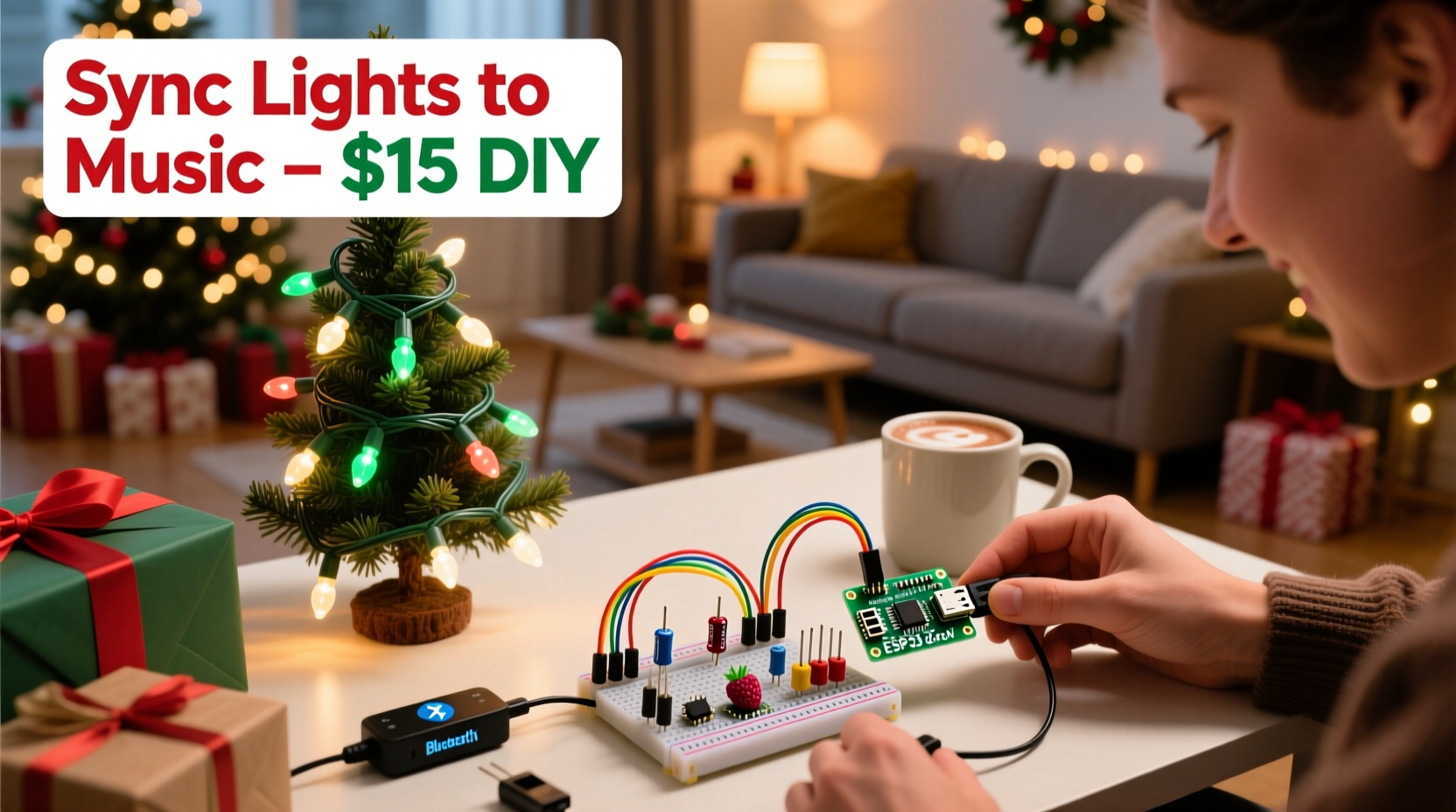
Music synchronization involves linking lighting effects—such as blinking, fading, or color shifting—to specific elements of an audio track. When done well, the lights pulse with the bass, flash during high notes, or fade gently during soft passages. The effect is most commonly seen in elaborate holiday displays where dozens of channels of lights dance in rhythm with classic carols or modern pop songs.
At its core, synchronization requires three components:
- Controller Hardware: A device that receives signals from a computer or app and translates them into electrical outputs to turn lights on/off or change colors.
- Software: Programs that analyze music and map lighting cues to timing and frequency data.
- Lighting System: Your existing Christmas lights, ideally grouped by circuit or controllable strip (e.g., LED strings with built-in RGB chips).
Many people assume synchronization means replacing their current lights with smart bulbs or commercial-grade controllers. That’s not true. You can retrofit traditional incandescent or basic LED strings with low-cost relays or use plug-and-play adapters designed for DIY setups.
Affordable Tools and Components
You don’t need to spend hundreds—or even thousands—on proprietary systems. Modern open-source solutions make it possible to build a capable music-synced display for under $150, often reusing parts you may already own.
Here’s what you’ll typically need:
- Laptop or Raspberry Pi: To run synchronization software (Windows, macOS, Linux, or Raspberry Pi OS).
- Relay Controller or Smart Strip: Devices like the SainSmart 8-Channel Relay Module or ESP8266-based WLED controllers allow digital control over physical outlets.
- Audio Analysis Software: Free programs such as XLights, Falcon Player, or Arduino + Processing scripts analyze music and trigger light sequences.
- Extension Cords & Power Supplies: Heavy-duty outdoor-rated cords and surge protectors to safely power multiple light strands.
- Network Setup (Optional): For wireless control, a Wi-Fi router and ESP32/ESP8266 boards enable remote triggering without direct wiring.
One of the most popular entry points is combining XLights with a USB-to-serial adapter and relay board. XLights runs on a home computer, imports MP3 files, visually maps beats to lighting channels, and sends commands via serial connection to the relay module. Each relay acts as a switch—turning one group of lights on or off based on the music timeline.
| Component | Purpose | Average Cost | Budget-Friendly Option |
|---|---|---|---|
| XLights Software | Design and play synchronized light shows | Free | Open-source; no subscription |
| 8-Channel Relay Module | Switch traditional light strings | $25–$40 | SainSmart or generic Arduino-compatible |
| Raspberry Pi 3/4 | Run controller software headlessly | $35–$70 | Use an old model if available |
| USB-to-TTL Serial Adapter | Connect PC to relay module | $8–$15 | CP2102 or FTDI-based adapter |
| WLED-Compatible LED Strips | Color-changing RGB effects | $10–$20 per 5m | AliExpress or Amazon deals |
Step-by-Step Guide to Syncing Your Lights
Follow this process to convert your existing Christmas lights into a music-responsive display using affordable hardware and free software.
- Inventory Your Current Lights
Group your lights by location and type—roofline, tree, railing, etc. Identify which sets can be controlled independently (i.e., plugged into separate outlets). Label each group for future reference. - Choose a Control Method
If your lights are standard plug-in types, go with a relay-based system. If you have addressable RGB strips (like WS2812B), consider upgrading to WLED firmware on an ESP8266 for full color and pattern control. - Set Up the Controller Hardware
Wire each light group to a terminal on the relay module. Connect the relay’s input pins to your serial adapter or microcontroller. Ensure all connections are secure and insulated, especially for outdoor use. - Install XLights on Your Computer
Download XLights from the official site (xlights.org). Install it on a Windows, Mac, or Linux machine. This software allows beat detection, sequence creation, and live playback. - Create a New Display Layout
In XLights, define your “model” by adding channels corresponding to each relay. Name them (e.g., “Front Roof,” “Tree Bottom”). Assign each to a COM port linked to your serial adapter. - Import Music and Analyze Beats
Add your chosen holiday song (MP3 or WAV). Use the “Beat Detection” tool to auto-detect strong beats. Adjust sensitivity manually if needed to match drum hits or chimes accurately. - Map Effects to Channels
Drag and drop lighting effects (blink, chase, fade) onto the timeline for each channel. Sync flashes with snare drums, slow fades with sustained vocals. Preview in real time using the virtual preview window. - Test and Refine
Connect your computer to the relay module and play the sequence. Observe timing accuracy. Fine-tune delays if lights lag behind audio due to processing latency. - Deploy Headlessly (Optional)
To avoid running a laptop outside, transfer the sequence to a Raspberry Pi running Falcon Player (FPP). Load the show file and schedule automatic playback every evening.
Real Example: John’s Front Yard Upgrade
John had a modest holiday setup: four strands of white mini-lights along his eaves, a lit wreath, and a pre-lit artificial tree. He wanted to sync them to “Jingle Bell Rock” without spending more than $100.
He purchased a $30 SainSmart 8-channel relay module, a $12 USB-to-TTL adapter, and downloaded XLights. He labeled each light strand and connected them to separate relays. Using an old laptop, he imported the song and used beat detection to mark every half-beat. He programmed alternating blinks between left and right rooflines, synchronized the wreath to flash on downbeats, and made the tree pulse with volume swells.
After testing, he noticed a slight delay. He adjusted the “start delay” setting in XLights by +200ms, which aligned the lights perfectly. On Christmas Eve, neighbors gathered to watch the display, amazed that it was powered by repurposed gear and free software.
“With just a few hundred dollars in community donations, we’ve helped over 30 families build professional-level synchronized displays using open-source tools.” — Mark Tran, Founder of DIYHolidayLights.org
Budget Optimization Checklist
Maximize value and minimize costs with these actionable steps:
- ✅ Reuse existing Christmas lights instead of buying new smart bulbs.
- ✅ Use open-source software like XLights, VLC, or WLED—no licensing fees.
- ✅ Buy relay modules and microcontrollers from reputable AliExpress or eBay sellers (often 50% cheaper than U.S. retailers).
- ✅ Borrow or repurpose an old laptop or Raspberry Pi as a controller.
- ✅ Start small—one or two channels—then expand next year.
- ✅ Join online forums like r/lightshow or DIYChristmas to get free advice and discounted group buys.
Frequently Asked Questions
Can I sync non-smart Christmas lights?
Yes. Traditional incandescent or fixed-color LED strings can be synced using relay modules. Each relay acts as a remote-controlled switch, turning entire circuits on and off in time with music. While you won’t get color changes, you can still achieve blinking, chasing, and strobing effects.
Do I need Wi-Fi or internet access during playback?
No. Once your sequence is loaded onto a local device like a Raspberry Pi or laptop, it runs offline. Internet is only needed initially for downloading software or updates.
How do I prevent overheating or fire hazards?
Always use outdoor-rated extension cords and surge protectors. Don’t overload circuits—check wattage ratings. Enclose relay modules in weatherproof boxes. Never leave unattended systems running overnight unless monitored. Use GFCI outlets for added safety.
Final Thoughts and Next Steps
Adding music synchronization to your existing Christmas lights is not only achievable on a tight budget—it’s also a rewarding project that blends creativity with technology. By leveraging free software and low-cost hardware, you can bring theatrical energy to your holiday display without replacing a single bulb.
The real magic happens when your lights move with the music: snowflakes twinkling to piano keys, rooflines flashing with sleigh bells, and trees pulsing to the chorus of “All I Want for Christmas Is You.” These moments spark joy in your household and inspire your neighborhood.
Start this weekend. Audit your current lights. Download XLights. Order a relay module. Test one channel. Build confidence. Then scale up. Share your progress online—many communities celebrate DIY holiday innovators every December.




 浙公网安备
33010002000092号
浙公网安备
33010002000092号 浙B2-20120091-4
Comments
No comments yet. Why don't you start the discussion?