
In an age where digital privacy is increasingly under threat and internet service providers control access and pricing, many individuals and small communities are exploring alternatives. Building your own private network offers autonomy, enhanced security, and the ability to maintain connectivity even when traditional infrastructure fails. This guide walks through the technical and logistical steps required to establish a functional, localized internet-like environment—without relying on commercial ISPs.
Understanding Private Networks: What They Are and Why You Might Need One
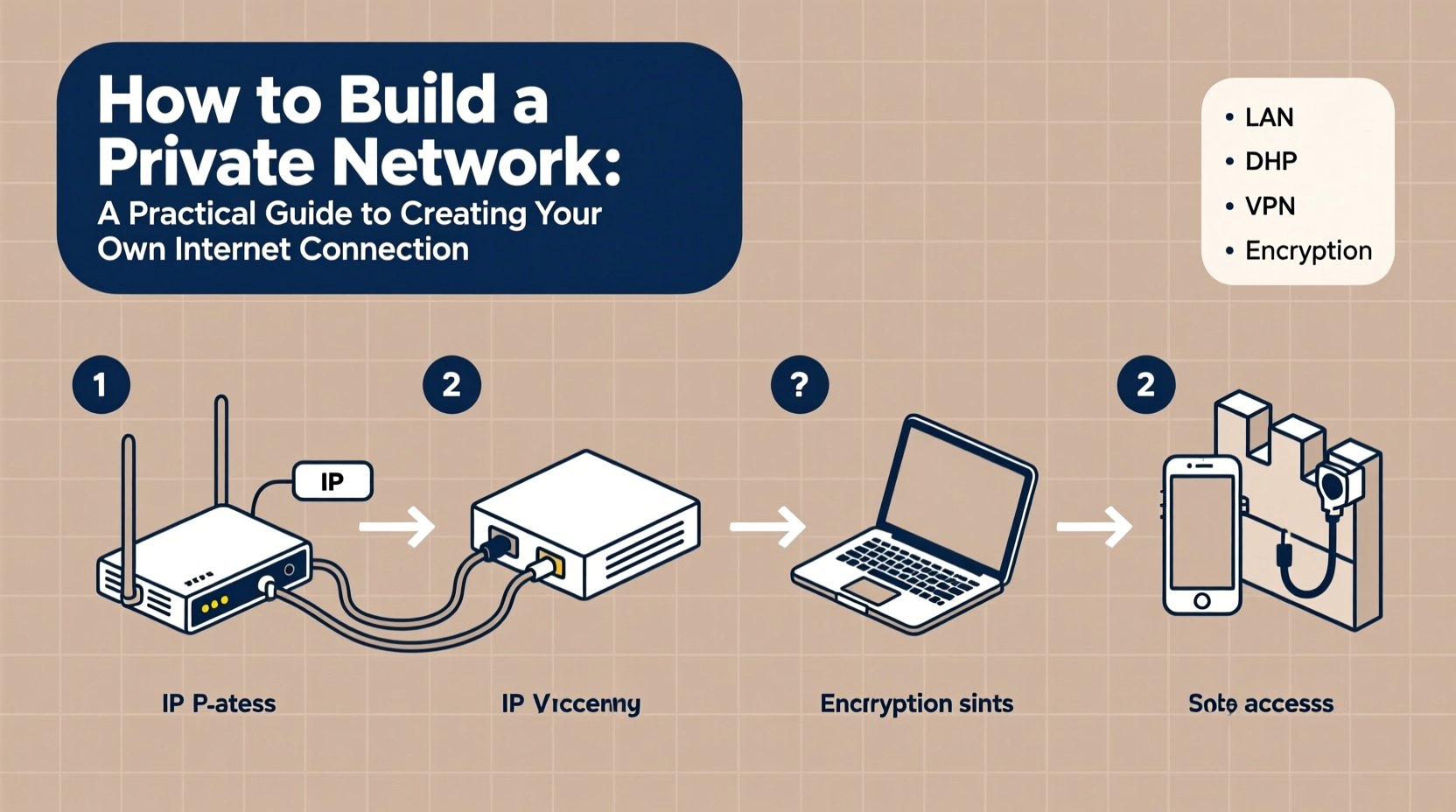
A private network is a self-contained system of connected devices that communicate independently from the public internet. It doesn’t necessarily provide global web access but enables local data sharing, communication, and services such as file storage, VoIP calls, or streaming media within a defined area—like a home, office, or rural community.
Such networks are valuable in scenarios including:
- Remote locations with limited or no ISP coverage
- Situations requiring high data security (e.g., sensitive business operations)
- Community resilience planning during outages or disasters
- Reducing dependency on third-party surveillance or throttling practices
While not a full replacement for the internet, a well-designed private network can function as a robust internal ecosystem for essential digital activities.
Essential Components of a DIY Private Network
To create a functional private network, you need both hardware and software components working together seamlessly. Below is a breakdown of what’s required:
| Component | Purpose | Example Options |
|---|---|---|
| Wireless Router or Access Point | Distributes Wi-Fi signal and manages device connections | Ubiquiti UniFi AP, TP-Link Omada, Raspberry Pi with Wi-Fi dongle |
| Network Cables (Ethernet) | For stable wired backhaul between nodes | Cat6 cables for long-distance reliability |
| Point-to-Point Radios | Transmit signals between distant buildings or towers | Ubiquiti NanoBeam, MikroTik SXT |
| Power over Ethernet (PoE) Injectors | Deliver power and data over a single cable | Used with outdoor wireless bridges |
| Local Server or NAS | Hosts files, websites, chat servers, DNS | Raspberry Pi, old PC running Linux, Synology NAS |
| Mesh Networking Software | Enables decentralized routing and fault tolerance | OpenWrt, B.A.T.M.A.N., OLSR |
The choice of equipment depends on your physical environment, budget, and desired range. Urban setups may only require modified consumer routers, while rural deployments often demand directional antennas and elevated mounting points.
Step-by-Step Guide to Setting Up Your Network
Follow this structured process to deploy a working private network:
- Define the Scope: Determine whether the network will serve one building or multiple structures across distance. Map out approximate distances and obstacles like walls or trees.
- Select a Base Node: Choose a central location—ideally elevated and centrally positioned—for your primary router or access point.
- Install Core Hardware: Set up your main router and connect it via Ethernet to a local server if hosting internal services.
- Configure IP Addressing: Use a private IP range (e.g., 192.168.10.x) with static assignments or DHCP enabled. Avoid overlapping with existing networks.
- Expand Using Repeaters or Bridges: For larger areas, add secondary access points using either Wi-Fi repeating or dedicated point-to-point links.
- Implement Mesh Protocols (Optional): Install OpenWrt firmware on compatible devices and enable B.A.T.M.A.N. advanced to allow automatic rerouting if one node fails.
- Secure the Network: Disable WPS, use WPA3 encryption, change default passwords, and disable remote administration.
- Test Connectivity: Confirm all devices can reach each other and share resources like folders or printers.
This sequence ensures a scalable foundation. Once operational, you can layer additional services such as a local messaging app, wiki, or offline version of frequently used tools.
Real-World Example: Community Network in Rural Vermont
In the Green Mountain region of Vermont, a group of 12 households collaborated to build a resilient private network after repeated winter storm outages disrupted their ISP service. Using donated routers flashed with OpenWrt, they established a mesh topology linking homes up to 500 meters apart. Directional antennas mounted on barn roofs relayed signals across valleys.
They set up a central Raspberry Pi acting as a file server, shared calendar, and text-based chat hub. Though they couldn’t browse YouTube or send emails externally without satellite backup, they maintained internal communication, stored emergency plans, and coordinated supply deliveries during blackouts.
“We didn’t need the whole internet,” said Mariah Tolliver, a coordinator of the project. “We just needed to stay connected to our neighbors.”
“We reclaimed control over our communication lines. That sense of agency was more valuable than unlimited bandwidth.” — Mariah Tolliver, Community Resilience Organizer
Do’s and Don’ts of Building a Private Network
| Do | Don't |
|---|---|
| Use shielded Cat6 cables for outdoor runs | Mount antennas near metal obstructions |
| Flash firmware like OpenWrt for greater flexibility | Leave factory default credentials unchanged |
| Plan for redundancy with multiple signal paths | Assume Wi-Fi will penetrate thick stone walls without boosters |
| Document IP assignments and physical layout | Overload a single node with too many clients |
Expanding Functionality: Adding Services to Your Network
A private network gains real utility when it hosts meaningful services. Consider deploying any of the following:
- Nextcloud instance: A self-hosted alternative to Google Drive or Dropbox.
- Matrix or XMPP server: Enables encrypted instant messaging within the network.
- Local DNS resolver: Speeds up internal lookups and blocks ads (using Pi-hole).
- Offline Wikipedia or educational databases: Useful in schools or remote clinics.
- VoIP PBX system: Allows phone-style calling between extensions using SIP clients.
These services run efficiently on low-cost hardware and empower users to interact digitally without external dependencies.
Frequently Asked Questions
Can I access the internet through my private network?
You can—but only if one node has an upstream connection (e.g., cellular hotspot, DSL). That node acts as a gateway, allowing others to share its link. However, true privacy comes from operating entirely offline. Many choose hybrid models: mostly isolated, with periodic syncing when needed.
Is building a private network legal?
Yes, operating a local network is completely legal. Transmitting signals over certain frequencies may be regulated, so avoid unauthorized power levels or unlicensed spectrum bands (e.g., 5.8 GHz is generally acceptable; check local regulations). Always follow FCC (or equivalent) guidelines in your country.
How far can a private network reach?
With standard indoor Wi-Fi, expect 30–50 meters. Outdoor point-to-point links using directional antennas can span several kilometers under clear line-of-sight conditions. Obstacles and interference reduce effective range.
Final Checklist Before Launch
- ☐ All devices assigned unique IPs within the same subnet
- ☐ Wireless security enabled (WPA3 preferred)
- ☐ Critical services tested (file sharing, messaging, etc.)
- ☐ Backup power plan in place (e.g., UPS or solar charger)
- ☐ Physical installation secured against weather and tampering
- ☐ Users trained on how to join and use the network
Take Control of Your Digital Space
Building a private network isn’t just a technical exercise—it’s an act of digital self-reliance. Whether you're securing sensitive information, maintaining communication during emergencies, or simply reducing reliance on corporate-controlled infrastructure, taking ownership of your connectivity empowers you in profound ways.
Start modestly, learn incrementally, and expand thoughtfully. The skills you develop will serve you far beyond the initial setup. In a world where data is currency, creating your own network is a step toward reclaiming sovereignty over your digital life.




 浙公网安备
33010002000092号
浙公网安备
33010002000092号 浙B2-20120091-4
Comments
No comments yet. Why don't you start the discussion?