
In today’s digital landscape, Instagram remains one of the most powerful platforms for personal branding, business promotion, and community building. But even the most visually compelling profile won’t gain traction if people can’t find it. The key to unlocking broader reach lies in a simple yet often overlooked tool: your Instagram profile link. When optimized and shared strategically, this link becomes a gateway to deeper connections, increased followers, and measurable engagement. Yet many users treat it as an afterthought—copying the default URL and pasting it without refinement. This approach misses critical opportunities to drive action.
A well-crafted sharing strategy doesn’t just make your link accessible—it makes it effective. Whether you're a content creator, entrepreneur, or influencer, understanding how to generate, customize, and distribute your Instagram link with intentionality transforms passive viewers into active followers.
Why Your Instagram Profile Link Matters More Than You Think
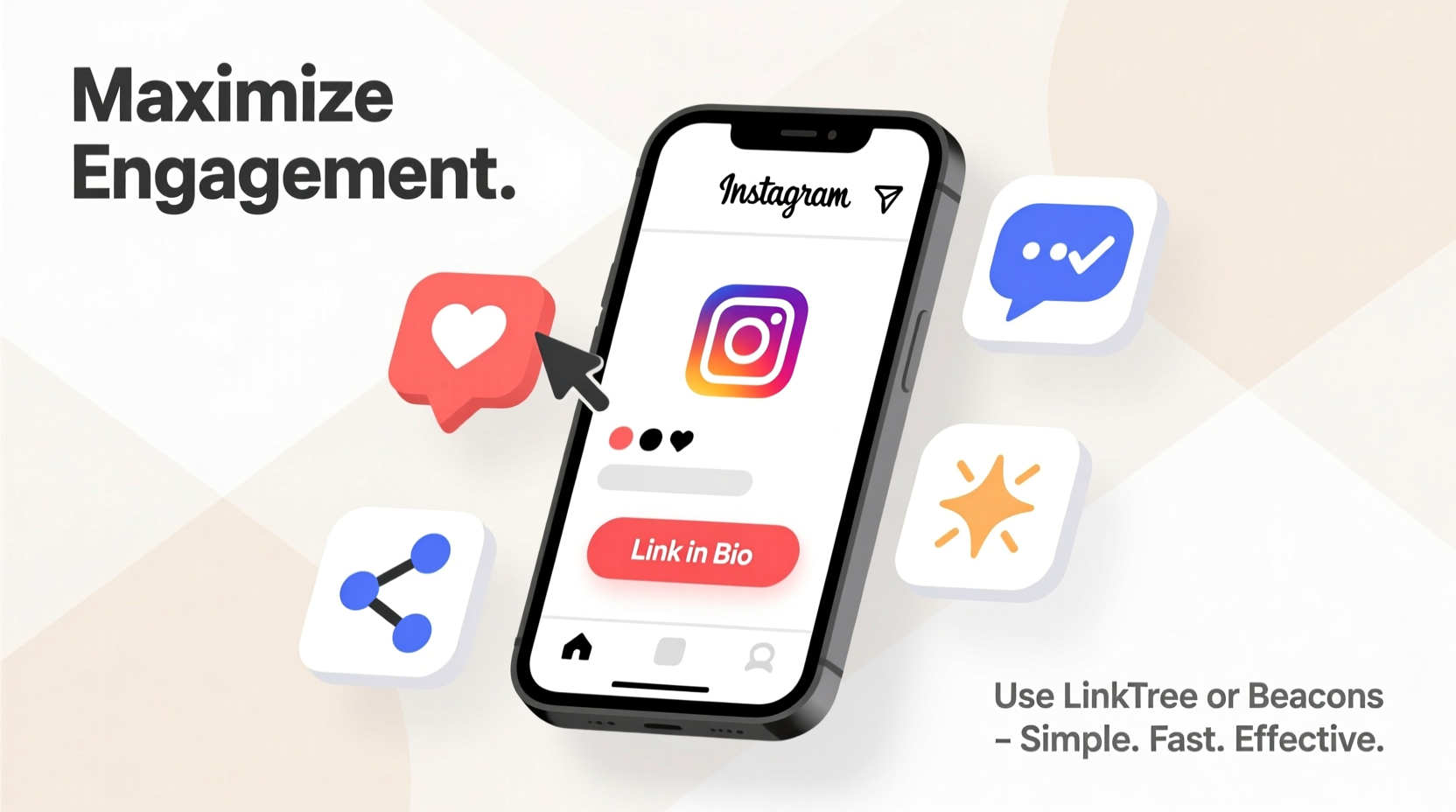
Your Instagram handle (@username) is not enough. People need a direct, clickable path to your profile, especially when they’re outside the app. Consider these common scenarios: a voiceover in a YouTube video says “Follow me on Instagram,” a business card lists a username, or a podcast guest mentions their social media. Without a functional link, these moments lose impact. Typing usernames manually leads to errors, forgotten follow-through, or lost interest.
A properly shared link eliminates friction. It allows instant access from emails, websites, text messages, ads, and cross-platform promotions. Moreover, trackable links provide insights into which channels drive the most traffic—data that’s essential for refining marketing strategies.
How to Generate Your Instagram Profile Link in Seconds
Creating your Instagram profile link requires no technical skill. Here’s how to do it correctly across devices:
- Open the Instagram app and navigate to your profile by tapping your profile picture in the bottom right.
- Tap the three lines (menu icon) in the top right corner, then select “Share Profile.”
- Choose your preferred method: Copy Link, Share via Message, Email, or another app.
- If copying manually, note that the format should be
https://www.instagram.com/[your_username]/.
On desktop, visit instagram.com, log in, go to your profile, and copy the URL from the browser’s address bar. Ensure there are no extra parameters like ?utm_source at the end unless intentionally added for tracking.
Double-check that your username is spelled correctly—Instagram URLs are case-insensitive but must match your exact handle, including underscores or periods.
Optimize Your Link for Better Click-Through Rates
Not all links perform equally. A plain Instagram URL works, but optimization turns it into a conversion tool. Consider these enhancements:
- Use a custom short link via services like Bitly, Rebrandly, or Tap.bio to create branded, memorable URLs (e.g., bio.site/yourbrand).
- Add UTM parameters to track campaign performance in Google Analytics. For example:
https://www.instagram.com/yourname/?utm_source=twitter&utm_medium=social&utm_campaign=summer_launch - Include a clear call-to-action when sharing: “Tap here to see behind-the-scenes” or “Join 50K+ creators on Instagram.”
Shortened links also look cleaner in print materials, presentations, and verbal mentions. Instead of saying “instagram dot com slash jennifer_style_2024,” say “Check out my work at jennstyle.co/ig.”
| Link Type | Best For | Limits |
|---|---|---|
| Default Instagram URL | Quick sharing within social apps | Long, unbranded, hard to remember |
| Shortened Custom Link | Email signatures, business cards, ads | Requires third-party service |
| UTM-Tracked Link | Digital campaigns, analytics | Can appear spammy if overused |
| Bio Link Tool (e.g., Linktree) | Directing traffic to multiple destinations | Extra step between user and profile |
Smart Ways to Share Your Instagram Link Across Platforms
The effectiveness of your link depends on where and how you share it. Strategic placement increases visibility and drives consistent growth.
Email Signatures
Add your Instagram link to every outgoing email. Use a clean format: Follow me on Instagram: instagram.com/yourname. Pair it with a professional headshot or logo for visual consistency.
Websites & Blogs
Embed your Instagram link in the header, footer, or author bio section. If you run a Shopify store or portfolio site, include social icons linking directly to your profile. This builds trust and encourages community engagement.
YouTube & Video Content
Mention your Instagram in video intros or outros, and pin a comment with the link. Use YouTube’s description box to list your handle and full URL. Creators who showcase lifestyle, fashion, or tutorials benefit greatly from cross-promotion.
Text Messages & WhatsApp
When networking or responding to inquiries, include your link naturally: “Here’s my Instagram where I post daily tips: [link].” Avoid spamming; focus on relevance.
Offline Materials
Business cards, flyers, posters, and event banners should feature a scannable QR code linked to your Instagram profile. Test the QR code before printing to ensure it redirects correctly.
“Your Instagram link is your digital handshake. Make it easy to accept.” — Dana Reyes, Social Media Strategist at BrandFlow Agency
Mini Case Study: How a Fitness Coach Doubled Her Follower Growth
Sarah Lin, a certified fitness coach in Austin, struggled to convert website visitors into Instagram followers. Despite high blog traffic, her @sarahfitlife account grew slowly. After auditing her outreach, she realized she was only listing her handle—not a clickable link.
She updated her website footer to include a shortened branded link (sarahfit.life/ig), added a QR code to her printed class schedules, and began ending each YouTube video with “Scan the code or click the link below to join my fitness journey.” Within eight weeks, her Instagram gained over 4,000 new followers—double her previous monthly average. Analytics showed that 62% of new followers came from her website and QR codes, proving the power of intentional linking.
Essential Checklist: Maximizing Your Instagram Link Impact
Before sharing your link publicly, run through this checklist to ensure maximum effectiveness:
- ✅ Confirm your Instagram username is consistent across platforms
- ✅ Generate the correct full URL: https://www.instagram.com/yourusername/
- ✅ Shorten and brand your link using a trusted service
- ✅ Add UTM tags for campaign-specific tracking (optional)
- ✅ Test the link on mobile and desktop devices
- ✅ Include the link in your email signature, website, and offline materials
- ✅ Create a QR code for real-world use
- ✅ Monitor click data weekly to assess performance
Frequently Asked Questions
Can I change my Instagram username without breaking my link?
Yes, but with consequences. Changing your username updates your profile URL. Any existing links pointing to the old username will lead to an error. Notify your audience in advance, update all materials, and consider using a link management tool that supports forwarding.
Is it safe to use third-party link shorteners?
Reputable services like Bitly, Rebrandly, and Taplink are secure and widely used by professionals. Avoid obscure tools that may shut down or display ads. Always preview the destination before sharing.
Should I use a bio link tool instead of my direct Instagram URL?
Only if you need to direct traffic to multiple pages (e.g., blog, shop, events). For driving pure Instagram growth, a direct profile link removes friction. Bio tools add a middle step that can reduce conversion rates.
Start Sharing Smarter Today
Your Instagram profile link is more than a web address—it’s a bridge between your current audience and the people who haven’t discovered you yet. By creating a clean, trackable, and easily shareable URL, you remove barriers to connection. Whether you're promoting a personal brand or growing a business, every share counts. Don’t let poor linking habits limit your reach.




 浙公网安备
33010002000092号
浙公网安备
33010002000092号 浙B2-20120091-4
Comments
No comments yet. Why don't you start the discussion?