
Waiting for a prescription can be stressful, especially if you're managing a chronic condition or need medication quickly. Fortunately, CVS Pharmacy offers multiple convenient ways to stay updated on your prescription status. Knowing exactly when your medication is ready saves time, reduces unnecessary trips to the store, and ensures you never miss a dose. With tools like the CVS app, online portal, automated phone system, and text alerts, staying informed has never been easier.
Use the CVS Mobile App for Real-Time Updates
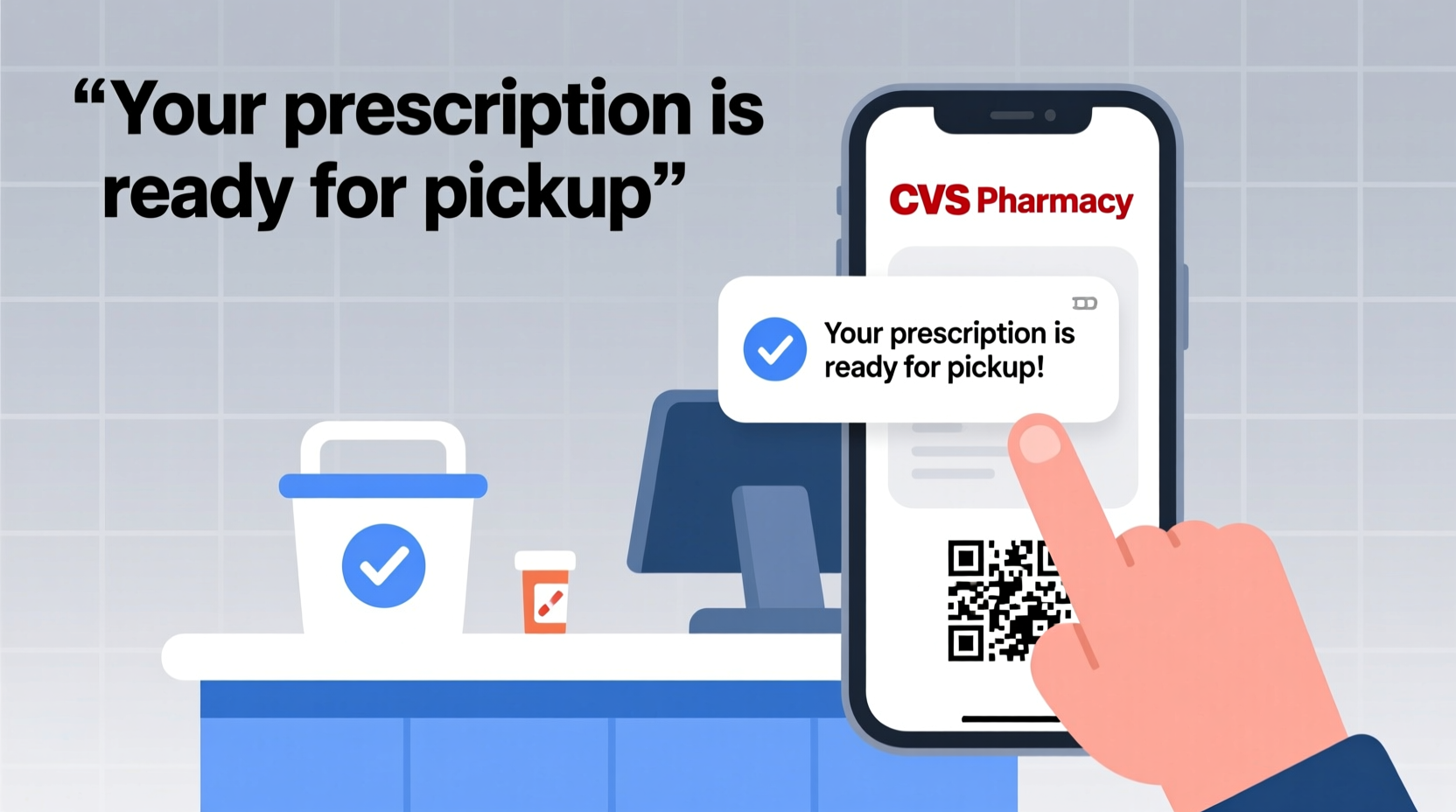
The CVS mobile app is one of the most efficient ways to track your prescription status. Available for iOS and Android, the app provides real-time updates, refill reminders, and direct communication with your pharmacy team.
After downloading the app and logging into your account—either through your CVS.com credentials or by creating a new profile—you can view all active prescriptions under the “Prescriptions” tab. Each prescription displays its current status: “In Progress,” “Ready for Pickup,” or “Refill Needed.” When a prescription reaches “Ready for Pickup,” you’ll often receive a push notification if notifications are enabled.
You can also use the app to message your local pharmacy directly, request refills, transfer prescriptions from other pharmacies, and even schedule vaccinations—all without making a phone call.
Check Your Prescription Status Online
If you prefer using a desktop or laptop, the CVS.com website offers the same functionality as the app. Log in to your account and navigate to the “Prescriptions” section. Here, you'll see a list of all prescriptions linked to your profile, including those for family members if you’ve set up shared access.
The online dashboard clearly indicates whether a prescription is processing, ready, or delayed. If it’s ready, the page will display the pickup location, expected wait time (if available), and instructions for retrieval. You can also print out a pickup slip if needed, though this is rarely required.
In some cases, a prescription may show as “Delayed.” This could mean the pharmacy is waiting on insurance approval, needs a doctor’s confirmation, or is out of stock. The website will usually provide a brief explanation, and you can contact the pharmacy directly through the site via secure messaging.
Receive Automatic Text or Email Alerts
One of the easiest ways to stay informed is by signing up for automatic notifications. CVS allows customers to opt in for text messages or emails when a prescription is ready for pickup.
To activate these alerts:
- Log in to your CVS.com account or open the app.
- Go to “Account Settings” or “Communication Preferences.”
- Select your preferred contact method: text, email, or both.
- Confirm your phone number and email address are up to date.
Once enabled, you’ll typically receive a message within minutes of your prescription being filled. These alerts often include the pharmacy’s name, address, and a reminder to bring your ID and insurance card.
| Notification Type | Speed | Reliability | Best For |
|---|---|---|---|
| Text Message | Instant (within minutes) | High | On-the-go users |
| Within 5–15 minutes | High | Users who check email regularly | |
| Push Notification (App) | Near-instant | Moderate (requires app open/updated) | Smartphone users with app permissions |
| Voice Call | Variable (same day) | Moderate (may go to voicemail) | Elderly or non-tech-savvy users |
Call or Use the Automated Phone System
If you’re not comfortable using digital tools, calling your local CVS pharmacy remains a reliable option. However, instead of waiting on hold, use the automated system to check status quickly.
Dial the general CVS customer service line at 1-800-746-7287, or call your neighborhood store directly. Once connected:
- Follow the prompts to select “Prescription Status.”
- Enter your prescription number or last name and date of birth.
- The system will announce whether your prescription is ready.
For faster service, call during off-peak hours—early morning or late evening—when lines are shorter. Pharmacists are often busiest between 3 PM and 7 PM, so calling before noon increases your chances of speaking to a live person if needed.
“Over 70% of prescription status inquiries can be resolved through self-service channels like the app or automated phone system. We encourage patients to use them to save time.” — Dr. Linda Park, CVS Pharmacy Operations Manager
Step-by-Step: How to Confirm Prescription Readiness in 5 Minutes
Follow this simple sequence to verify your prescription status quickly and accurately:
- Wait for a notification – Check your phone for a text or app alert.
- Open the CVS app or website – Log in and go to the Prescriptions section.
- Review the status – Look for “Ready for Pickup” next to the correct medication.
- Verify pickup details – Confirm the pharmacy location and any special instructions.
- Plan your visit – Bring your ID, insurance card, and prescription bottle (if required for controlled substances).
This process takes less than five minutes and can prevent a wasted trip. If the status is unclear or shows a delay, use the in-app message feature to ask the pharmacist for clarification.
Real-Life Example: Avoiding a Late-Night Trip
Sarah, a working mother in Columbus, Ohio, refilled her son’s asthma inhaler after school hours. She assumed it would be ready the next morning, so she drove to the CVS at 8:30 PM after soccer practice—only to find the pharmacy closed and the prescription still processing.
After setting up text alerts and learning to check the app, Sarah now receives a message by 10 AM whenever a prescription is ready. She plans pickups during her lunch break or assigns a family member to collect it. “I used to waste so much time driving back and forth,” she says. “Now I know exactly when to go.”
Frequently Asked Questions
How long does it take for a CVS prescription to be ready?
Most standard prescriptions are ready within 1–2 hours after submission, assuming no insurance issues. Mail-order prescriptions take 2–7 business days. Controlled substances may require additional verification and take longer.
Can someone else pick up my prescription at CVS?
Yes. A friend or family member can pick up most prescriptions with their ID. For controlled substances (like ADHD medications or certain painkillers), the person must be listed as an authorized agent on your account, and they’ll need to show valid photo ID.
What should I do if my prescription says “Ready” but isn’t available at pickup?
This is rare but can happen due to labeling errors or misplacement. Contact the pharmacy immediately upon arrival. They can locate the medication or recheck the filling status. Always confirm the prescription number and dosage before leaving the counter.
Maximize Convenience with Proactive Habits
The key to stress-free prescription management lies in proactive habits. Rather than reacting to delays or missed doses, build a routine around checking status and enabling alerts. Refill requests can be submitted days in advance through the app, and many users set calendar reminders based on their medication schedule.
Cross-reference your prescriptions monthly to ensure nothing is running low. The CVS app includes a “Medication List” feature that tracks dosages, refill dates, and pharmacy contacts—all in one place.
Take Control of Your Medication Schedule Today
Verifying when your CVS prescription is ready doesn’t have to be a guessing game. Whether you rely on text alerts, the mobile app, or quick phone checks, the tools are readily available to keep you informed and in control. By integrating just one or two of these methods into your routine, you can eliminate uncertainty, reduce trips to the pharmacy, and ensure timely access to essential medications.




 浙公网安备
33010002000092号
浙公网安备
33010002000092号 浙B2-20120091-4
Comments
No comments yet. Why don't you start the discussion?