
Unwanted phone calls from telemarketers, scammers, and automated robocalls have become a daily nuisance for millions of consumers. Whether it’s a pre-recorded message about debt relief or a live caller pitching home security systems, these interruptions disrupt work, family time, and peace of mind. Fortunately, there is a reliable first line of defense: the National Do Not Call Registry. By enrolling your number, you can significantly reduce the volume of unsolicited calls. But registration alone isn’t always enough—knowing how to use the system effectively and combining it with additional tools makes all the difference.
Understanding the National Do Not Call Registry
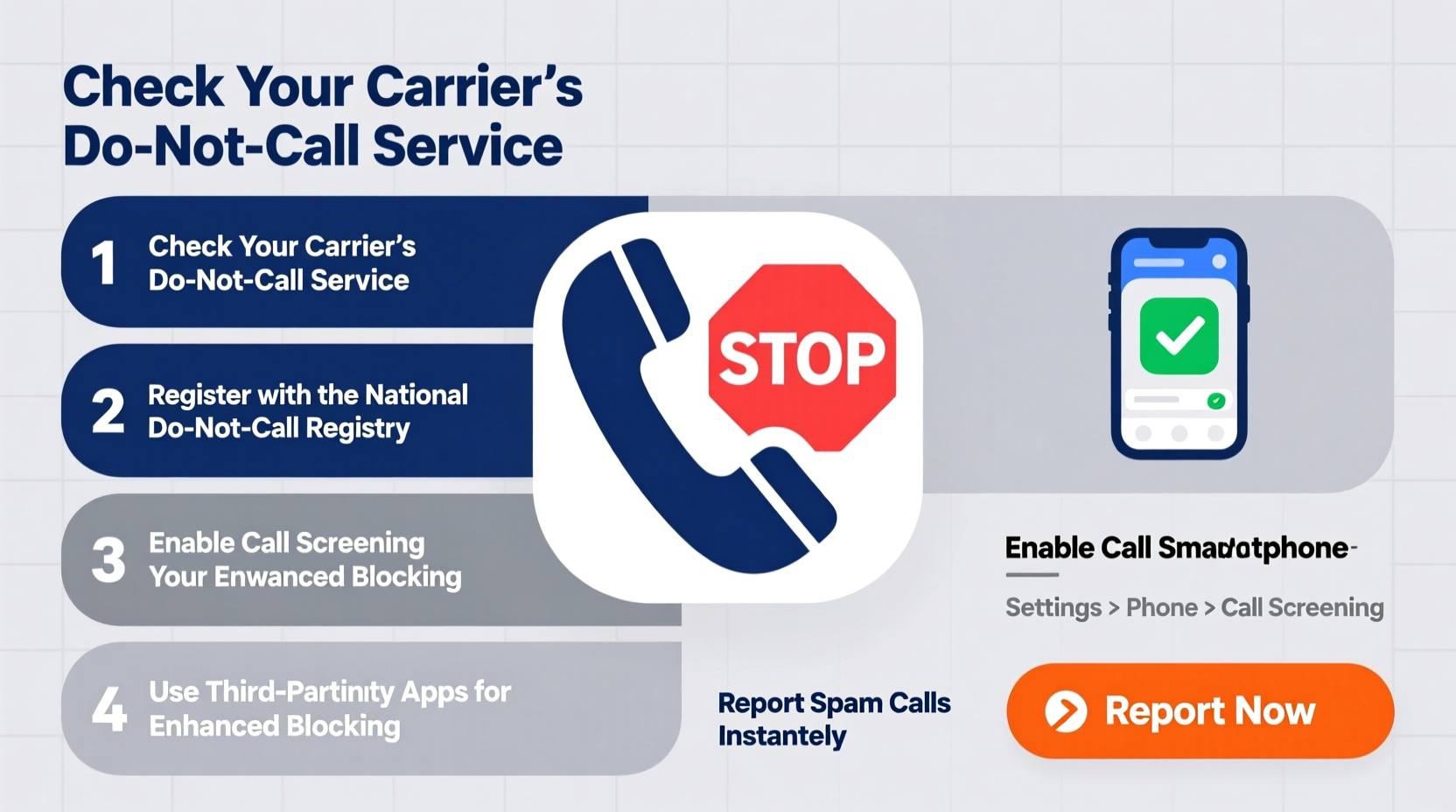
The National Do Not Call Registry is a government-maintained database managed by the Federal Trade Commission (FTC). It allows consumers to register their landline or mobile phone numbers to opt out of most telemarketing calls. Legitimate businesses are required by law to check this list regularly and avoid calling registered numbers. While it doesn’t block every call—especially from scammers who ignore regulations—it remains one of the most effective starting points for reducing unwanted contact.
Registration is free, permanent, and straightforward. Once your number is on the list, companies have up to 31 days to stop calling. However, not all calls are covered. Political organizations, charities, surveyors, and debt collectors may still legally contact you even if your number is registered.
“Registering your number is the single most important step in reclaiming control over your phone line.” — FTC Consumer Protection Division
Step-by-Step Guide to Register Your Number
Adding your number to the Do Not Call list is quick and secure. Follow these steps to ensure proper registration:
- Visit the official website: Go to donotcall.gov. Avoid third-party sites that may charge fees or collect personal data.
- Enter your phone number: Input your 10-digit number. You can register both mobile and landline numbers.
- Provide an email address: The FTC will send a confirmation email. This prevents misuse and verifies ownership of the number.
- Confirm your registration: Click the link in the email within 72 hours to activate your listing.
- Wait up to 31 days: Telemarketers must update their calling lists within this period.
What the Do Not Call List Can and Cannot Block
It’s essential to understand the limitations of the registry. While powerful, it does not eliminate all unwanted calls. The following table outlines what is and isn’t covered:
| Allowed to Call | Not Allowed to Call |
|---|---|
| Charities raising funds | Sales calls from companies you haven't done business with |
| Political campaigns | Robocalls selling goods/services (without consent) |
| Survey researchers | Telemarketers without checking the registry |
| Debt collectors | Auto-dialed sales calls to mobile phones |
| Companies you’ve bought from recently | Scammers using spoofed numbers |
If you continue receiving illegal sales calls after 31 days, you can file a complaint at reportfraud.ftc.gov. The FTC uses these reports to identify violators and take enforcement action.
Enhancing Protection Beyond the Registry
Given the rise in scam calls that bypass legal restrictions, relying solely on the Do Not Call list is insufficient. Layered protection yields better results. Consider the following strategies:
- Use built-in call-blocking features: Most smartphones now include spam detection. On iPhones, go to Settings > Phone > Silence Unknown Callers. Android users can enable Caller ID & Spam filtering in the Phone app settings.
- Install third-party apps: Apps like Hiya, Truecaller, and RoboKiller automatically identify and block known spam numbers using crowd-sourced databases.
- Never engage with suspicious callers: Pressing buttons or speaking can confirm your number is active, leading to more calls.
- Limit public exposure of your number: Avoid posting your phone number on social media, public forums, or unsecured websites.
- Opt out of data broker listings: Companies that sell personal information often supply numbers to marketers. Use services like DeleteMe or Incogni to remove your details from these databases.
Real Example: How One Family Reduced Calls by 90%
The Thompsons, a family of four in Ohio, were receiving over 15 unwanted calls per day—ranging from fake IRS threats to timeshare promotions. After registering all their numbers on the Do Not Call list, they noticed a slight improvement but still received frequent spam. They then installed Truecaller on their smartphones and enabled carrier-level blocking through their provider, T-Mobile’s Scam Shield. Within two weeks, their spam calls dropped dramatically. They also requested removal from major data brokers, which further reduced targeted marketing. Today, they receive fewer than one suspicious call per week.
Their success came not from a single tool, but from combining the Do Not Call registry with technology and proactive privacy habits.
Checklist: Maximize Your Call Protection
To fully protect yourself from unwanted calls, follow this actionable checklist:
- ✅ Register every phone number you use at donotcall.gov
- ✅ Confirm registration via email within 72 hours
- ✅ Wait 31 days before expecting full results
- ✅ File complaints for persistent illegal callers
- ✅ Enable spam filtering on your smartphone
- ✅ Install a trusted call-blocking app
- ✅ Opt out of data broker directories
- ✅ Never give out your number unless necessary
- ✅ Educate family members about scam tactics
- ✅ Review call logs monthly for patterns
Frequently Asked Questions
Can I register someone else’s phone number?
Yes, as long as you have permission. Parents can register their children’s numbers, and caregivers can register numbers for elderly relatives.
Why am I still getting robocalls after registering?
Scammers often ignore the Do Not Call list and use spoofed or fake numbers. While registration stops legitimate telemarketers, illegal callers require additional tools like call-blocking apps and carrier services to manage.
Is there a fee to register my number?
No. Registration is completely free. Be cautious of websites that charge for this service—they are not affiliated with the FTC.
Take Control of Your Phone Line Today
Unwanted calls don’t have to be an unavoidable part of modern life. By registering your number with the National Do Not Call Registry and complementing it with smart technology and privacy practices, you can regain peace and privacy. The process takes less than five minutes, and the benefits compound over time. Don’t wait for another disruptive call—take action now. Protect your number, educate your household, and enjoy uninterrupted days once again.




 浙公网安备
33010002000092号
浙公网安备
33010002000092号 浙B2-20120091-4
Comments
No comments yet. Why don't you start the discussion?