
Transform your holiday display with a personalized touch by building your own customizable Christmas light controller. Instead of relying on pre-programmed sequences or limited commercial options, you can design lighting effects that match your style—fading, twinkling, chasing, or even syncing to music—all from a system you built yourself. This project blends accessible electronics, beginner-friendly coding, and creative expression, making it ideal for DIY enthusiasts, hobbyists, and tech-savvy decorators.
With just a few components and a couple of hours, you can create a smart lighting system that responds to schedules, sound, or remote commands. Whether you're illuminating a tree, wrapping outdoor eaves, or choreographing a full yard display, this guide walks you through every phase—from planning and assembly to programming and expansion.
Why Build Your Own Light Controller?
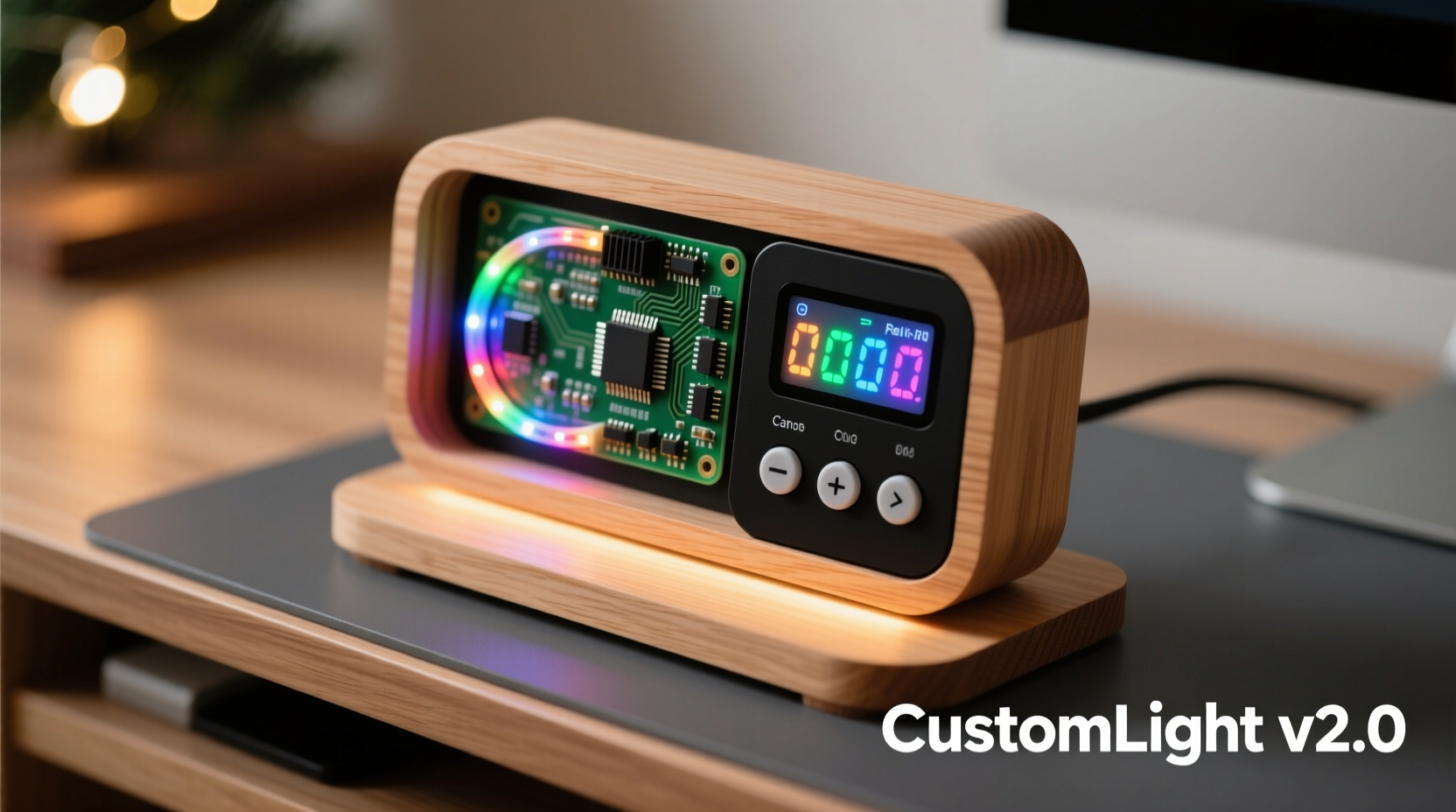
Commercial Christmas light controllers offer convenience but often come with limitations: fixed patterns, lack of customization, and no support for advanced features like music synchronization or automation. By building your own, you gain complete control over brightness, color transitions, timing, and interactivity.
Custom-built systems are also more cost-effective in the long run. Once you have the base setup, adding new lights or expanding functionality doesn’t require buying another proprietary unit. You can reuse code, upgrade firmware, and integrate sensors or internet connectivity as your skills grow.
“DIY lighting isn’t just about saving money—it’s about unlocking creativity. When you control the code, you control the experience.” — Jordan Lee, Embedded Systems Engineer & Holiday Lighting Designer
Components You’ll Need
Before diving into assembly, gather the following core components. Most are available from electronics retailers like Adafruit, SparkFun, or Amazon.
| Component | Purpose | Example Models |
|---|---|---|
| Microcontroller | Brains of the system; runs the code | Arduino Nano, ESP32, NodeMCU (ESP8266) |
| LED Strip | Light source; addressable for individual control | WS2812B (NeoPixel), SK6812 |
| Power Supply | Provides stable voltage to LEDs | 5V or 12V DC adapter (depends on strip) |
| MOSFET or Driver Module | Switches high-current loads safely | IRFZ44N MOSFET, ULN2003 (for relays) |
| Breadboard & Jumper Wires | For prototyping connections | Half-size breadboard, male-to-male/female wires |
| Resistor (330Ω) | Protects data line from signal spikes | 1/4W carbon film resistor |
| Capacitor (1000µF) | Stabilizes power delivery | Electrolytic capacitor, rated above supply voltage |
Step-by-Step Assembly Guide
Follow these steps carefully to assemble a safe, functional controller. This example uses an Arduino Nano and WS2812B LED strip, but principles apply across platforms.
- Prepare the Power Supply: Connect the positive and negative terminals of your power supply to a terminal block or screw shield. Ensure polarity is correct—reverse wiring can damage components.
- Connect the Capacitor: Solder or plug a 1000µF capacitor across the + and − rails of the LED strip’s power input. This prevents voltage spikes during sudden current draws.
- Add the Resistor: Place a 330Ω resistor between the microcontroller’s digital output pin (e.g., D6) and the data input (DIN) of the first LED in the strip. This protects against signal reflection.
- Wire the Grounds: Connect the ground (GND) of the microcontroller to the ground of the power supply. This shared reference ensures reliable communication.
- Link the Data Line: Run a jumper from the microcontroller’s output pin through the resistor to the DIN of the LED strip.
- Test Before Mounting: Upload a basic blink pattern before securing anything permanently. Use short code snippets to verify each segment works.
Programming Your Controller
The real magic happens in code. The Arduino IDE supports libraries like FastLED and Adafruit_NeoPixel, which simplify animation creation.
Here’s a minimal working example using FastLED to create a rainbow cycle:
#include#define NUM_LEDS 50 #define DATA_PIN 6 CRGB leds[NUM_LEDS]; void setup() { FastLED.addLeds<WS2812B, DATA_PIN, GRB>(leds, NUM_LEDS); } void loop() { static uint8_t hue = 0; fill_rainbow(leds, NUM_LEDS, hue++, 7); FastLED.show(); delay(20); }
This script cycles through colors smoothly. Modify NUM_LEDS to match your strip length and adjust delay() to control speed. More complex patterns—like sound-reactive flashes or timed schedules—require additional hardware such as microphones or real-time clocks (RTC).
Adding Advanced Features
- WiFi Control: Swap the Arduino for an ESP32 or ESP8266 to enable remote access via a web interface or smartphone app.
- Schedule Automation: Pair with an RTC module (DS3231) to turn lights on/off at sunset or specific times daily.
- Music Reactivity: Add a microphone sensor (MAX9814 or INMP441) and use FFT algorithms to drive brightness or color changes based on ambient sound.
- Multiple Zones: Use multiple data pins or shift registers to control separate strips independently—perfect for synchronized window displays.
“Start simple, then layer complexity. A blinking light today becomes a synchronized symphony tomorrow.” — Lena Patel, IoT Developer & Smart Home Educator
Real-World Example: The Neighborhood Display Upgrade
Mark Rivera, a software developer in Portland, OR, used to buy $80 controllers for his annual driveway light show. Unsatisfied with repetitive patterns, he spent one weekend building a custom system using an ESP32, three 2-meter WS2812B strips, and a recycled laptop power supply.
He programmed a sequence where red and green lights chased in opposite directions, paused for 10 seconds, then transitioned into a slow fade mimicking falling snow. Using WiFi, he created a mobile dashboard so neighbors could vote for their favorite mode via a browser.
The total cost? Under $35. The impact? Double the foot traffic and local news coverage. “People don’t just see lights,” Mark said. “They see effort. And when they ask how it works, I get to share something meaningful.”
Safety, Optimization, and Maintenance
Even low-voltage systems demand respect. Overloaded circuits, poor insulation, or inadequate cooling can lead to failures—or worse, fire hazards.
- Use Fuses
- Install a 5A fuse on the main power line to prevent overcurrent events.
- Heat Dissipation
- If driving over 1 meter of dense LEDs (60/m), mount the strip on aluminum channels to dissipate heat.
- Weatherproofing
- For outdoor use, seal connections with silicone gel or waterproof enclosures. Avoid direct exposure to rain or snow.
- Current Calculation
- Each WS2812B draws ~60mA at full white. For 100 LEDs: 100 × 0.06A = 6A. Choose a power supply rated for at least 7A to stay within safe margins.
Checklist: Building Your First Controller
- ☐ Select microcontroller (Arduino/ESP variant)
- ☐ Purchase compatible addressable LED strip
- ☐ Acquire correctly rated power supply (5V/12V)
- ☐ Obtain 330Ω resistor and 1000µF capacitor
- ☐ Wire circuit with proper grounding and protection
- ☐ Install FastLED or NeoPixel library
- ☐ Upload test animation (solid color, then chase)
- ☐ Expand with WiFi, sound, or scheduling if desired
- ☐ Seal and mount safely for indoor/outdoor use
- ☐ Document pinouts and code for future updates
Frequently Asked Questions
Can I use non-addressable LED strips?
No—not for individual control. Non-addressable (analog) strips only turn on/off as a group. For custom patterns, you need digitally addressable LEDs like WS2812B.
How many LEDs can one controller handle?
Theoretically, thousands—but performance depends on microcontroller speed and RAM. An Arduino Nano handles up to 500 LEDs reliably. For larger setups, use ESP32 or Teensy boards with more memory.
Is it safe to leave my DIY controller running unattended?
Yes—if built properly. Use fused power supplies, secure all connections, and avoid overloading circuits. Monitor temperature during initial runs. Never leave flammable materials near electronics.
Conclusion: Illuminate With Purpose
Building your own customizable Christmas light controller isn’t just a technical achievement—it’s a celebration of personal expression. You’re not just decorating; you’re engineering joy, one pixel at a time. From the quiet glow of a bedroom string light to a full-scale neighborhood spectacle, the tools are now in your hands.
Start small. Master the basics. Then push further—integrate voice commands, link to weather APIs, or let your lights react to passing cars. Every connection made, every line of code written, brings you closer to a display that’s uniquely yours.




 浙公网安备
33010002000092号
浙公网安备
33010002000092号 浙B2-20120091-4
Comments
No comments yet. Why don't you start the discussion?