
RGBW Christmas lights—featuring red, green, blue, and warm white LEDs—offer far more than basic multicolor twinkling. When paired with a compatible smart controller and a well-designed mobile app, they become a dynamic canvas for synchronized light shows: slow fades across your roofline, pulsing rhythms timed to holiday music, or gentle amber-to-crimson transitions that evoke candlelight on snow. Yet many users stop short of true customization—not because the technology is inaccessible, but because the path from unboxing to expressive programming isn’t clearly mapped. This guide cuts through the noise. It’s written for homeowners, DIY decorators, and small-scale event planners who want precise control—not just presets—but real-time editing, scene sequencing, and reliable performance across dozens or hundreds of nodes. We focus exclusively on app-based programming (no coding, no command-line tools), grounded in real-world hardware compatibility, timing logic, and practical troubleshooting.
Understanding RGBW vs. Standard RGB Lights
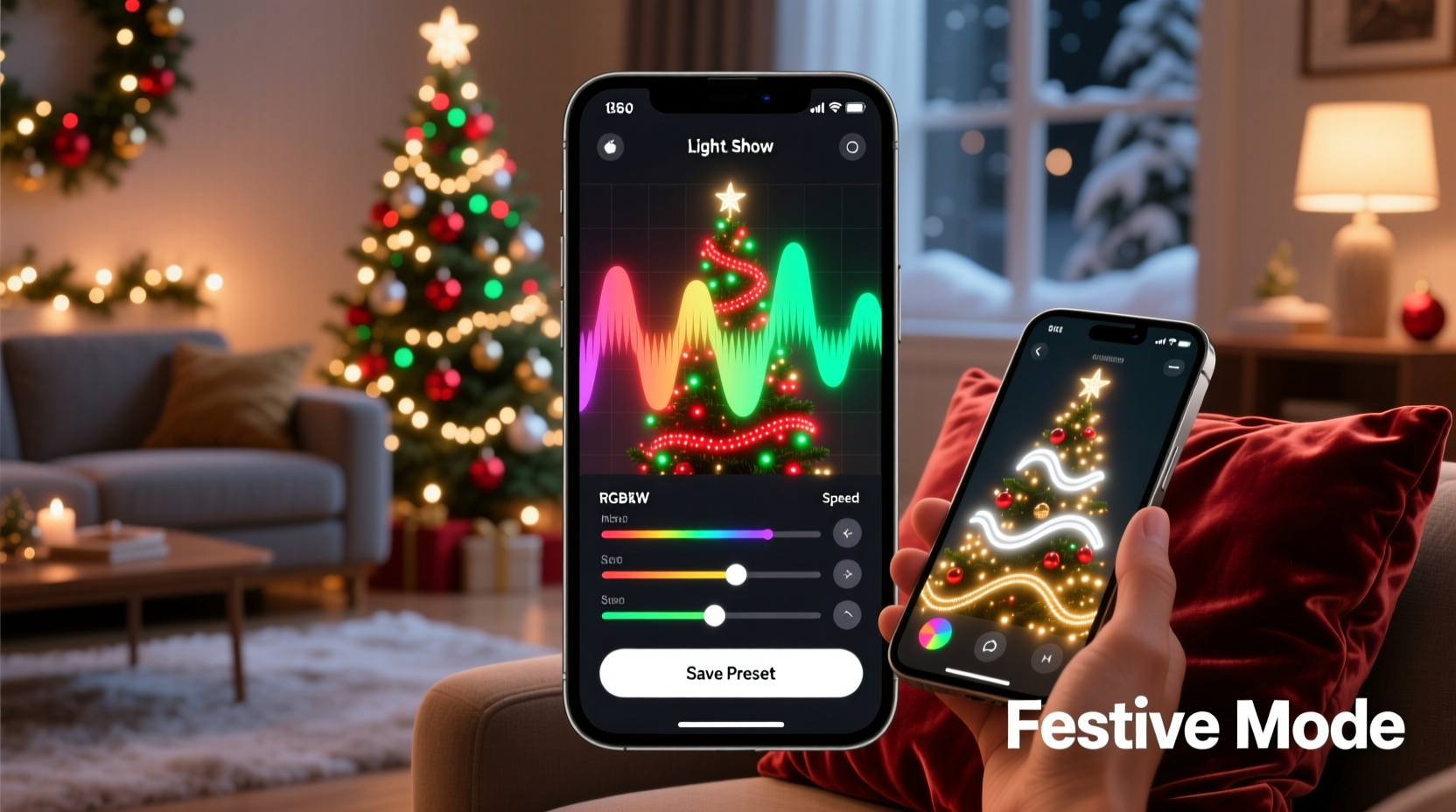
The “W” in RGBW stands for dedicated warm white—a separate LED channel distinct from the cool white produced by mixing red, green, and blue. This matters significantly for holiday aesthetics. Pure RGB can simulate white, but it often appears bluish or inconsistent at low brightness, especially in colder ambient temperatures. RGBW adds fidelity: richer ambers, softer creams, and stable whites that blend naturally with incandescent string lights or porch lamps. More importantly, RGBW controllers allocate four independent intensity channels per pixel—giving you finer gradation and smoother transitions between warm and cool tones.
Crucially, not all “RGBW” labels are equal. Some budget strings use RGB + *cool* white (CCT), not warm white. Others mislabel RGBWW (dual-white) strips as RGBW. Always verify datasheets for “2700K–3000K warm white” and confirm the controller supports 4-channel output—not just 3-channel RGB with a white override. True RGBW systems also require controllers capable of handling higher current loads, since that fourth channel draws additional power.
Hardware Requirements: What You Actually Need
App-based programming requires three interoperable components: lights, controller, and software. Skipping or mismatching any one breaks the chain.
| Component | Key Specifications | Common Pitfalls |
|---|---|---|
| Lights | WS2815, SK6812, or APA102-based RGBW pixels (12V or 5V); IP65+ rating for outdoor use; 30–60 pixels/meter for detail without oversaturation | Using non-addressable “dumb” RGBW strips (no per-pixel control); mixing voltage types on same controller; ignoring max run length (e.g., >5m of 5V without signal boosting) |
| Controller | Wi-Fi or Bluetooth-enabled (ESP32 or ESP8266 core); supports 4-channel PWM; firmware upgradable via app; minimum 2A power supply per 100 pixels (12V) | Assuming “smart” means universal compatibility—many “Wi-Fi Christmas controllers” only support proprietary apps or lack RGBW channel mapping; underpowering causes flicker or dropped frames |
| App | Official app from controller brand (e.g., Magic Home Pro, LampUX, Twinkly, or Light-O-Rama Mobile); supports scene creation, timing grids, and exportable show files | Using third-party apps with outdated SDKs; enabling location or microphone permissions unnecessarily (a privacy risk with lesser-known apps) |
Top-performing combinations in 2024 include Twinkly’s RGBW Gen 2 lights with their native app (ideal for beginners), or the more flexible LampUX ecosystem paired with Do-It-Yourself (DIY) ESP32 controllers flashed with WLED firmware—an open-source platform with robust RGBW support, granular timing controls, and community-built effects. WLED’s strength lies in its “playlist” system: you build individual effects (e.g., “Warm Fade,” “Snow Drift Pulse”), assign durations, then sequence them into a timed show that runs autonomously—even when your phone is off.
Step-by-Step: Building Your First Custom RGBW Show
This sequence assumes you’re using WLED (via LampUX or direct web interface) with a compatible ESP32 controller and WS2815 RGBW strip. It takes 22 minutes from power-on to first playback.
- Power & Physical Setup: Connect lights to controller output (verify data-in arrow direction), attach 12V power supply (with adequate amperage), and power on. Wait 30 seconds for controller to boot and broadcast Wi-Fi.
- Network Pairing: On your smartphone, join the controller’s temporary Wi-Fi network (e.g., “WLED-XXXX”). Open a browser and navigate to
192.168.4.1. Configure your home Wi-Fi credentials under “Network Settings.” Controller reboots and joins your local network. - Pixel Configuration: In the WLED web UI (or LampUX app), go to “LED Preferences.” Set “LED Type” to WS2815, “Color Order” to GRBW (critical—reversing this yields muddy yellows and weak whites), and “LED Count” to your exact total (e.g., 150). Save and reboot.
- Create Base Palette: Navigate to “Palettes.” Tap “+ New Palette.” Name it “Holiday Warm.” Add six swatches: #FF3B00 (crimson), #FF8C00 (amber), #FFD700 (gold), #FFFFFF (pure white), #FFF8F0 (ivory), #E6C9A8 (antique cream). Save.
- Build Effect Sequence: Go to “Sync” → “Playlist.” Create three segments: (1) “Gentle Fade” (effect: Fade, speed: 80, intensity: 120, palette: Holiday Warm), duration: 180s; (2) “Twinkle” (effect: Twinkle, speed: 40, intensity: 90, palette: Holiday Warm), duration: 120s; (3) “Pulse” (effect: Pulse, speed: 25, intensity: 100, palette: Holiday Warm), duration: 90s. Enable “Loop Playlist.”
- Schedule & Activate: Under “Time Settings,” set “Auto On” to 4:30 PM daily and “Auto Off” to 11:00 PM. Tap “Apply” and confirm. Your show now runs independently.
This workflow avoids cloud dependencies, ensures consistent timing (WLED uses hardware timers, not phone clocks), and keeps warm white luminance stable—unlike apps that scale RGB brightness and treat white as an afterthought.
Real-World Example: The Miller Family’s Front Porch Transformation
In suburban Portland, Oregon, the Millers installed 220 RGBW pixels along their 42-foot porch roofline and two 18-pixel wreaths. Their initial setup used a generic “smart light” app with preset modes—“Christmas,” “Fireplace,” “Candy Cane”—all of which cycled too quickly and washed out the warm white channel. After switching to WLED on a $12 ESP32 dev board, they rebuilt their show around intention: soft amber for early evening (5:00–7:30 PM), deep crimson-and-gold gradients during dinner hours (7:30–9:00 PM), and a slow, single-color pulse in pure ivory for late night (9:00–11:00 PM). They added a motion sensor trigger (via WLED’s MQTT integration) so the wreaths brightened to full gold when guests approached the door. Neighbors reported the display felt “calm, not chaotic”—a direct result of prioritizing warm white fidelity and deliberate pacing over flashy motion. Total setup time: 3.5 hours over two evenings. No professional installer was needed.
“RGBW isn’t about more colors—it’s about better tonal range. When you can hold a true 2700K white at 10% brightness without greening or flickering, you stop fighting the lights and start composing with light.” — Lena Torres, Lighting Designer & Founder of Lumina Collective
Optimizing Timing, Transitions, and Music Sync
Most apps fail users not at setup—but at sequencing. A “custom show” collapses into visual noise when transitions are abrupt, durations mismatch human perception, or music sync relies on flawed beat detection.
- Transition Logic: Avoid instant jumps between scenes. In WLED, use “Crossfade” transition mode (set globally under “LED Preferences”) with a 1.2–2.5 second duration. For longer displays, stagger transitions: start the roofline fade 0.8 seconds before the wreaths begin their twinkle.
- Human-Centric Timing: The eye perceives change differently across brightness levels. At low intensity (<30%), extend fade times to 3–4 seconds. At high intensity (>80%), reduce to 0.7–1.2 seconds. Never use the same transition time for both.
- Music Sync Done Right: Skip apps that promise “auto-beat sync.” Instead, use WLED’s “BPM Sync” mode with manual BPM entry. Import your track into a free DAW like Audacity, zoom into the waveform, and count beats per minute in the chorus (e.g., Mariah Carey’s “All I Want for Christmas” = 84 BPM). Enter that value. Then manually align effect changes to downbeats—not every beat. One color shift per measure (4 beats) feels intentional; one per beat feels frantic.
FAQ: Troubleshooting Common App Programming Issues
Why does my warm white look yellow—or even pink—during fades?
This almost always stems from incorrect color order configuration. RGBW strips vary: some use GRBW, others use BRGW or RGBW. If your warm white shifts hue mid-fade, go to your controller’s LED settings and cycle through color order options while observing a static white test. Stop when warm white remains neutral and consistent across 10–100% brightness. Never rely on the default setting.
My app shows “Connection Lost” every 90 seconds—can I fix this without buying new hardware?
Yes. This is typically caused by Wi-Fi congestion, not faulty hardware. Change your router’s 2.4 GHz channel to 1, 6, or 11 (the only non-overlapping channels). Disable “band steering” (which forces dual-band devices onto 5 GHz, incompatible with most light controllers). In WLED, reduce “Update Interval” under “Sync” from 50ms to 200ms—this lowers network chatter without affecting visual smoothness.
Can I run different shows on different light sections simultaneously?
Only with multi-zone controllers or segmented wiring. A single ESP32 controller treats all connected pixels as one linear string. To run independent shows (e.g., roofline fading while wreaths pulse), you need either (1) two separate controllers on the same network, each assigned its own playlist, or (2) a controller supporting virtual segments (like the newer Twinkly Pro units). Wiring a single string into zones without physical separation will cause timing desync and signal degradation.
Conclusion: Your Lights Are a Creative Tool—Not Just Decor
You don’t need a degree in electrical engineering or a subscription to enterprise lighting software to create meaningful, beautiful light experiences. RGBW Christmas lights, paired with modern app ecosystems like WLED or Twinkly, place expressive control directly in your hands—literally. The difference between a decorative backdrop and a resonant seasonal statement lies in intentionality: choosing warmth over wattage, pacing over pulse, and harmony over hype. Start small. Program one 10-pixel section with a 90-second amber-to-cream fade. Observe how it changes the feeling of your front step at dusk. Then expand—add rhythm, layer transitions, respond to weather or time. Every adjustment refines your visual language. And when neighbors pause, smile, and ask, “How did you make it feel so peaceful?”—that’s when you’ll know the technology has receded, and the art has arrived.




 浙公网安备
33010002000092号
浙公网安备
33010002000092号 浙B2-20120091-4
Comments
No comments yet. Why don't you start the discussion?