
Power banks are essential for keeping devices charged on the go, but not all perform as advertised. Over time, or due to manufacturing inconsistencies, a power bank may charge more slowly than expected—or not deliver its full rated capacity. Testing whether your power bank is charging at full capacity isn’t just about verifying speed; it’s about ensuring reliability, efficiency, and value for money. This guide provides practical, accurate methods to assess your power bank’s real-world charging capability using accessible tools and techniques.
Why Power Bank Capacity Claims Can Be Misleading
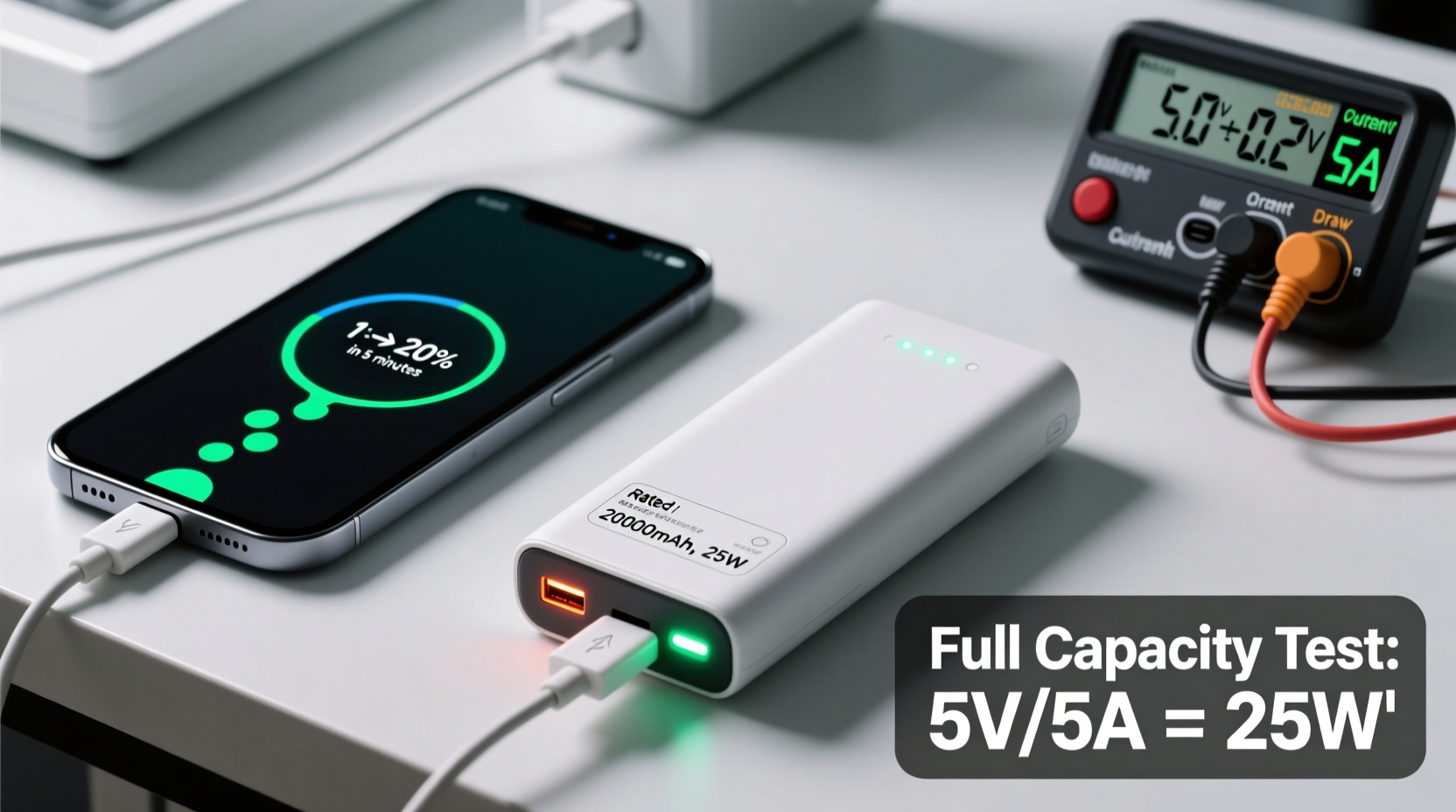
Manufacturers often advertise power bank capacities in milliampere-hours (mAh), such as 10,000 mAh or 20,000 mAh. However, this figure refers to the internal battery's raw capacity—not what’s actually delivered to your device. Due to voltage conversion losses (from 3.7V to 5V), circuit inefficiencies, cable resistance, and temperature fluctuations, the usable output is typically only 60–70% of the stated capacity.
For example, a 10,000 mAh power bank might only deliver around 6,500 mAh to your phone. If your device has a 3,000 mAh battery, you’d expect roughly two full charges—but if the power bank underperforms, you might get less than one and a half. Worse, counterfeit or low-quality units may use inflated numbers or degraded cells that fail to hold a charge altogether.
“Many consumers don’t realize that advertised capacity is not output capacity. Always assume a 30% loss due to physics and engineering limits.” — Dr. Alan Zhou, Electrical Engineer & Portable Power Researcher
Tools You Need for Accurate Testing
To properly evaluate your power bank’s charging performance, you need tools that measure actual current flow and energy transfer. Guessing based on LED indicators or charge time isn’t enough. Here’s what you’ll need:
- Digital Multimeter – Measures voltage and current, though limited when testing dynamic USB loads.
- USB Power Meter / Voltage-Current Monitor – A small inline device that displays real-time voltage, current (in amps), power (watts), and cumulative mAh delivered. Highly recommended.
- Standardized Test Device – Use the same phone or tablet with a known battery capacity for consistent results.
- High-Quality USB Cable – Poor cables increase resistance and reduce charging speed. Use the original OEM cable whenever possible.
- Timer or Stopwatch – To track charging duration accurately.
- Notebook or Spreadsheet – Record data across multiple tests for comparison.
The most effective tool is a USB power meter like the Kikusui PBZ20-20, Yidibuy Digital USB Tester, or budget-friendly options from brands like AstroAI. These plug between your power bank and device, logging total mAh discharged over time.
Step-by-Step Guide to Testing Charging Capacity
Follow this methodical process to determine if your power bank delivers full capacity:
- Charge the power bank fully. Plug it into a wall charger with sufficient output (e.g., 5V/2A). Wait until all indicator lights show 100%. Let it remain connected for an additional 30 minutes to ensure saturation.
- Reset your test device. Fully drain the battery of your smartphone or tablet down to 0% and shut it off. Then turn it back on and note the starting battery percentage.
- Connect via USB power meter. Insert the USB power meter between the power bank and your device. Make sure no other apps are running heavily in the background.
- Begin charging and monitor output. Start recording data: initial voltage, current draw (A), and begin tracking accumulated mAh on the meter.
- Charge until full. Allow the test device to reach 100%. Do not unplug prematurely.
- Record final mAh reading. Note the total mAh delivered shown on the power meter.
- Repeat with different devices (optional). Test with a second device to see consistency across loads.
- Compare against expected output. Calculate expected usable capacity: multiply rated mAh by 0.65 (65% efficiency). For a 10,000 mAh unit, expect ~6,500 mAh delivered.
If your measured output falls below 80% of the expected usable capacity (e.g., less than 5,200 mAh for a 10,000 mAh unit), the power bank is likely degraded or defective.
Using Watt-Hours for More Accurate Comparisons
While mAh is commonly used, watt-hours (Wh) provide a more accurate way to compare energy storage because they account for voltage differences. The formula is:
Wh = (mAh × V) / 1000
Most lithium-ion cells operate at 3.7V. So a 10,000 mAh power bank stores:
(10,000 × 3.7) / 1000 = 37 Wh
When outputting at 5V, theoretical maximum delivered mAh would be:
(37 Wh × 1000) / 5V = 7,400 mAh
But after accounting for ~10–15% circuit loss, realistic output is closer to 6,500 mAh. If your test shows significantly lower delivery—say, only 4,000 mAh—the internal cells are likely worn, poorly connected, or misrepresented.
| Rated Capacity (mAh) | Voltage (Cell) | Energy (Wh) | Theoretical Output @5V (mAh) | Realistic Usable Output (65%) |
|---|---|---|---|---|
| 5,000 | 3.7V | 18.5 Wh | 3,700 mAh | ~3,250 mAh |
| 10,000 | 3.7V | 37 Wh | 7,400 mAh | ~6,500 mAh |
| 20,000 | 3.7V | 74 Wh | 14,800 mAh | ~12,800 mAh |
| 30,000 | 3.7V | 111 Wh | 22,200 mAh | ~19,000 mAh |
This table helps set realistic expectations. If your 20,000 mAh power bank only delivers 8,000 mAh to a device, it’s performing at less than half its potential—likely due to aging cells or poor design.
Common Signs Your Power Bank Isn’t Charging at Full Capacity
Even without specialized tools, certain behaviors indicate reduced performance:
- Rapid drop in LED indicators – Going from 4 bars to 2 bars while charging a single device suggests uneven cell discharge or weak batteries.
- Overheating during use – Excessive heat indicates internal resistance, which reduces efficiency and can damage cells.
- Charges slower than before – If it used to refill your phone in one cycle but now takes longer, capacity has diminished.
- Fails to charge high-power devices – Inability to charge tablets, laptops, or cameras may mean insufficient sustained current output.
- Takes unusually long to recharge itself – A healthy 10,000 mAh power bank should charge in 4–6 hours with a 2A adapter. If it takes 8+ hours, the input circuit or battery health is compromised.
Mini Case Study: Testing a Suspect 20,000 mAh Power Bank
Sarah bought a third-party 20,000 mAh power bank online for $25. It claimed to support fast charging and charge her iPhone 14 twice with leftover power. After a few months, she noticed it barely topped up her phone once.
She decided to test it using a USB power meter. She fully charged the power bank, then connected it to her iPhone (battery: 3,279 mAh) via the meter. The phone started at 5% and reached 100%. The meter recorded only 4,100 mAh delivered—far below the expected 12,000–13,000 mAh range.
Further investigation revealed the unit used recycled cells and lacked proper voltage regulation. Despite its large size, the actual functional capacity was closer to 6,000 mAh, with significant losses due to heat and resistance. Sarah returned the product and switched to a reputable brand with transparent specifications.
This case illustrates how easily misleading specs can lead to disappointment—and why independent testing matters.
Do’s and Don’ts When Testing Power Bank Capacity
| Do’s | Don’ts |
|---|---|
| Use a calibrated USB power meter for accuracy | Trust LED indicators as precise capacity meters |
| Test with a clean, fully drained device | Run intensive apps during the test |
| Use high-quality, short cables to minimize loss | Use damaged or ultra-long cables |
| Allow the power bank to rest 30 mins after charging | Start testing immediately after plugging in the power bank |
| Repeat the test 2–3 times for consistency | Draw conclusions from a single trial |
FAQ: Common Questions About Power Bank Testing
Can I test my power bank without a USB meter?
You can estimate performance by timing how long it takes to charge a device with a known battery size. For instance, if your phone has a 4,000 mAh battery and the power bank only gets it from 20% to 70%, that’s roughly 2,000 mAh delivered. But this method lacks precision and doesn’t account for variable charging speeds at different levels. A USB meter remains the gold standard.
Does fast charging affect capacity testing?
Yes. Fast charging protocols like Power Delivery (PD) or Qualcomm Quick Charge draw higher currents, which can cause greater heat and efficiency loss. When testing, disable fast charging if possible (use a standard 5V/1A connection) for more consistent results. Alternatively, test both modes separately to compare efficiency under different loads.
How often should I test my power bank?
Twice a year is sufficient for regular users. Test when you first buy it (to establish baseline performance) and again after 6–12 months of use. Frequent travelers or heavy users may want to test every 3–4 months to catch degradation early.
Checklist: How to Verify Your Power Bank Is Working Properly
- ✅ Fully charge the power bank using a reliable wall adapter
- ✅ Use a USB power meter between the power bank and device
- ✅ Select a test device with known battery capacity
- ✅ Drain the test device to near 0% before starting
- ✅ Record initial and final mAh from the power meter
- ✅ Compare result to expected usable capacity (rated mAh × 0.65)
- ✅ Repeat test to confirm consistency
- ✅ Check for overheating, slow input charging, or erratic LEDs
Conclusion: Take Control of Your Portable Power
Your power bank should be a dependable extension of your digital life—not a source of frustration. By taking just 30 minutes to test its actual output, you gain clarity on its true performance and longevity. Whether you’re relying on it during travel, emergencies, or daily commutes, knowing your gear works as intended builds confidence and prevents last-minute failures.
Don’t accept vague claims or blinking lights as proof of function. Equip yourself with a simple USB power meter, follow the steps outlined here, and verify what you’re really getting. If your power bank falls short, consider upgrading to a trusted model with clear technical specifications and safety certifications.




 浙公网安备
33010002000092号
浙公网安备
33010002000092号 浙B2-20120091-4
Comments
No comments yet. Why don't you start the discussion?